Loading tools...
Every Oakgen tool, organized by what you create. Browse curated picks plus the full catalog.
Cast the lead rider and pursuing pilot in the futuristic road chase. Two photos, one shared template.
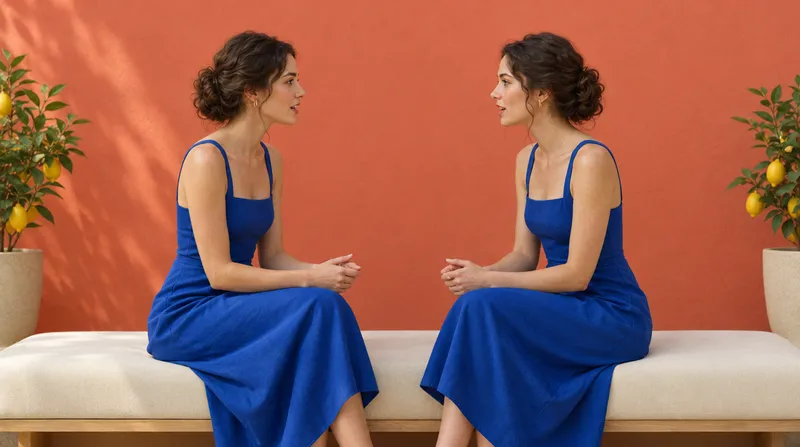
Cast three photos in the You Talking Bout Me? counter conversation. The full reference sequence with sound.
Choose the player and singer in Fredo Bang and Einer Bankz's kitchen performance. Two photos and the original sound.
One photo puts your character behind the driver's window in the Stop Sign? What Stop Sign? conversation.
Dance funk in the middle of a packed Rio street party at night. One photo, 15 seconds, the original audio.
Two share iced coffees at a café table, then one stands up and dances. Two photos, 15 seconds, the original audio.
Three dancers do the Bulin 47 freestyle in a staggered row. Three photos, 15 seconds, the original audio.
Round the keeper, let two defenders slide past and roll it in. One photo, 15 seconds, the original audio.
Vault and dive over concrete barriers on a private-jet apron. One photo, 14 seconds, the original audio.
Turn one idea into a hand-drawn, animated explainer. Your topic, short labels, a clear takeaway.
Put four people in the car and rap along. Four photos, 20 seconds, the original audio.
Two photos become both dancers: the scream, the swap and the routine. 22 seconds, the original track.
Step up to the studio mic and deliver the fast verse. One photo, 19 seconds, the original audio.
Hold up the 24 cards, swipe, and your car appears. Swap in yourself, any car and any location.
Recreate the Raindance pier and beach scene with two photos. 15 or 27 seconds, the original song.
Step into the party dance with your face and outfit. One photo, a 16-second reference clip.
Star in the viral COLORS performance — real song, real moves, your face.
Walk into the viral STORM crowd scene — your face, hair and outfit.
Step into the dancer, filmer, or car arrival role in the camera-pan Reel.
Take the mic with your face and outfit. Choose a 15 or 30-second freestyle.
Create avatar videos and lip-synced clones from any photo.
Generate videos with precise motion guidance from reference clips and character images.
Image and audio to video — turn any image into a talking avatar with lip-syncing.
Create viral content, advertisements, and more with our AI-powered video generator.
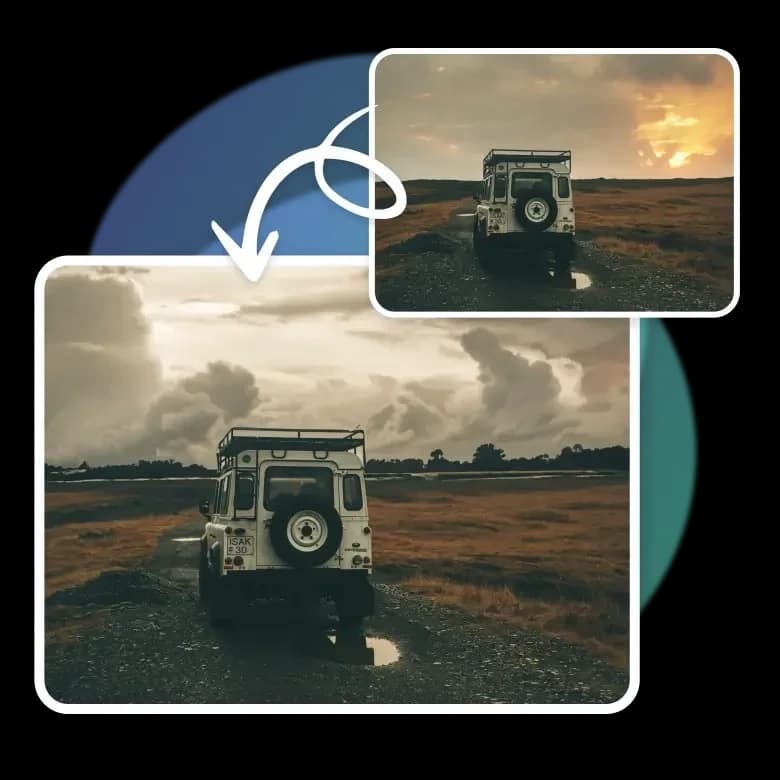
Enhance your media with AI-powered upscaling. Increase resolution by 2x while preserving quality.
Add a logo image to a video with nine positions, size and opacity controls, and local browser processing
Create authentic user-generated content ads that convert with AI-powered scripts and avatars
Bring portraits to life with talking-photo and lip-sync models
Transfer motion from reference video to any character. Perfect for dance moves
Conversational image generation with character consistency and pro-tier prompt fidelity.
Google's image model with 4K output, extreme aspect ratios, and optional web search grounding.
Next-gen successor with sharper character consistency and cleaner multi-turn edit chains.
Razor-sharp instruction following and typography. Built for layout-heavy, text-in-image work.
Generate a batch of professional images of your product with AI in minutes for any use case.
Generate polished, professional headshots perfect for LinkedIn, resumes, and corporate profiles.
Choose from a variety of photo packs to generate a set of photos tailored to your needs.
Change the aspect ratio of your images without cropping. AI fills in the extra space naturally.
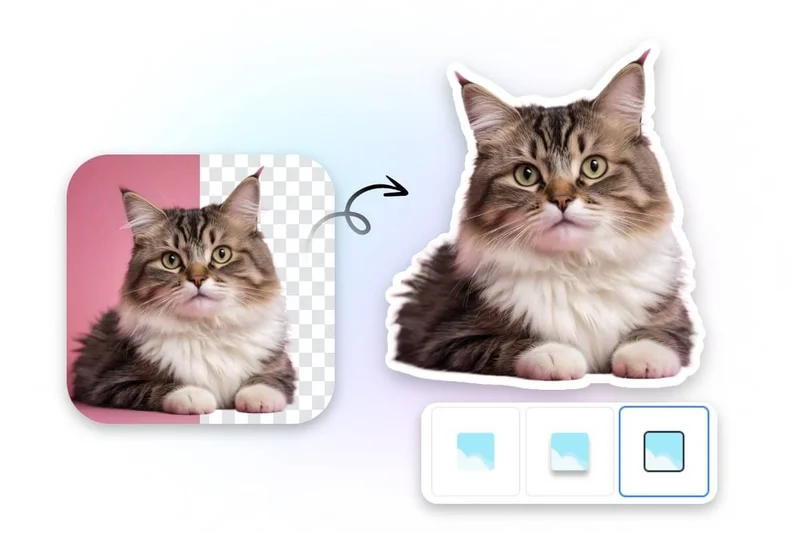
Try isolating the subject of a photo with an AI image edit.
Create images with Nano Banana, GPT Image 2, and Grok Imagine Image
Create personalized AI photos with your trained models. Generate stunning travel, artistic, and professional photos
Powerful AI-powered image editing with upscaling, inpainting, and style transfer
Compare images from multiple AI models side by side. See which model produces the best results for your prompts
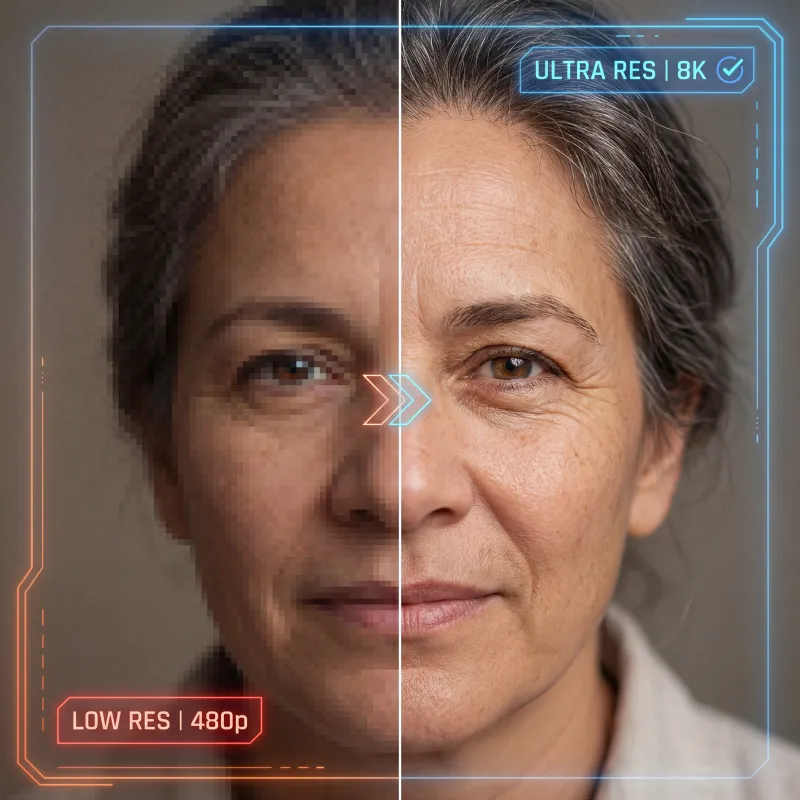
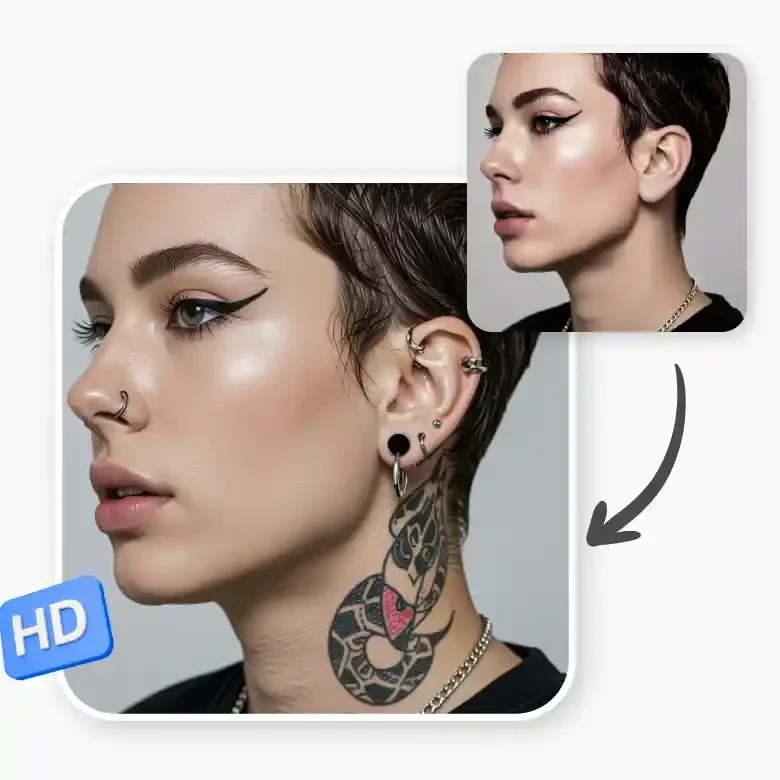
Upscale and enhance image resolution with AI. Transform low-res images into high-quality photos
Generate unique AI avatars with customizable styles and features
Turn a reference image into a 3D model for games, AR, and VR
All-in-one AI image editor — inpaint, restyle, retouch, and remix with a single workspace.
Compare images from multiple AI models side by side. Find the best look for your prompt.
Extract the prompt from any image or video with our AI prompt extractor.
Rewrite a short draft with three editing intensities, then compare the result and edit notes
Review an estimated AI probability, writing signals, and flagged phrases; results are not proof of authorship
Turn a supported YouTube video link into key takeaways, organized sections, and Markdown notes
Identify a haircut, visible cut details, alternatives, and salon wording from a photo
Estimate your face shape from a photo, with hairstyle and glasses frame ideas
Break down garments, fit, colors, style references, and shopping terms from a photo
Analyze subjects, composition, lighting, visible text, alt text, and edit options
Find a likely logo match and review the symbol, wordmark, color, and typography evidence
Convert a still WebP into a PNG. Transparent areas stay transparent.
Convert a still AVIF to a JPG for editors, forms, and older devices.
Turn a HEIC photo from your iPhone into a JPG you can share or upload.
Convert a still HEIC photo to PNG on your device.
Crop or fit a photo to square, portrait, or vertical proportions.
Make a JPG smaller and check the actual download size before you save it.
Save the audio from an MP4, MOV, or WebM as MP3 or WAV.
Find a frame in a video and save the still image at its original size.
Convert a short MOV clip into an MP4 on your device.
Make a short MP4 easier to share and check the size of the export.
Keep the section you need or remove the soundtrack from a short clip.
Preview where captions and logos may be covered in a vertical ad.
Convert between SRT and WebVTT or shift existing captions by a fixed time.
Organize supplied product facts, proof points, guardrails, and target platforms into a reusable draft creative brief.
Create six distinct editorial angles or twenty timing/platform variants from a reviewed product brief without inventing missing facts.
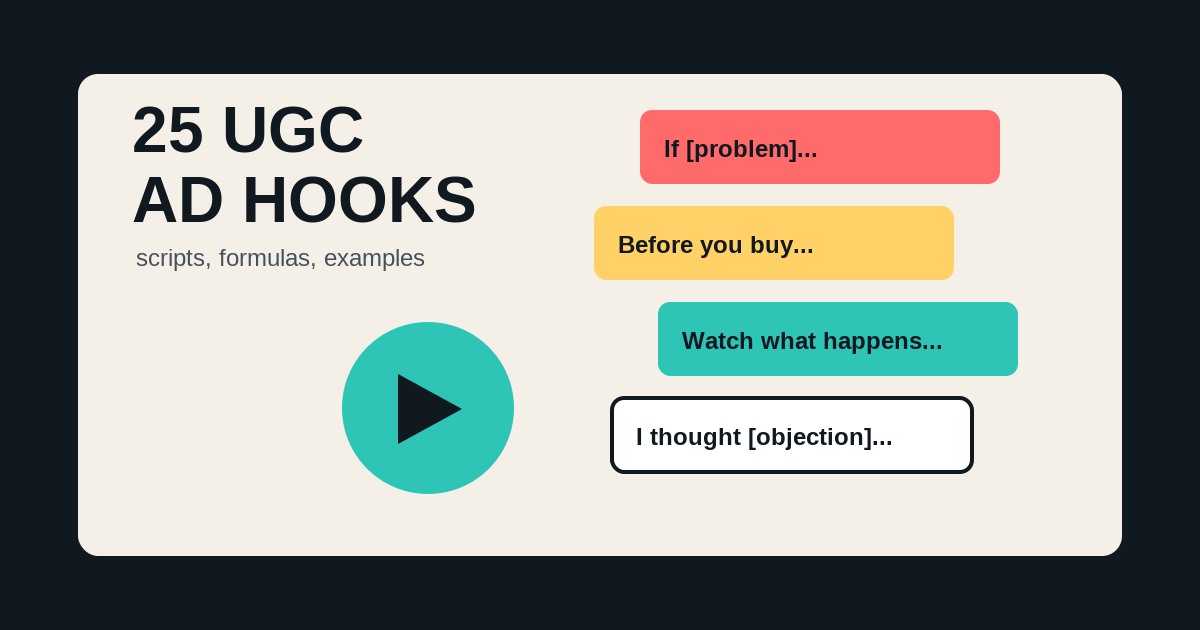
Turn one selected product concept and supplied facts into an editable timed UGC script draft for review.
Plan a source-led product-photo treatment with catalog angles, template choices, a positive prompt, and a negative prompt.
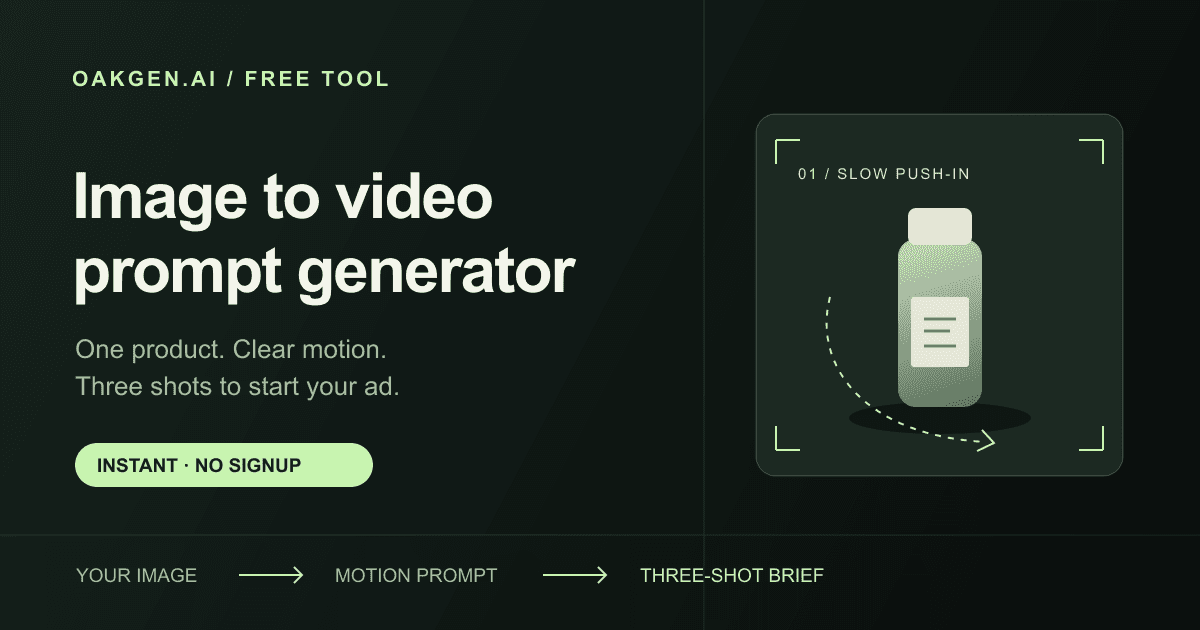
Use this free image to video prompt generator to plan product ad motion, camera moves, and a three-shot brief. Copy your prompts instantly, with no signup.
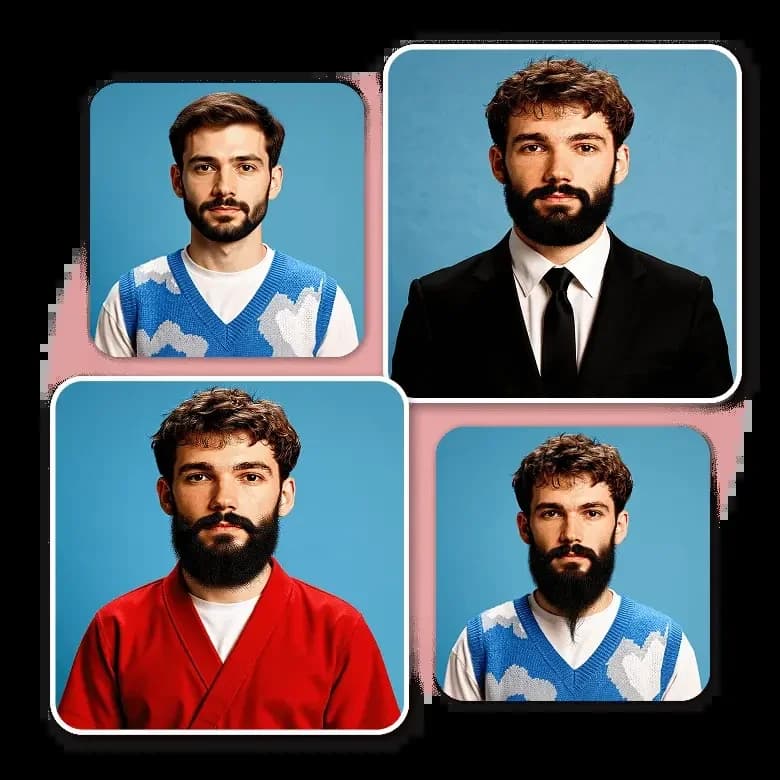
See how stubble, a goatee or a full beard looks on your face. Upload a portrait, choose the beard shape and match its color to your hair.
Upload a room or exterior photo to explore a redesign. Stage an empty room with furniture, try new finishes or compare a different architectural style.
Choose a room, interior style, color scheme and lighting to make a design concept. Start with text or add a photo of an existing room.
Use a source image to guide a product-photo treatment with background, lighting, angle, and styling controls. Review every output before use.
Make a 16:9 YouTube thumbnail from a photo or video frame. Describe the video, choose a style and palette, then check the face and text at phone size.
Create an AI influencer photo from a written brief. Describe a fictional creator, their outfit and the scene to make a still portrait for a campaign or mood board.
Turn a photo into a Ghibli-inspired storybook illustration with warm colors, painted skies and soft shadows. Start with a portrait, a pet or a favorite landscape.
Turn a photo into an anime portrait or a black-and-white manga drawing. Choose between modern anime, a 1990s look and manga linework.
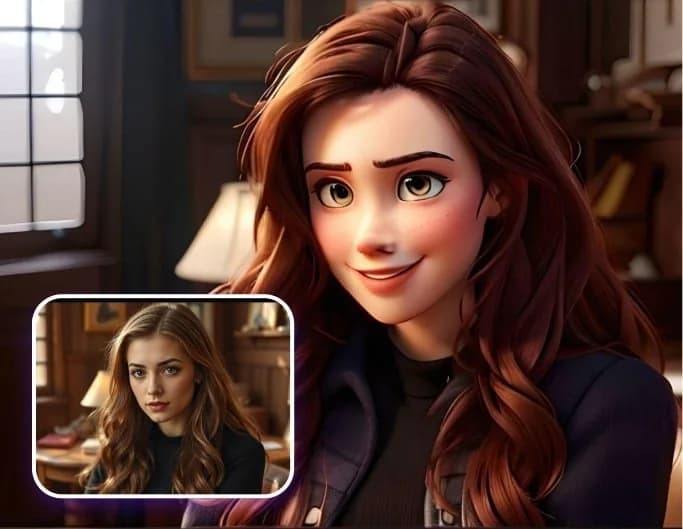
Make a cartoon character from a photo. Choose a rounded 3D look or a classic 2D animation style for a portrait or character reference.
Use your photo as a reference for an oil-painting effect with visible brushstrokes and canvas texture. Try a landscape, still life or portrait.
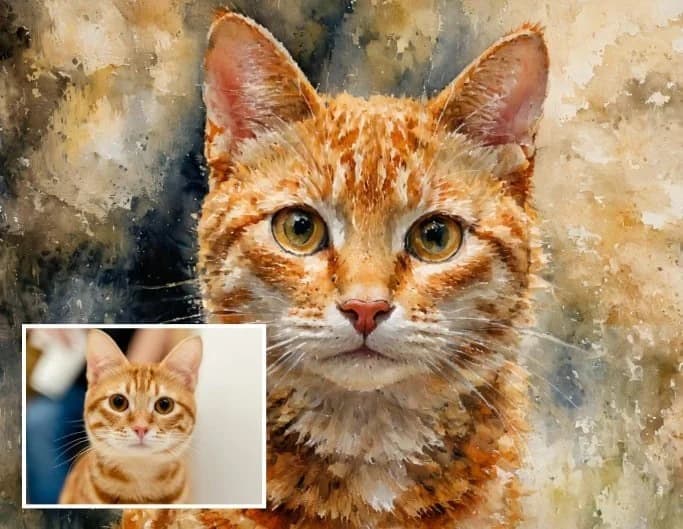
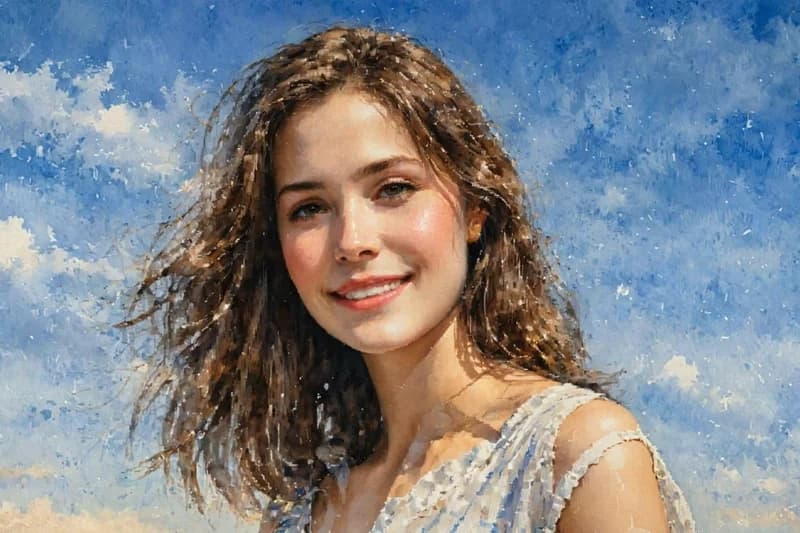
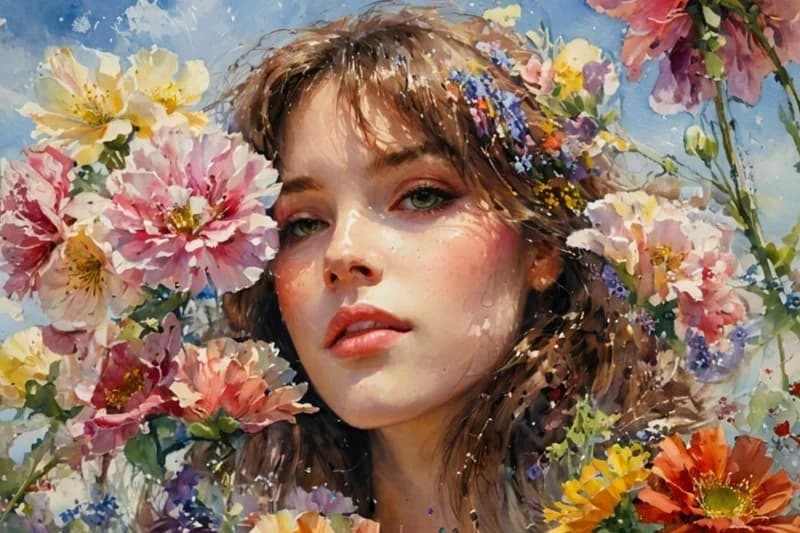
Transform photos into watercolor paintings with soft pigmentation
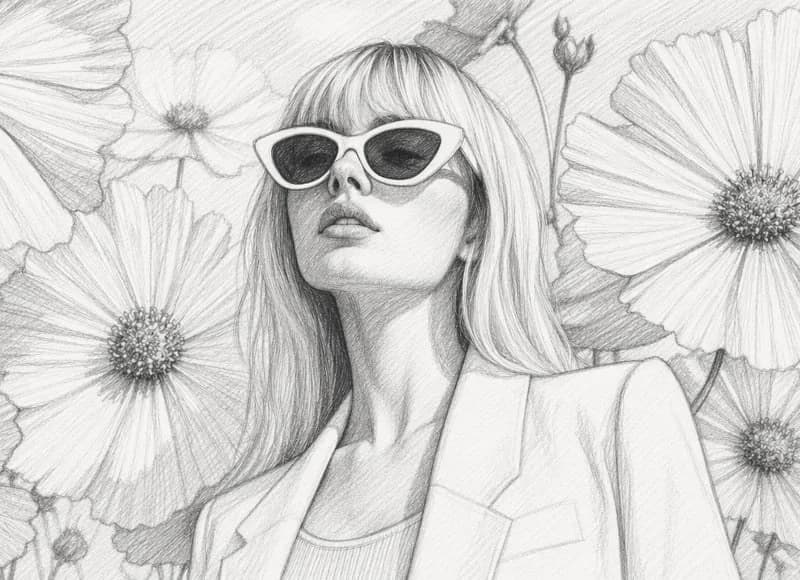
Turn a photo into a pencil sketch with graphite shading, cross-hatching or lighter outlines. Start with a portrait, building or object with clear contours.
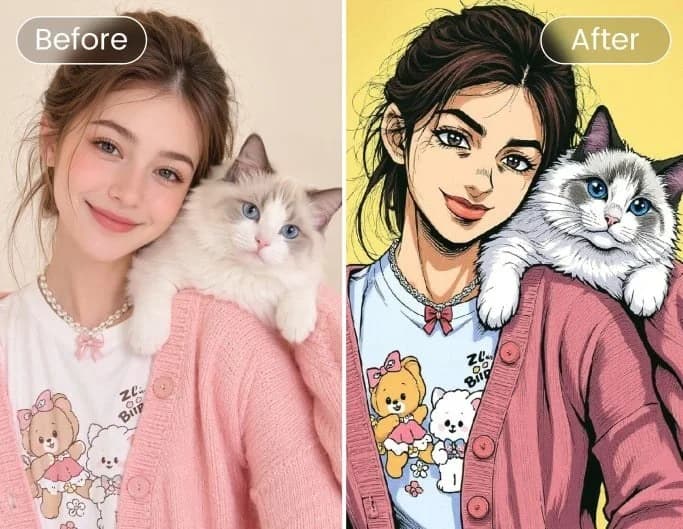
Turn a photo into a single comic-book illustration. Try halftone dots, ink outlines or a manga look using the comic style presets.
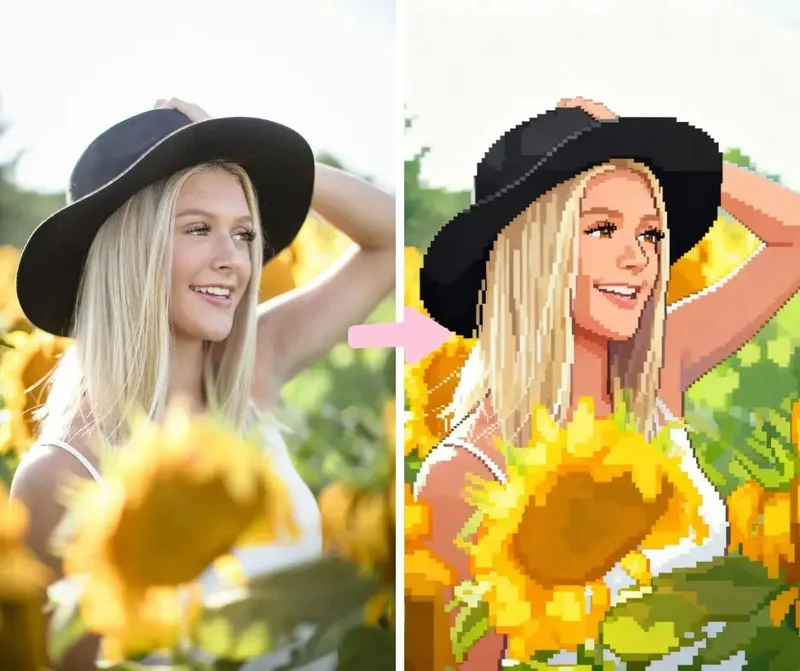
Turn a photo into pixel-style art with an 8-bit, 16-bit or modern look. Compare retro palettes for a profile picture, game concept or poster.
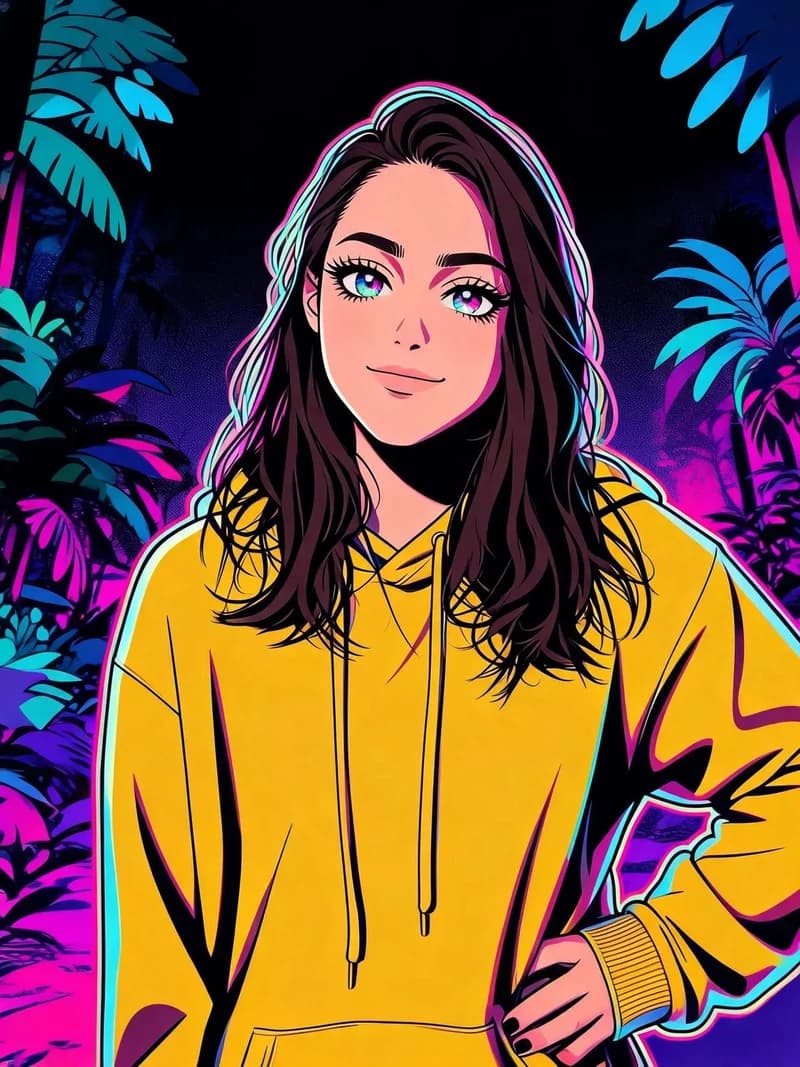
Apply neon glow cyberpunk aesthetic to photos
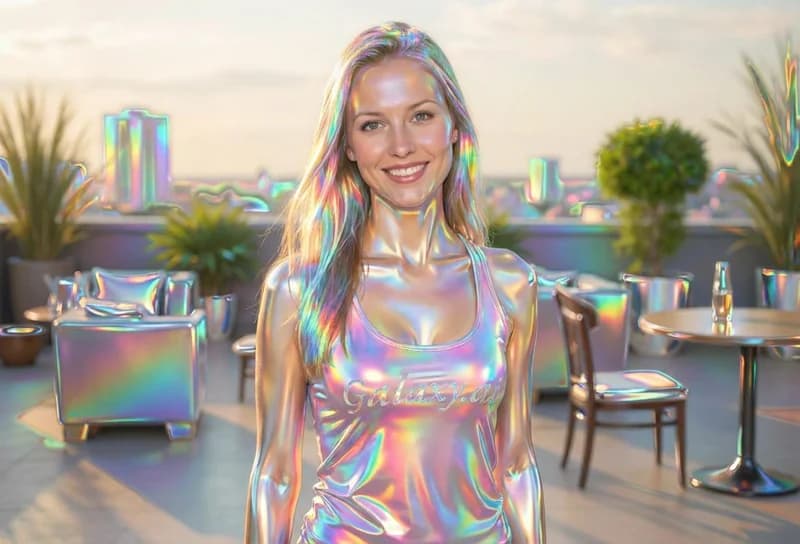
Give a photo an iridescent foil or chrome look. Use a bold subject to see how rainbow reflections would work on an album cover, poster or packaging mockup.
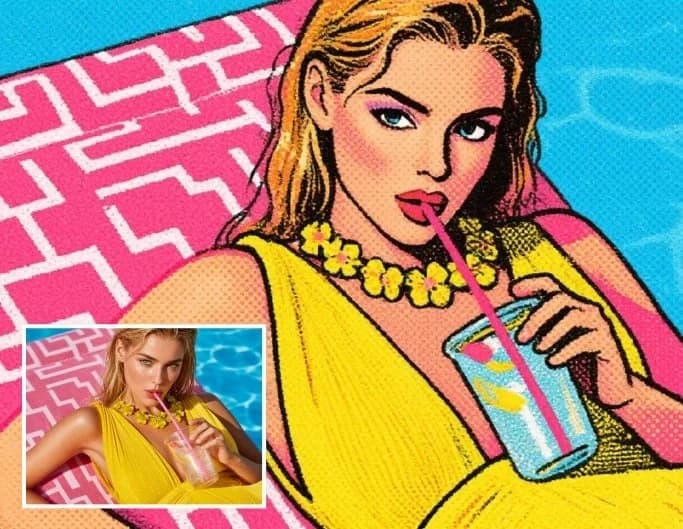
Turn a portrait or object photo into pop art with bold outlines and flat color. Choose a classic screen-print palette, neon, pastel or monochrome.
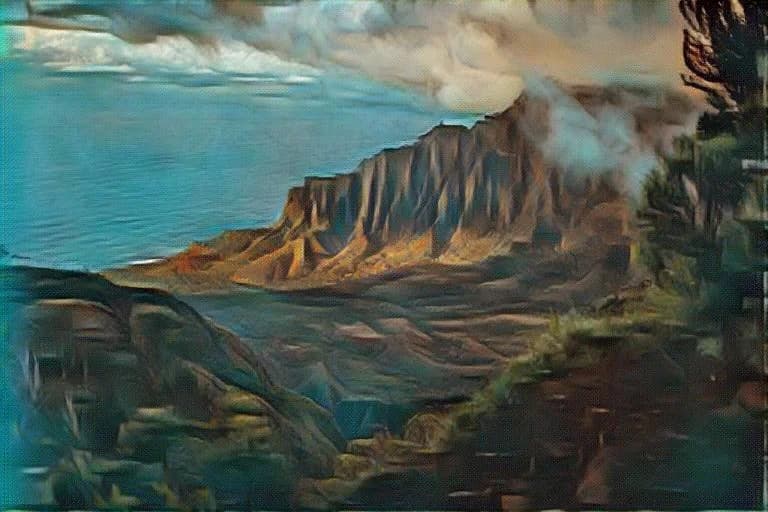
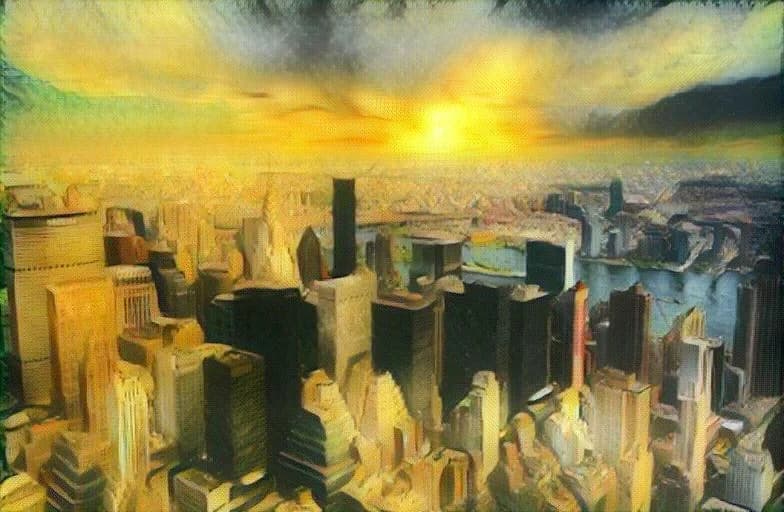
Turn a landscape, garden or street photo into an impressionist-style image with loose brushwork and broken color. Start with a scene where the light stands out.
Repaint a photo with swirling skies, bold outlines and thick-looking brushwork. Try a night landscape or give an ordinary street a post-impressionist look.
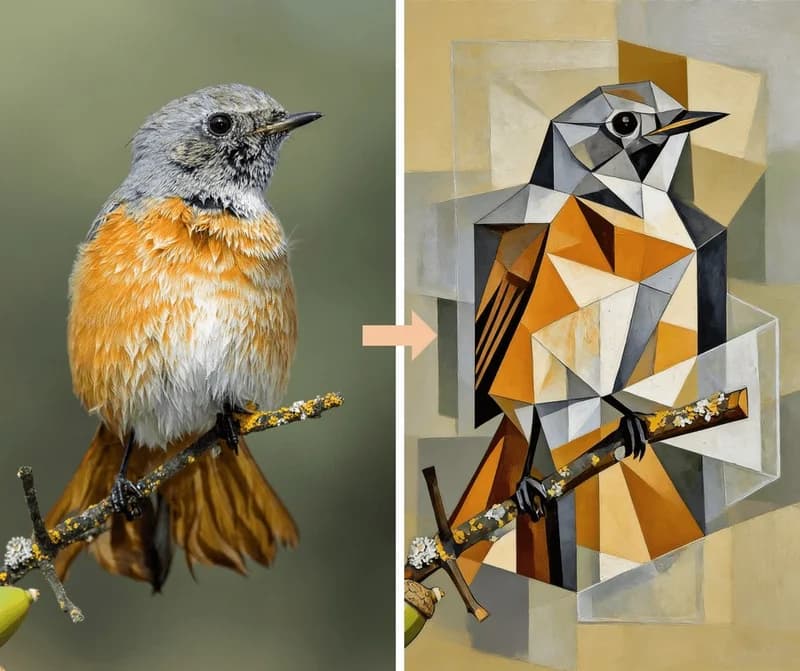
Turn a photo into cubist art with fractured planes and overlapping angles. Use the abstraction setting to decide how easy the original subject is to recognize.
Create dreamlike surrealist art from photos
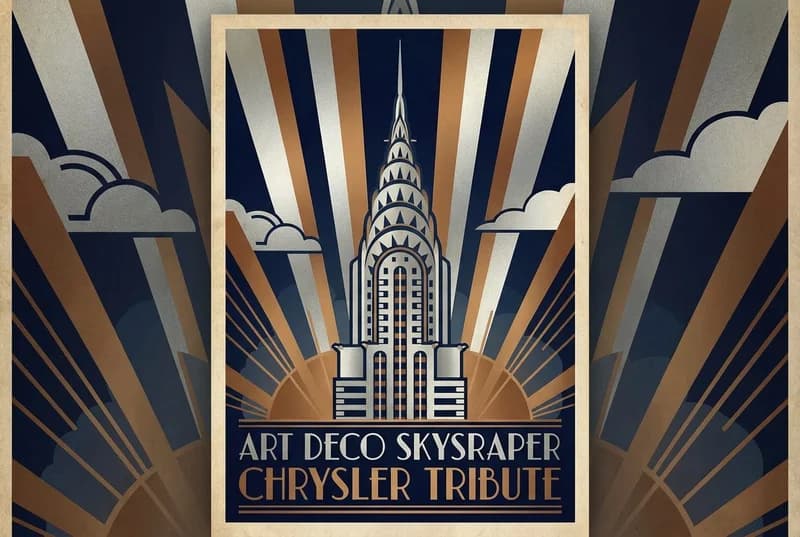
Give a building, portrait or invitation image an Art Deco look with geometric borders, stepped shapes and gold-toned accents.
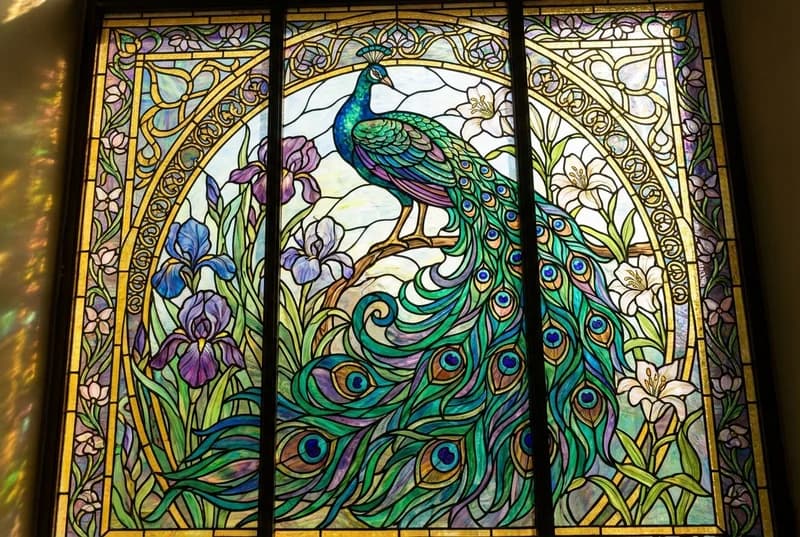
Turn a photo into stained-glass artwork. Choose cathedral, modern abstract or Tiffany-style glass and see how the subject breaks into colored panes.
Turn a destination photo into a retro poster. Choose a 1920s travel look, Art Nouveau curves, 1950s advertising or a psychedelic palette.
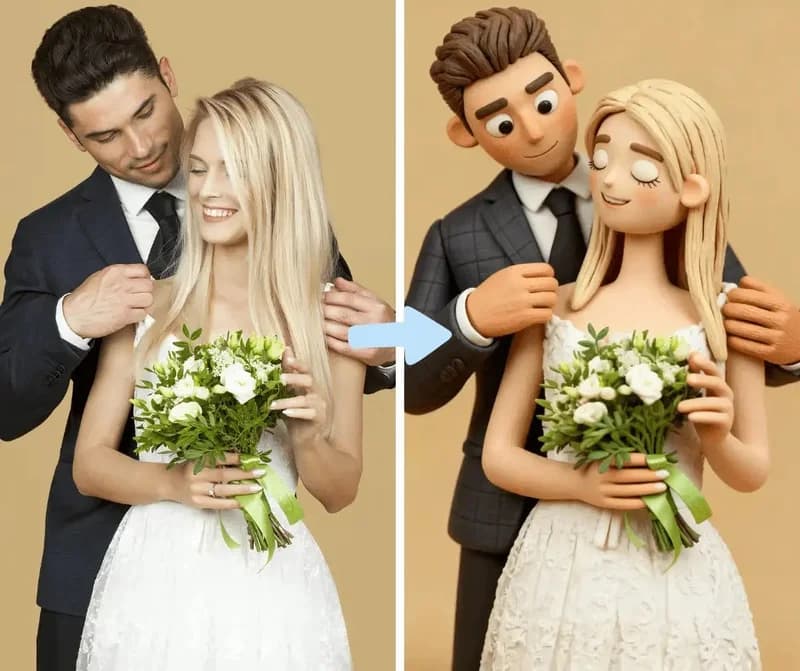
Transform photos into clay stop-motion animation style
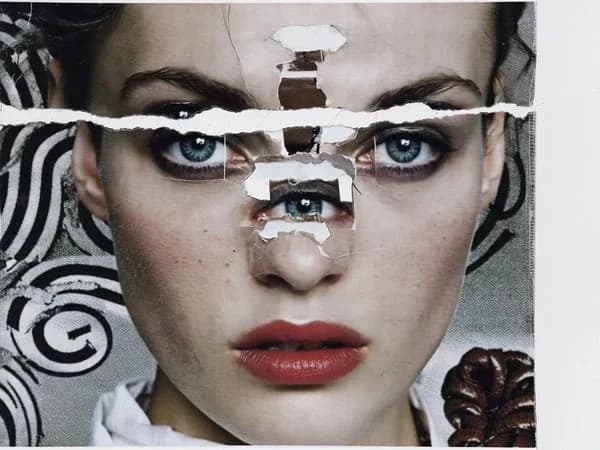
Create mixed media art with pencil outlines and watercolor fills
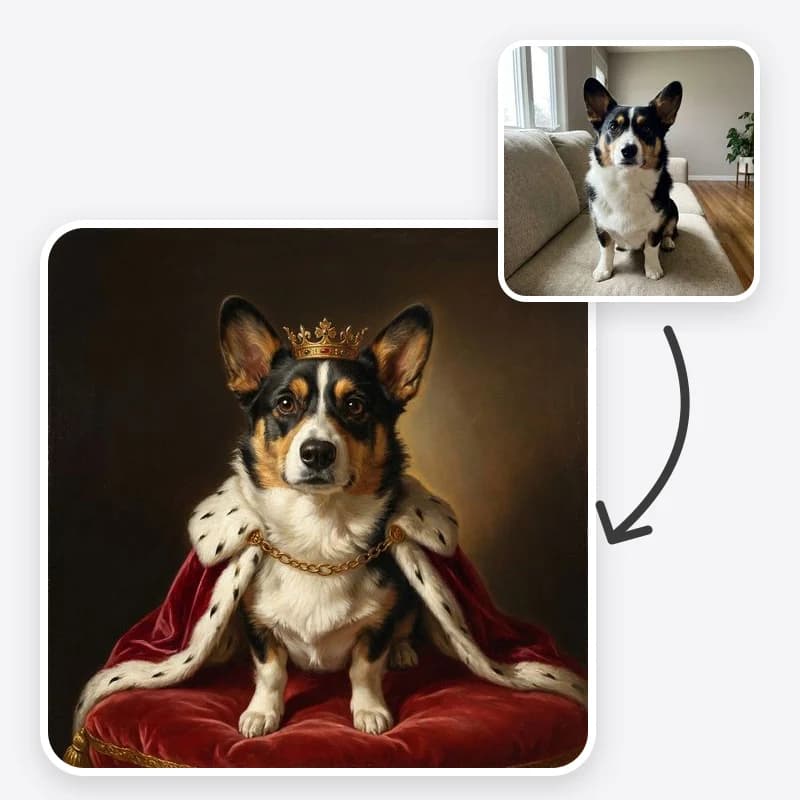
Turn a photo of your dog or cat into a Renaissance-style royal pet portrait. Choose a crown, uniform or noble costume, then pick a backdrop and frame.
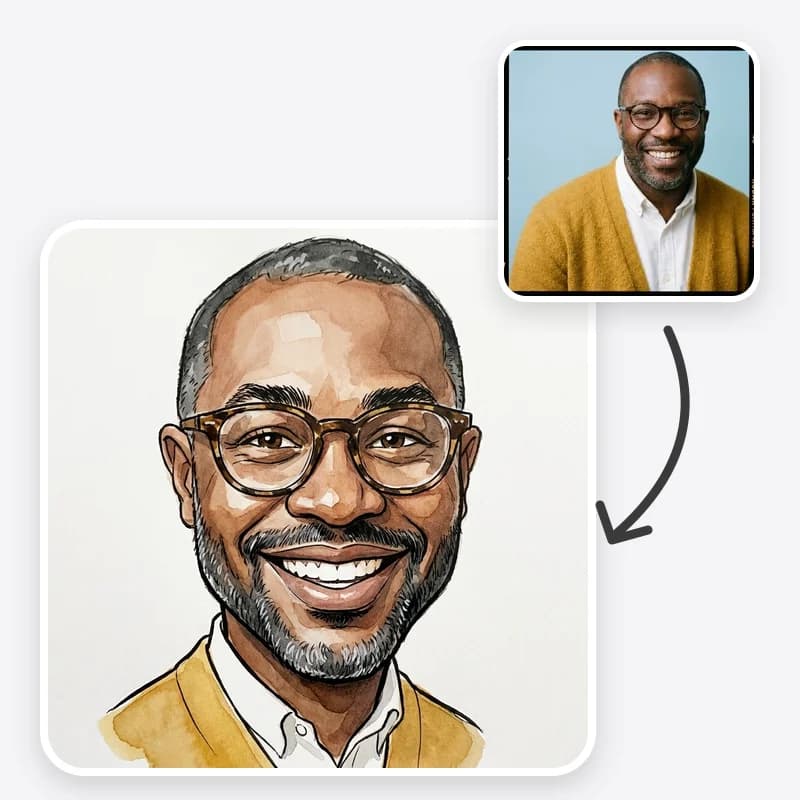
Turn a photo into a playful caricature that still looks like the person
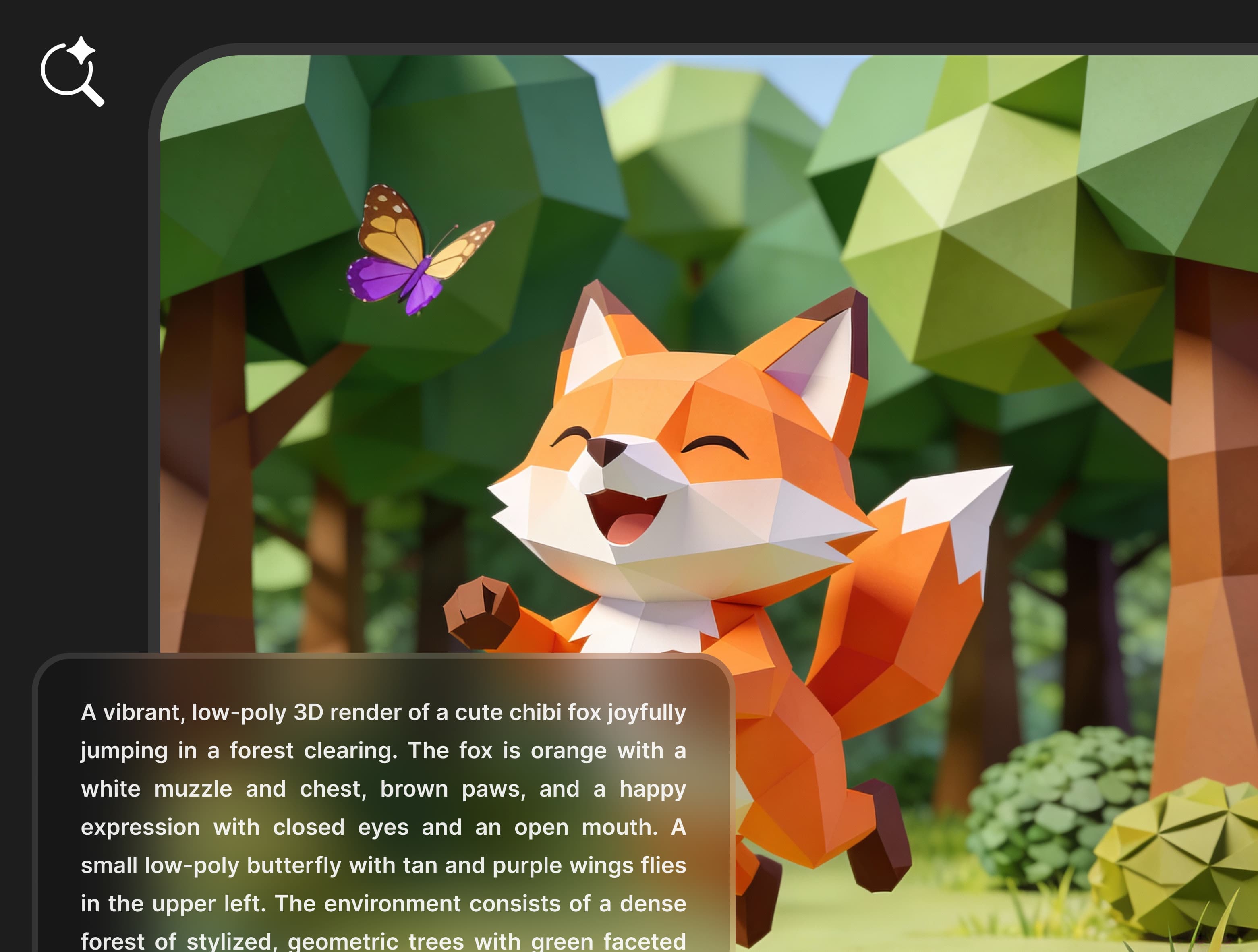
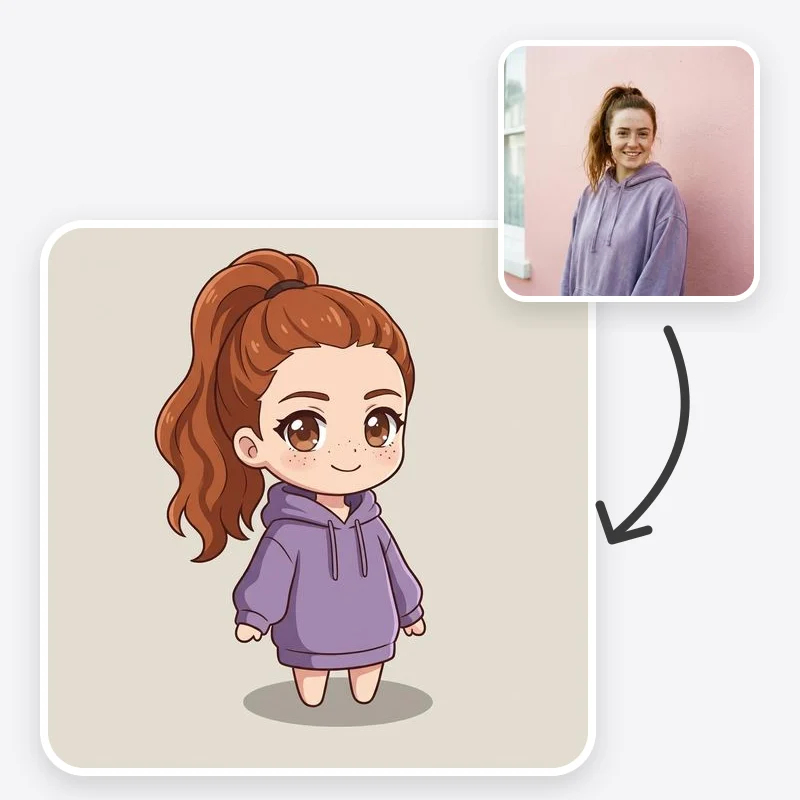
Turn a photo into a cute chibi character with a big head and small body
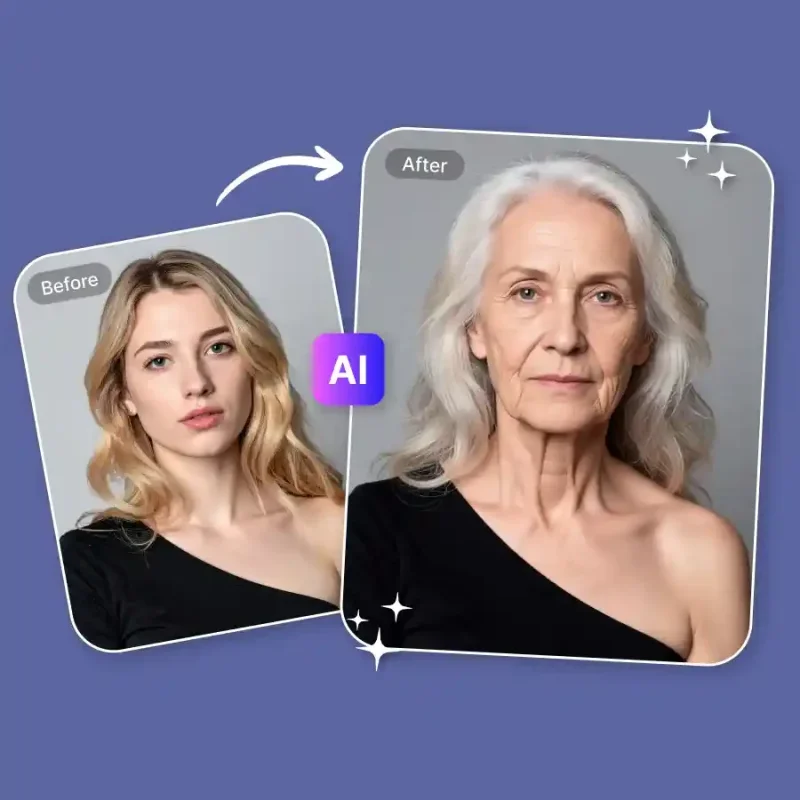
Upload a portrait and choose Make Younger or Make Older. Set the number of years to preview the same face at a different age.
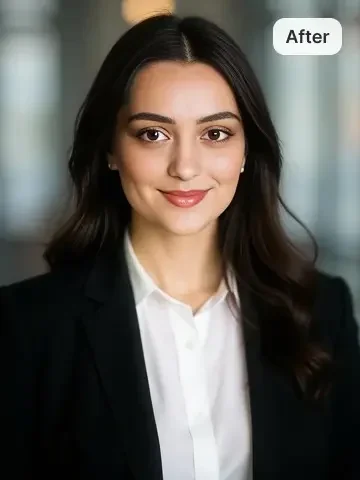
Make a professional headshot from one selfie and choose the background.
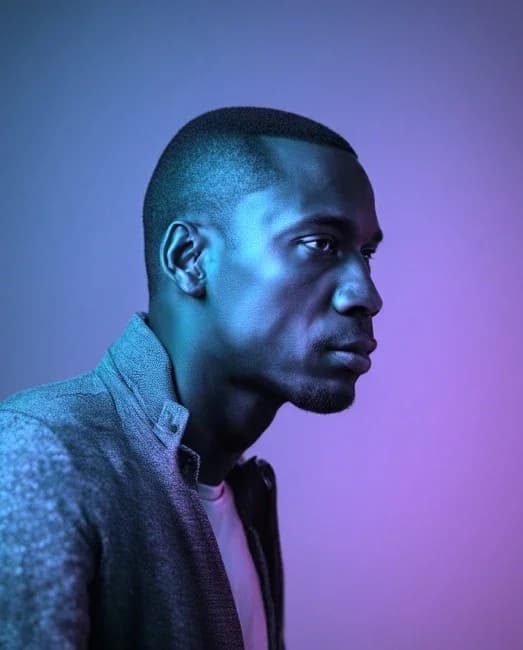
Transform portraits into high-fashion editorial style
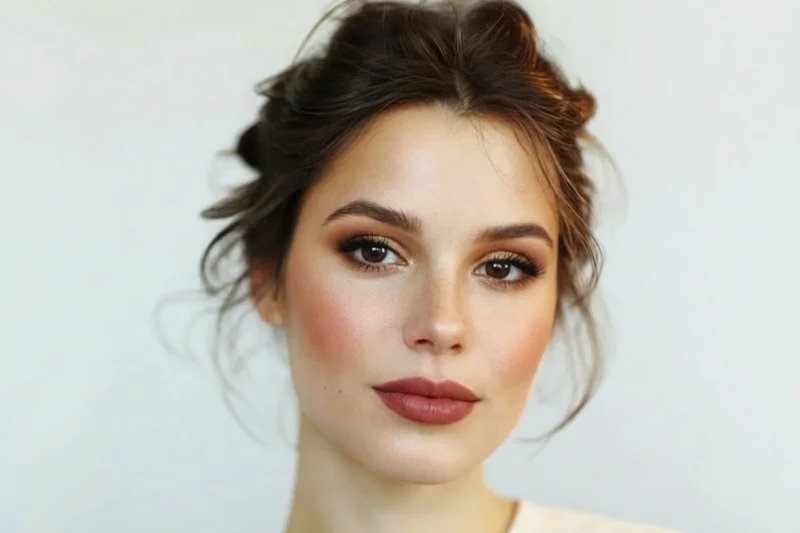
Try a smoky eye, bold lips, natural glam or a dewy finish on your own photo. Compare makeup looks before choosing one to recreate.
Try different hairstyles on your portrait
Change hair color to any shade
Soften skin texture in a portrait. Choose a light touch or a stronger retouch, then compare the cheeks, forehead and under-eye detail with the source.
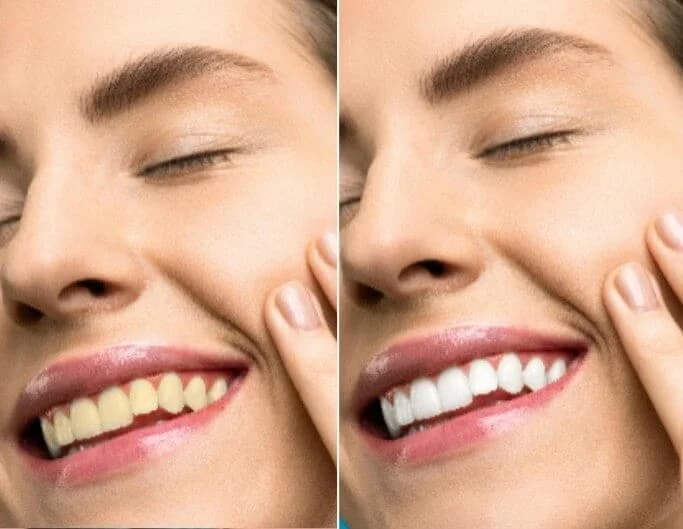
Naturally whiten teeth in photos
Try blue, green, hazel or other eye colors on a portrait. Choose a shade and see how it looks with the person's hair, skin tone and lighting.
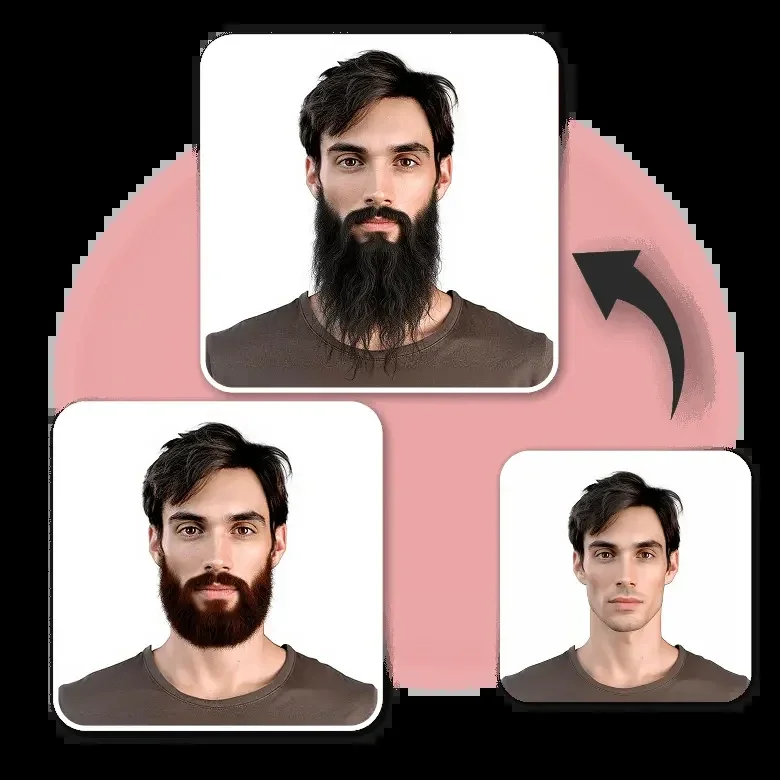
Try a clean-shaven look, stubble, mustache or full beard on your photo. Choose Clean Shaven to see your face without its current facial hair.
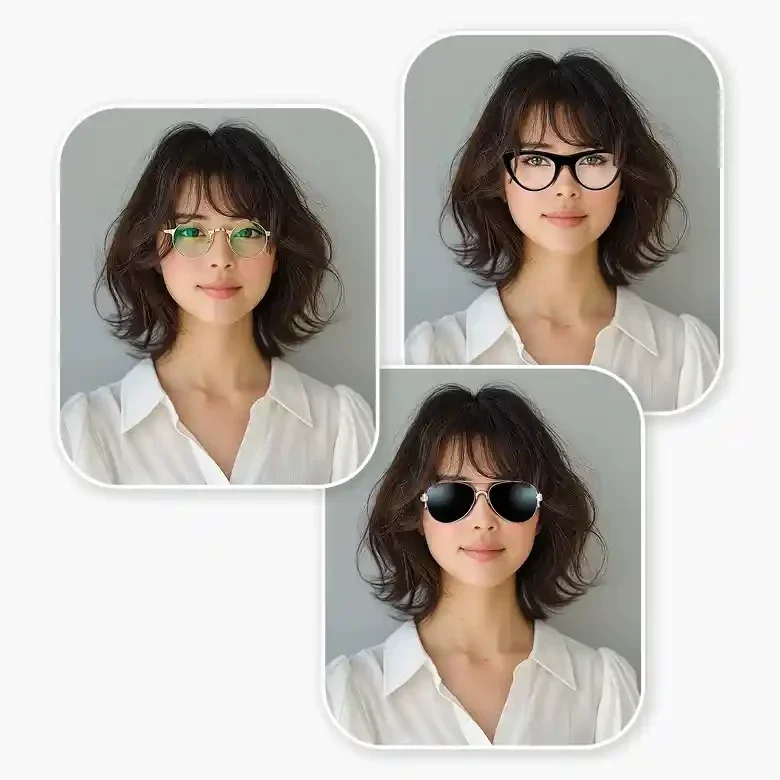
Try different eyewear styles virtually
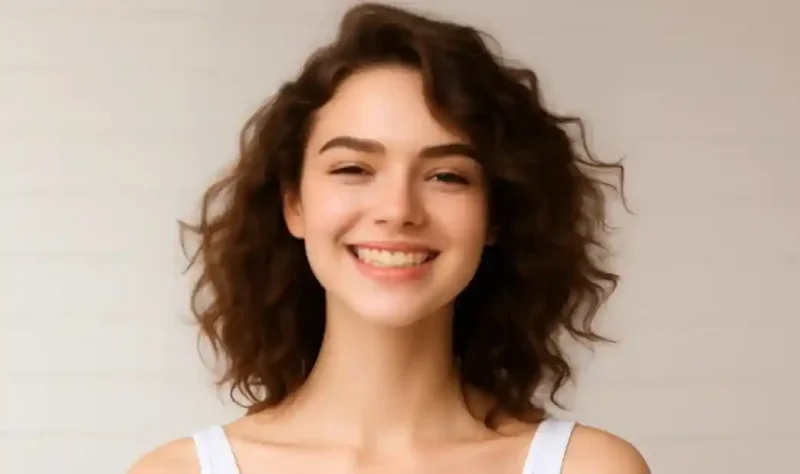
Try a smile, a laugh or a neutral expression on a portrait. Compare variations of the same source photo for a character or creative brief.
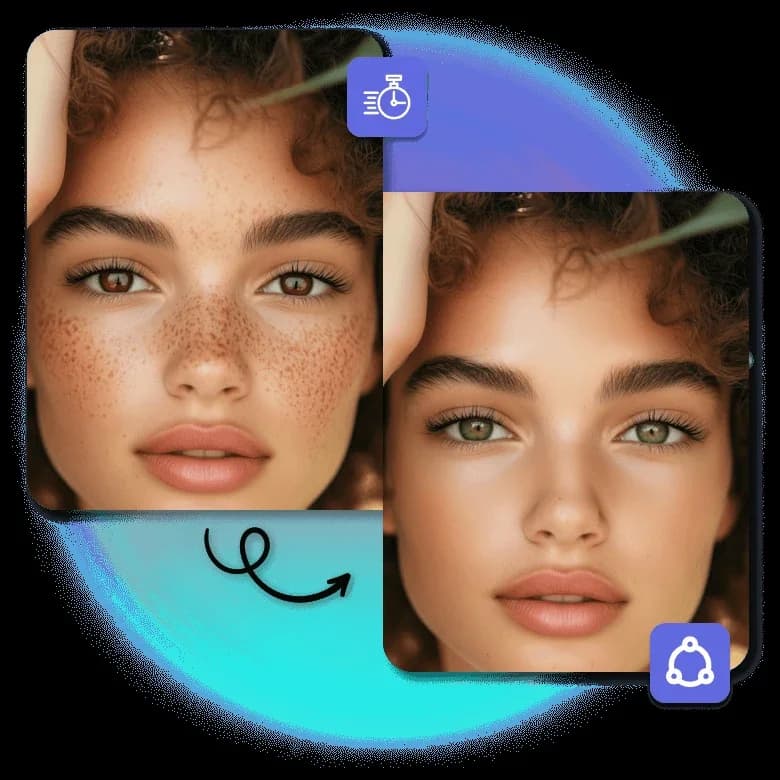
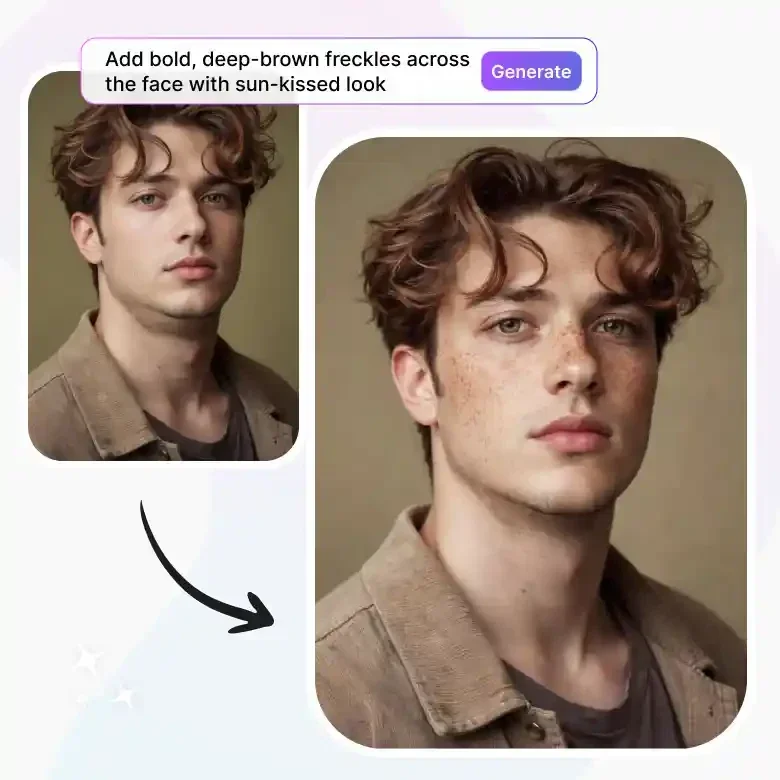
Preview a scattering of freckles, a beauty mark or fewer freckles on a portrait. Use soft light to see the placement against your own skin.
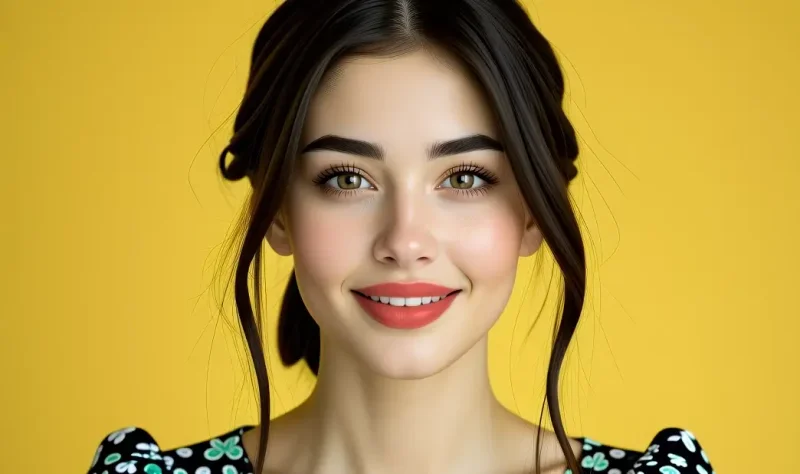
Try red, rose, plum, nude and other lip colors on a portrait. Compare shades using the same photo and lighting.
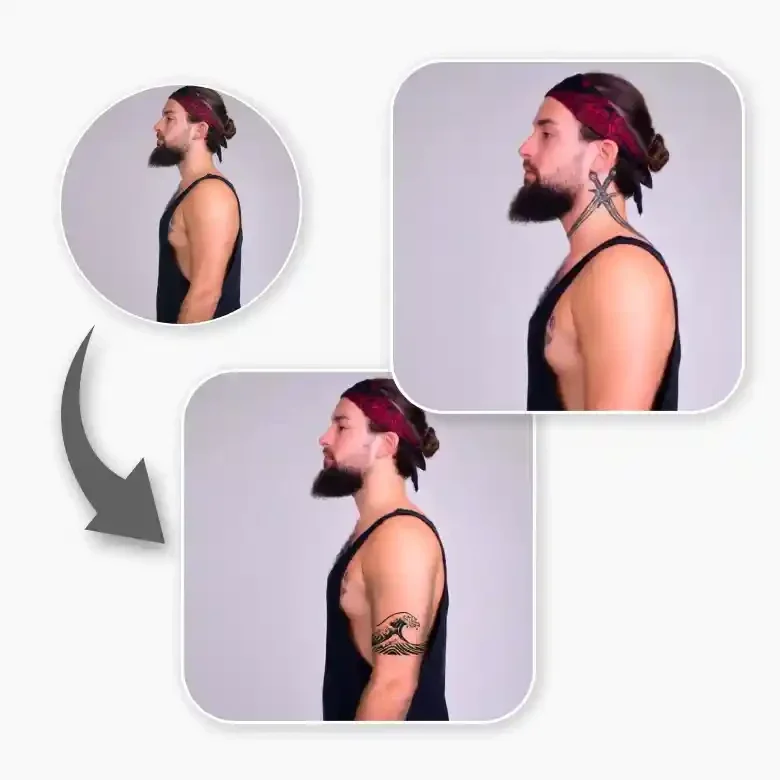
Preview tattoo designs on your body
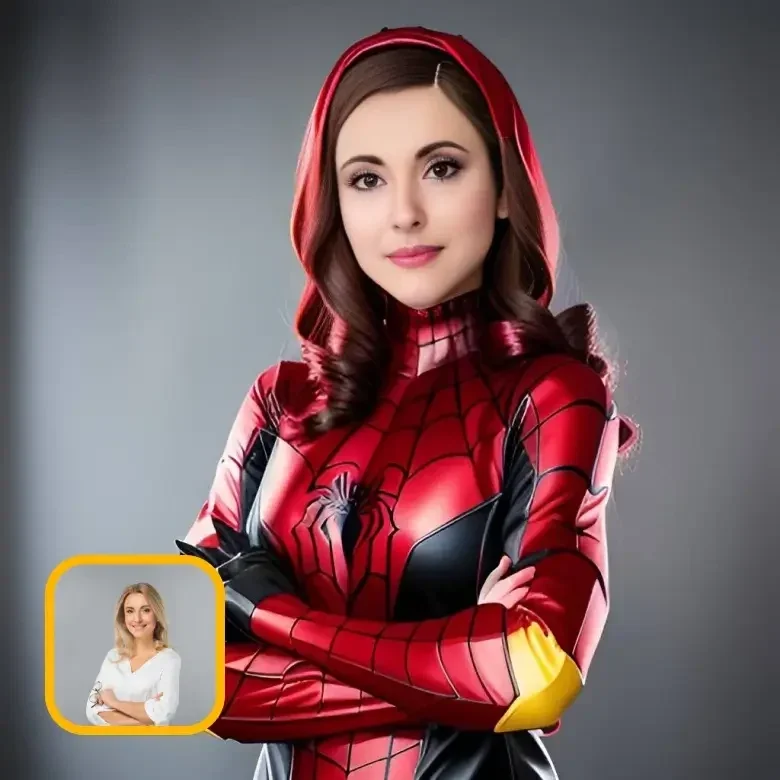
Turn a portrait into a fantasy, anime or game-inspired costume concept. Choose a character type and explore clothing, hair and accessories for a cosplay idea.
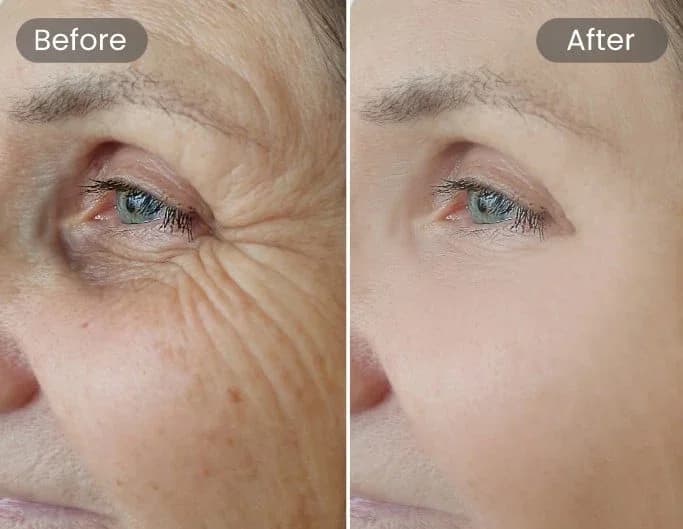
Reduce wrinkles and fine lines naturally
Give your photo movie-star lighting, a K-pop look or vintage glamour. Choose a styling theme to explore a new portrait treatment.
Adjust how a complexion appears in a photo with warmer or cooler color, more even tone or reduced redness. Compare the edit under neutral lighting.
See how a nose ring, septum ring, eyebrow piercing or ear hoop looks on your photo. Choose a style and compare the placement before a studio visit.
Soften the appearance of acne and temporary blemishes in a portrait. Choose the retouching strength and compare the edited skin with the original.
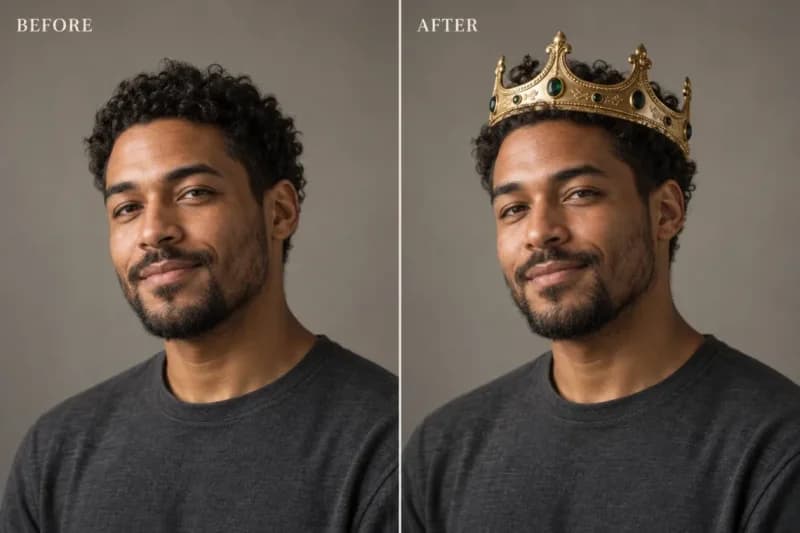
Place a tiara, flower crown, gold laurel or royal crown on a portrait. Try a party invitation, birthday picture or costume look.
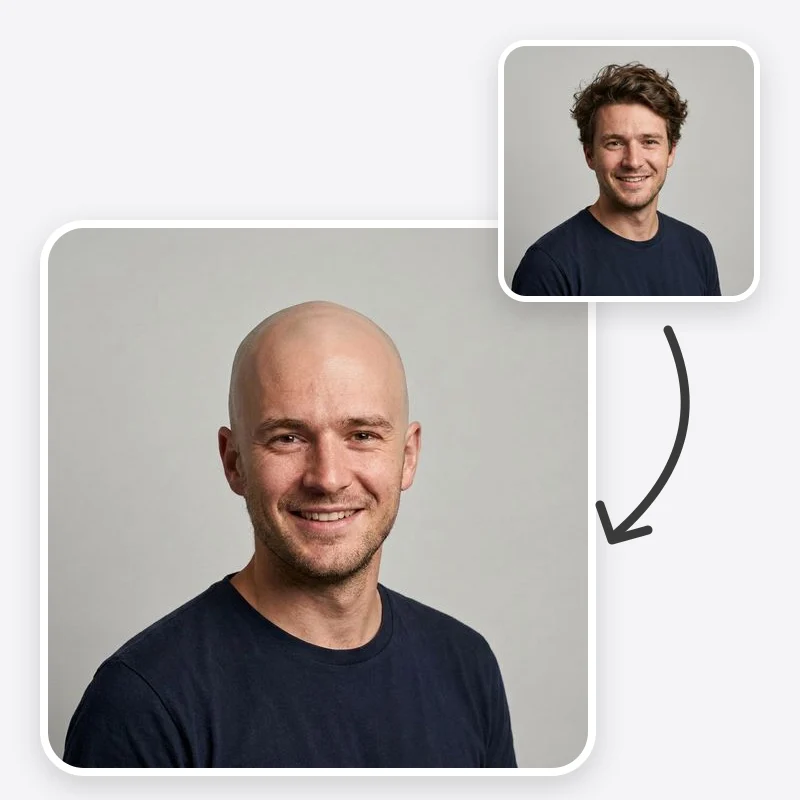
See how a shaved head, short buzz or receding hairline might look on your photo. Choose whether to keep facial hair and compare the preview with your portrait.
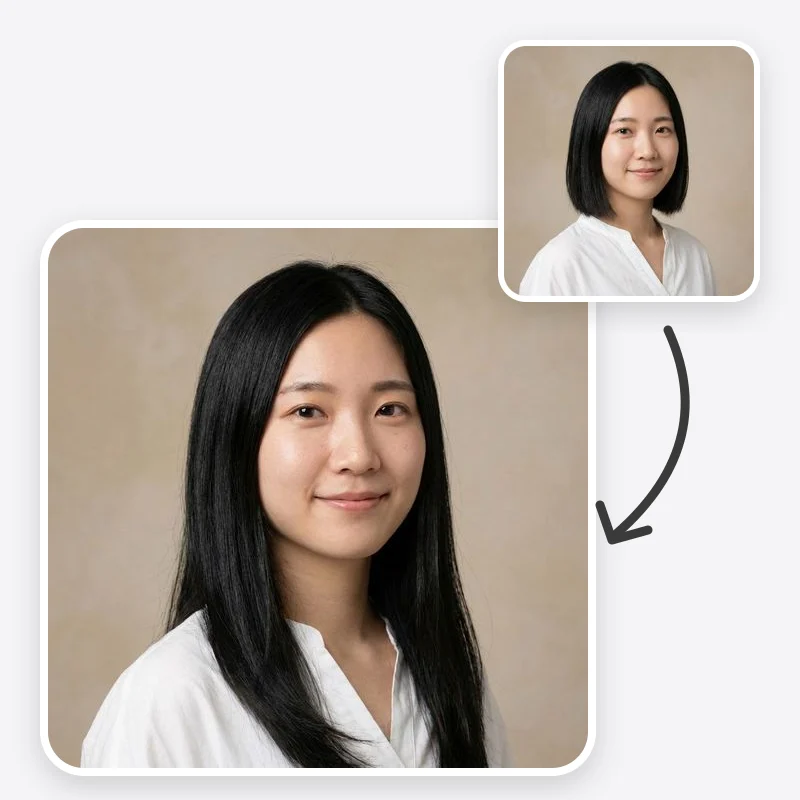
Preview your hair at shoulder, mid-back or waist length
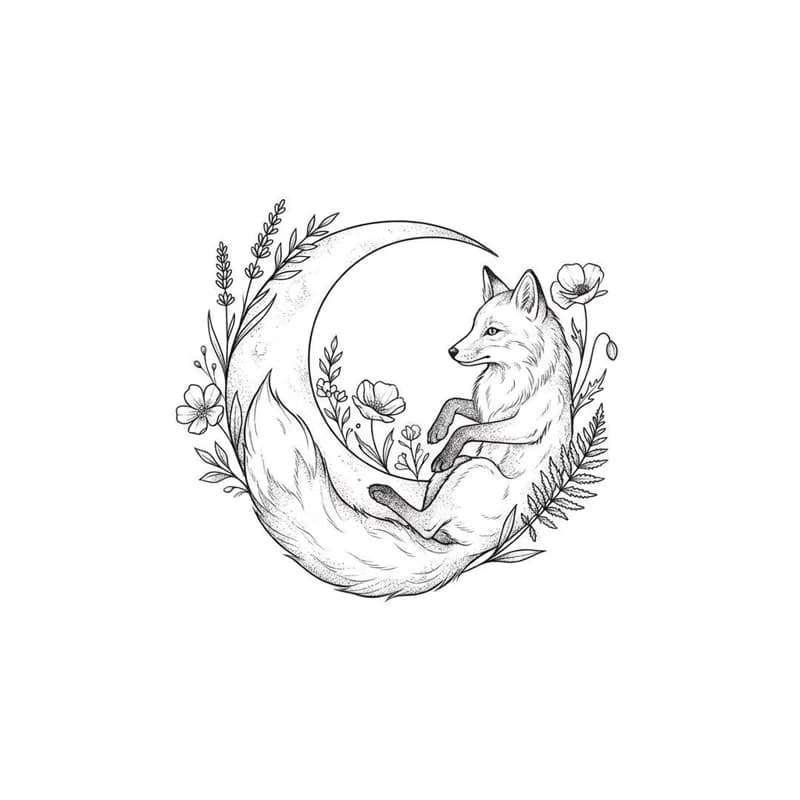
Describe a tattoo idea and get design artwork in fine line, traditional, Japanese and more
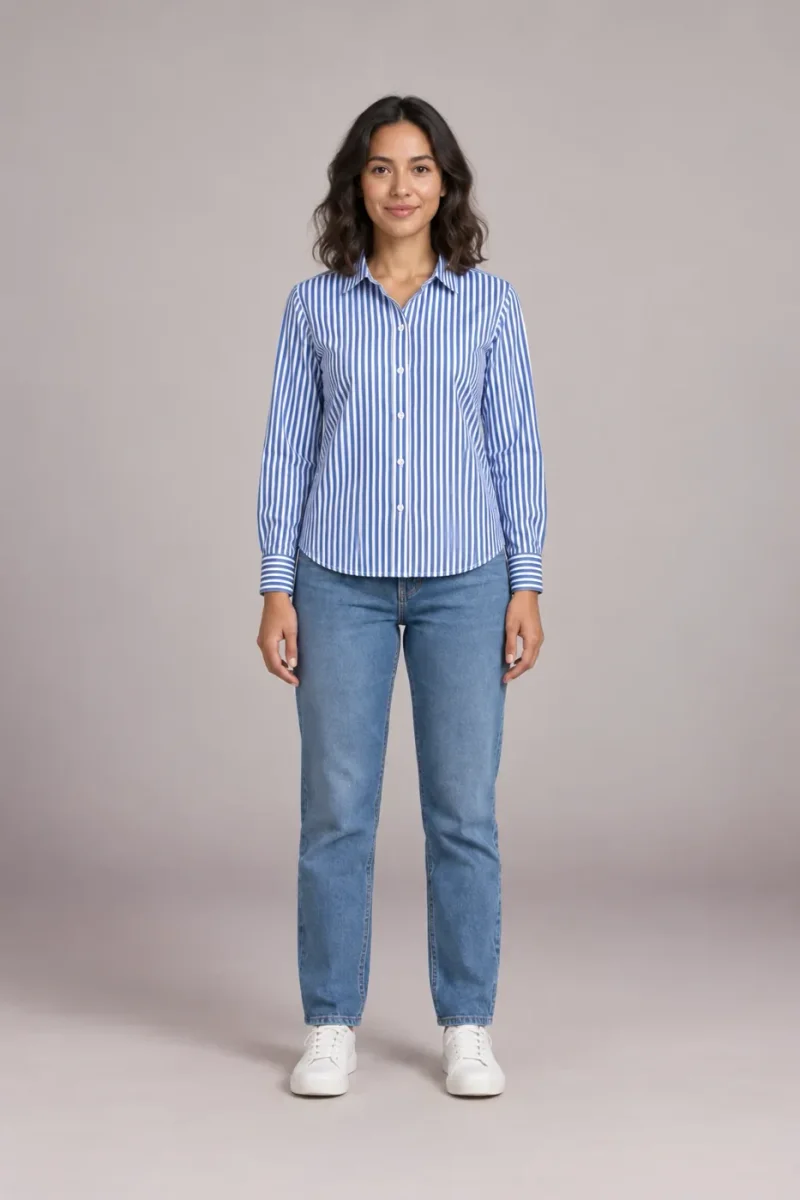
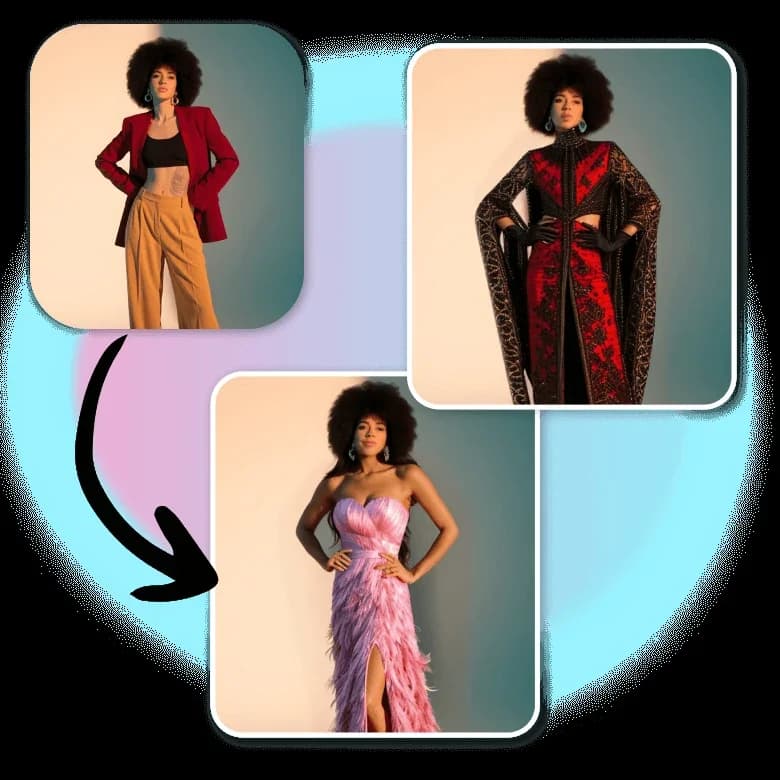
Try clothes from a reference photo on the person in your picture.
Preview an outfit on your photo by describing the clothes.
Transform outfit to different styles (formal, casual, etc.)
Change outfit to match different seasons
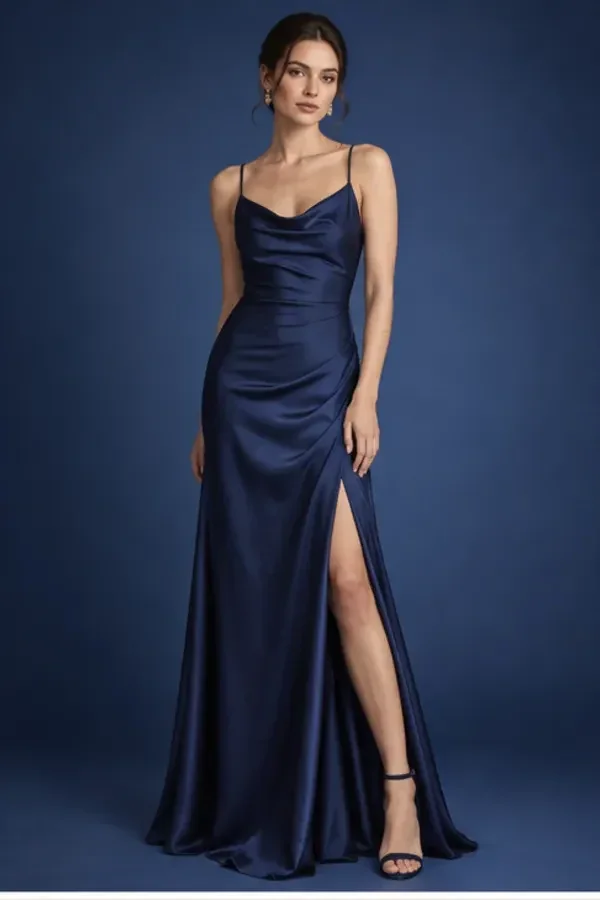
Try a wedding guest outfit, interview look or graduation outfit on a photo of yourself. Choose the event and compare ideas before getting dressed.
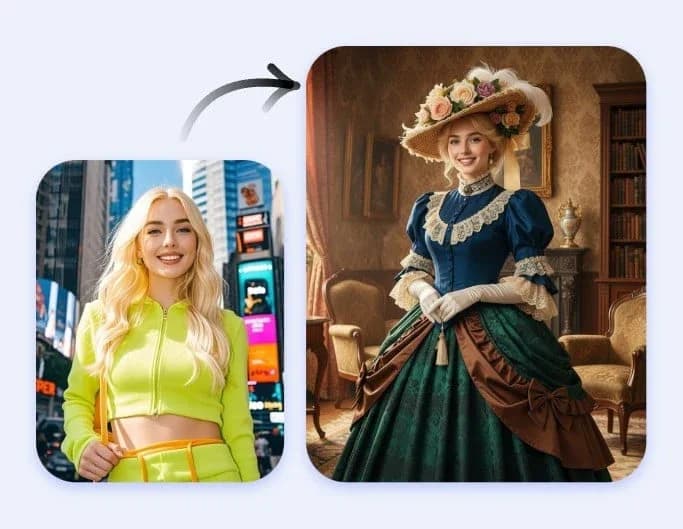
See yourself in a Victorian outfit, a Renaissance look or another period costume. Choose an era to create a character reference from your photo.
Try a mage's cloak, an elven costume, pirate clothes or warrior armor on your photo. Create a reference for a game character or cosplay outfit.
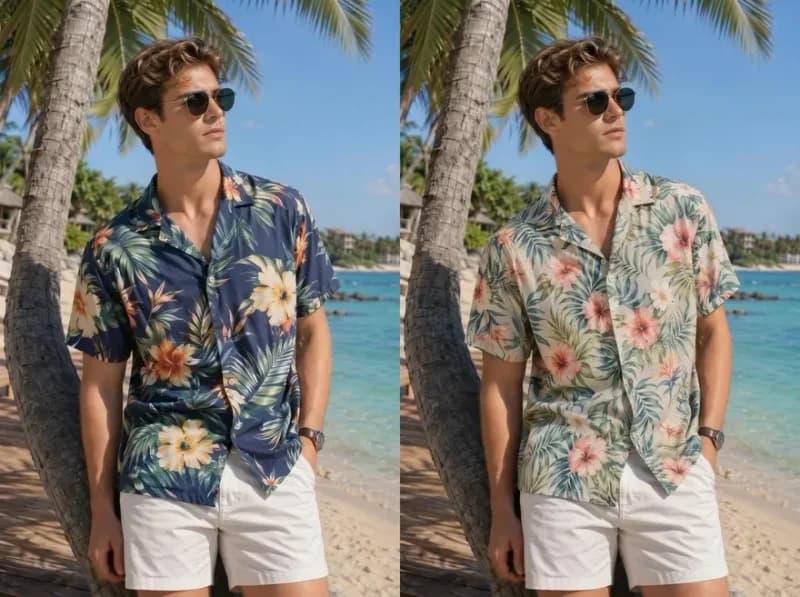
Preview a shirt, dress or jacket in a different color. Upload a photo, choose a target shade and compare the new color against the original garment.
Change clothing patterns and prints
See how a garment might look in denim, silk, leather or velvet. Use the same clothing photo to compare surface texture, shine and folds.
Preview sneakers, boots, heels or loafers on your own photo. Pick a footwear type and color to compare how it looks with an outfit.
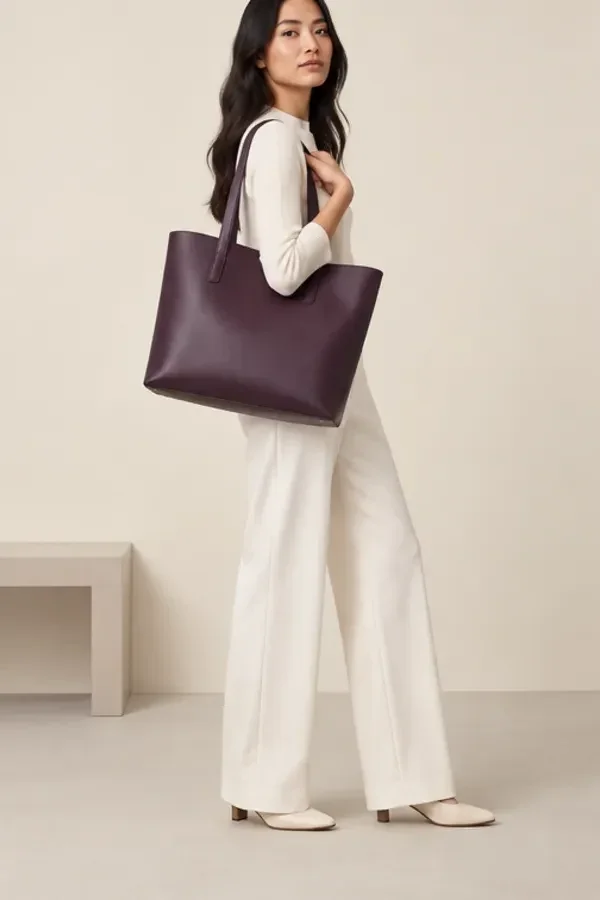
Add bags, scarves, hats, and other accessories
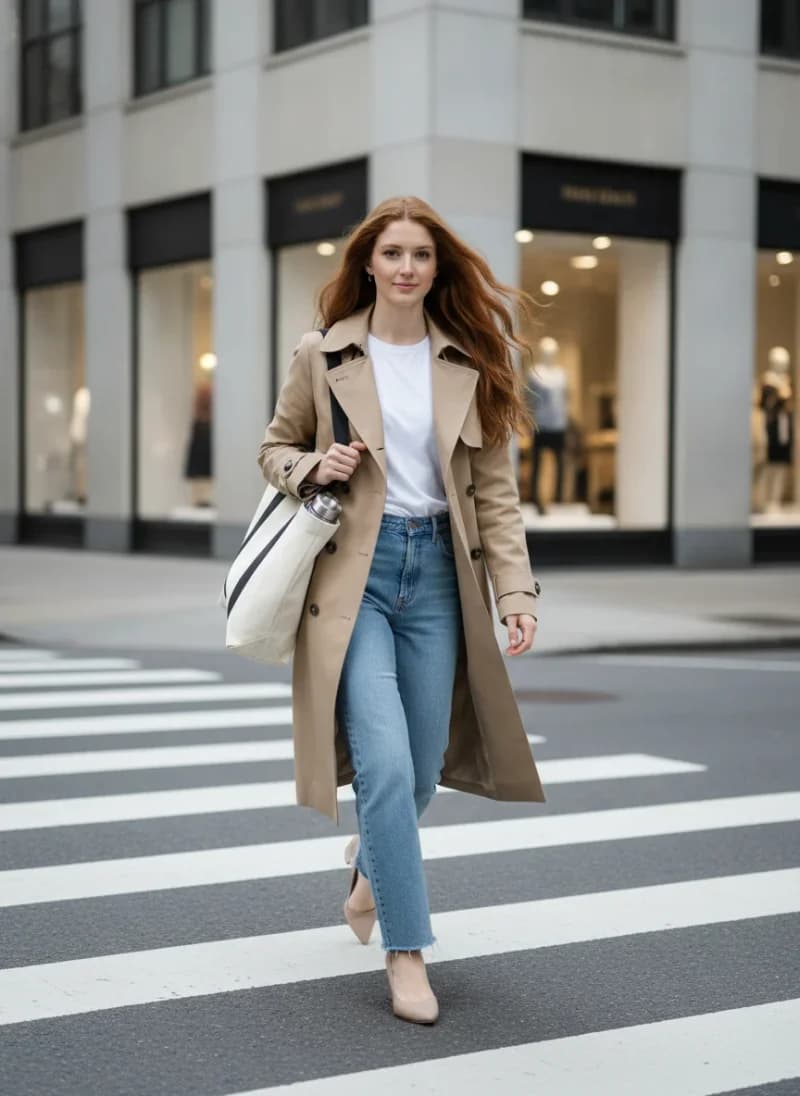
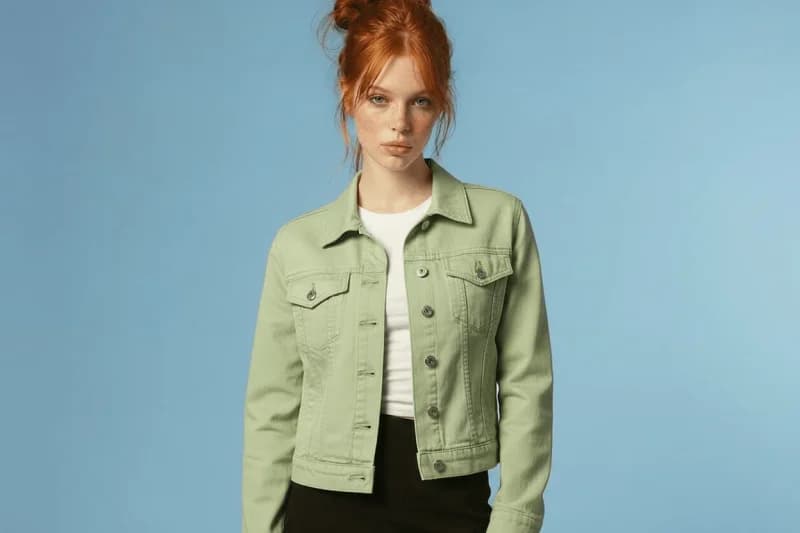
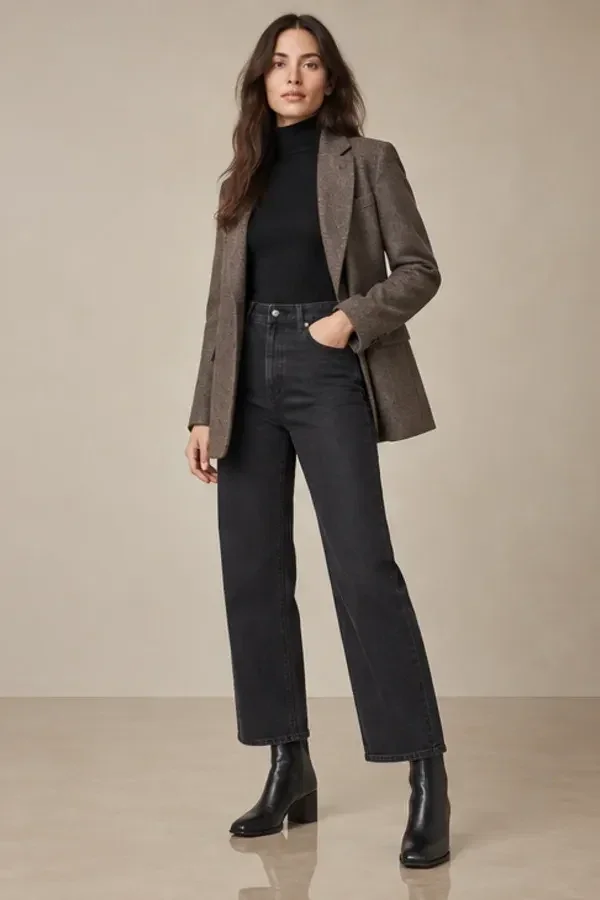
See how a blazer, leather jacket, trench coat or puffer looks with your outfit. Choose a jacket style and color on a photo of yourself.
Try red-carpet glamour, vintage Hollywood or rock-star styling on your own outfit photo. Choose a fashion reference and compare silhouettes.
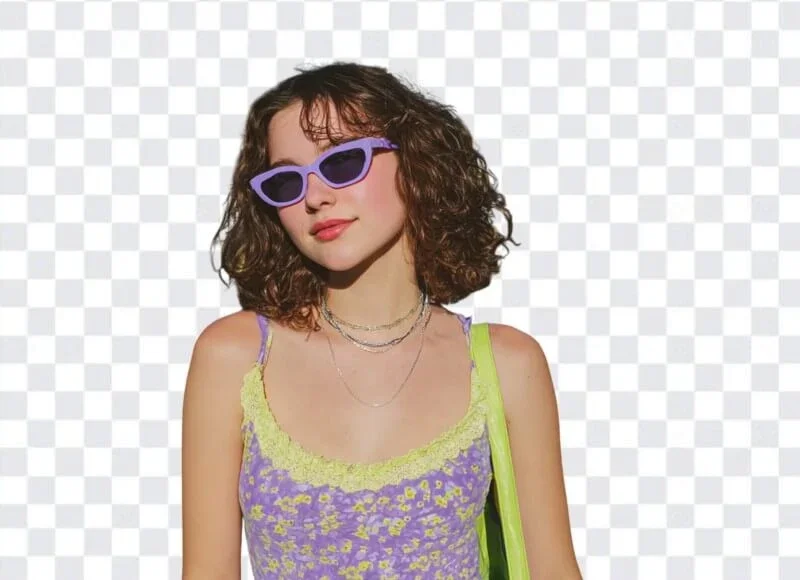
Upload a photo to isolate the person or product from a distracting background. Check hair, glass and fine edges, then verify transparency in the downloaded file.
Replace your photo's background with a scene you describe, such as a white studio wall, an office or a garden. Check the new lighting against the subject.
Give a portrait or product photo a softer background. Choose a blur strength, from a subtle separation to pronounced bokeh.
Swap a dull sky for a clear blue sky, a golden sunset or storm clouds. Upload a landscape or property photo and choose the sky style.
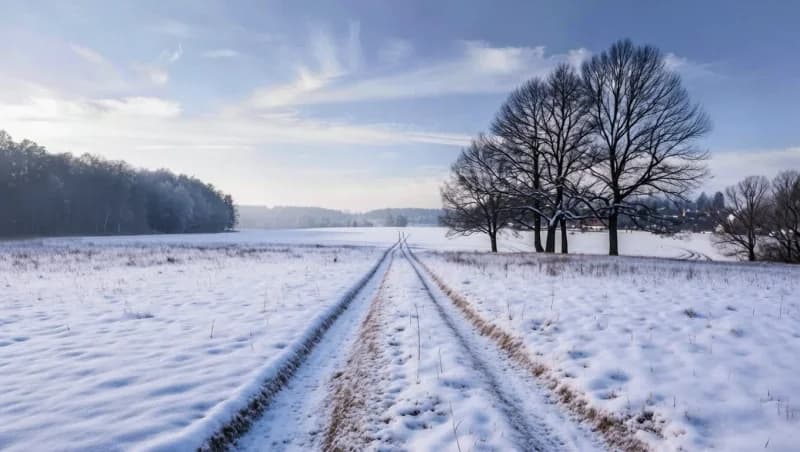
Turn an outdoor scene sunny, rainy, misty or snowy. Choose a weather preset to explore a different mood from the same reference photo.
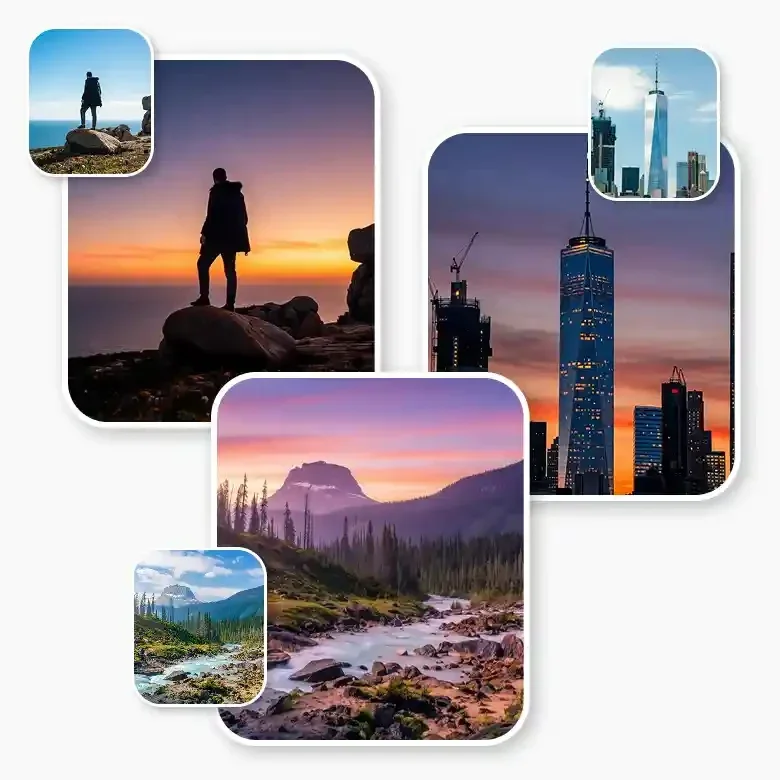
Give an outdoor photo sunrise light, midday contrast or a golden-hour glow. Pick a time of day to explore the light in an existing scene.
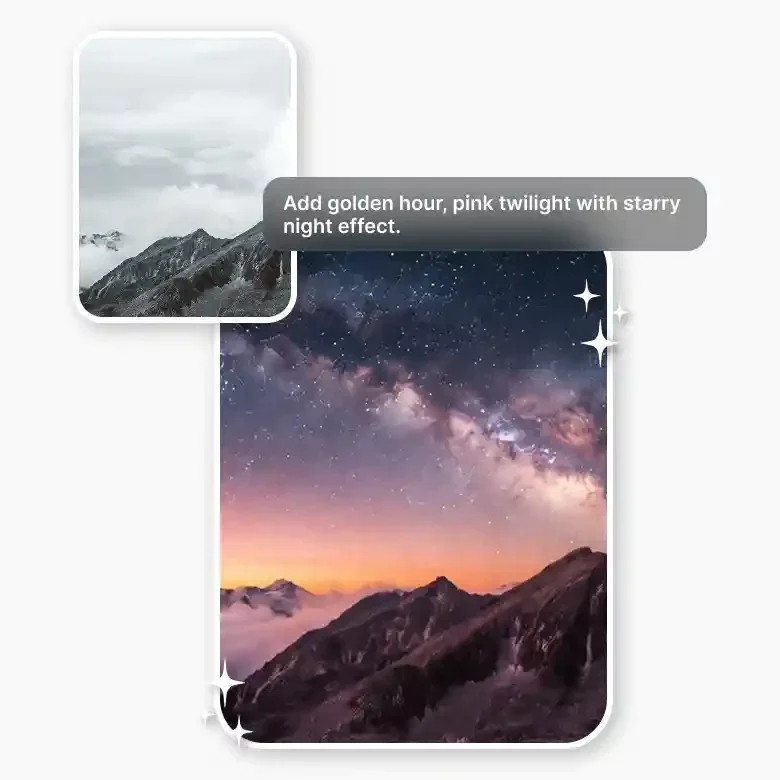
Convert a daylight street or landscape photo to city lights, moonlight, starry skies or a neon night scene. Pick the nighttime treatment in Studio.
Transform landscapes through different seasons
Apply HDR-style enhancement to photos
Try teal and orange, warm vintage or a cool modern grade on a still photo. Compare color directions for a scene, portrait or film reference.
Give a photo a sepia, 1970s film, Polaroid or Kodachrome-inspired treatment. Compare retro color and contrast on your own image.
Create Polaroid-style instant photos
Convert to dramatic black and white
Create a false-color thermal effect from an ordinary photo. Choose rainbow, iron or cool colors for a sci-fi illustration or visual design.
Make a photo look as though it was taken through frosted glass, rain or textured glass. Pick a surface to control the look of the distortion.
Add authentic film grain texture
Try sage green, terracotta, white or another paint color on a photo of your wall. Compare the shade beside your trim and furniture before sampling real paint.
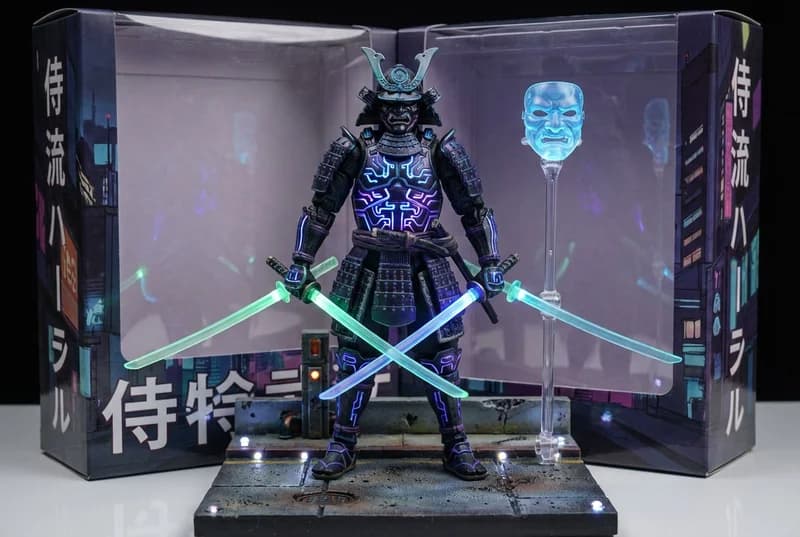
Transform yourself into a collectible action figure
Place a design on a T-shirt, mug, phone case or tote bag. Choose the product and color to see a mockup before ordering a physical sample.
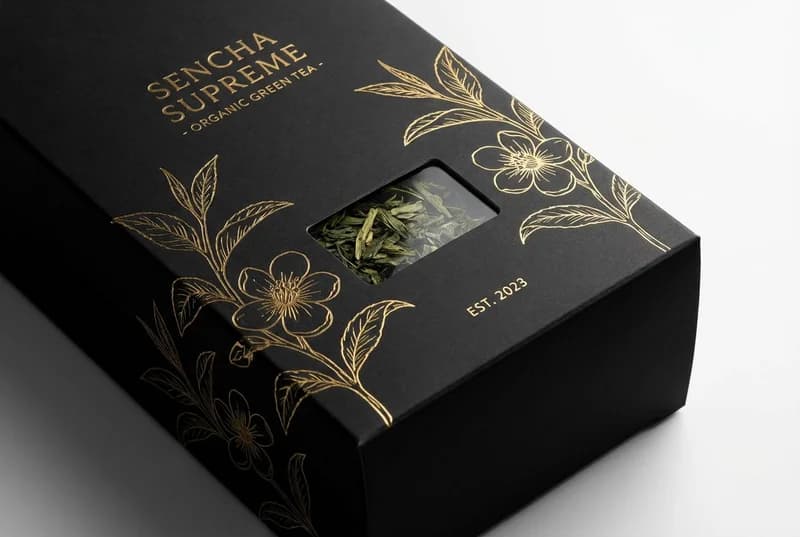
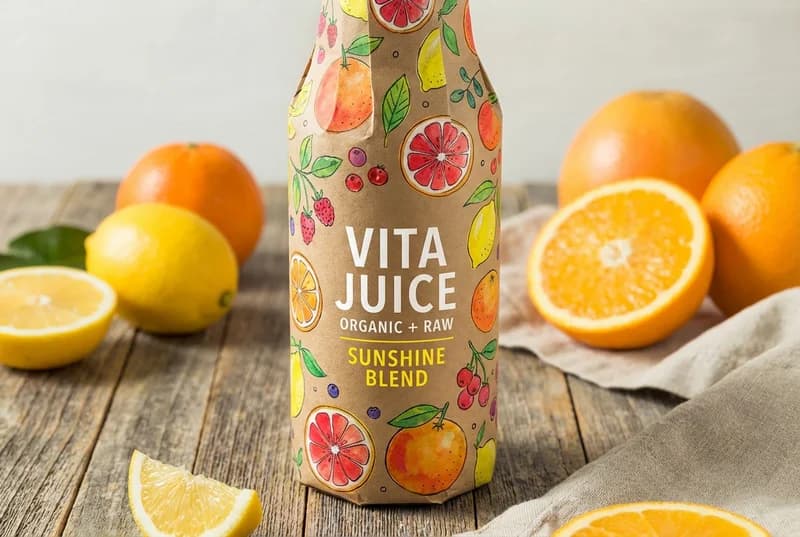
Create product packaging labels from images
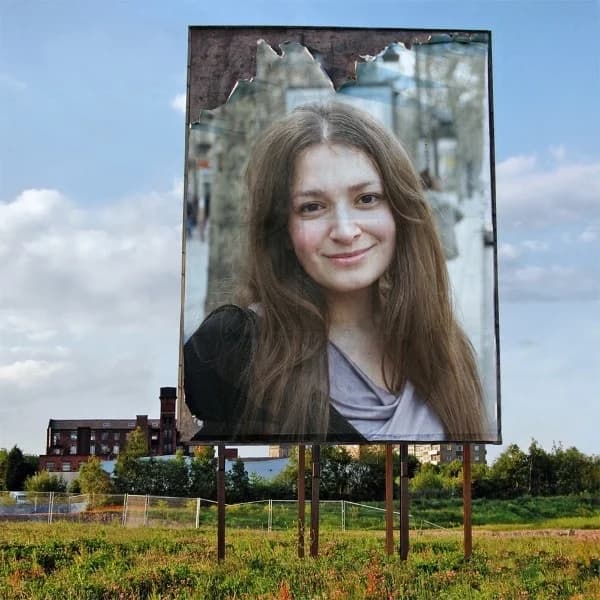
Place your image on a city billboard
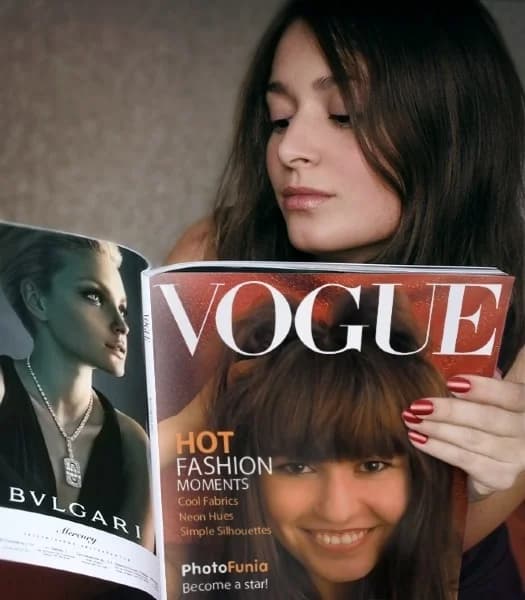
Create professional magazine cover designs
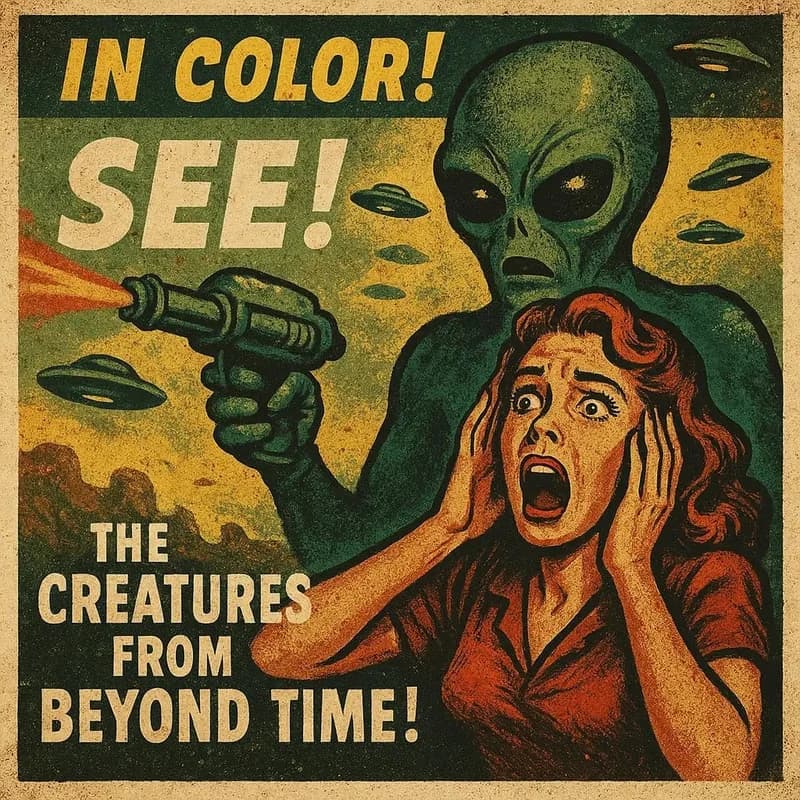
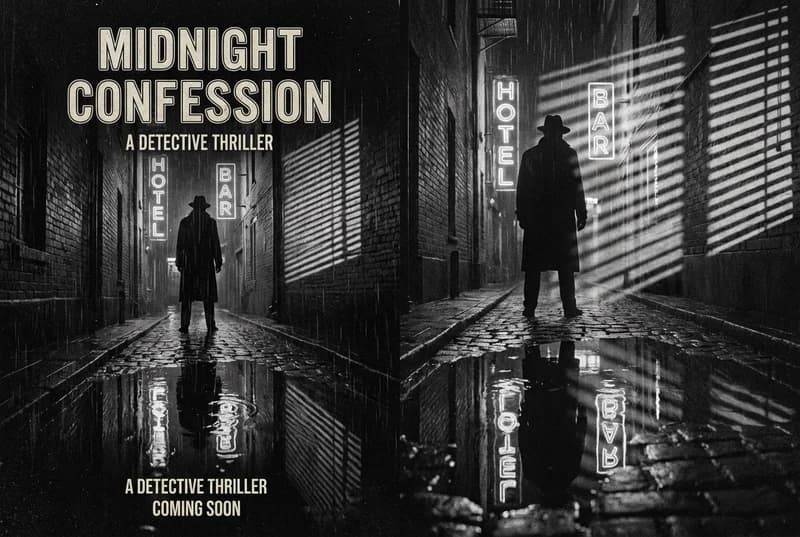
Create Hollywood-style movie posters
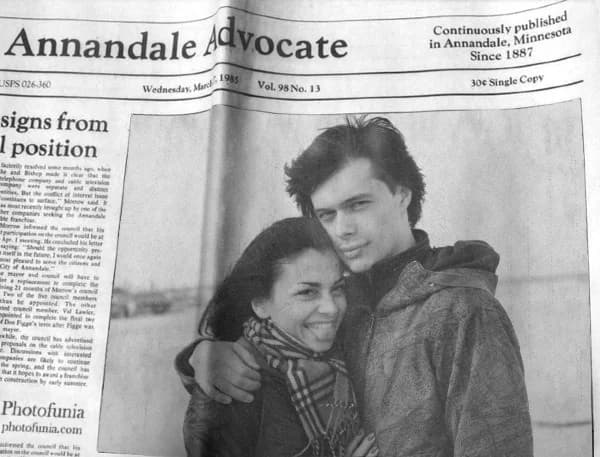
Use the newspaper front page generator to turn your photo and headline into a birthday edition, a vintage keepsake or a classroom newspaper.
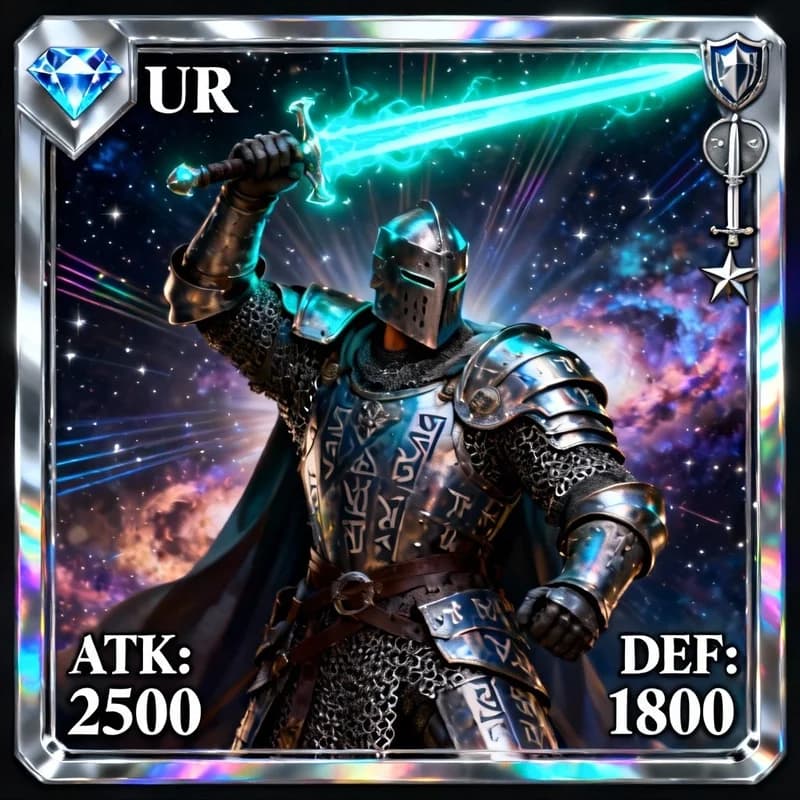
Turn a photo into a sports, fantasy or vintage baseball-style trading card. Choose a card style for a team keepsake or character concept.
Add glowing neon lettering to a photo. Enter a short word or phrase and choose a glow color for a sign concept, venue photo or cover.
Turn your image into a graffiti-style mural, stencil or bubble-letter artwork. Upload a reference and choose the street art style you want to explore.
Preview a corner, diagonal or tiled text watermark on a photo. This generated mockup lets you compare placements before applying an exact mark to your original.
Decorate a photo with birthday, party, love or kawaii stickers. Choose a theme for a party picture, message or scrapbook image.
Create meme-style layouts with text areas
Upload one photo and describe a change to generate a before-and-after concept. Compare side-by-side or stacked layouts for a proposed makeover.
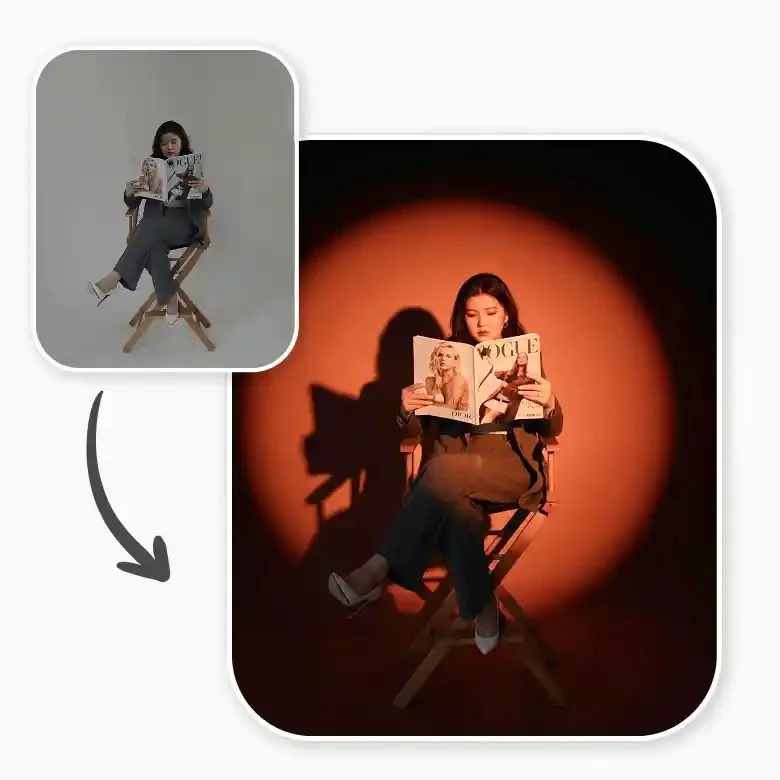
Draw attention to a subject with a stage spotlight, soft vignette, rim light or rays of light. Use a portrait, object or performance photo.
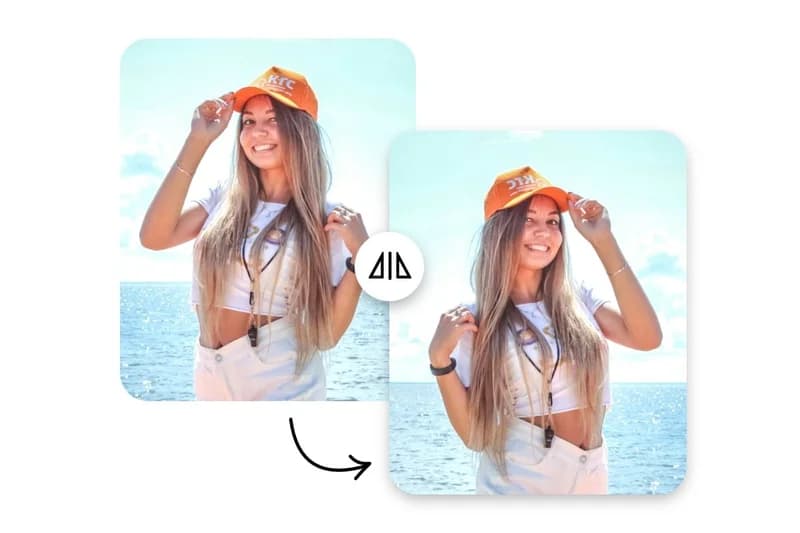
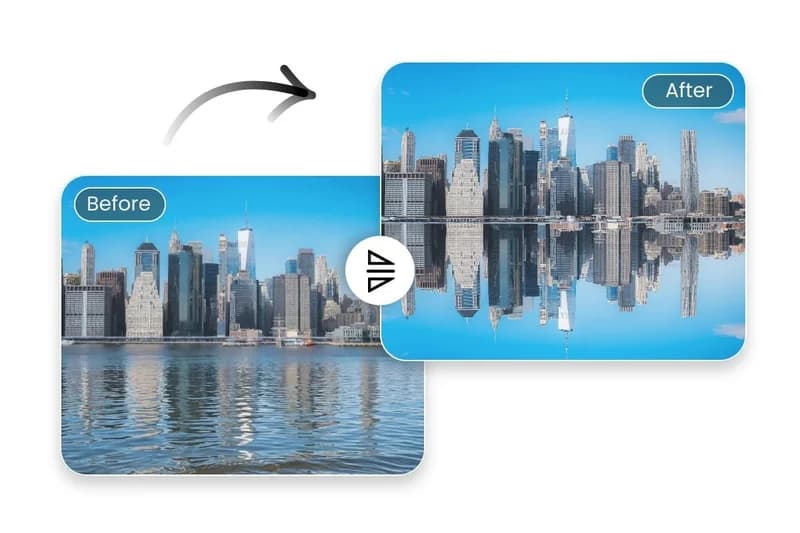
Create a vertical or horizontal mirror effect, a four-way reflection or a kaleidoscope-style image from a photo.
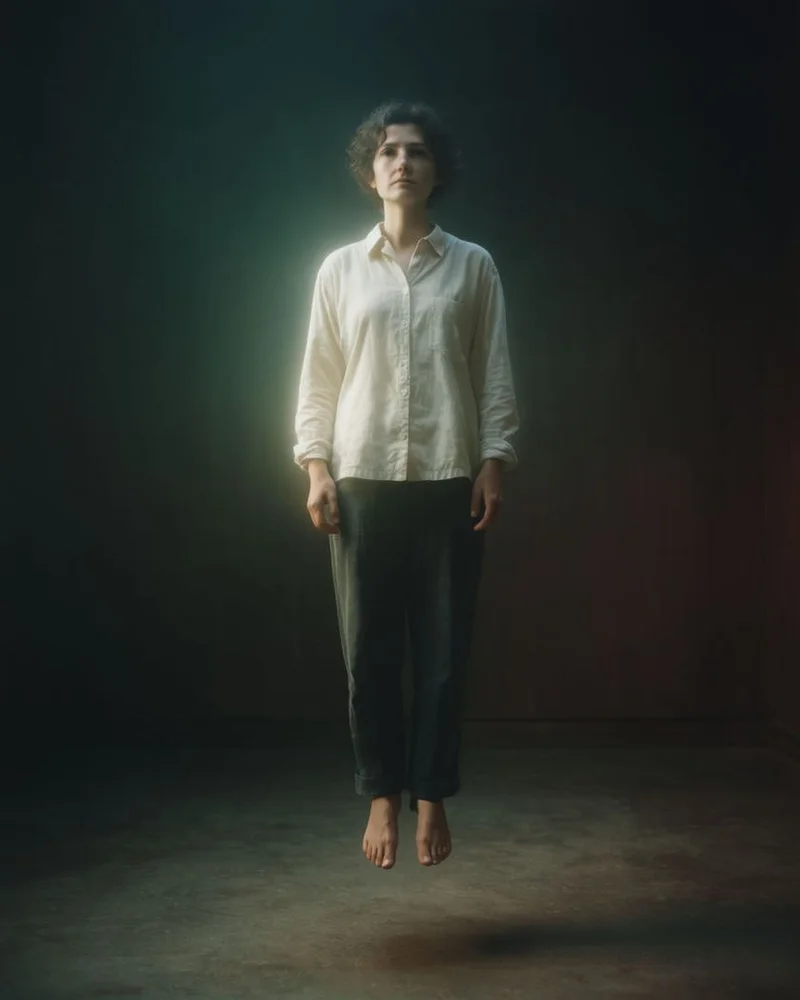
Make subjects appear to float in mid-air
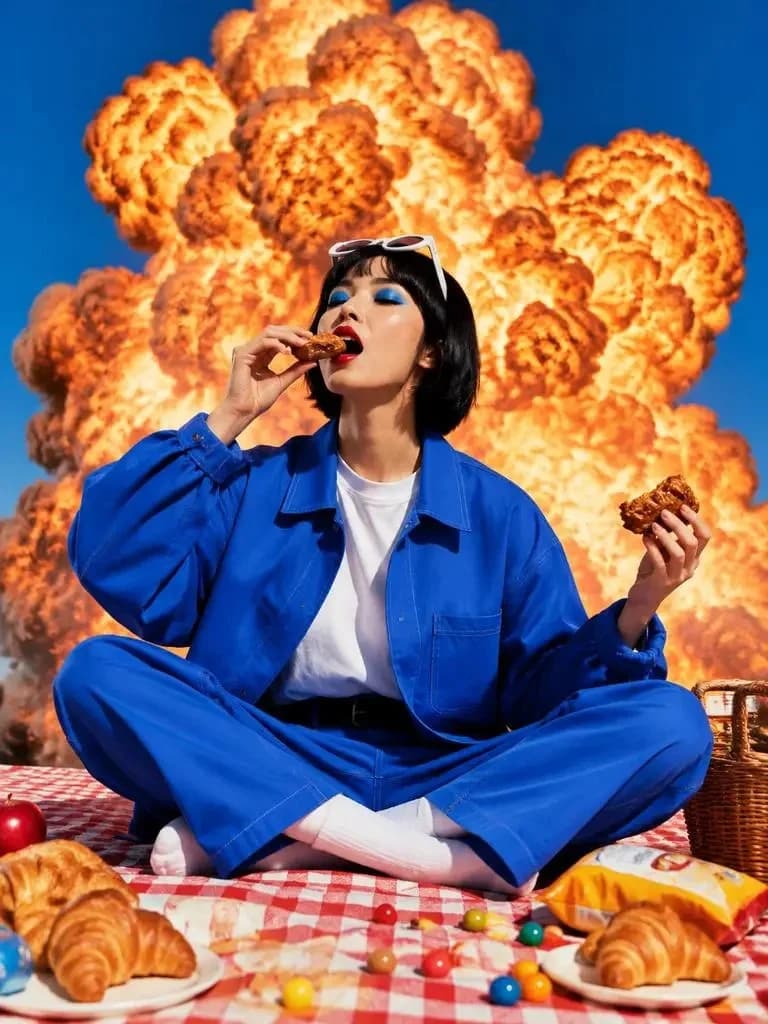
Add dramatic explosion and action effects
Create artwork around an existing QR code image. Choose an integrated design or an artistic overlay, then scan the result to check the destination.
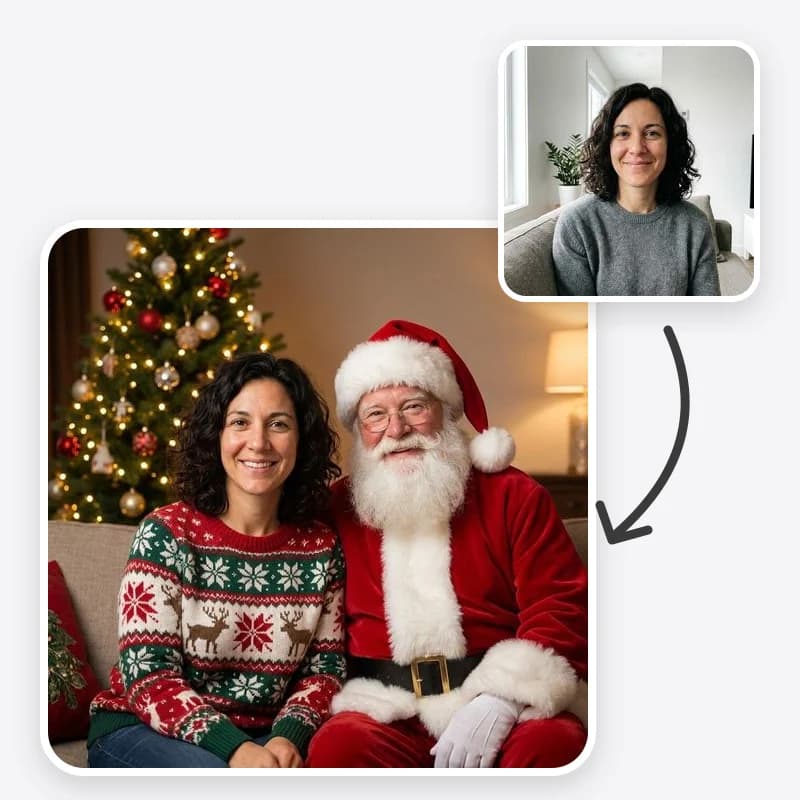
Add Santa to a photo, try Christmas sweaters or move a family or pet portrait into a snowy scene. Choose a festive setting and check each face before printing.
Upscale images to higher resolution with AI enhancement
Try to unblur a photo with light sharpening or Motion Deblur. Compare eyes, text and other fine details with the source before saving the edited version.
Remove digital noise and grain from photos
Automatically correct colors and white balance
Brighten a dark photo, lift shadows or tone down bright areas. Choose an exposure preset and check faces and light surfaces in the edited image.
Adjust color saturation and vibrance levels
Remove unwanted objects from photos
Restore and repair old, damaged photos
Straighten a horizon or reduce the appearance of leaning building lines. Choose a correction preset for a street scene, room or architectural photo.
Remove red eye effect from flash photos
Extend image borders with AI-generated content
Restore and enhance faces in low quality photos
Remove compression artifacts from JPEG images
Adjust lighting, shadows, and highlights
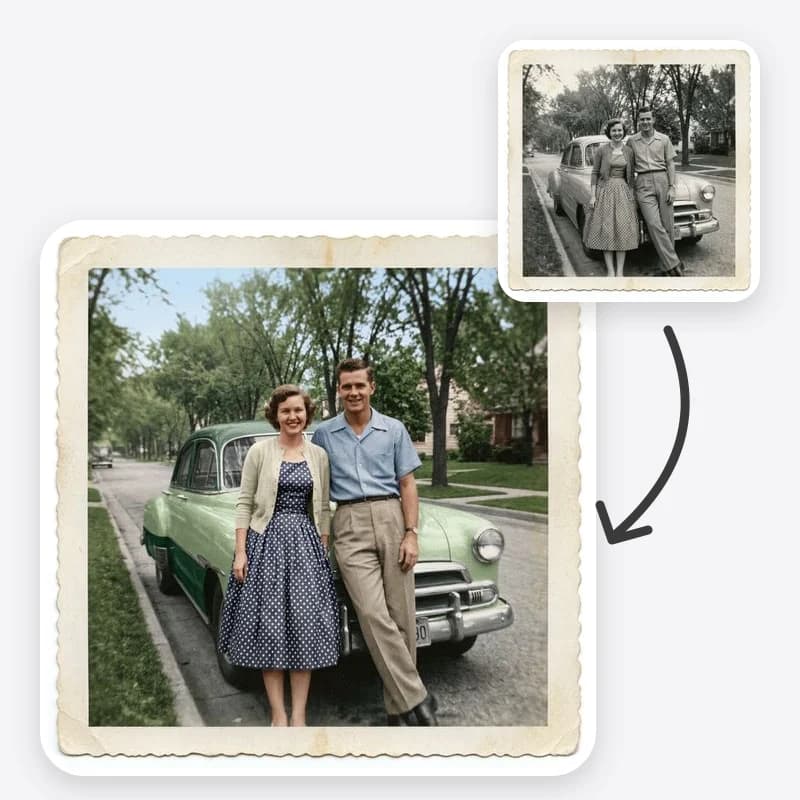
Upload a black-and-white photo and choose natural color, warm film tones or a muted archival look. Add known color details to guide the interpretation.
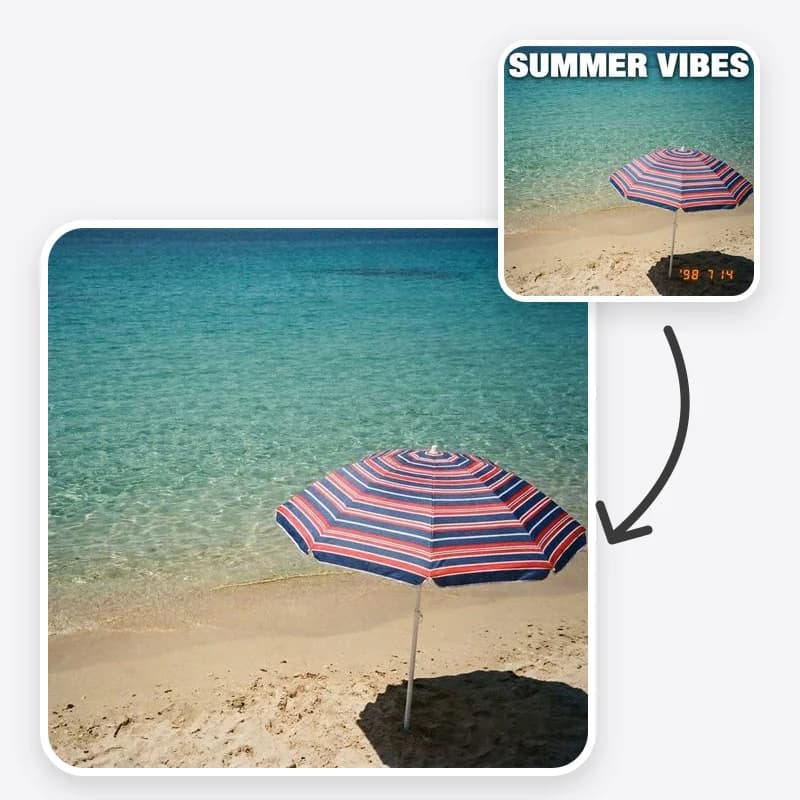
Remove date stamps, captions, signs and labels from your own images
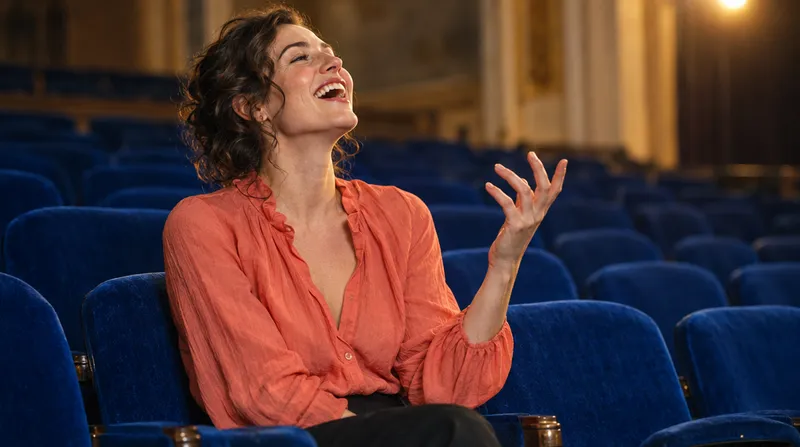
Create authentic monologue-style UGC content perfect for testimonials and storytelling.
Create authentic selfie-style UGC content with text overlays for your ad campaigns.
Generate natural, candid-style UGC videos with text overlays that feel authentic and engaging.
Create engaging car conversation videos perfect for authentic testimonial-style content.
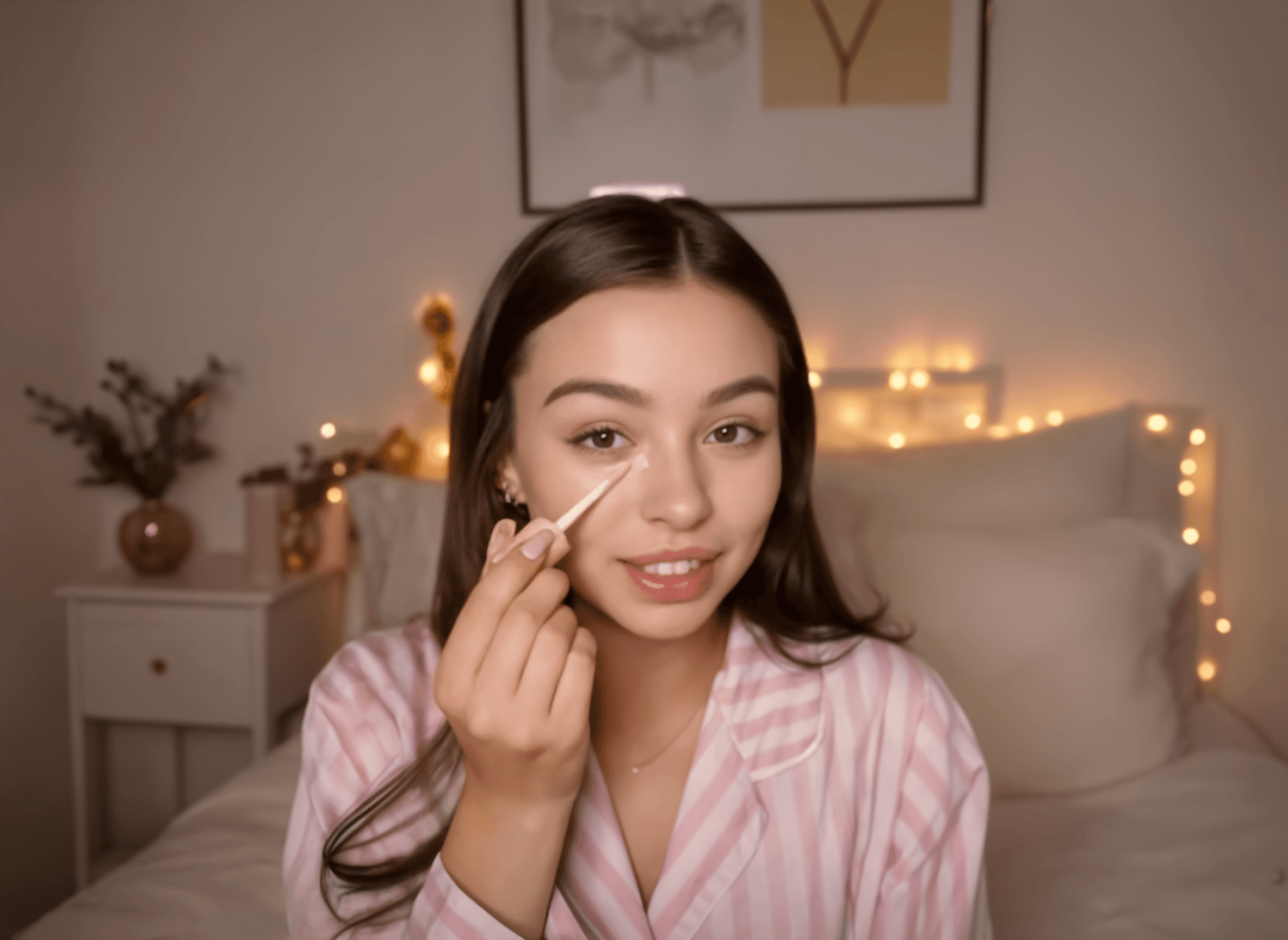
Generate Get Ready With Me style videos perfect for lifestyle and beauty product promotions.
Generate natural voiceovers in 40+ languages with emotion control.
Clone your own voice or a voice you have permission to use.
Create custom music tracks with AI in any genre.
Generate realistic sound effects from text descriptions.
Transform any voice into a different voice while preserving emotion and intonation.
Isolate vocals from background noise and music in any audio or video file.
Studio-grade AI music generation from natural-language prompts.
Generate original compositions, beats, and soundtracks with Eleven Music
Generate natural voiceovers and music with ElevenLabs
Clone your voice with AI. Upload a sample and create a custom voice for text-to-speech generation
Generate instrumental music with ElevenLabs AI