Turn your Twitch stream into clips worth posting
Paste a Twitch VOD. Oakgen goes through the stream, ranks the moments worth posting, and cuts vertical clips with captions, ready for TikTok, YouTube Shorts and Instagram Reels.
Scan 150 credits per 30 minClip 70 creditsClips on Pro and up
Browsing is free. An Oakgen account is needed to scan a stream.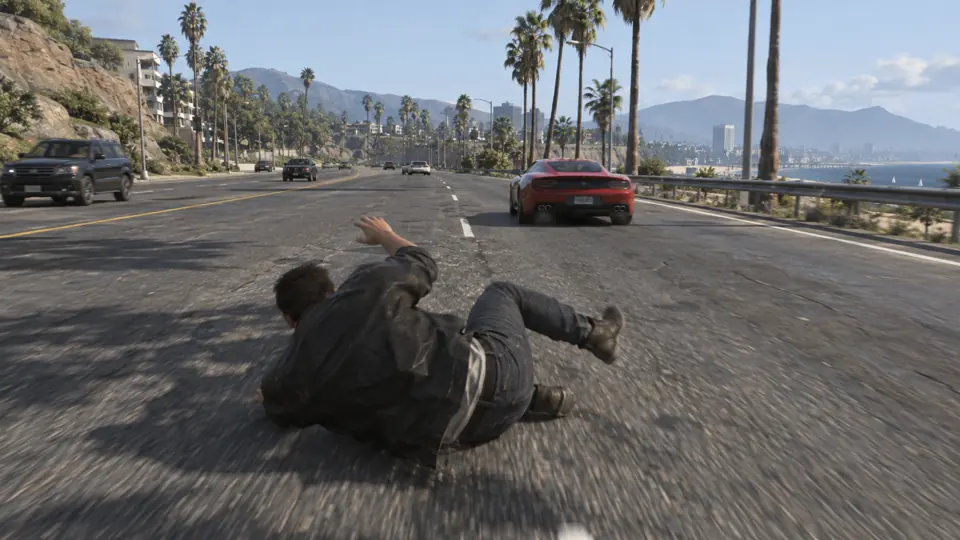 0:17
 0:13
 0:17
How Stream clips works
Scan the part of the stream you want
Paste a Twitch VOD link and choose the stretch to scan, in 30-minute parts and up to 12 hours at a time. Oakgen listens to the audio and reads chat when Twitch has it. A scan costs 150 credits per 30 minutes, and the estimate is shown before you start.
Get the best moments, ranked
Ask for the top 5, 10 or 20. Oakgen watches those parts and checks each moment closely. Each one comes with a title, a timestamp, how long it runs and why it scored. If no moment passes the check, the credits come back.
Make clips from the moments you like
Each clip is a vertical 1080x1920 video at 60 fps with captions when there are words to caption, and your facecam on top when one is found. A clip costs 70 credits. Download it or open it in Compose.
Moments, ranked, each one a tap from a clip
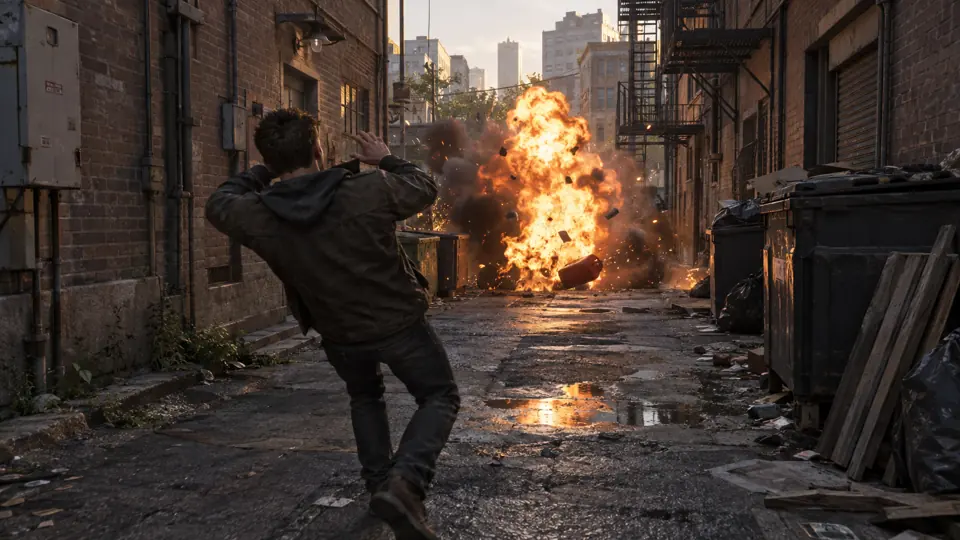
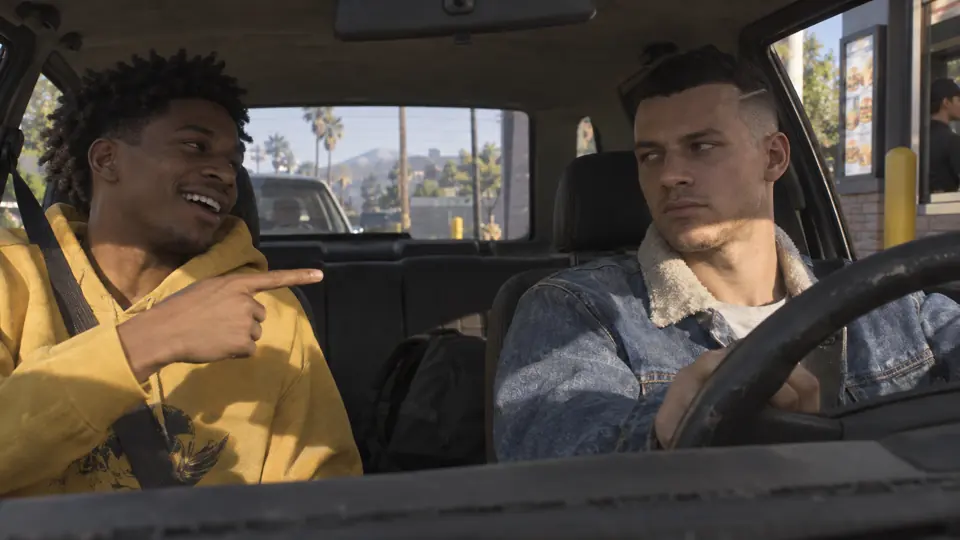
An example from a real run on a GTA V Twitch VOD, scanned from 30:00 to 1:00:00. Each moment has a title, a timestamp, a length and a score. The pictures are stand-ins, because the streamer's footage is not ours to show.
Chat says “Y is for boost”
Driving fast, he falls for the oldest troll in chat, jumps out of the moving car and fails the mission.
#1 · Fail · at 39:53 · 0:17 long · score 72
The roast cutscene
He hits the famous haircut roast and can't stop laughing.
#2 · Funny · at 46:38 · 0:17 long · score 67
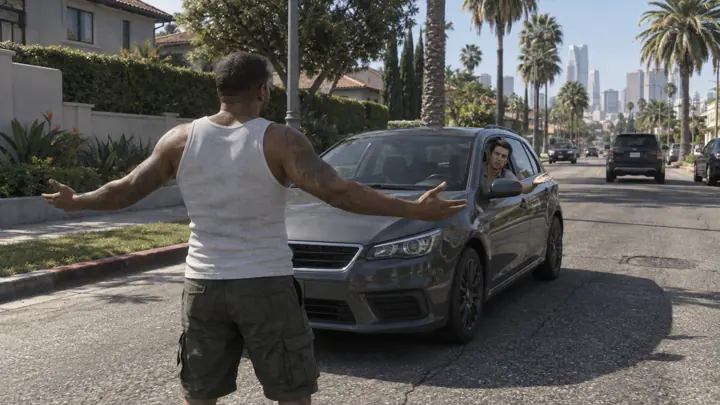
Zero chill in the alley
Out of nowhere he starts a fight with a passer-by, then yells at a car to keep driving.
#3 · Funny · at 57:22 · 0:15 long · score 45
“I don't need cover, I got aim”
He brags about his aim, then hits the gas can right in front of him.
#4 · Fail · at 59:31 · 0:13 long · score 41
How it finds the moments
The stream is scanned in 30-minute parts. Four signals mark possible moments, and each one is checked again closely before it is cut.
Chat activity
Stretches where the chat gets busy are marked as possible moments.
Loudness
Sudden jumps in the audio level of the stream are marked too.
Speech
What is said on stream is read, so a moment can be found from its words.
The video itself
The picture is checked as well, so a moment can be found from what is on screen.
What each clip has
- A vertical 1080x1920 clip.
- The facecam stacked over the gameplay, when the stream has a facecam.
- Captions timed to each word.
- A hook title on screen.
- A normal Oakgen editor project, so you can open the clip and change it.
Made for the games streamers play
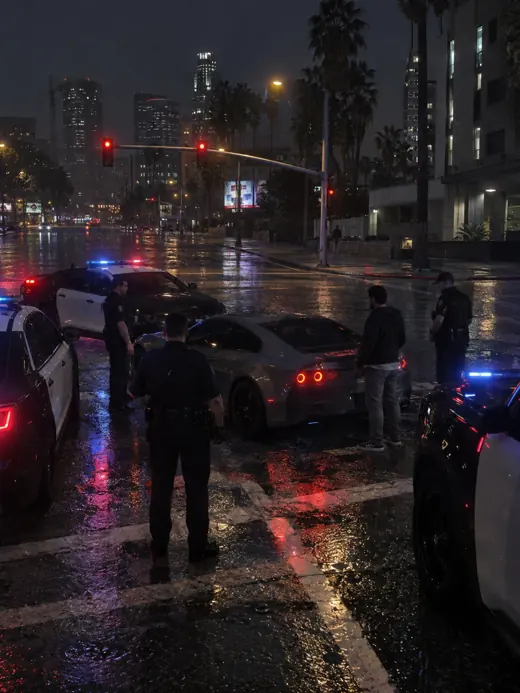
GTA RP
Bits, arrests, court
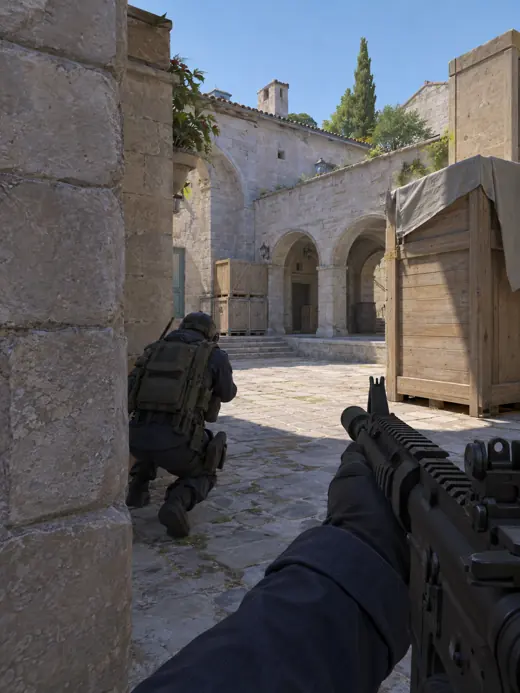
Valorant · CS2
Clutches and aces
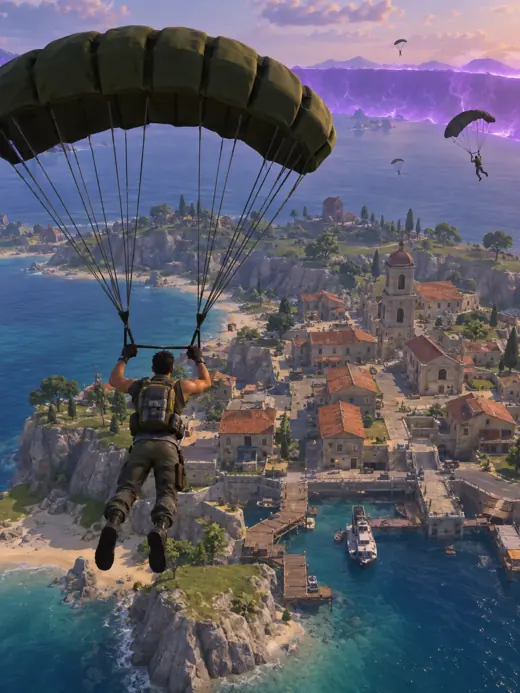
Fortnite · Warzone
Final circles
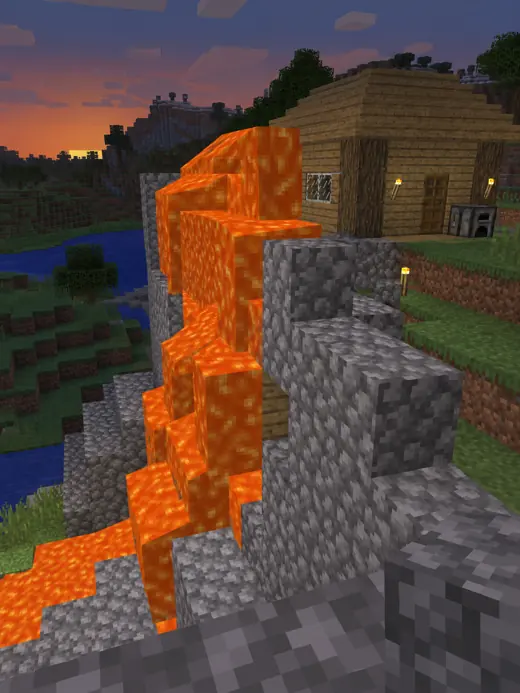
Minecraft
Builds and disasters
Just Chatting
Takes and reactions
What to know before you start
- Only Twitch VOD links work today. YouTube and Kick links do not work yet.
- It clips a finished VOD. It does not clip a stream while it is live.
- You paste a link each time. It does not follow a channel or clip new streams on its own.
- It does not schedule or post clips for you.
- It makes single clips. It does not build compilations.
- Stream clipping is on the Pro plan and above.
Clipping guides and tools
Frequently asked questions
What is Oakgen Stream clips?
A tool that turns a recorded Twitch stream into short vertical clips. You paste a VOD link, Oakgen finds and ranks the moments worth posting, and you pick which ones to cut into captioned 9:16 clips for TikTok, YouTube Shorts and Instagram Reels.
Can I use it without signing in?
You can read this page, see example results and check the prices without an account. Scanning a stream and cutting clips uses credits and is on the Pro plan and above, so you sign up or sign in when you start. The link you pasted is kept through sign-in.
How does it find the moments?
The stream is scanned in 30-minute parts. Moments are found from chat activity, loudness, speech and the video itself, and each one is checked again closely before it is cut.
Which links work?
Twitch VOD links. YouTube and Kick links do not work yet.
How much does it cost?
A scan costs 150 credits per 30 minutes of stream and a clip costs 70 credits. The studio shows an estimate before each paid step, and the finished clips are on the Pro plan and above. The pricing page has the current plan prices.
What does a finished clip look like?
A vertical 1080x1920 clip with captions timed to each word and a hook title on screen. When the stream has a facecam, it is stacked over the gameplay.
Can I edit a clip afterwards?
Yes. Each clip is a normal Oakgen editor project, so you can open it in Compose and change the cut, the captions or the title.
Can it clip a live stream or post for me?
No. It works on a finished Twitch VOD, one link at a time. It does not clip a stream while it is live, follow a channel, or schedule and post clips for you.