 Oakgen.ai
Nano Banana 2.1 4K AI Image Generation and Editing
- Type
- Image
- Made by
- Version
- v2.1
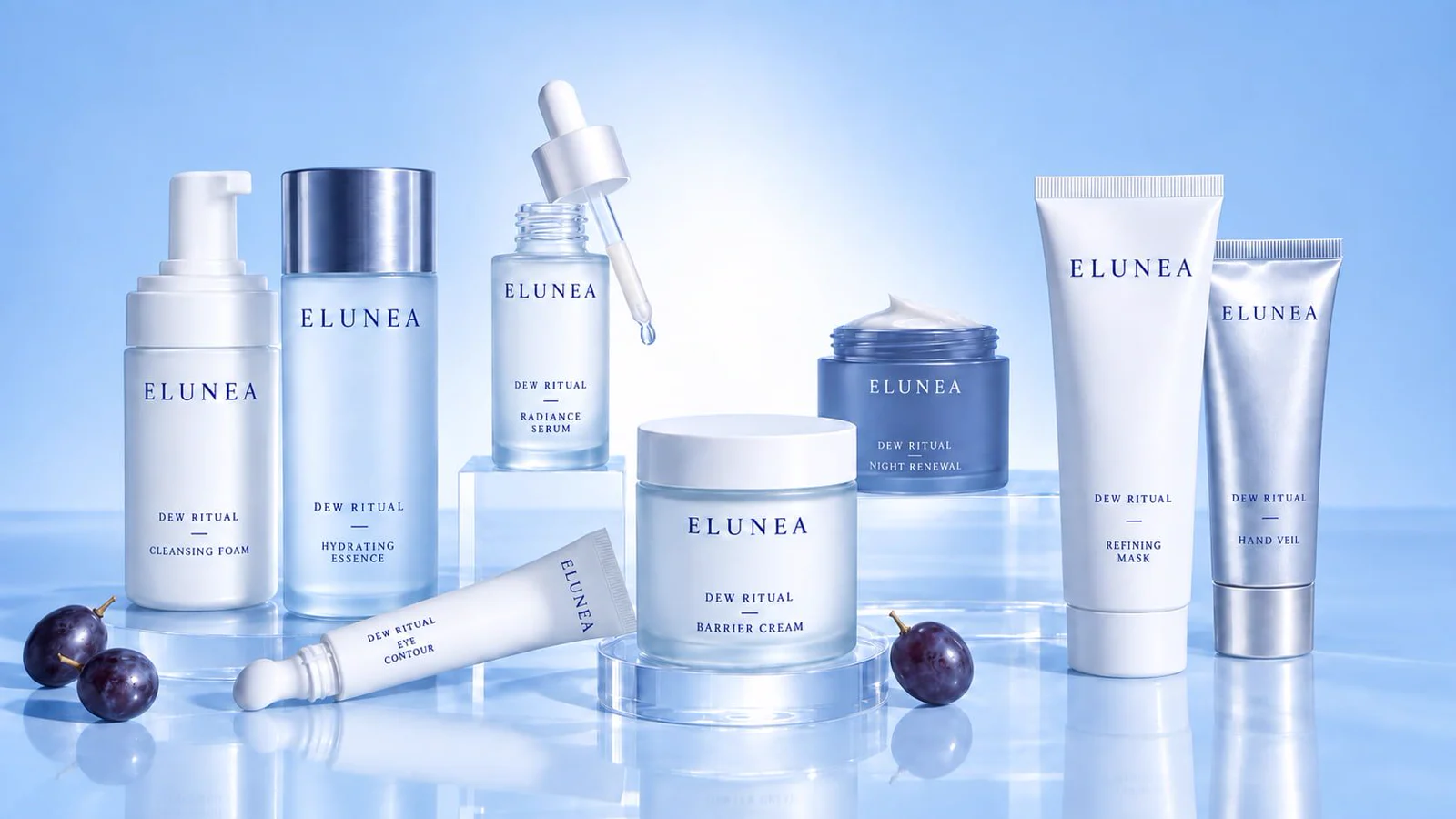 FIG. 01
Specs
- Max resolution
- 4K
- Inputs → outputs
- text, image → image
- Edit
- Input Images · up to 14
- Prompt
- Required · up to 50,000 characters
- Resolution
- Aspect Ratio
- Thinking Level
- Enable Web Search
- Off by default
- Number of Images
- Output Format
- System Prompt
- Optional · up to 5,000 characters
- Seed
- Optional
List price
14credits · 1K · 1 image
| Images | 1 | 2 | 3 | 4 |
|---|---|---|---|---|
| 1K | ||||
| 2K | ||||
| 4K |
Compare
| Model | Starts at · credits |
|---|---|
| Nano Banana 2.1This pageGoogle | — |
| Nano Banana 2Google | |
| Nano Banana ProGoogle |
What is Nano Banana 2.1?
Google image generation and editing with 1K to 4K output, extreme aspect ratios, and optional web search grounding.
Nano Banana 2.1 is Google's image generation and editing model. On Oakgen it offers 1K, 2K, and 4K output, 15 aspect ratios including 4:1, 1:4, 8:1, and 1:8, an adjustable thinking level, optional web search grounding, and up to 4 images per request. The edit variant accepts up to 10 reference images.
Capabilities at a glance
- Text-to-image generation and reference-based editing
- Resolution options for 1K, 2K, and 4K output
- 15 aspect ratios including 4:1, 1:4, 8:1, and 1:8, plus auto
- Adjustable thinking level: minimal, medium, or high
- Optional web search grounding and an optional system prompt
- Up to 4 images per request, and up to 10 reference images when editing
How to use Nano Banana 2.1
Open Nano Banana 2.1 in the image generator
Use Oakgen's model link to open the image generator with Nano Banana 2.1 selected.
Write a clear visual prompt
Describe the subject, scene, style, lighting, and output format you want. Turn on web search grounding when the image depends on current or real-world references.
Choose resolution, aspect ratio, and thinking level
Pick 1K, 2K, or 4K and an aspect ratio for the placement, then raise the thinking level for more complex prompts. Add reference images to edit an existing picture.
API access
curl -X POST https://api.oakgen.ai/v1/generate/image \
  -H "Authorization: Bearer $OAKGEN_API_KEY" \
  -H "Content-Type: application/json" \
  -d '{
    "model": "nano-banana-2-1",
    "prompt": "A cinematic product photo of a ceramic espresso cup on a marble counter",
    "resolution": "2K"
  }'
License & commercial use
Licensed through Google's commercial terms.
Permitted on paid Oakgen plans subject to Oakgen and provider usage policies.
Frequently asked questions
3Can I use Nano Banana 2.1 commercially?
Permitted on paid Oakgen plans subject to Oakgen and provider usage policies.
What is the maximum output resolution?
Nano Banana 2.1 supports up to 4K.
Does Oakgen provide API access to Nano Banana 2.1?
Yes. Oakgen's REST API exposes Nano Banana 2.1 under the model slug 'nano-banana-2-1'. See the API snippet below for an example request.