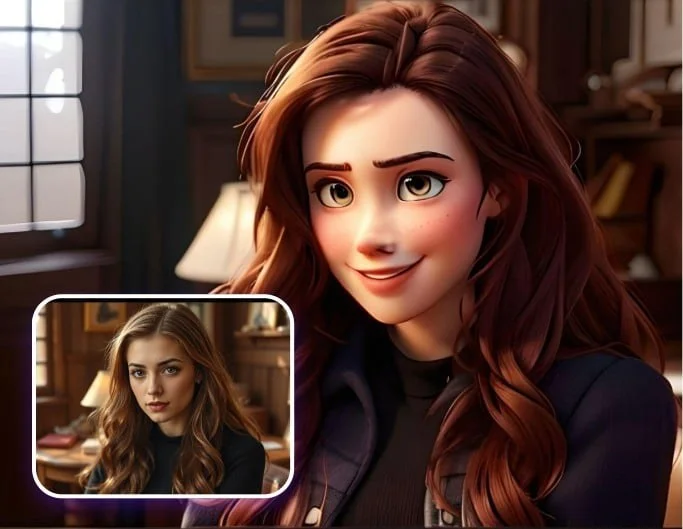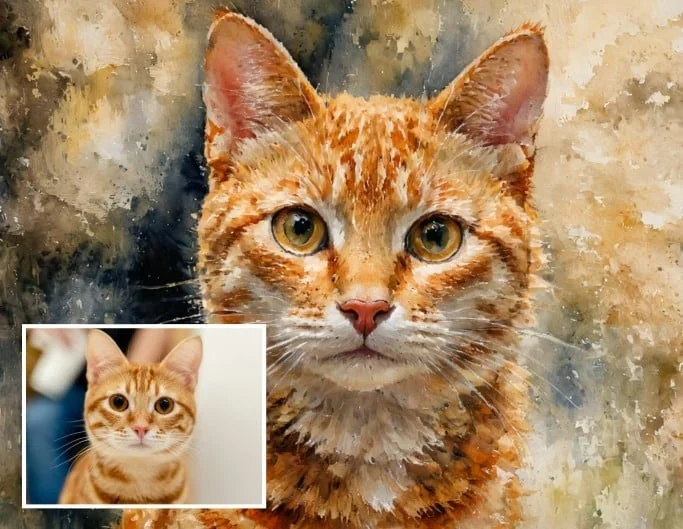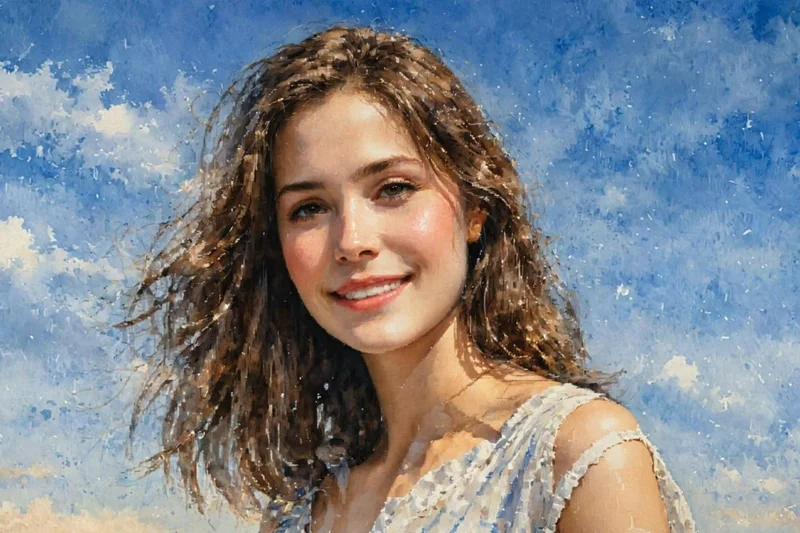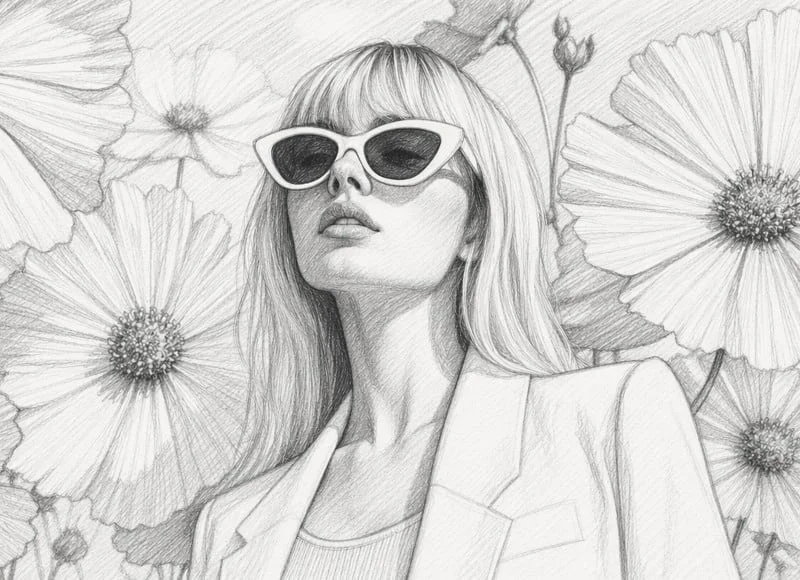
Van Gogh Filter and Starry Night Photo Effect

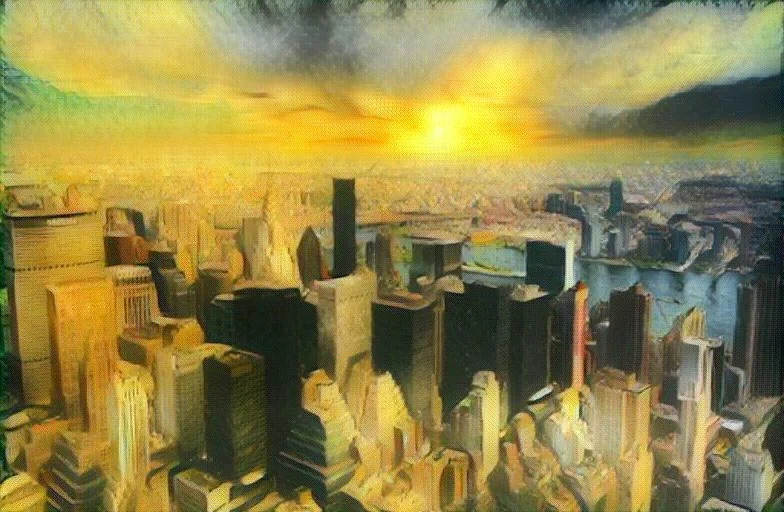
Repaint a photo with swirling skies, bold outlines and thick-looking brushwork. Try a night landscape or give an ordinary street a post-impressionist look.

To give a hometown photo a Starry Night look, try a view with a dark skyline and open sky above it. Name the landmark you want to recognize and ask for the larger sky swirls to sit away from its outline.

Continue to Studio

Generation uses paid credits. View pricing

Van Gogh Starry Night example
Example result

How to use Van Gogh Starry Night

  1. 1

    Give the sky room

    For a Starry Night effect, select a landscape with open sky above the horizon and a clear foreground silhouette.

  2. 2

    Choose the visual emphasis

    Ask for cobalt swirls above warm village lights, or direct the brushwork toward trees and hills in a daylight scene.
Tips for better results

  • A tree or tower at one side of the frame gives a swirling sky a visual anchor. Keep the horizon low if the sky is the main subject.

Frequently asked questions

Can I use a daytime photo?

Yes. Specify whether to keep the daylight palette or reinterpret the scene as night. The lighting and small details may change in the generated image.

Can I keep the original skyline in a Starry Night scene?

A clearly defined skyline gives the model a reference. Compare the shapes of towers and roofs after generating because brushwork can soften or move their edges.

Keep a horizon visible under a swirling sky with the painting style guide.

Related AI tools