Interior Design Generator

Generate beautiful interior design concepts using AI. Customize room type, style, and colors.

Select the type of room to design

Choose the interior design style

Select the color palette

Choose the lighting atmosphere

Open in Oakgen
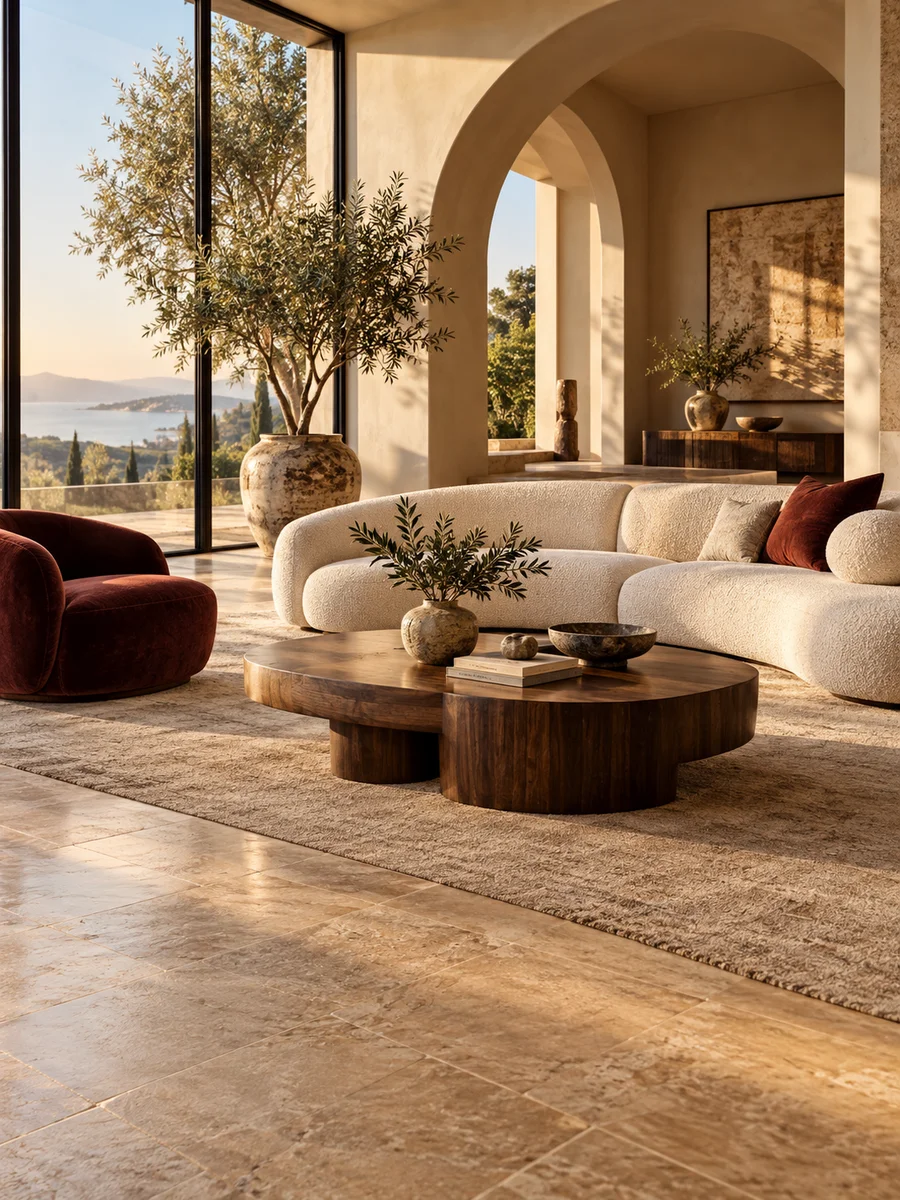
Interior Design Generator example
Example result

Interior Design Generator

Redesign any room with AI — see your space in different styles, color schemes, and furniture arrangements. Upload a photo of your room and the AI transforms it into your chosen design style. Perfect for home renovation planning and interior design exploration.

How to use Interior Design Generator

  1. 1

    Upload a room photo

    Take a photo of the room you want to redesign. Wide-angle shots that show the full room work best.

  2. 2

    Choose room type, style, and colors

    Select the room type, design style (modern, minimalist, industrial, Scandinavian, etc.), and color scheme.

  3. 3

    See your redesigned space

    The AI transforms your room into the chosen style while maintaining the room's layout and dimensions.

Frequently asked questions

What design styles are available?

Multiple styles including Modern, Minimalist, Industrial, Scandinavian, Bohemian, Art Deco, Japanese/Zen, Mid-Century Modern, Farmhouse, and Coastal.

Does it keep my room's layout?

Yes — the AI preserves the room's basic structure, dimensions, and layout while changing materials, furniture style, colors, and decorative elements.

Is the AI interior design tool free?

No. Oakgen has no free plan, signup credits or trial, so the interior design tool uses credits from a paid plan. Current plan prices are on the pricing page, and credits are refunded automatically if a generation fails.

Can I use it for professional interior design work?

Yes — many interior designers use AI visualization tools for client presentations and style exploration. Commercial use is included on paid plans.

Related AI tools