Add Watermark to Video
Put your logo on any video in seconds. This online video watermark tool lets you stamp a logo, signature, or image overlay onto MP4, MOV, and AVI clips — drag it anywhere, set the size and opacity, and download a branded video. No sign-up, no upload to a server, no quality loss.
Logo, signature, or image — anywhere on the frame
Upload a PNG or image watermark and place it exactly where you want: any of nine positions, with full control over size, scale, and opacity. Preview it live on your video before you export.
Private by design — nothing leaves your device
The watermarking happens right in your browser. Your video is never uploaded to a server, so sensitive footage, unreleased products, and client work stay 100% on your machine.
Protect your work and your brand
A visible watermark deters reposts, credits your channel on every share, and keeps your logo on the screen wherever the clip travels — perfect for creators, agencies, and course sellers.
Free, unlimited, no account required
Watermark as many videos as you want with no registration, no per-export fees, and no resolution caps. Works with MP4, MOV, AVI, and more — then continue into the full Oakgen creative suite on one balance.
Pricing
One plan can run your whole AI workflow.
Start at $9/month with 2,000 credits across chat, images, video, voice, music, avatars, editing, and upscaling. Upgrade only when you need more monthly volume.
Basic
A simple plan for trying Oakgen
Fixed monthly capacity included with this plan
Billed $108 annually
No difference compared to monthly
Plan features
- Parallel generations: 1 video, 2 images
- Access to selected models only
- Limited avatar creation
- Basic voice cloning
- AI music & talking photos
- 7-day media retention
- Priority support
- Discount on extra credits
Pro
21% OFFFor students, work, and personal projects
Fixed monthly capacity included with this plan
Billed $180 annually · Save $48/year
Save $48 compared to monthly
Plan features
- Parallel generations: 3 videos, 6 images
- Access to all models
- Unlimited avatar creation
- Full voice cloning suite
- Celebrity/UGC creator tools
- AI music & talking photos
- Image upscaler
- 30-day media retention
- Priority support
- Discount on extra credits
Ultimate
14% OFFFor advanced use across the full platform
Fixed monthly capacity included with this plan
Billed $300 annually · Save $48/year
Save $48 compared to monthly
Plan features
- Parallel generations: 6 videos, 10 images
- Access to all models
- Professional UGC & avatar suite
- Advanced voice cloning + AI music
- Image upscaler
- 30-day media retention
- Priority support
- Beta feature access
- Dedicated account manager
- Discount on extra credits
Creator
20% OFFUnlock the full power of AI
Fixed monthly capacity included with this plan
Billed $948 annually · Save $240/year
Save $240 compared to monthly
Plan features
- Parallel generations: 10 videos, 20 images
- All models + beta featuresEXCLUSIVE
- Beta feature access
- Full creator suite (UGC, avatars, voices)
- Image upscaler
- Extended media retention
- Priority support
- Dedicated account manager
- Extra credit purchases available
Still have questions?
Picking a plan, custom credits, team pricing, billing — we usually reply within a few hours.
Loved by visual creators
One studio, every tool
Your image generations plug straight into the rest of the Oakgen suite — all on one shared credit balance.

AI Video Generator
Create videos from text or images

Talking Photo
Bring photos to life with lip-sync
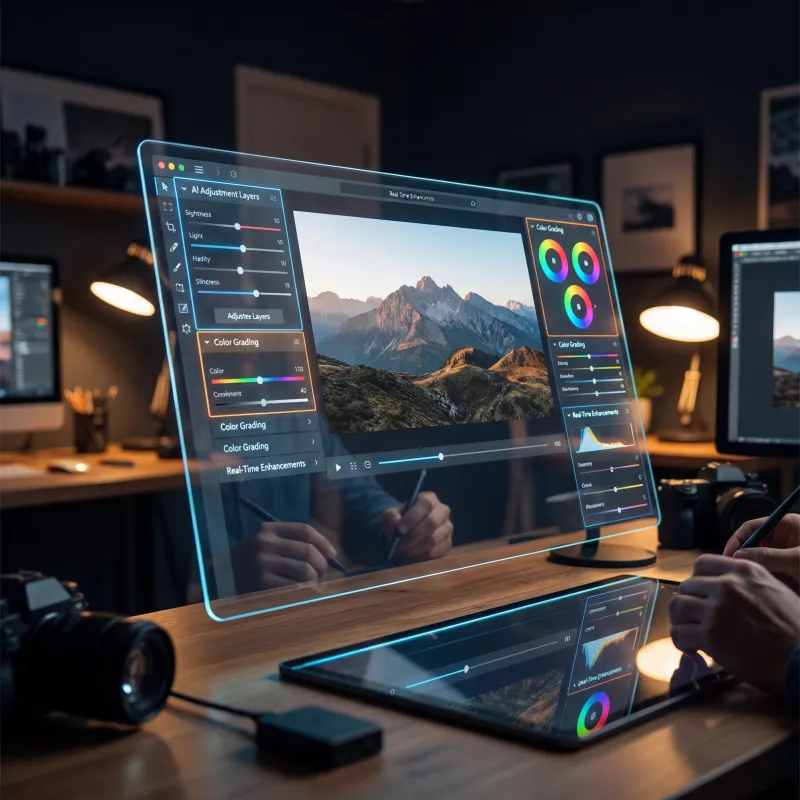
Image Editor
Edit, retouch, and transform any photo
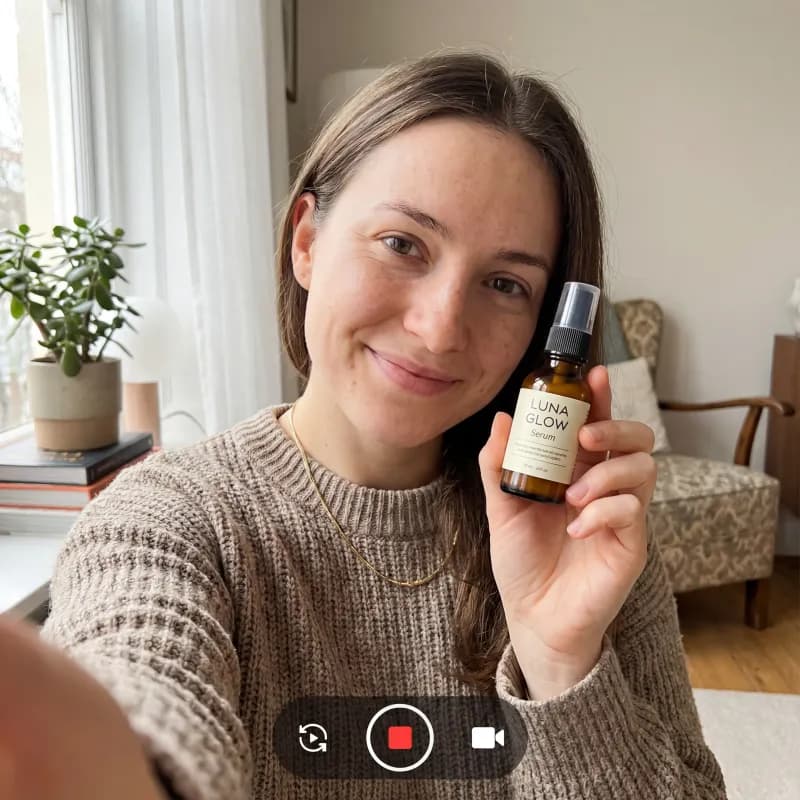
UGC Ad Generator
Scroll-stopping UGC ads in minutes
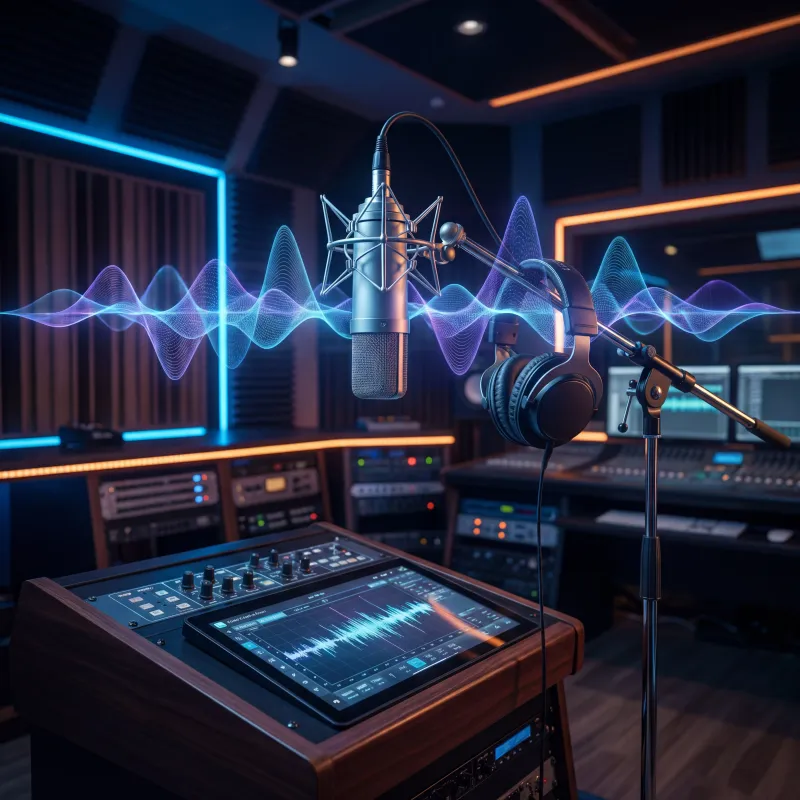
Music Generator
Original tracks to score your videos
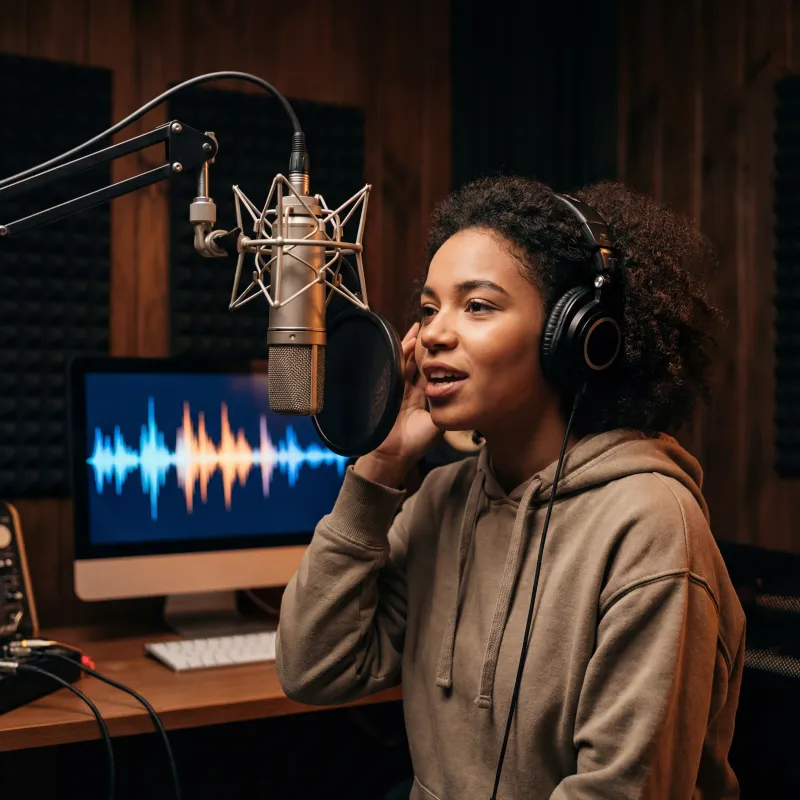
AI Voice Generator
Pro-quality voiceovers in seconds

AI Image Generator
Create logos & overlays from a prompt
Explore more ways to create
Frequently asked questions
Everything you need to know about the add watermark to video.