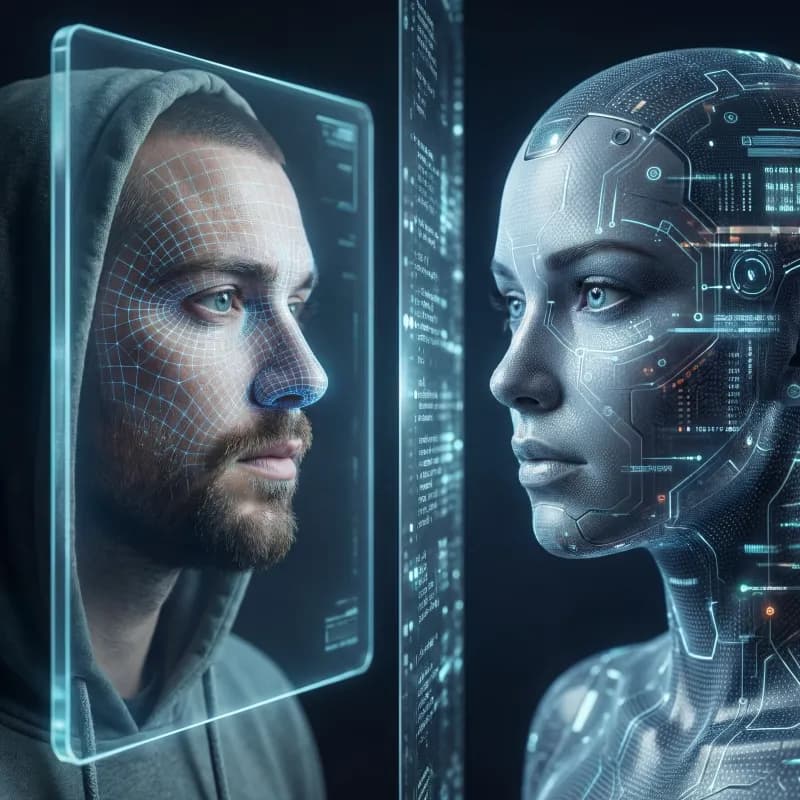
AI Avatar Generator
Turn a selfie or a text prompt into a custom AI avatar that actually looks like you. Create AI profile pictures, custom AI characters, and consistent portraits across any style — anime, 3D, cinematic, or photoreal — and keep the same face across every generation.
It still looks like you
Upload one reference photo and the AI keeps your face, features, and likeness intact — so every avatar reads as you, not a random stranger the model invented.
One character, every style
Lock a single character and render it as anime, 3D, photoreal, comic, or painterly. Build a whole set of profile pictures that share the same identity across looks.
Profile pictures for everywhere
Generate clean, platform-ready avatars for socials, gaming, Discord, podcasts, and brand identity — square crops, transparent backgrounds, and high-resolution output.
One workspace, one balance
Create avatars right next to image generation, editing, and upscaling — no tool-hopping, no extra subscriptions, all on one shared credit balance.

Avatars that still look like you
Upload a single selfie and get avatars that keep your likeness — recognizably you, just elevated. No uncanny strangers, no guesswork.
Create an avatar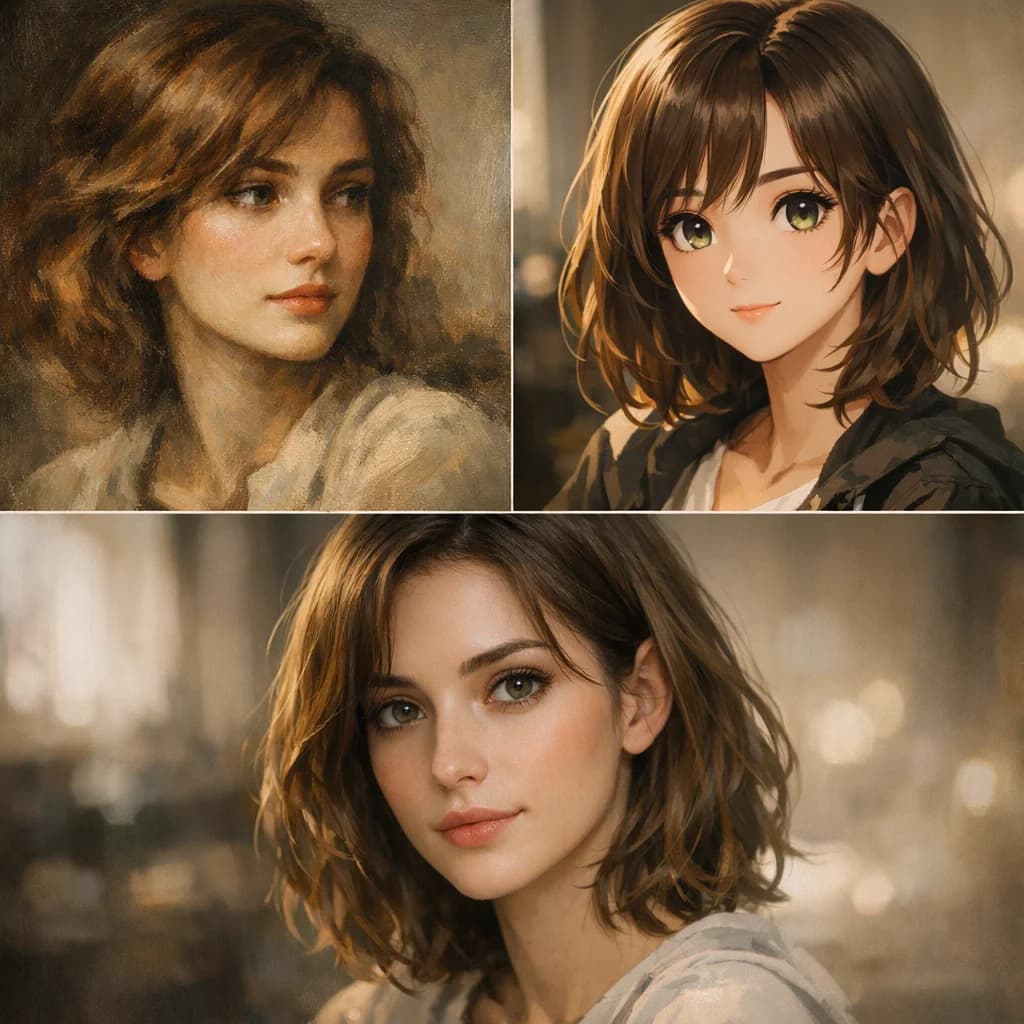
One character, every style
Render the same character as a clean headshot, an anime hero, a painterly portrait, and more. Build a whole set from one upload.
Try every style
Profile pictures for everywhere
Polished, ready-to-post avatars for socials, gaming, and work. Want a fully new look instead? Generate one from scratch in the AI image generator.
Generate avatarsPricing
One plan can run your whole AI workflow.
Start at $9/month with 2,000 credits across chat, images, video, voice, music, avatars, editing, and upscaling. Upgrade only when you need more monthly volume.
Basic
A simple plan for trying Oakgen
Fixed monthly capacity included with this plan
Billed $108 annually
No difference compared to monthly
Plan features
- Parallel generations: 1 video, 2 images
- Access to selected models only
- Limited avatar creation
- Basic voice cloning
- AI music & talking photos
- 7-day media retention
- Priority support
- Discount on extra credits
Pro
21% OFFFor students, work, and personal projects
Fixed monthly capacity included with this plan
Billed $180 annually · Save $48/year
Save $48 compared to monthly
Plan features
- Parallel generations: 3 videos, 6 images
- Access to all models
- Unlimited avatar creation
- Full voice cloning suite
- Celebrity/UGC creator tools
- AI music & talking photos
- Image upscaler
- 30-day media retention
- Priority support
- Discount on extra credits
Ultimate
14% OFFFor advanced use across the full platform
Fixed monthly capacity included with this plan
Billed $300 annually · Save $48/year
Save $48 compared to monthly
Plan features
- Parallel generations: 6 videos, 10 images
- Access to all models
- Professional UGC & avatar suite
- Advanced voice cloning + AI music
- Image upscaler
- 30-day media retention
- Priority support
- Beta feature access
- Dedicated account manager
- Discount on extra credits
Creator
20% OFFUnlock the full power of AI
Fixed monthly capacity included with this plan
Billed $948 annually · Save $240/year
Save $240 compared to monthly
Plan features
- Parallel generations: 10 videos, 20 images
- All models + beta featuresEXCLUSIVE
- Beta feature access
- Full creator suite (UGC, avatars, voices)
- Image upscaler
- Extended media retention
- Priority support
- Dedicated account manager
- Extra credit purchases available
Still have questions?
Picking a plan, custom credits, team pricing, billing — we usually reply within a few hours.
How to create AI avatars
Get startedLoved by visual creators
One studio, every tool
Your image generations plug straight into the rest of the Oakgen suite — all on one shared credit balance.
AI Image Generator
Create new images from a text prompt
Image Editor
Edit, retouch, and transform any photo
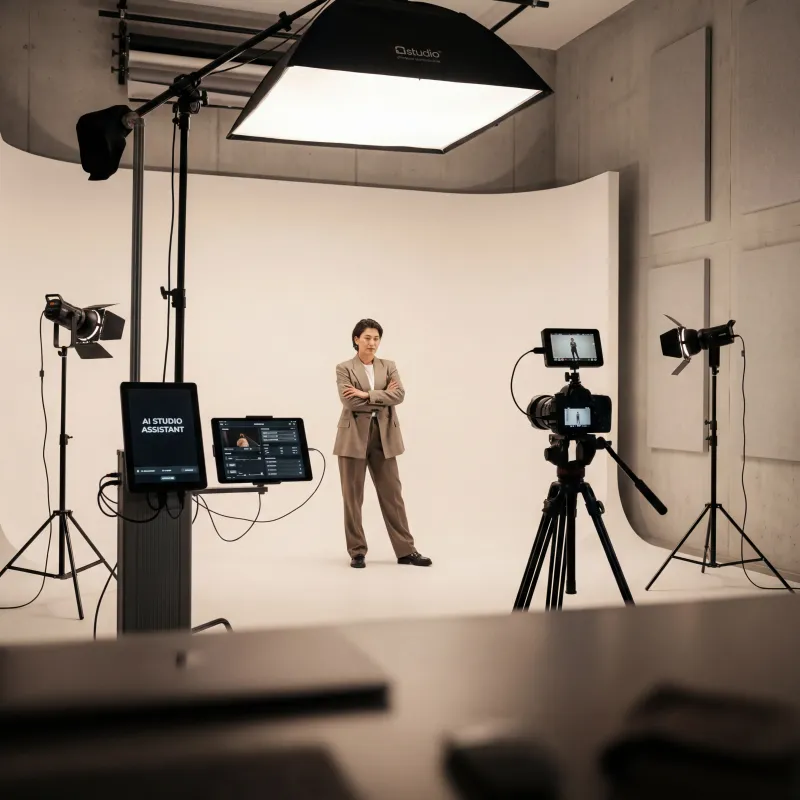
Photo Studio
Studio-quality product & portrait shots
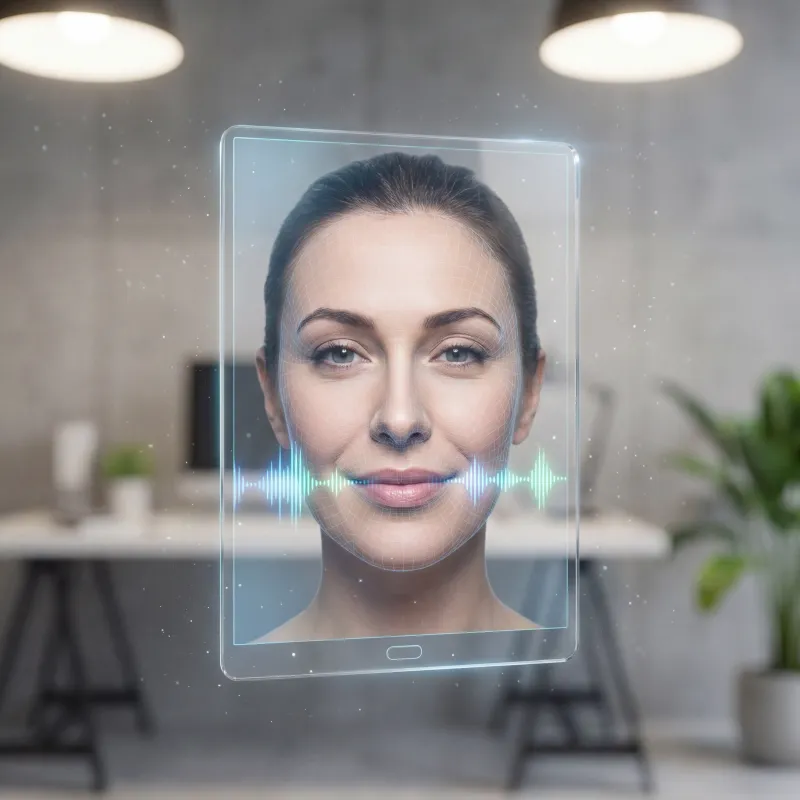
Talking Photo
Turn a photo into a talking avatar
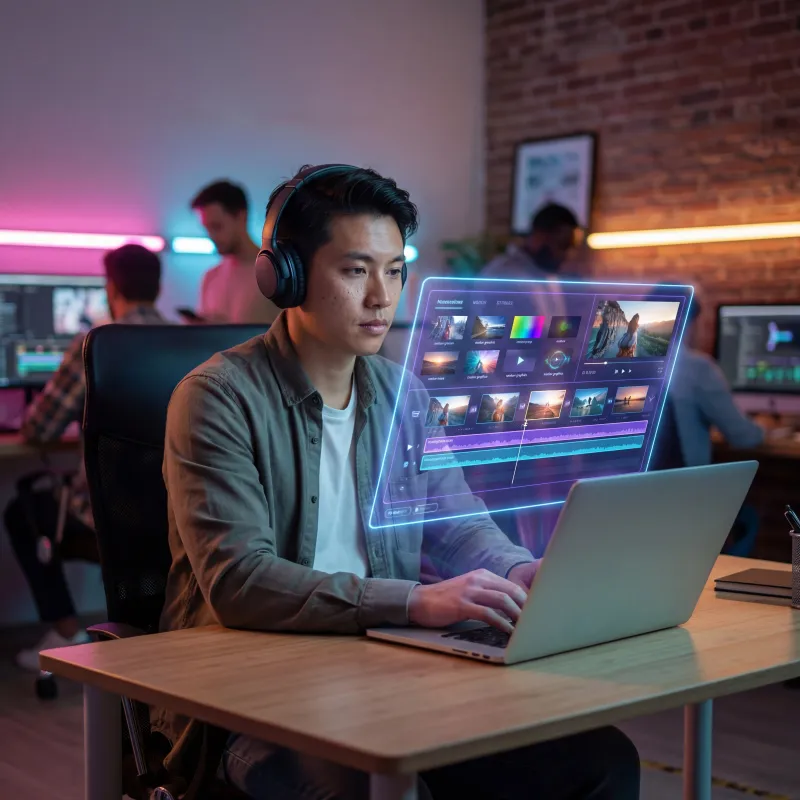
AI Video Generator
Create stunning videos from text or images
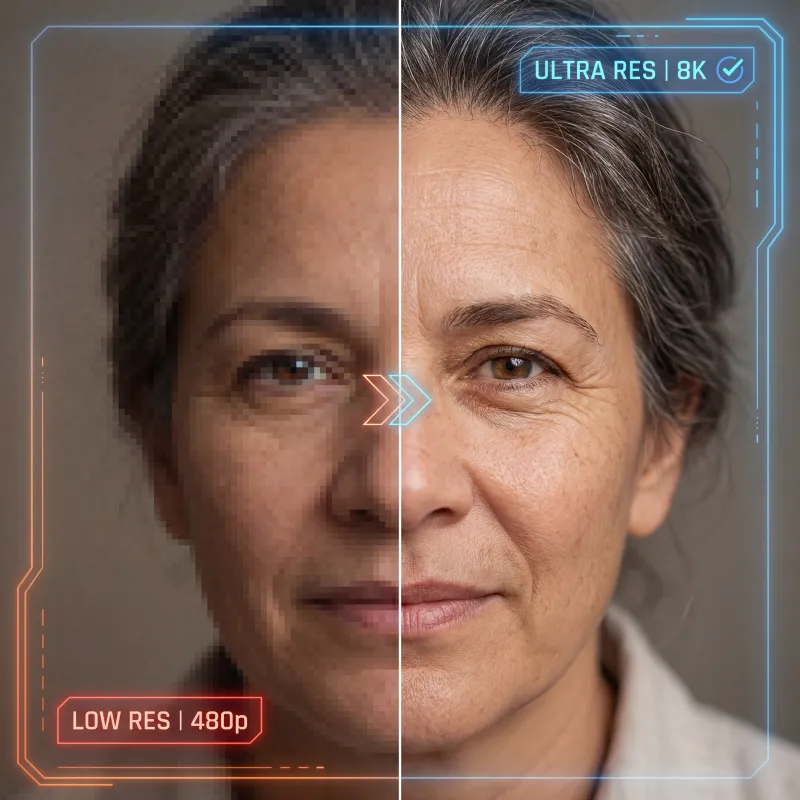
Image Upscaler
Upscale avatars to crisp 4K detail
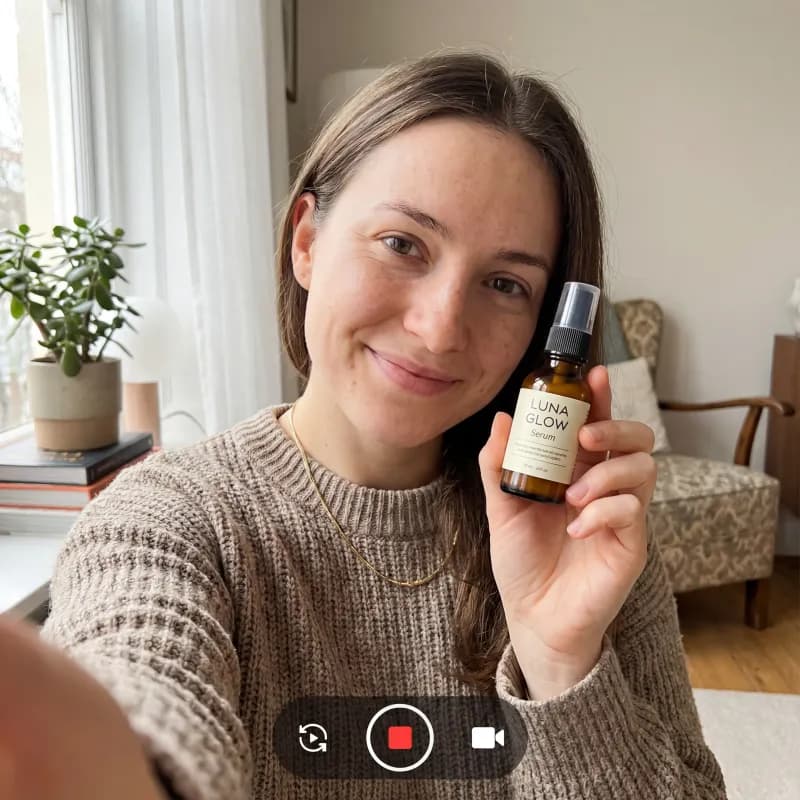
UGC Ad Generator
Scroll-stopping UGC ads in minutes
AI Chat
Research and create with Oakgen Agent Chat
Explore more ways to create
Frequently asked questions
Everything you need to know about the ai avatar generator.