Art Deco Style Generator

Turn any photo into 1920s Art Deco art with geometric patterns, gold accents, glamorous symmetry, and Gatsby-era styling. Eligible outputs can be used commercially under Oakgen's Terms and provider terms, including for invitations, hotels, brand visuals, and weddings.

Open in Oakgen
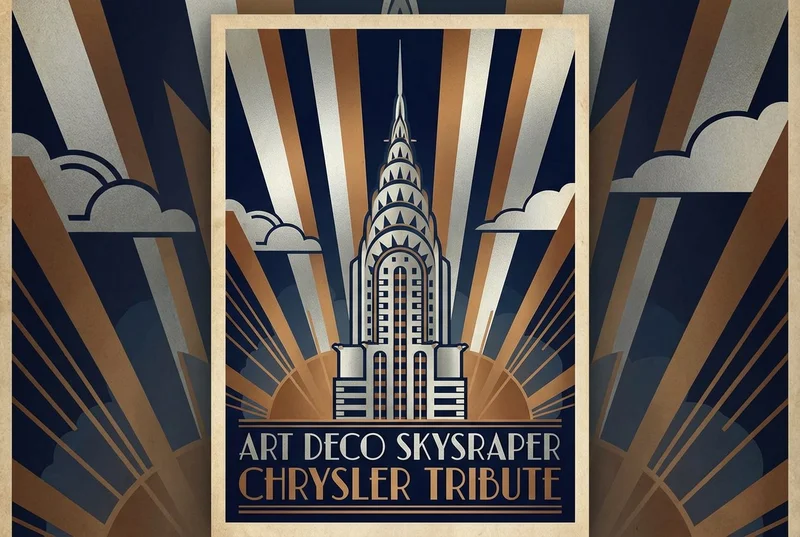
Art Deco Style example
Example result

Art Deco Style Generator

Upload a photo and convert it into 1920s Art Deco art with geometric patterns, gold accents, bold symmetry, and Gatsby-era glamour. Composition stays; the styling shifts to Jazz Age luxury.

What is Art Deco Style?

The Art Deco template is Oakgen.ai's image-to-image converter for re-rendering a photo in the 1920s Art Deco tradition. It takes your reference image and rebuilds it with geometric patterns, gold-and-black accents, bold symmetry, and the glamorous Jazz Age luxury that defines Art Deco design. The negative prompt blocks modern, casual, and organic drift, so the output keeps the precise geometric quality real Deco work has rather than 'a photo with a gold filter'. Use it for wedding invitations, event posters, luxury brand visuals, hotel and restaurant interiors, hospitality branding, theatrical posters, and any project where you want Jazz Age sophistication and timeless glamour.
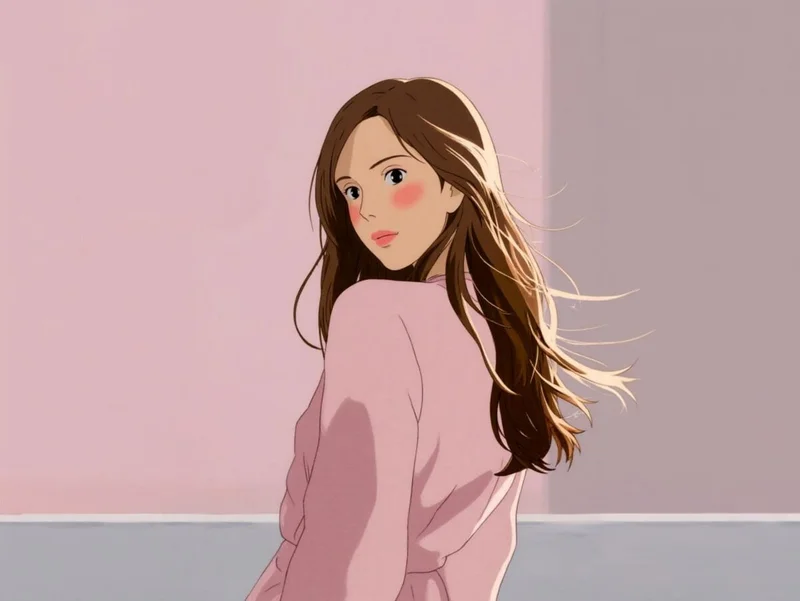
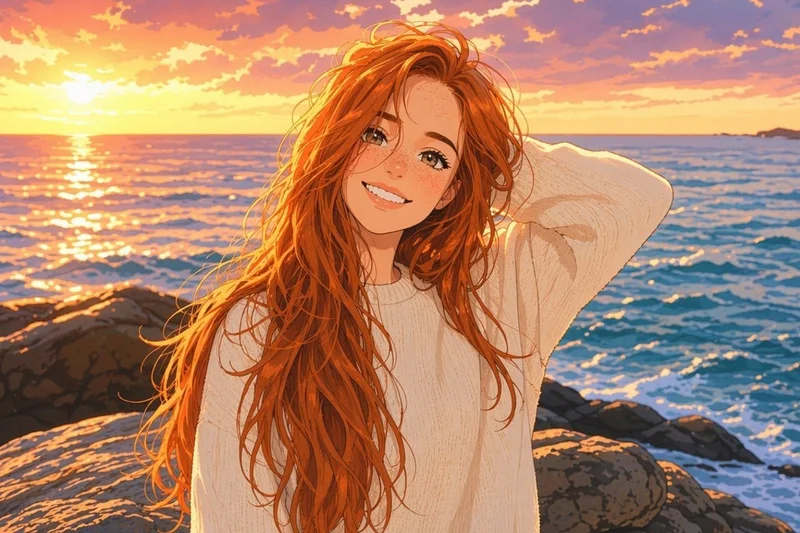
Features and options

  • Geometric pattern work behaves like real Deco design — sunburst motifs, stepped pyramids, chevrons, and ziggurats integrated into the composition rather than overlaid on top.
  • Gold-and-black palette comes baked in by default, which is the single biggest signal that tips the output from 'vintage filter' into 'real Art Deco'.
  • Symmetry is enforced where the original photo allows it, which is what makes the result read as designed rather than incidentally glamorous.
  • Composition is preserved enough to keep the subject recognizable inside the Deco styling — important for wedding invitations, portraits, and brand work.
  • Eligible outputs can be used commercially under Oakgen's Terms and provider terms, including for invitation suites, hospitality interiors, luxury brand visuals, and theatrical posters.

When to use Art Deco Style

  • You're designing wedding or anniversary invitations with a Gatsby, Jazz Age, or roaring-20s theme.
  • You're producing event posters for galas, theater productions, jazz nights, and luxury events where Deco styling fits the brief.
  • You're a hospitality brand (hotel, cocktail bar, restaurant) building a Deco-themed interior or visual identity.
  • You're designing luxury brand visuals — jewelry, perfume, premium spirits, fashion — where Art Deco signals timeless sophistication.
  • You're producing book covers for period fiction, Jazz Age novels, or vintage-styled non-fiction.

How to use Art Deco Style

  1. 1

    Upload your photo

    Drop in a portrait, venue, product, or scene. Symmetrical and well-framed photos translate especially cleanly because Art Deco design loves balance.

  2. 2

    Add an optional styling nudge

    Leave the prompt empty for a default Deco pass, or type a short cue — 'gold leaf accents', 'sunburst pattern background', 'black and ivory palette', 'Gatsby invitation' — to push the styling further.

  3. 3

    Generate the Deco version

    The model rebuilds the scene with Deco geometric patterns, gold accents, symmetry, and Jazz Age palette while keeping the subject recognizable.

  4. 4

    Download and use

    Pick the strongest version, download at full resolution, and drop straight into invitation templates, poster files, or interior-design proofs.

Ways to use the results

Wedding and event invitations

Produce Gatsby- and Jazz-Age-themed invitation art for weddings, anniversaries, galas, and luxury events. Convert venue shots, couple portraits, or symbolic objects into Deco hero imagery for the suite.

For: Wedding stationery designers and event planners

Hospitality interiors and branding

Build Art Deco visuals for hotels, cocktail bars, jazz clubs, restaurants, and theaters with Deco-themed interiors. Original artwork derived from your own photography rather than licensed stock.

For: Interior designers and hospitality brands

Luxury brand visuals

Produce Deco-styled hero imagery for jewelry, perfume, premium spirits, leather goods, and fashion brands where the aesthetic signals timeless sophistication and craft.

For: Luxury brand designers and editorial teams

Theatrical and event posters

Create Deco poster art for theater productions, jazz performances, cabaret shows, and period-themed events where Jazz Age styling carries the visual brief.

For: Theater designers and event marketers

Strengths

  • Real Deco pattern integration, not a gold-tinted overlay
  • Gold-and-black palette tuned by default
  • Bold symmetry gives a designed, intentional feel
  • Composition from the source photo is preserved
  • Eligible outputs can be used commercially under Oakgen's Terms and provider terms

Trade-offs

  • Style is highly thematic — pick another template if you want neutral or contemporary feel
  • Likeness in Deco portraits is stylized — glamorous, not photoreal
  • Very busy modern backgrounds may not fully convert; simpler source photos work best
  • Default gold-and-black palette can feel heavy — use prompt to soften ('ivory and rose gold', 'silver and navy')

Tips for better results

  • Start with the prompt empty — the base prompt is tuned for classic Deco and produces strong output by default.
  • Use the prompt to push palettes: 'ivory and rose gold', 'black and silver', 'jade green and gold' — these are all period-accurate alternatives.
  • Mention specific Deco motifs when relevant: 'sunburst pattern background', 'stepped pyramid frame', 'fan motif', 'chevron border'.
  • Add 'invitation-ready' or 'poster composition' to push the output toward standalone artwork rather than just a stylized photo.
  • Avoid modern-era language — 'casual', 'minimalist', 'flat design' — they conflict with the Deco vocabulary.

Art Deco Style vs the alternatives

vs Mobile vintage filter app
A vintage filter app shifts color and adds grain — fine for an old-photo look, but no real Deco pattern, gold accents, or symmetry. This template rebuilds the image with Deco design language: geometric pattern integration, gold-and-black palette, enforced symmetry. Pick a filter for an old-photo aesthetic; pick this template when the output has to feel designed.
vs Licensed Deco stock art
Stock Deco libraries give you generic Deco patterns and clipart that hundreds of other invitation suites and brand projects also use. This template produces original Deco artwork derived from your own photography — your couple, your venue, your product. Eligible outputs can be used commercially under Oakgen's Terms and provider terms. Distinctive and reusable across the entire suite.
vs Commissioning a Deco illustrator
A commissioned Deco-specialist illustrator delivers signed, custom artwork — the right call for a hero piece on a luxury brand or a signature wedding suite. Commissions cost hundreds to thousands of dollars and take 1–4 weeks. This template renders in 10–15 seconds, which is the right fit for full invitation suites, multi-room hospitality interiors, and high-volume luxury brand work. Eligible outputs can be used commercially under Oakgen's Terms and provider terms.

Frequently asked questions

What is the Art Deco Style template?

It's an image-to-image template on Oakgen.ai that converts a photo into 1920s Art Deco art with geometric patterns, gold accents, bold symmetry, and Jazz Age palette. Composition is preserved; styling shifts to Deco glamour.

Can I use the outputs commercially?

Yes. Oakgen does not claim ownership of eligible outputs, and commercial use is subject to Oakgen's Terms, the model provider's terms and your rights in the inputs. Wedding designers, interior designers, hospitality brands, and luxury editorial teams regularly use Deco-styled artwork in paid invitations, brand visuals, and interior installations.

Is it good for wedding invitations specifically?

Yes — Deco-themed weddings are one of the strongest use cases. Convert venue shots, couple portraits, floral arrangements, or symbolic motifs into Deco hero artwork for save-the-dates, invitations, programs, and thank-you suites. The output is designed-feeling enough to anchor a full invitation suite, not just decorate a photo.

How is this different from a vintage filter?

A vintage filter shifts color, adds grain, and softens contrast — it makes photos look old, not designed. This template actually rebuilds the image with Deco pattern integration, gold-and-black palette, and enforced symmetry. The output reads as Art Deco design, not 'a photo from the 1920s'.

Will my face still look like me?

Glamorously, in Deco-portrait style. The template preserves framing and overall features and rebuilds them with Deco styling — period-appropriate, sophisticated, and stylized. Expect a Jazz Age interpretation of you rather than a photo with gold borders.

What kind of photo works best?

Symmetrical, well-framed photos with clean lighting translate most cleanly because Art Deco design is built on balance and geometry. Portrait shots centered on the face, formal venue photography, and simple still-life all work well. Very busy modern environments take more iteration.

Do I need to write a prompt?

No. The base prompt is tuned for classic Deco and produces strong output with the prompt field empty. Use the prompt to push specific palettes (ivory and rose gold, black and silver) or motifs (sunburst, chevron, stepped pyramid).

How long does generation take?

About 10–15 seconds per render. Fast enough to iterate palette and motif choices on the same source photo.

Related AI tools