Historical Costume Generator from a Photo

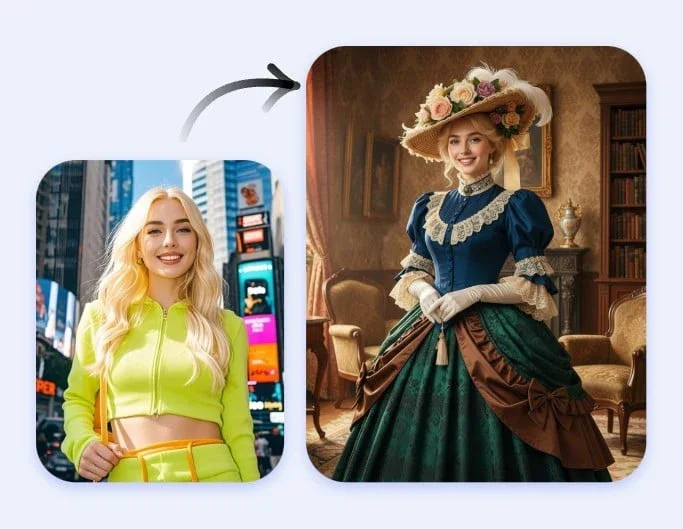
See yourself in a Victorian outfit, a Renaissance look or another period costume. Choose an era to create a character reference from your photo.

For a 1920s portrait, choose 1920s Gatsby and specify a detail you want to see, such as a cloche hat or a waistcoat with a watch chain. Include the top of the head or the waist in the source, depending on the detail.

Choose the historical period

Continue to Studio

Generation uses paid credits. View pricing

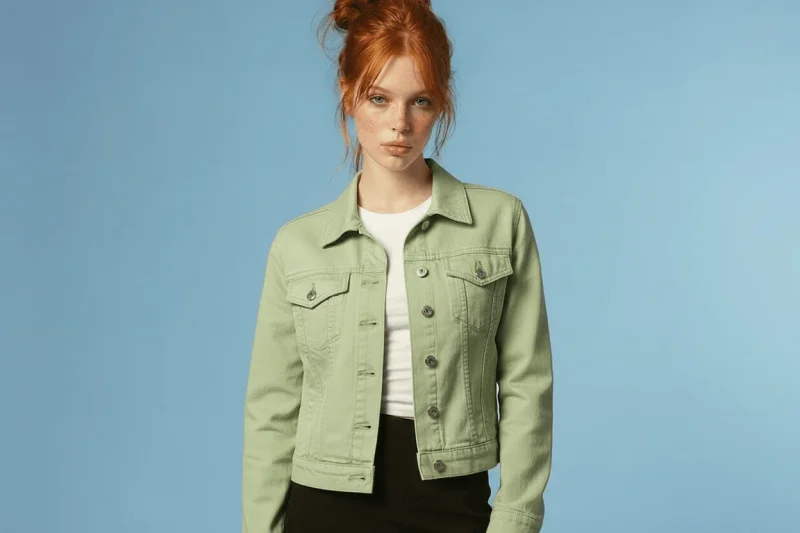
Historical Costume example
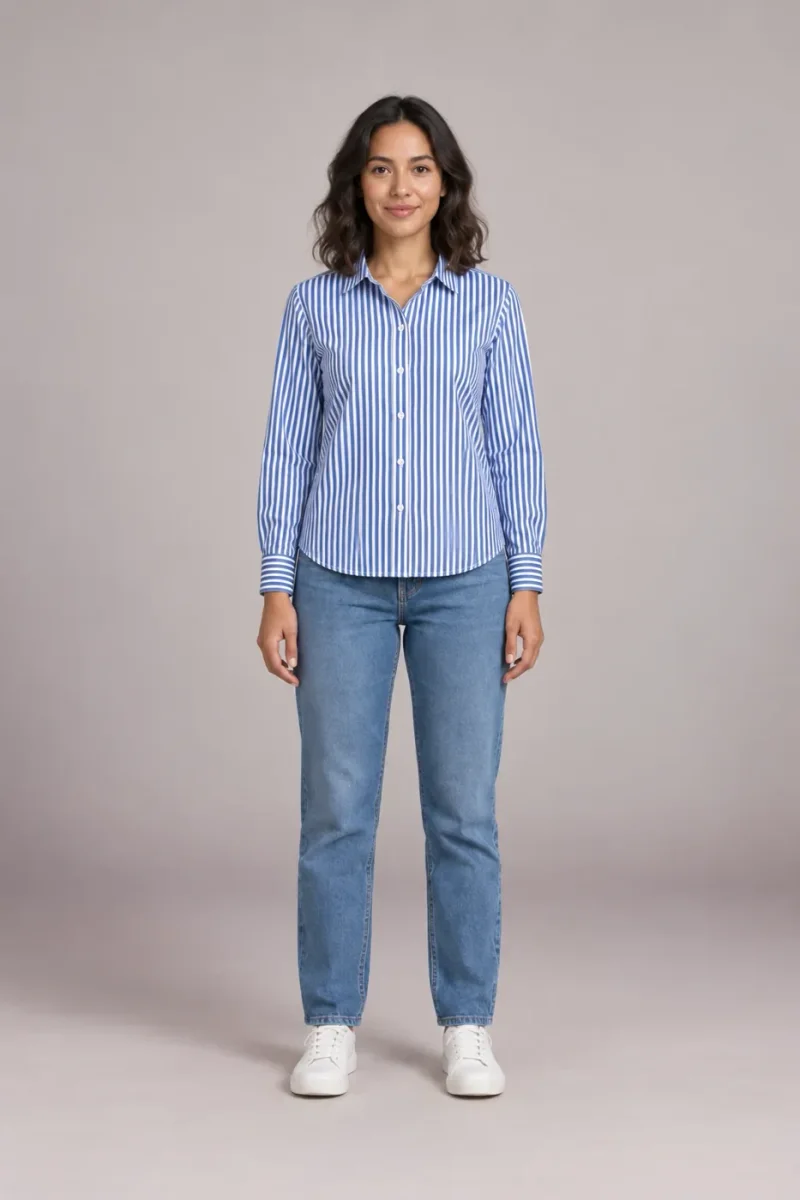
Example result

How to use Historical Costume

  1. 1

    Use a pose that shows the costume

    A full-length photo leaves room for the cut of a coat or skirt and the shape of the sleeves.

  2. 2

    Select a period

    Pick the era and describe one feature you need, such as a high collar. Check accessories and fabric details against period references.
Tips for better results

  • A named decade can narrow a broad period. For a Victorian portrait, specify a late-1800s setting and describe the neckline you have in mind.

Frequently asked questions

Can I use it as evidence of what people wore?

The tool makes a period-inspired costume illustration. Verify the cut, materials and details with dated sources for historical work.

Can I show a costume designer a specific historical silhouette?

Choose the nearest period and describe the key feature, such as a high waist or broad sleeve. Provide historical references alongside the generated image.

List the pieces you can sew or source with the period costume planning guide.

Related AI tools