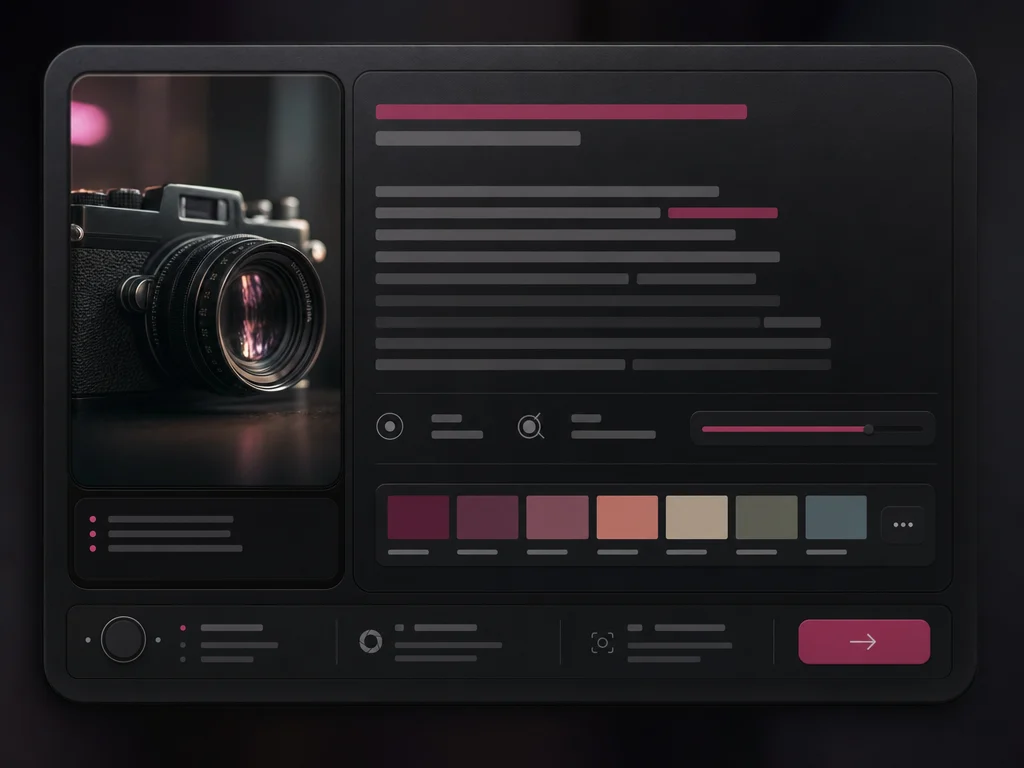
Describe your idea
Write a specific prompt for the image you want. Nano Banana 2 works well with plain-language descriptions of subject, scene, mood, lighting, style, and output format.

Google image model on Oakgen
Use Nano Banana 2 to generate fast, high-quality AI images in 1K, 2K, or 4K. Create product visuals, campaign concepts, character scenes, social posts, and polished creative variations inside Oakgen's image generator.
Generate images in three simple steps, then keep working in Oakgen's editor, upscaler, video generator, or model comparison tools.
Write a specific prompt for the image you want. Nano Banana 2 works well with plain-language descriptions of subject, scene, mood, lighting, style, and output format.
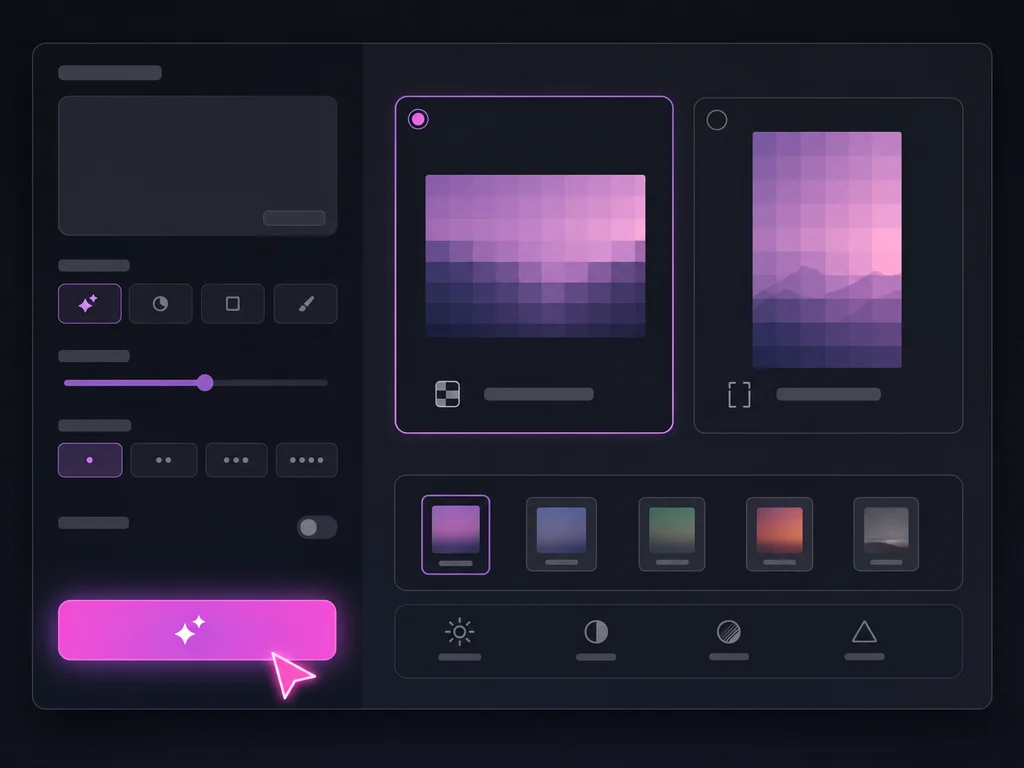
Choose the resolution and generation settings that fit the job. Draft quickly when exploring, then move to higher-quality output for final campaign, product, or social assets.
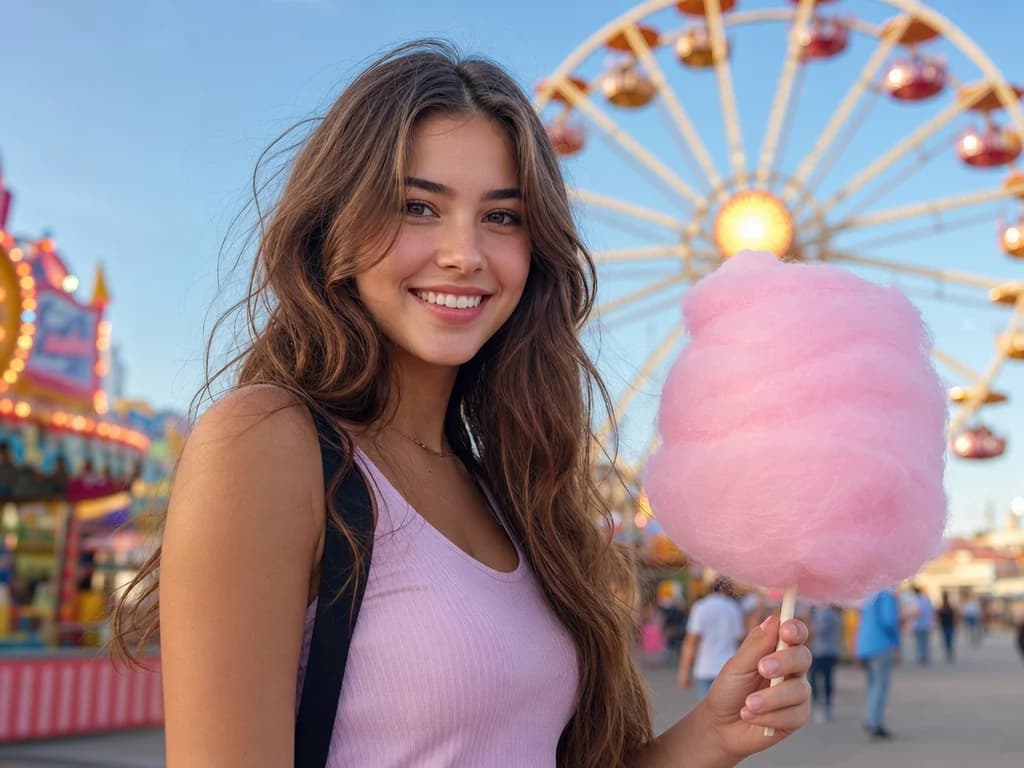
Create the image, download it, or move into Oakgen's editor, upscaler, and video tools. One workflow covers image generation, iteration, polish, and repurposing.
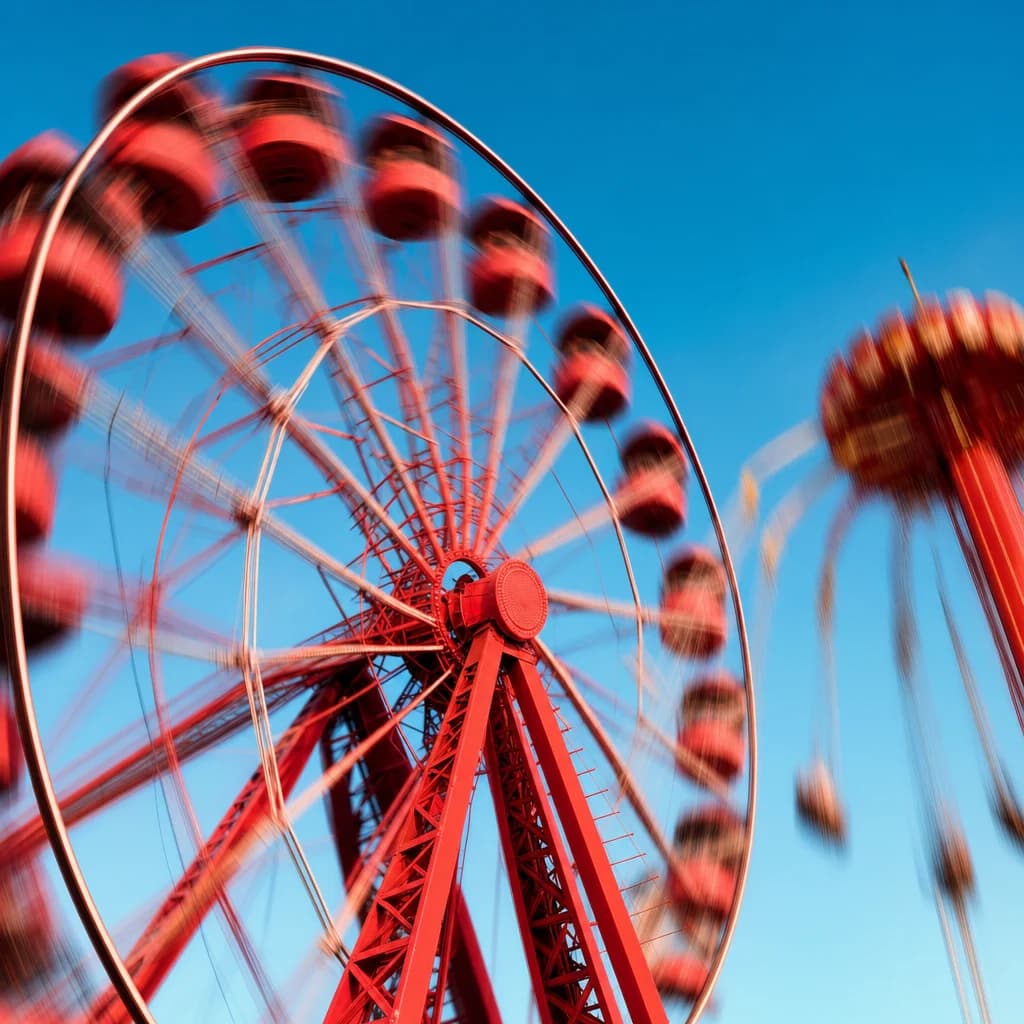
Nano Banana 2 is built for fast creative iteration. Use it when you need to explore several directions quickly, test prompt variations, or generate a large batch of campaign concepts before selecting the final look.
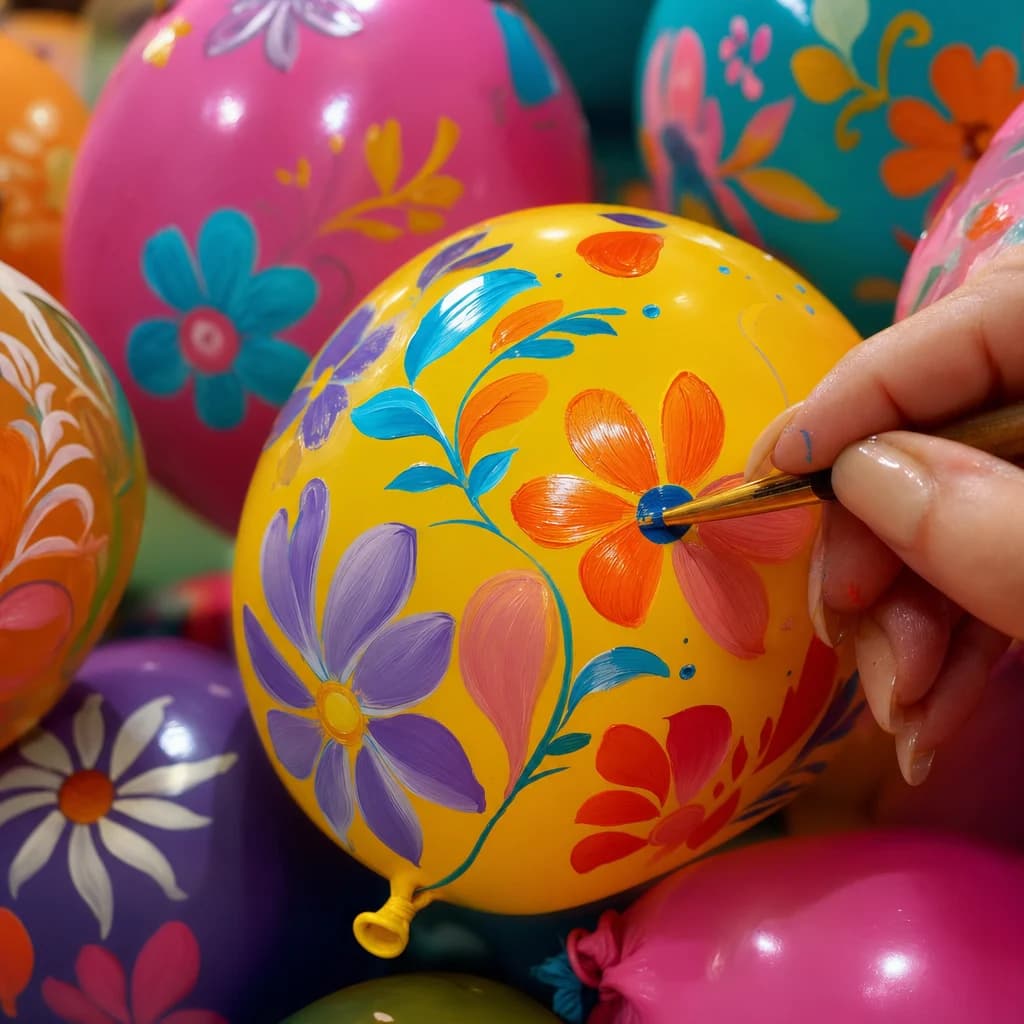
Create sharp images for web, social, presentations, and production handoff. Start smaller for drafts, then choose 4K when the output needs extra clarity for final creative review or publishing.
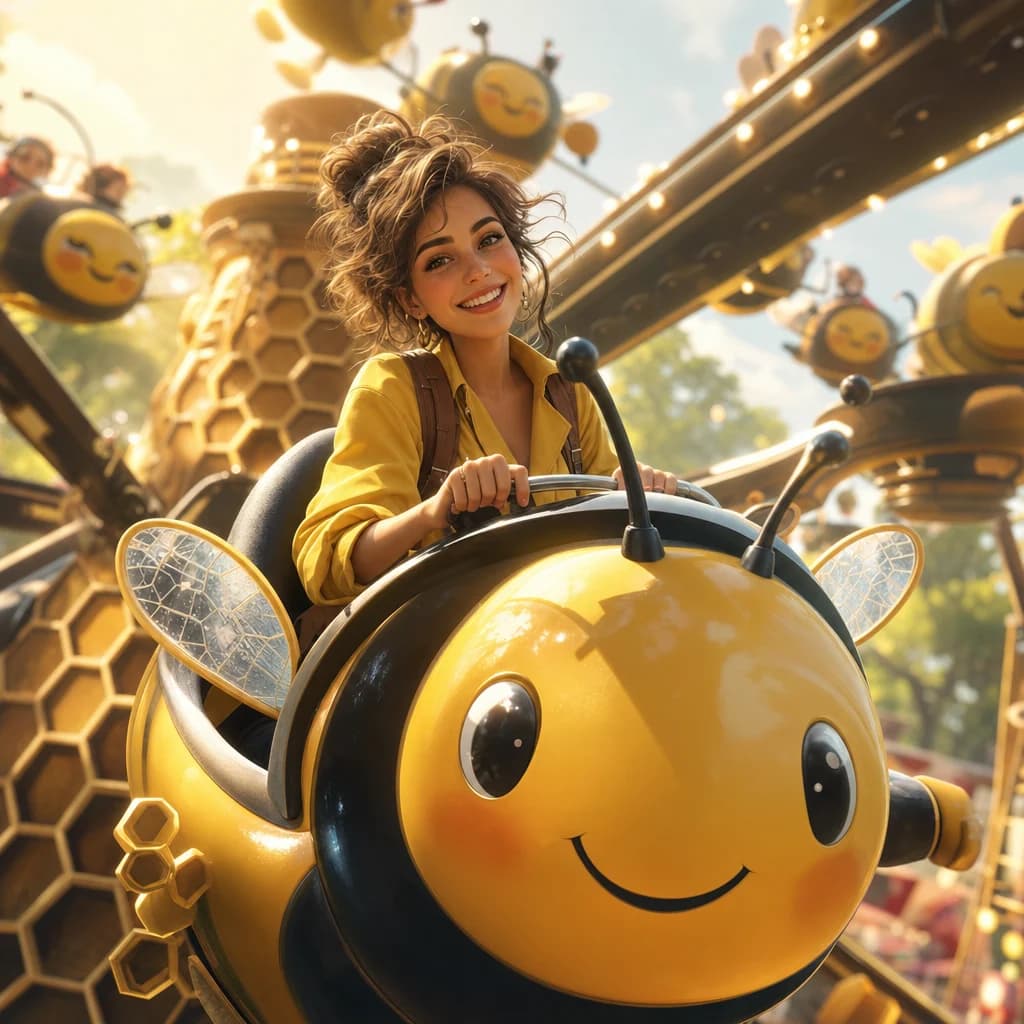
Move from photorealistic scenes to stylized illustrations, product visuals, concept art, and playful campaign directions. Nano Banana 2 gives creators a flexible starting point inside the broader Oakgen image stack.
Generate fast drafts, high-quality final images, and creative variations in one Oakgen workspace. Move from idea to image to edit without switching tools.
Nano Banana 2 is strongest when it is connected to the rest of Oakgen: generate an image, edit it, upscale it, compare models, or animate it into a video.
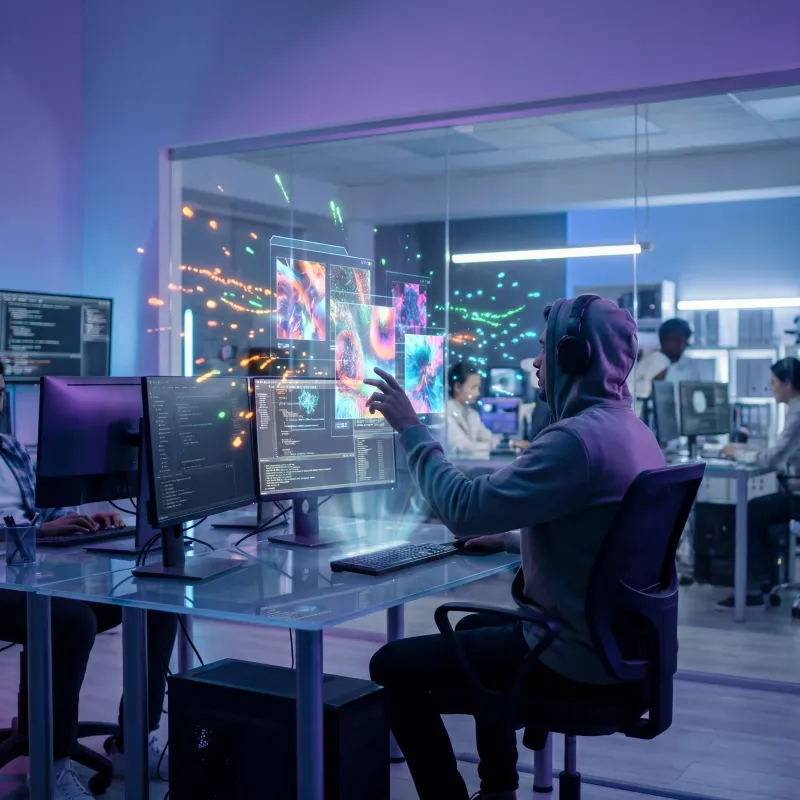
Generate new images with Nano Banana 2 and 200+ other models.
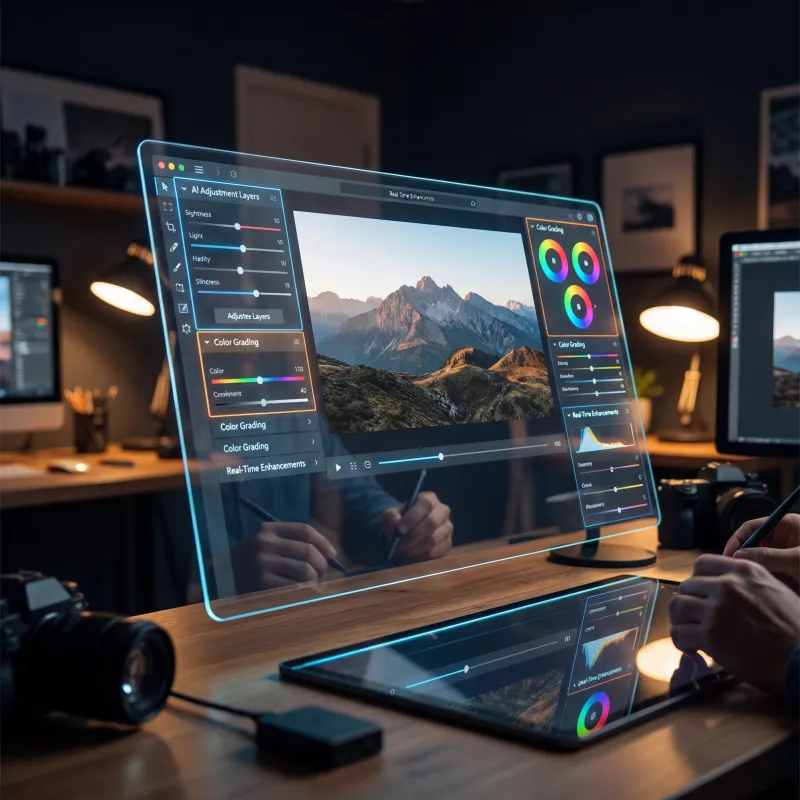
Edit, retouch, expand, and refine generated images.
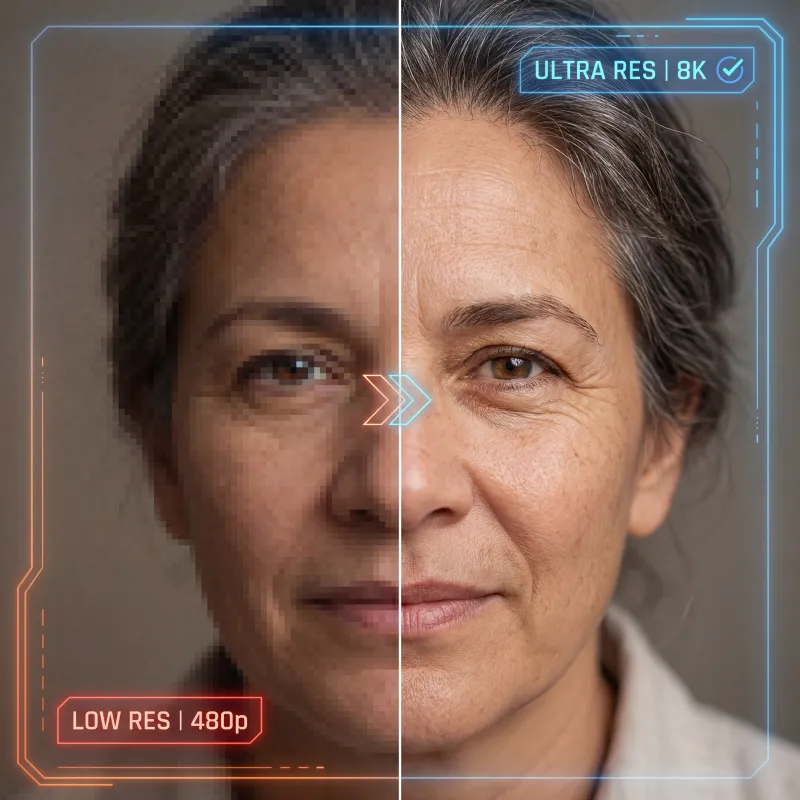
Increase resolution and recover crisp detail.
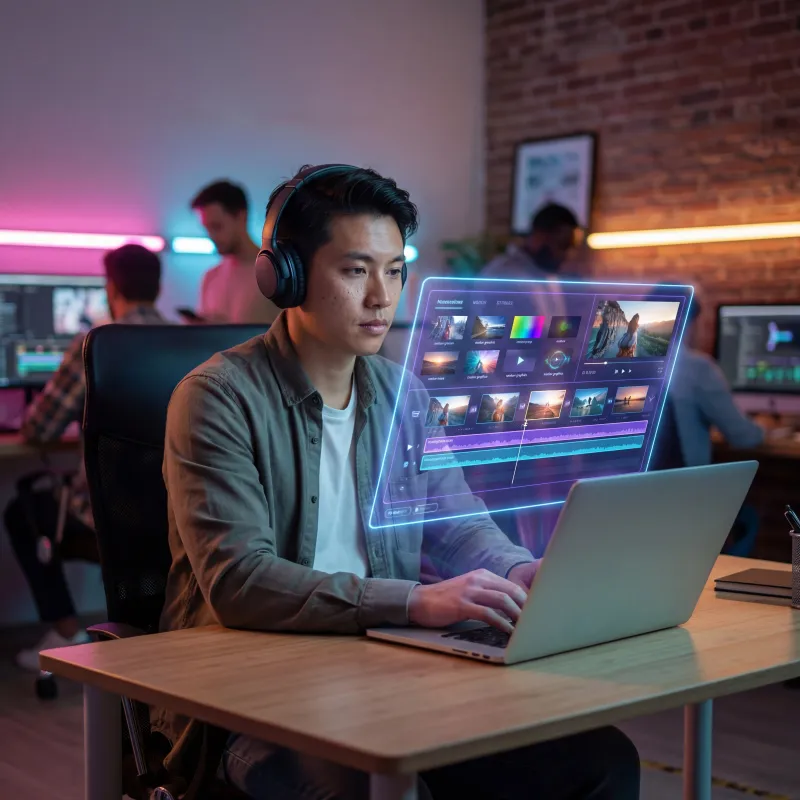
Animate a Nano Banana 2 image into a video clip.
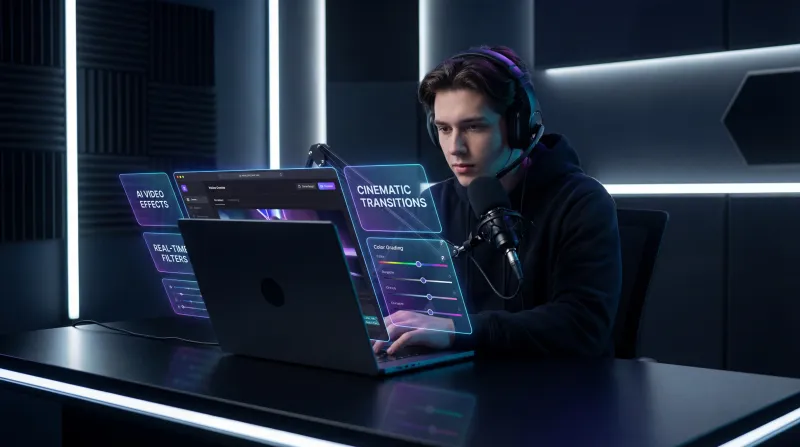
Compare model outputs side by side on the same prompt.
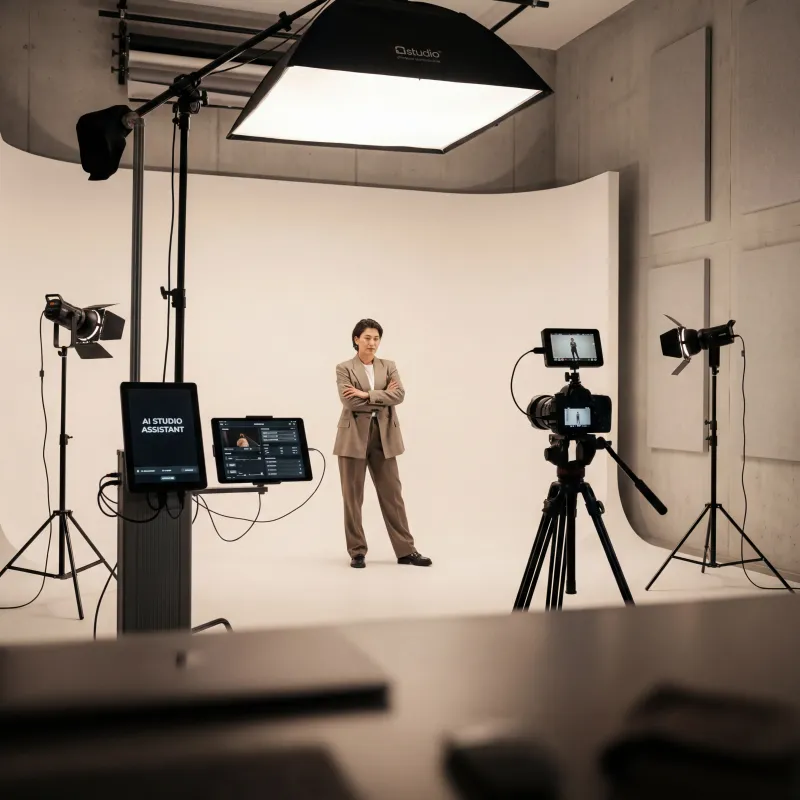
Create studio-quality product and portrait variations.
Compare Nano Banana 2 with related image models in Oakgen's broader creative stack.
Nano Banana 2 is a fast AI image generation model available in Oakgen's image generator. It is useful for rapid image creation, prompt exploration, creative variations, and high-quality outputs up to 4K.
Open Oakgen's AI Image Generator with Nano Banana 2 selected, write a detailed prompt, choose your output settings, and generate. You can then download the image or continue editing, upscaling, or animating it inside Oakgen.
Nano Banana 2 is positioned for flexible 1K, 2K, and 4K image workflows on Oakgen. Use lower resolutions for fast drafts and 4K when you need sharper final creative.
Use Nano Banana 2 when speed, fresh output, and rapid exploration matter most. Use Nano Banana Pro when you want the more mature production option with predictable behavior for polished deliverables.
Paid Oakgen plans include commercial usage rights for generated outputs, subject to Oakgen's terms and provider usage policies. Always review the current policy for restricted or sensitive use cases.
Need more detail? Contact Oakgen support.