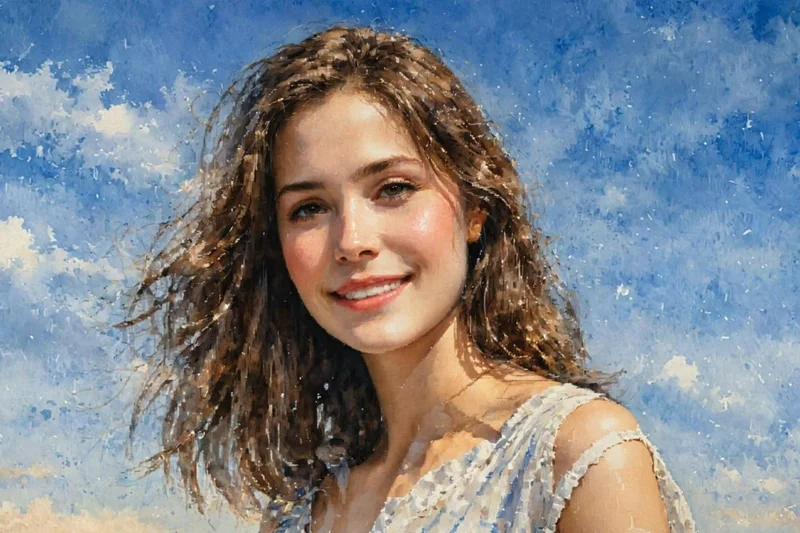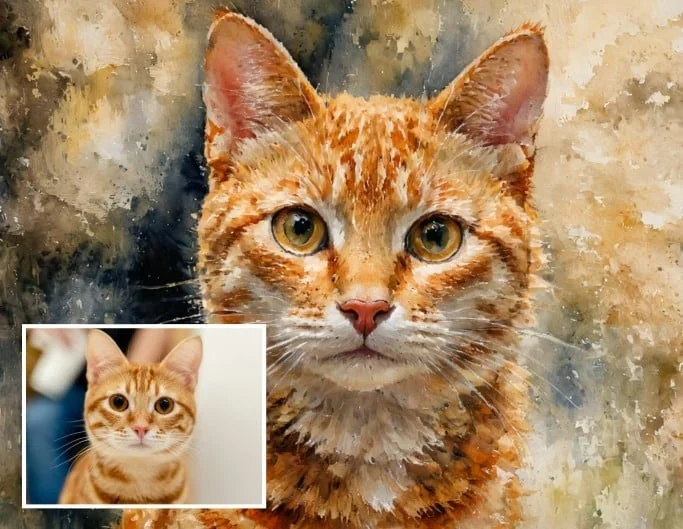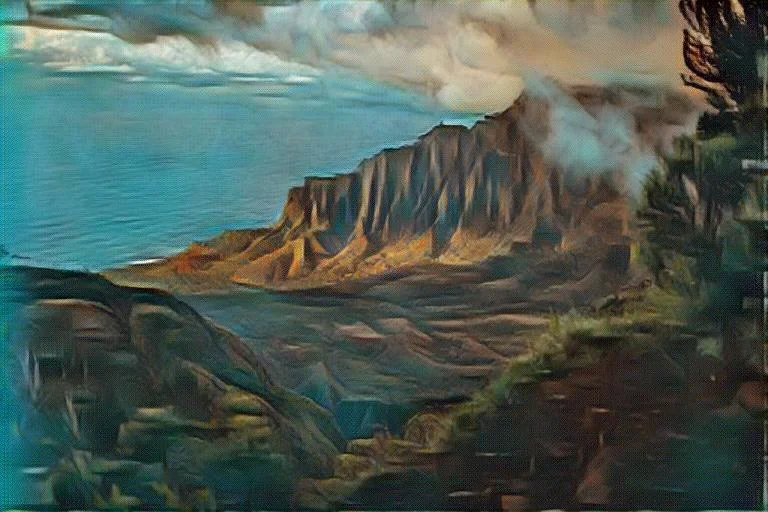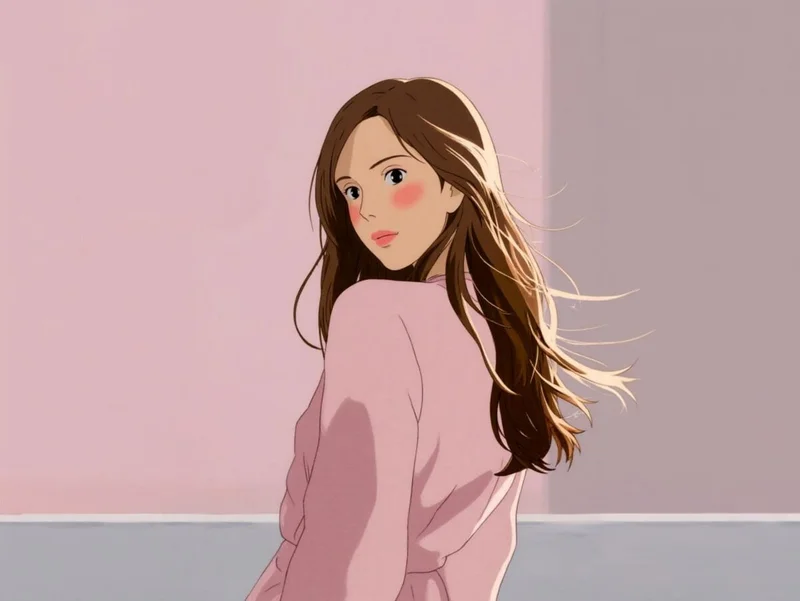
Studio Ghibli-Inspired AI Photo Filter

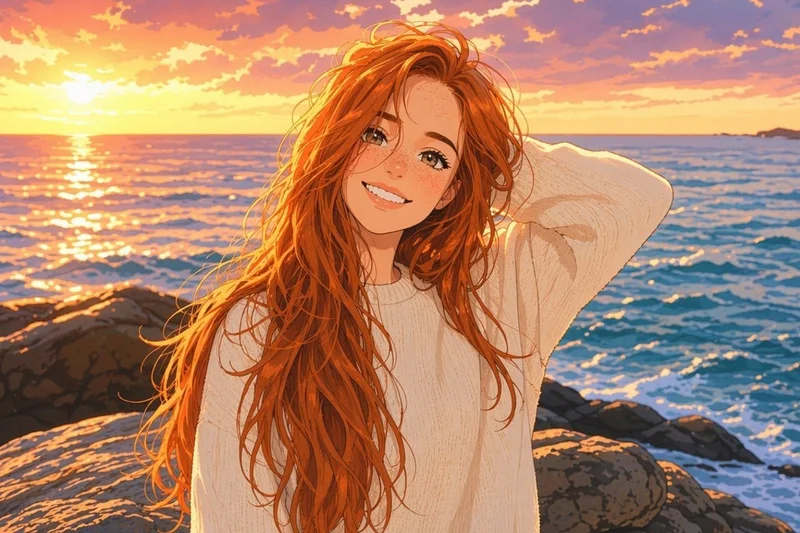
Turn a photo into a Ghibli-inspired storybook illustration with warm colors, painted skies and soft shadows. Start with a portrait, a pet or a favorite landscape.

For a Ghibli-inspired picture of your street, choose a view with something close to the camera, such as a bicycle, and something farther away, such as a row of roofs. That separation gives the painted scene depth even after small details disappear.

Continue to Studio

Generation uses paid credits. View pricing

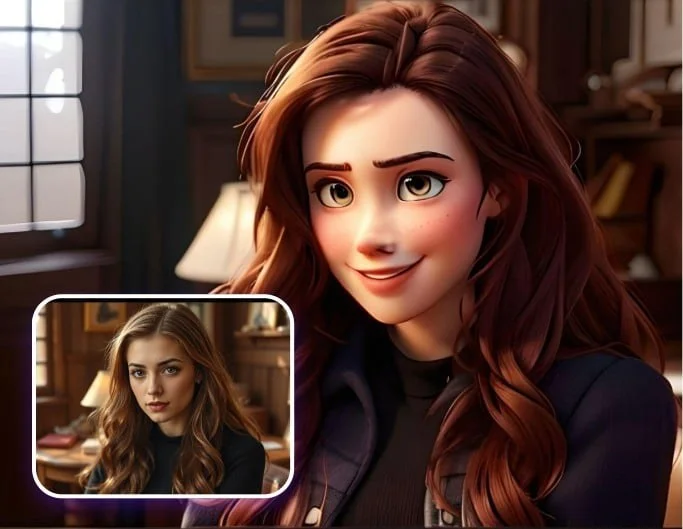
Ghibli Style Generator example
Example result

A photo of an ordinary street can become a painted film still. Give the image one center of attention, such as a cyclist under a shop awning or a cat beside a bright window.

How to use Ghibli Style Generator

  1. 1

    Pick a scene with depth

    A subject in the foreground and a few recognizable objects behind it give the painted scene a sense of place.

  2. 2

    Describe the light

    For a sunset street scene, ask for amber shop lights and a pale evening sky. Generate the still and compare the colors with your source.
Tips for better results

  • For a train-platform photograph, describe warm station windows and wet pavement after rain. Keep the station sign out of the focal area if the exact lettering matters.

Frequently asked questions

Does the filter animate my photo?

It creates one illustrated still. A person walking in the reference will appear as a painted figure in that pose.

Compare painted storybook scenes with portraits in the anime and cartoon style guide.

Related AI tools