The full reference
The template follows the complete reference timeline, including its movement and camera framing. The picture is recreated around your photos; AI details can vary.
Video trend
Cast yourself in the chase.
Add a photo for each role shown below. All roles need a photo.
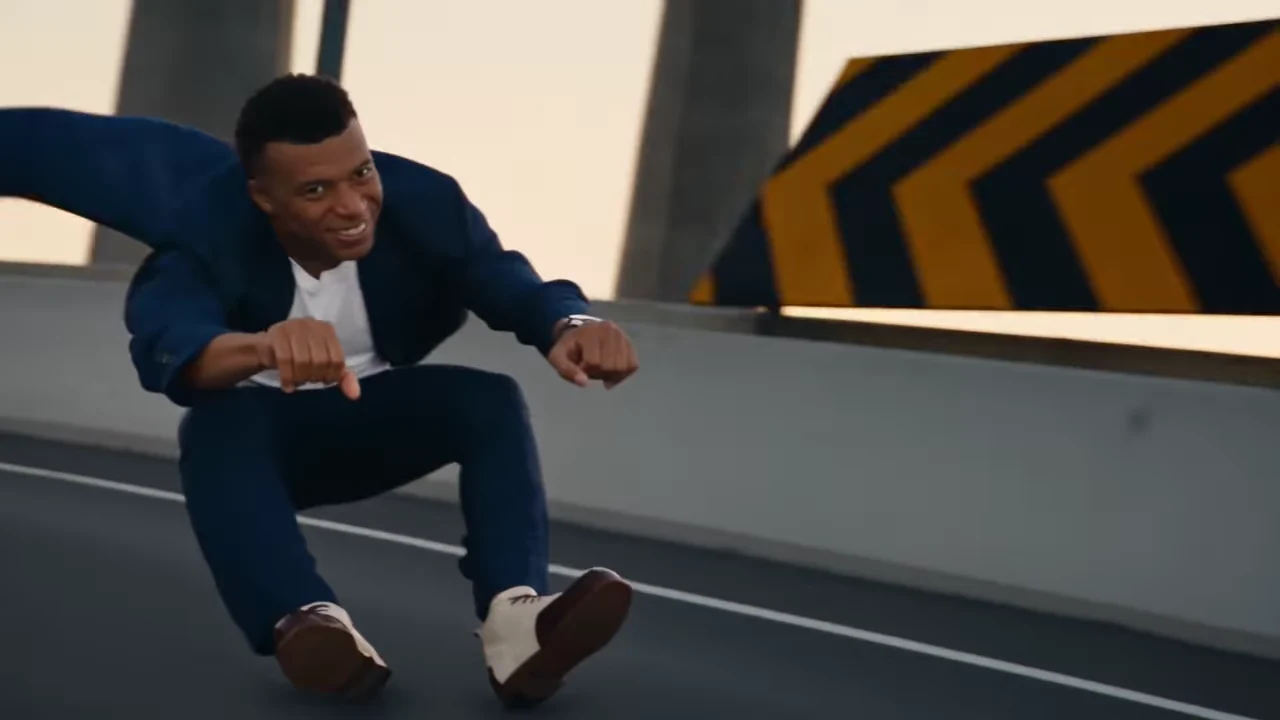
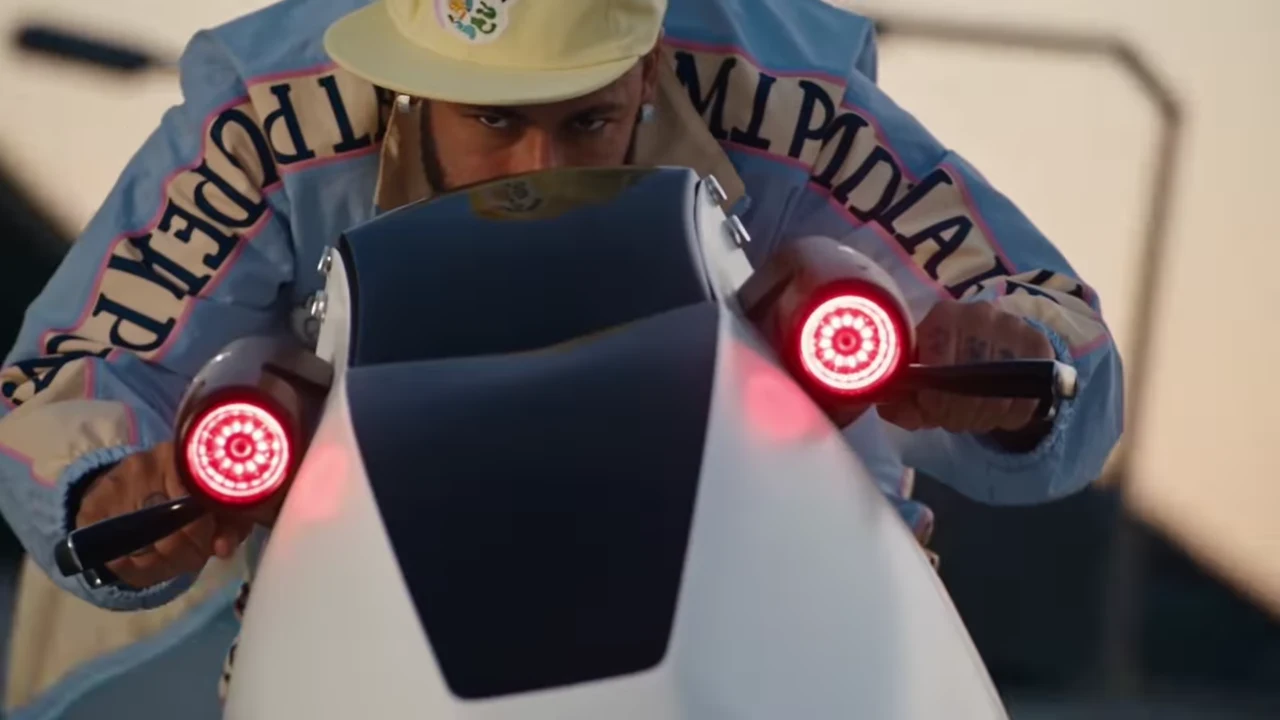
Add one clear photo for the rider and another for the chasing pilot.
Select an available resolution. The displayed price includes preparing the character photos.
Check both faces and the continuity between shots before downloading your MP4.
The template follows the complete reference timeline, including its movement and camera framing. The picture is recreated around your photos; AI details can vary.
Add a photo for the foreground rider and a second for the chasing pilot. Both photos are required to recreate the two roles.
Each character photo goes through the existing facial-mesh preparation before video generation. Choose a photo showing the face, hair and clothing you want.
The finished video uses the source audio. Review the complete result before sharing.
Make a futuristic hover chase AI video with two photos. Cast the lead rider and chasing pilot in the full roadway scene with the reference audio.
Two photos: one for the foreground rider and one for the chasing pilot. Both roles are required.
The preview is the credited Instagram reference, not a verified Oakgen generation. Oakgen is independent of the creator and people depicted.
Yes. This template covers the full source timeline, not a shortened testing excerpt. Generated movement, appearance and background details can differ.
The source audio is included. It is not a recording of your voice.
The selected price is shown in the tool before generation and includes preparing your character photos. Different resolutions have different prices.
Plan a story, keep your character recognizable, and make the finished clip your own.
Upload 2 photos. Everything else is set.