AI Haircut Identifier
Upload a photo to identify the likely haircut, visible cut details, styling cues, and useful salon search terms.
Open AI Haircut IdentifierAdd your photo in the workspace. Uploads require a plan.
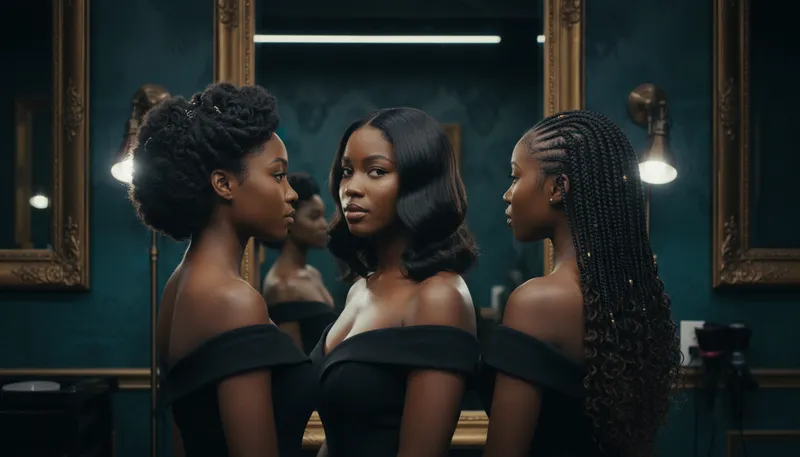
What this analysis gives you
The AI Haircut Identifier compares the visible silhouette, length changes, fringe, parting, layers, fade shape, and finish in your photo. It returns the closest common haircut name, supporting evidence, alternative names, and wording you can use with a barber or stylist.
Report sections
- Best Match
- Visible Evidence
- What to Tell a Barber or Stylist
- Texture, Finish, and Upkeep
- Other Possible Matches
- Confidence and Limitations
What a photo cannot prove
- One angle may hide the taper, layers, or length at the back.
- Styling and curl shrinkage can make two different cuts look similar.
- Guard numbers and exact measurements are estimates unless a known scale is visible.
Continue in Oakgen
- Try the hairstyle on a photo
Preview a new hairstyle after you identify the reference cut.
When to use it
Briefing a barber or stylist
Bring the report's plain-language description and the original photo to your appointment so you and your stylist start from the same reference.
Finding the name of a cut
Get the closest common haircut name and up to three alternatives to use as search terms for more reference photos.
Planning upkeep
Review the texture, finish, and upkeep notes to judge how much styling and maintenance a cut is likely to need.
Previewing a new look
Identify a reference cut, then try it on your own photo with the hairstyle changer before you commit.
How it works
- Upload a clear photo of the subject.
- Add optional context. A front, side, and back view will usually produce a more useful answer.
- Select Analyze Image. The report usually arrives in 10-15 seconds and is saved to your analysis history.
Price per analysis
| Vision model | Credits |
|---|---|
| GPT-4o (default) | 5 |
| GPT-4o Mini | 3 |
If an analysis fails, its credits go back to your balance automatically. Credits come with every Oakgen plan and are shared with image, video and audio tools.
Frequently asked questions
Can AI identify a haircut from one photo?
It can usually suggest the closest common name from a clear photo, but side and back views improve the result. The report separates the likely match from other cuts with a similar silhouette.
Can I use the result at a salon?
Use the visual description and search terms as a starting brief, then show the original reference photo. A stylist still needs to adapt the cut to your hair texture and current length.
What kind of photo works best?
A front, side, and back view usually produces a more useful answer than one angle. Use even light and keep the hairline, sides, and full length visible. Optional context can say which part to identify or what look you want to recreate.
Does it give exact clipper guard numbers?
No. It does not invent guard numbers or measurements. When a length is useful, it gives a visually estimated range and labels it as an estimate.
Does it analyze the person in the photo?
No. It analyzes the haircut only and does not infer identity, gender, ethnicity, health, or other sensitive traits.
How much does a haircut analysis cost?
Each analysis costs 5 credits with GPT-4o or 3 credits with GPT-4o mini. If an analysis fails, the credits are returned automatically.
Further references
Pricing and support
- Plans and credits
Current plans, credits and per-model costs. Credits for a generation that fails go back to your balance automatically.
- Terms of service
Oakgen does not claim ownership of your inputs or eligible outputs. Commercial use also depends on the model provider's terms.
- Refund policy
How to request a refund or billing help, and how cancellation works.
- Contact support
Questions about a model, a result or billing: [email protected].