The real scene
Other apps build a fake schoolyard from your photo. We use the actual footage, so the walk-in and the crowd are the ones people know.
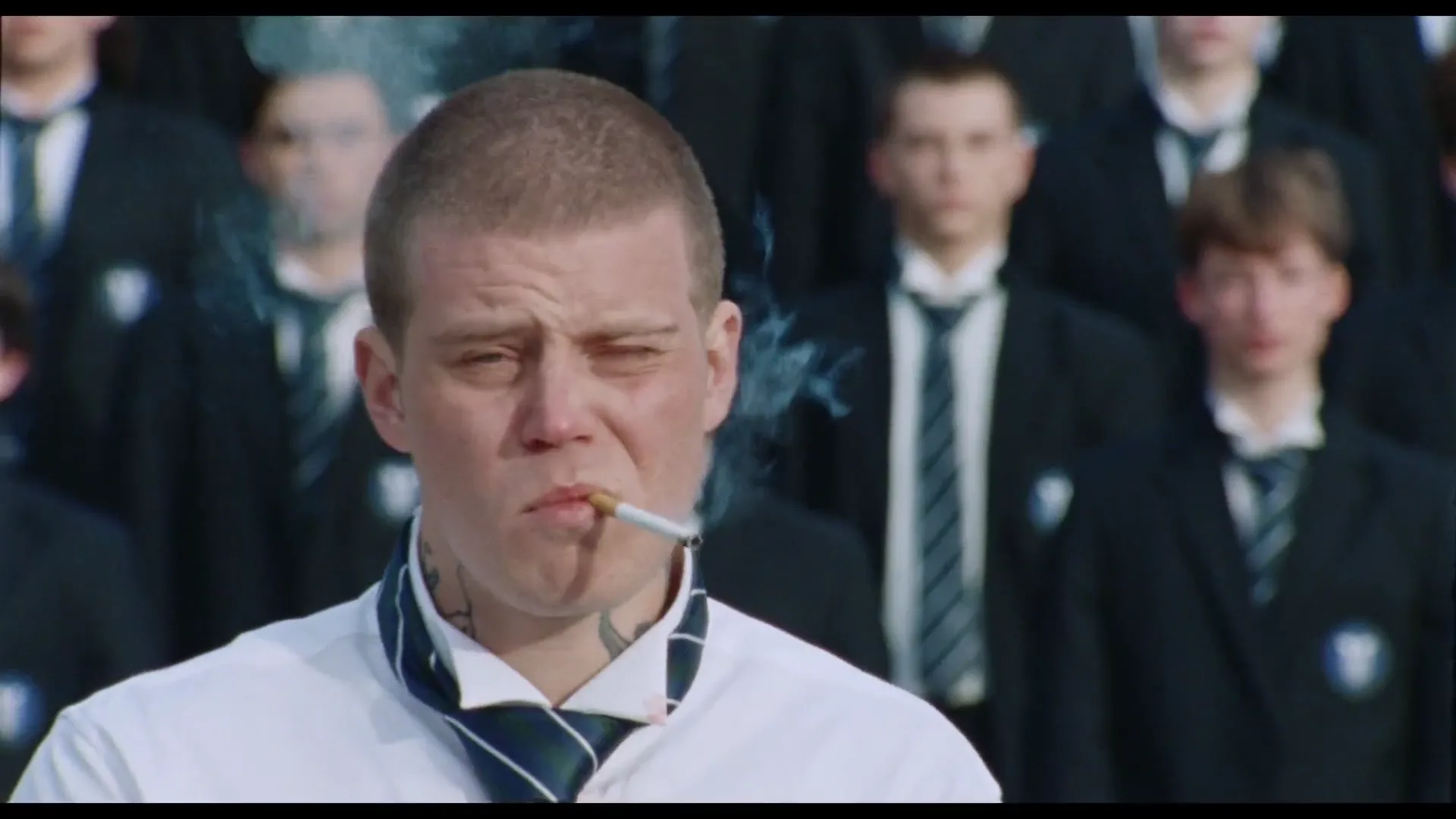
Upload a photo and take the lead in the viral STORM crowd scene. Same song, same schoolyard, same head-banging crowd, with your face, hair and outfit.
Left: the original clip. Right: the same clip, swapped on Oakgen.
Why it looks right
Most trend apps generate a lookalike set from your photo. We start from the actual performance and change only the faces.
Other apps build a fake schoolyard from your photo. We use the actual footage, so the walk-in and the crowd are the ones people know.
The original audio comes through untouched, with the drop landing right as the crowd starts moving.
Not just your face. Your hair, skin tone and outfit from the photo carry through the close-up, the walk and the wide shot.
Every student, every bow and head-bang, every camera move stays exactly as in the original.
How it works
Upload a clear photo of yourself, ideally showing the outfit you want in the video.
You replace the lead in the real clip, frame by frame. It takes about five minutes.
Get a 16-second video in up to 1080p with the original audio, ready for Reels, TikTok and Shorts.
Made on Oakgen
Tap the speaker on any clip to hear the original track.
Photo tips
Photos of celebrities or public figures are rejected. If a video can't be made, your credits come back automatically.
FAQ
It's the viral crowd scene from the STORM music video: a lead in a white shirt walks into a crowd of students in school blazers, and the whole crowd bows and head-bangs around him. People are putting themselves in it, and Oakgen lets you do it with the real footage.
Upload one photo. We replace the lead with you, using your face, hair, skin tone and outfit, while the crowd, the schoolyard, the camera work and the song stay exactly as they were.
Yes. Whatever you're wearing in your photo is what you wear in the video, so a photo that shows your outfit works best.
We don't allow photos of celebrities or other public figures, and we need one clear person to work with. Try a sharp, front-facing photo in even light. If a generation fails, your credits are refunded automatically.
About five minutes. You don't have to wait on the page. The finished video is saved to your assets.
916–4,576 credits per video depending on quality (480p: 916, 720p: 1,831, 1080p: 4,576). The price is shown on the Generate button before you start.
Yes. The output is a 16-second clip in 480p, 720p or 1080p with the original song, so it's ready to post as-is.
Yes. Download the MP4 straight from the tool or from your assets and post it anywhere.
One photo, the real song, about five minutes. Your face, your hair, your fit.
Put yourself in STORM