AI carousel makerWatch your brand
appear.
Give us your website. We read your colours, your type and your voice, then draft three posts for your grid.
Start with your websiteContinueContinue with an account, then enter your website in the studio. Nothing is posted until you say so.
No website? Describe it in the studio

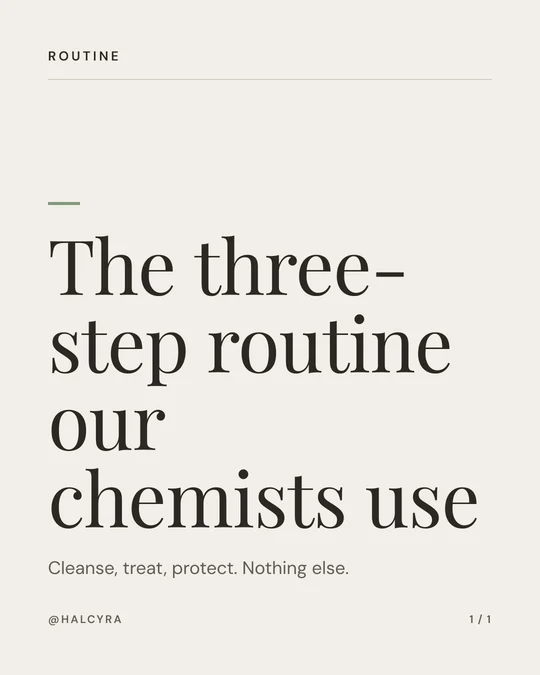
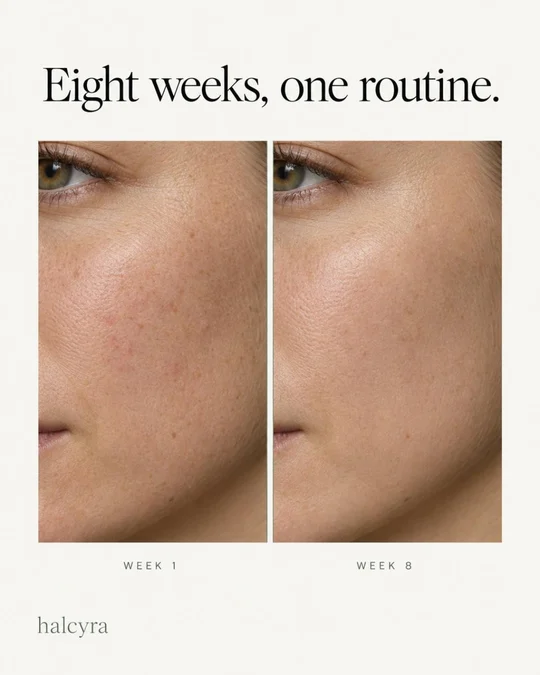

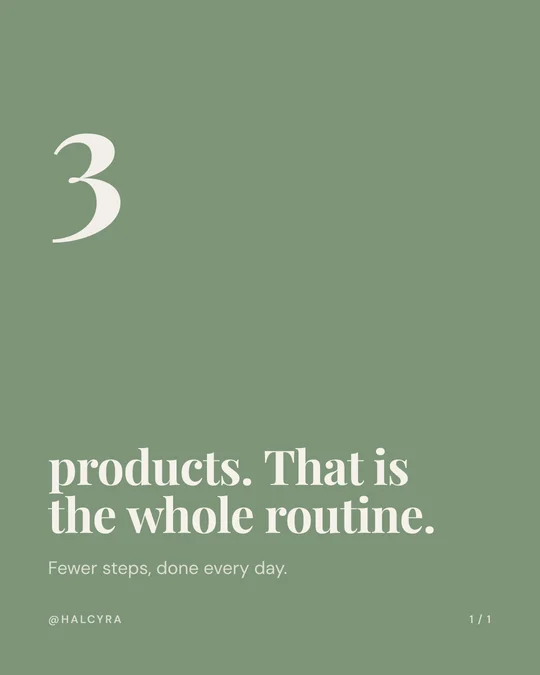
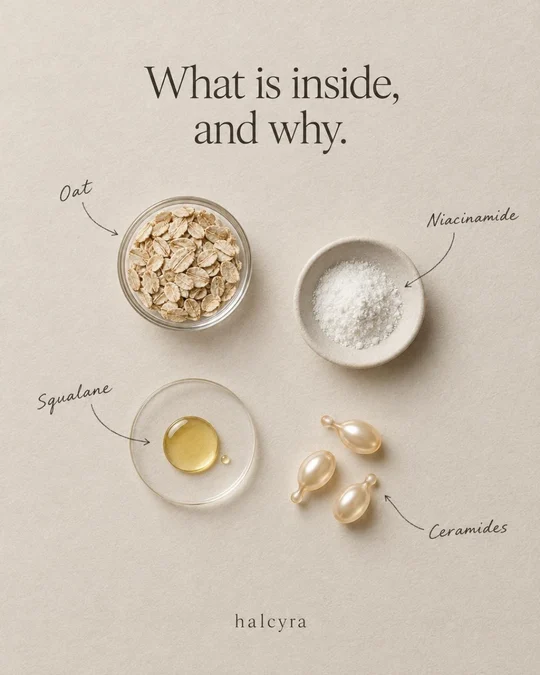
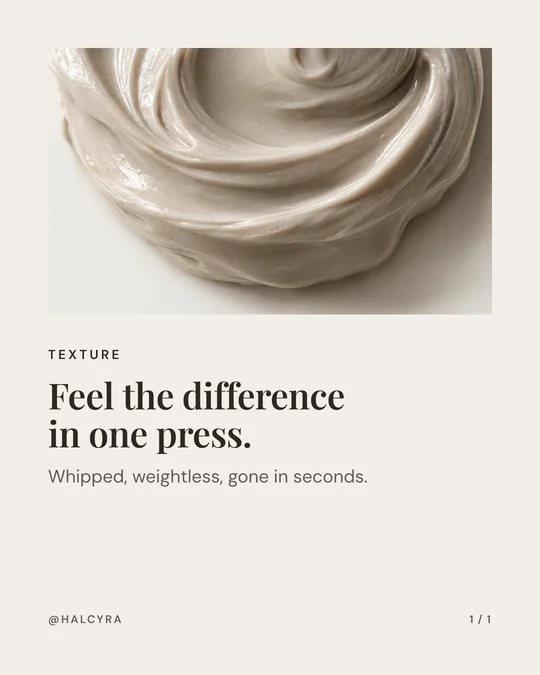

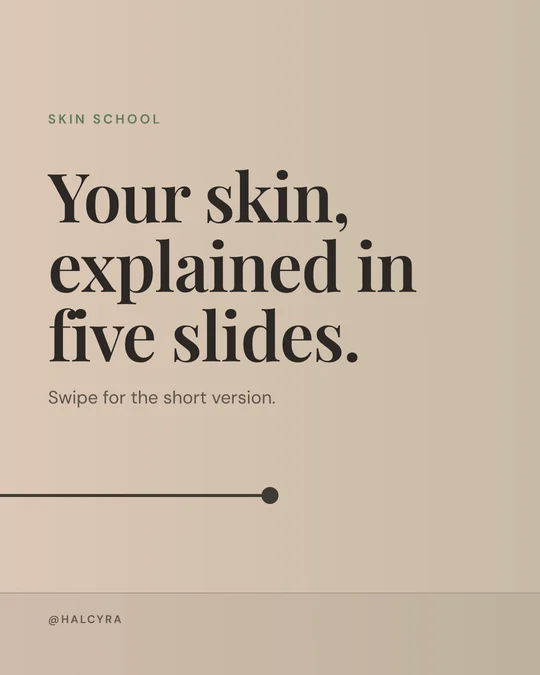
Make Instagram, LinkedIn and TikTok carousels from your website
Paste your website and Oakgen reads your brand: colours, fonts, logo, products and tone of voice. It drafts three carousel posts for your grid, written and designed in your brand's look. The examples above use sample brands.
How the AI carousel maker works
1. Add your brand
Start from your website, or describe your brand in a sentence or two. You review the brand kit before anything is made.
2. Pick an idea
Start from a suggested post, recreate a carousel from screenshots or the library, or turn an article into slides.
3. Edit every slide
Change the text, layout and colours, reorder slides, upload your own picture or regenerate any image with a new prompt.
4. Download or post
Download PNG slides with the caption for Instagram, TikTok or square feeds, or a PDF for LinkedIn. On paid plans, post or schedule straight to Instagram and Facebook.
One carousel, every size
Design once and download in any format: Instagram portrait (1080 × 1350, 4:5), TikTok (1080 × 1920, 9:16), square (1080 × 1080) or a LinkedIn PDF.
Carousel guides
Frequently asked questions
What size should an Instagram carousel be?
Oakgen makes Instagram carousels at 1080 × 1350 pixels (4:5 portrait) by default. The same carousel also downloads as 1080 × 1920 (9:16) for TikTok and 1080 × 1080 square, so you never rebuild it for another feed.
Can I make a LinkedIn carousel PDF?
Yes. Choose LinkedIn PDF when you download and you get one PDF with a 4:5 page per slide, ready to upload as a LinkedIn document post.
How many slides can a carousel have?
Between 2 and 10 slides. New carousels start with 7, and you can add, duplicate, delete or reorder slides in the editor.
Do I need a website?
No. Give your brand name and a sentence or two about it instead. With a website, Oakgen reads your colours, fonts, logo and tone of voice for you.
Can I recreate a carousel that already works?
Yes. Upload screenshots of up to 10 slides, or pick a post from the built-in library, and Oakgen rebuilds its structure and look for your brand in new words. You can also turn your own article or notes into a carousel.
Can Oakgen post my carousels for me?
On paid plans you can connect Instagram or Facebook and post now or schedule for later. For TikTok and LinkedIn, download the slides and upload them. Nothing is ever posted until you approve it.
How much does it cost?
Carousels are part of Oakgen's paid plans. Writing the slides uses no credits; slide images use credits, and you see the price before anything is generated. Downloads are free.