The four camera beats
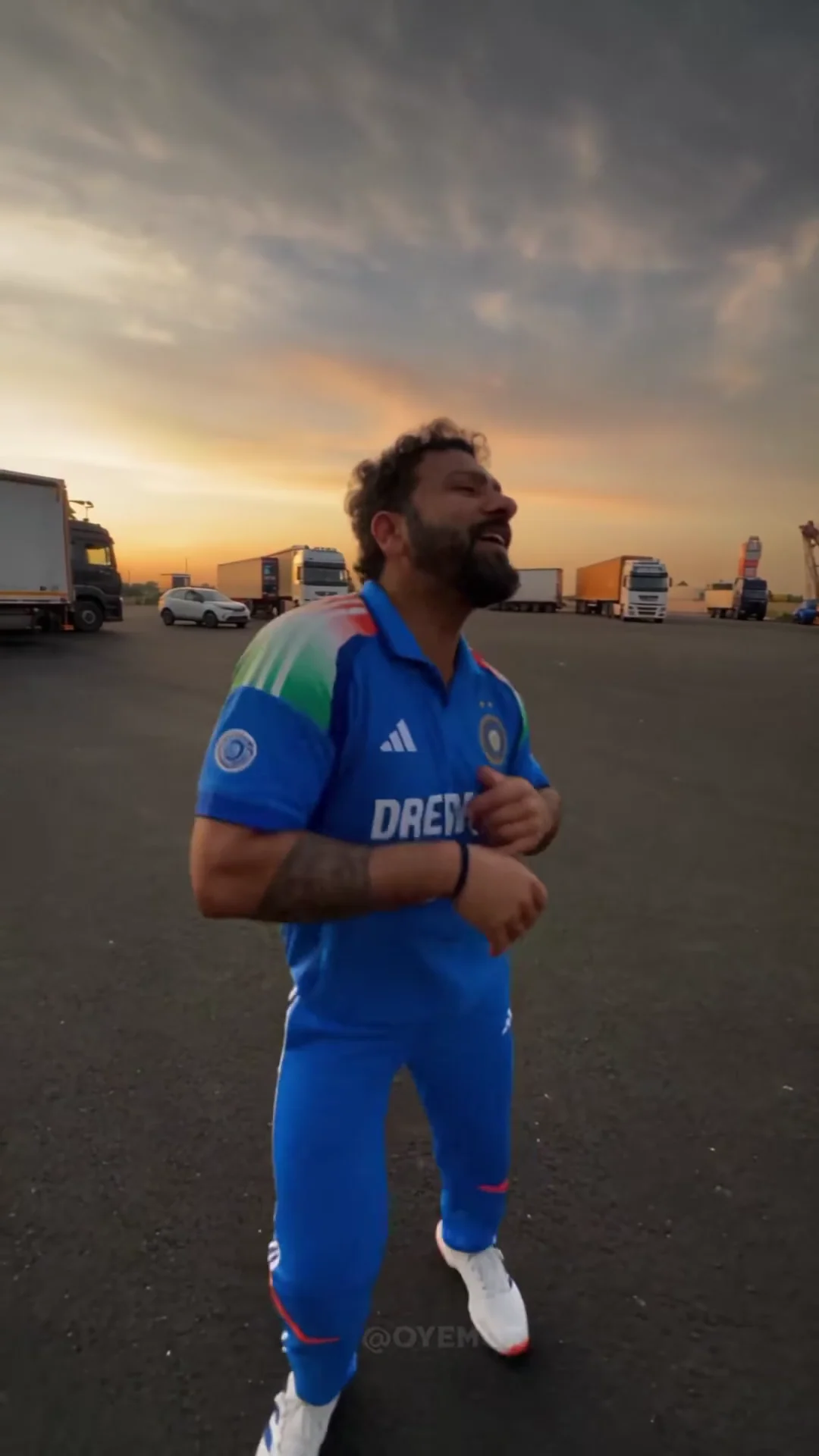
In the source Reel, the dancer starts it, the camera turns to the filmer, a third person arrives by car, and the filmer returns. Choose the role photos for your edit.
Watch the original 19-second Reel, then choose the dancer, filmer, or car arrival to edit. Add one, two, or three photos.
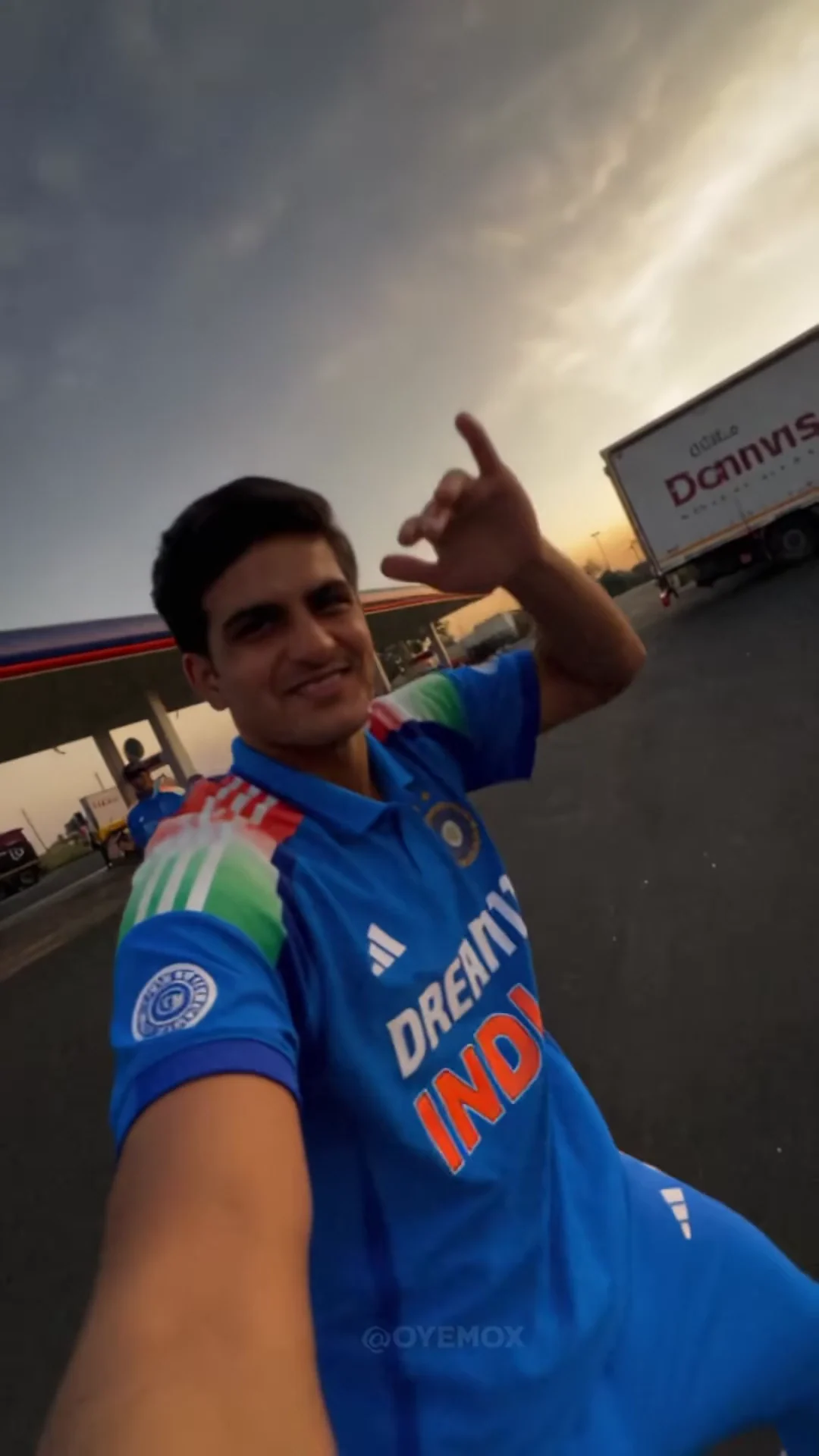
Source: the 19-second Reel posted by @oyemox. The dancer, filmer, car arrival, and return selfie appear in sequence.
Explore the source
The source Reel shows the dancer, the filmer, the car arrival, and then the filmer again. Choose which role photos to use for your edit.
In the source Reel, the dancer starts it, the camera turns to the filmer, a third person arrives by car, and the filmer returns. Choose the role photos for your edit.
The source Reel includes Akcent’s Stay with Me through the reveal. Oakgen uses that Reel as the starting point for your edit.
Add photos for one, two, or all three roles. Leave a slot empty if you do not want to edit that person. Your price updates with the roles you select.
The source shows the filmer before and after the car arrival. Add one Filmer photo as the reference for both parts of your requested edit.

How it works
Tap Dancer, Filmer, or Car arrival to see the matching moment, then add a clear photo to each role you want to replace.
Oakgen uses the source Reel and your selected photos to generate a new version. AI edits can vary between shots, so review the result before posting.
When your portrait video is ready, check each role and the final selfie. Download it for Reels, TikTok, or Shorts if it looks right.
Photo tips
Photos of celebrities or public figures are rejected. If a video can't be made, your credits come back automatically.
FAQ
It’s a 19-second camera-pan Reel: one person dances, the camera turns to the filmer, a third person arrives by car, and the filmer appears again. The source audio includes Akcent’s Stay with Me.
Yes. Add photos for any one, two, or all three roles. Leave another role empty if you do not want to edit it. The price updates with your selection.
The source Reel returns to the filmer at the end. Upload one Filmer photo to request the same person in both selfie shots. Check the result before posting because AI edits can vary between shots.
Use a clear, front-facing photo of one person in even light. Keep their hair and outfit visible if you want the editor to reference those details. Photos of celebrities or public figures aren’t allowed.
The edit starts from the source Reel, which includes its soundtrack and a small @OYEMOX watermark. Review the finished video for both; the watermark may remain visible.
Render time varies. You can leave the page while it runs, and the finished video is saved to your assets. If generation fails, your credits are refunded.
276–7,264 credits depending on quality and which roles you select. The exact price is shown before you generate.
When your edit is ready, download the MP4 from the tool or your assets and share it on Reels, TikTok, or Shorts.
Pick one role or bring two friends. Start from the 19-second Reel by @oyemox.
Make your Car Reveal