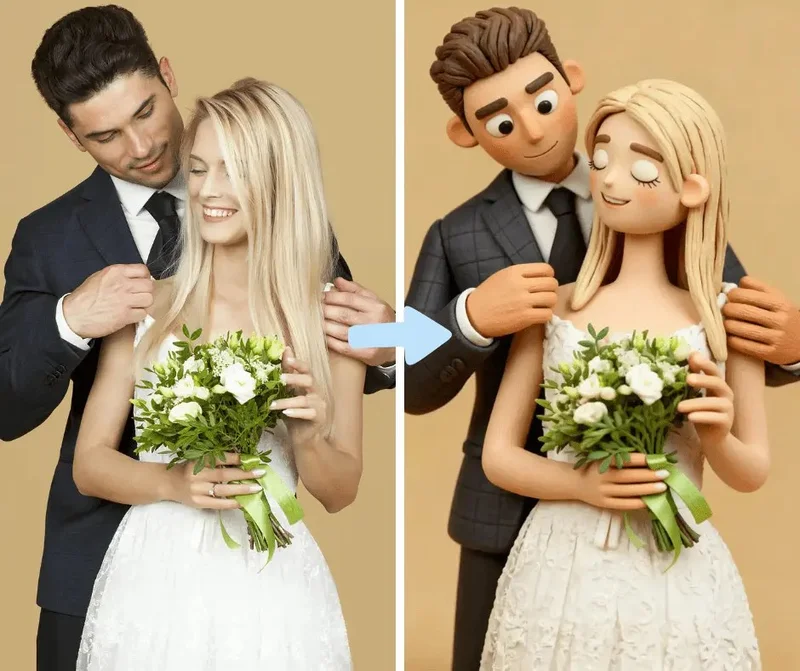
Create a Claymation-Style Still from a Photo

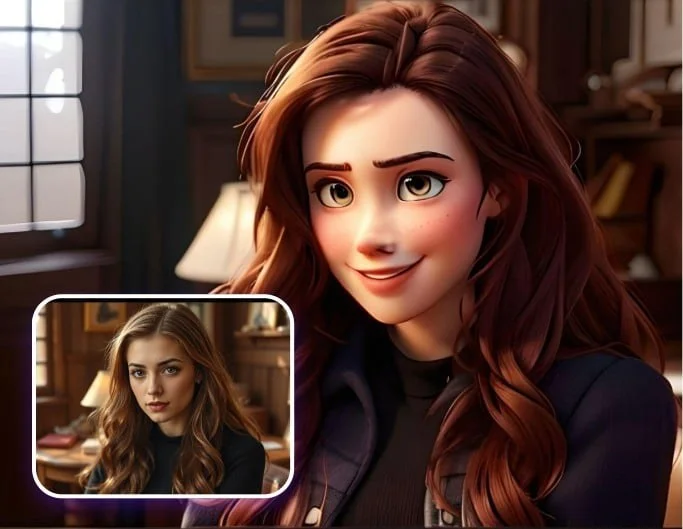
Turn a photo into a claymation-style still with rounded forms and visible clay texture. Review the character and handmade look in the generated image.

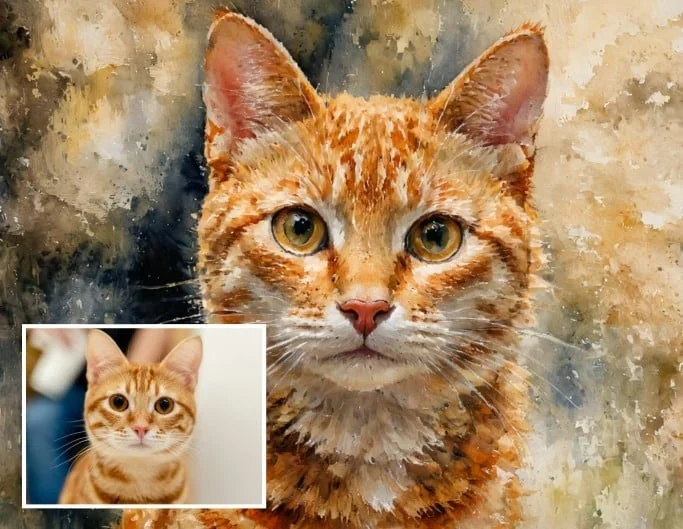
For a clay figure of a pet, pick a pose with the tail visible against the background. Compare the ear shapes and paws after the edit. Those outlines carry the likeness once the fur becomes a modeled clay surface.

Continue to Studio

Generation uses paid credits. View pricing

Claymation Style example
Example result

Reimagine a person, pet or scene with rounded clay forms, visible texture and a handmade stop-motion look.

What is Claymation Style?

Claymation Style uses your photo to request the appearance of a handmade clay scene. The preset describes rounded forms, clay texture and a stop-motion aesthetic. There are no dedicated material or character controls, but Additional Instructions can guide the colors or mood. The output is a generated still image: it does not create animation, a physical sculpture or an editable 3D model.
How to use Claymation Style

  1. 1

    Choose a recognizable subject

    Upload a portrait, pet or scene with clear shapes. Decide which features should remain recognizable after the forms become stylized.

  2. 2

    Add a simple creative note

    Use the preset alone or add a focused direction, such as “warm clay colors, gentle expression and a simple tabletop setting.”

  3. 3

    Review the clay-style still

    Generate the image and inspect facial features, hands, pose and material texture. Choose a result that fits the intended character and mood.

Ways to use the results

Playful personal portraits

Explore a clay-style interpretation of yourself or a pet for a personal avatar or gift concept, checking that the result feels recognizable.

Character and scene planning

Create a still reference for a handmade animation idea. Use it to discuss color, proportions and set design before separate production work.

Tips for better results

  • Use a simple background request when the character should be the focus; a crowded set makes altered details harder to inspect.
  • Describe the handmade quality you want, such as “visible clay texture and rounded shapes,” instead of expecting a specific physical material.

Frequently asked questions

Does this tool make a claymation video?

No. It is an image-to-image template that creates a still with a claymation-style appearance. Movement, multiple frames and video export require a separate workflow.

Can I download a 3D model or printable figure?

This template generates an image, not a mesh, rig or 3D-print file. The rendered clay appearance does not provide editable geometry or a physical object.

Will a clay portrait keep the exact face?

The preset stylizes forms and textures, so likeness and expression can change. Compare the generated character with the source and choose the interpretation that suits your purpose.

Choose between a clay character and a boxed figure in the illustration guide.

Related AI tools