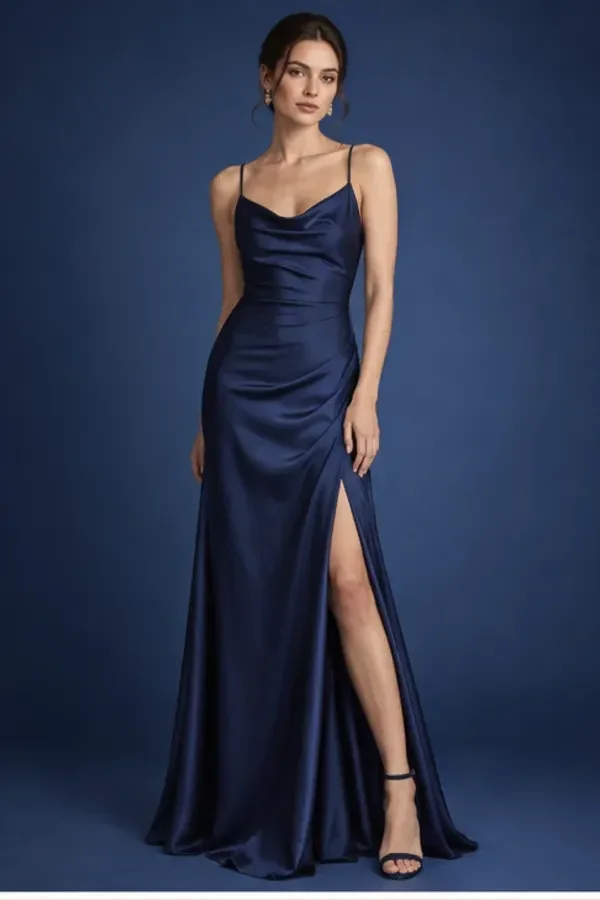
Outfit Generator for Events and Occasions

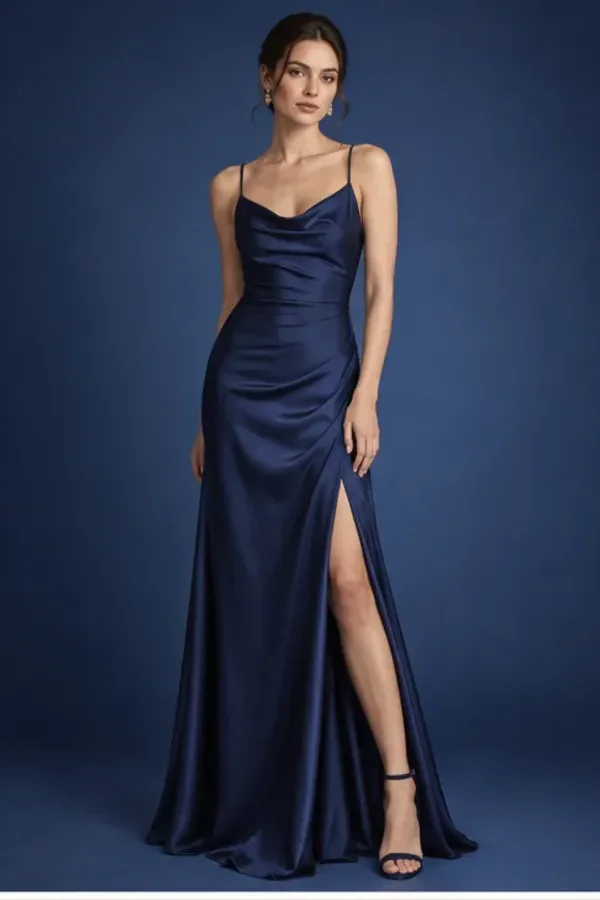
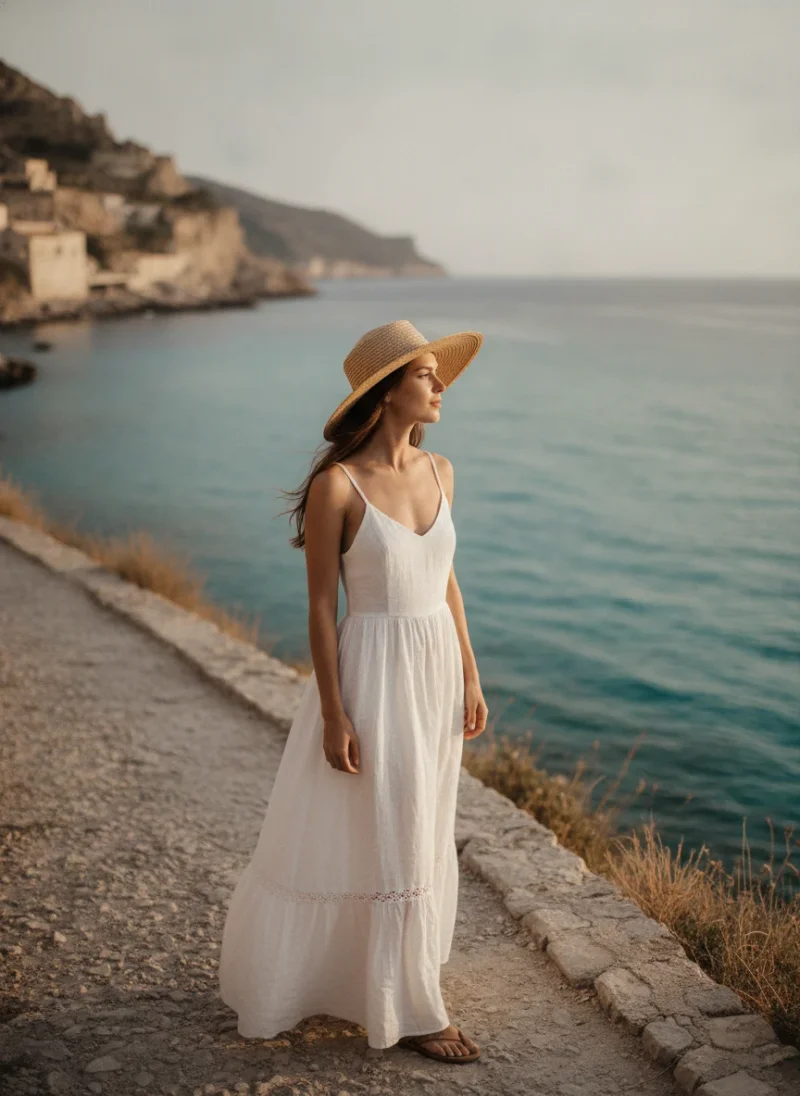
Try a wedding guest outfit, interview look or graduation outfit on a photo of yourself. Choose the event and compare ideas before getting dressed.

For a job interview outfit, choose Job Interview and start with a photo taken at the height your webcam will sit. Review the neckline and jacket opening in a shoulder-up crop to see what the interviewer would see.

Choose the occasion

Continue to Studio

Generation uses paid credits. View pricing

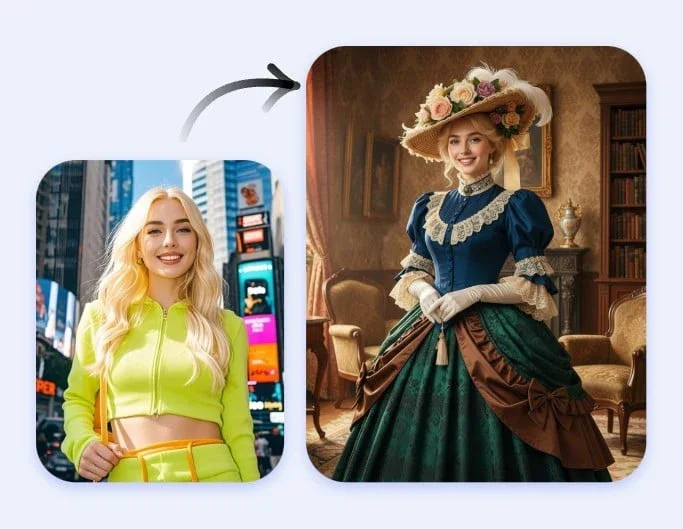
Occasion Outfit Generator example
Example result

How to use Occasion Outfit Generator

  1. 1

    Show your outfit area

    A full-length photo gives the model room for shoes and hemlines. Use a waist-up shot when only the jacket or neckline matters.

  2. 2

    Choose the occasion

    Pick Wedding Guest or Job Interview, then describe the dress code if you have one. Check the silhouette against clothes you own.
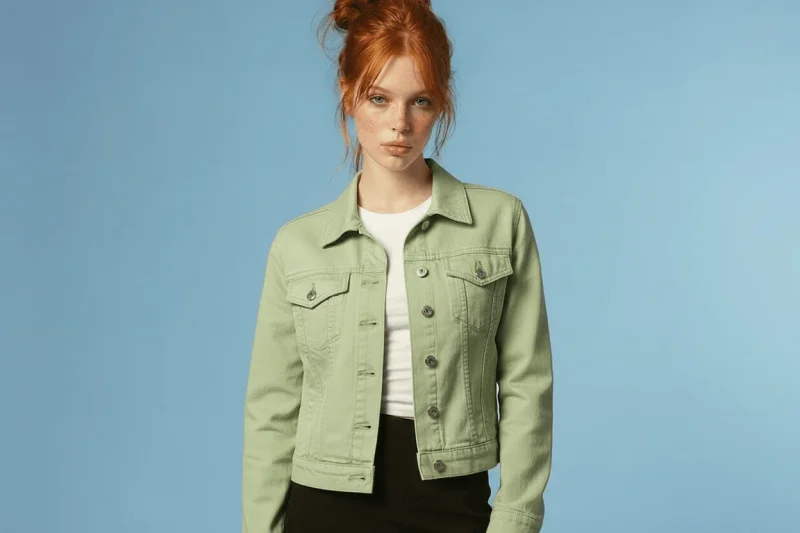
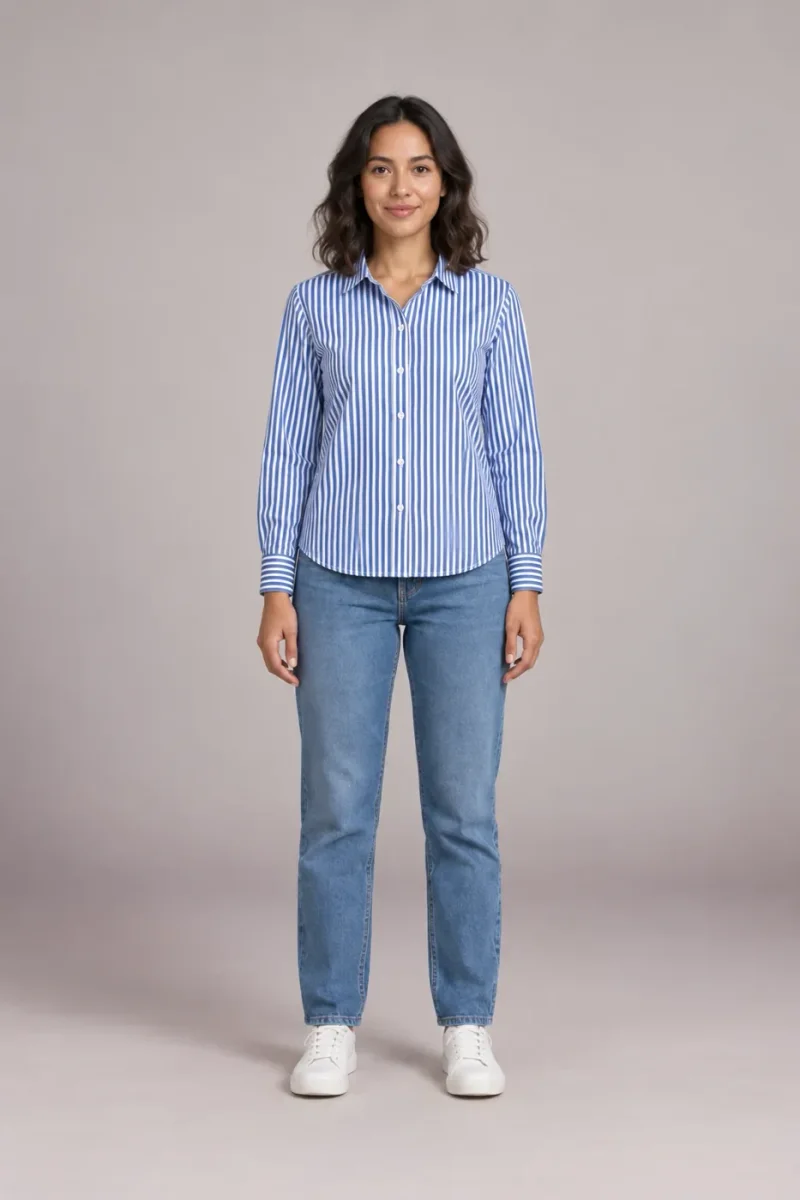
Tips for better results

  • For an outdoor evening wedding, describe a guest outfit, the season and one item you plan to keep, such as a navy jacket.

Frequently asked questions

Will the preview follow my venue's dress code?

The occasion supplies a starting style. Compare the result with your invitation, school or employer's actual guidance.

Choose between occasion styling and an exact garment in the outfit template guide.

Related AI tools