 Oakgen.ai
Compose
Bring your clips, images and sound into one project.
A recorded studio view. Open Compose to work with your own media.
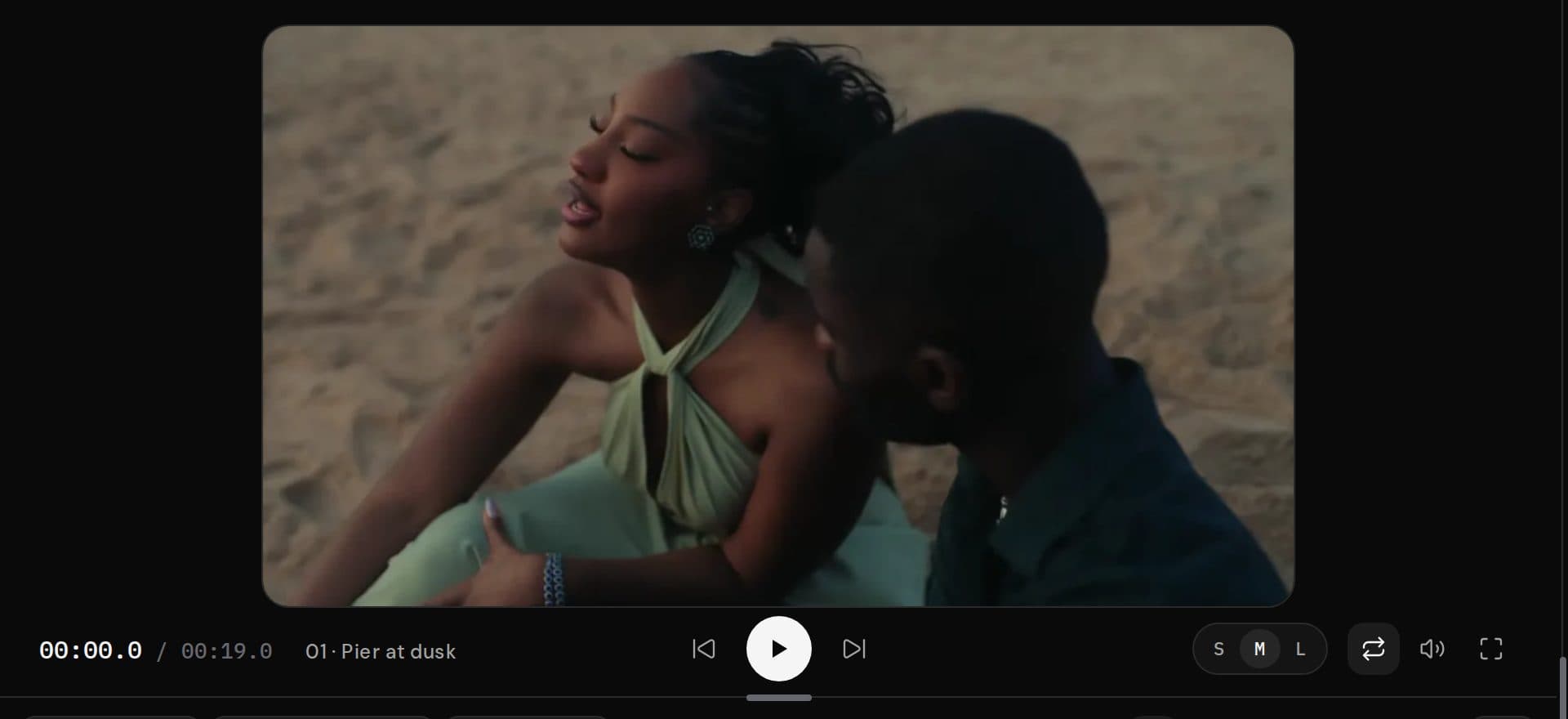
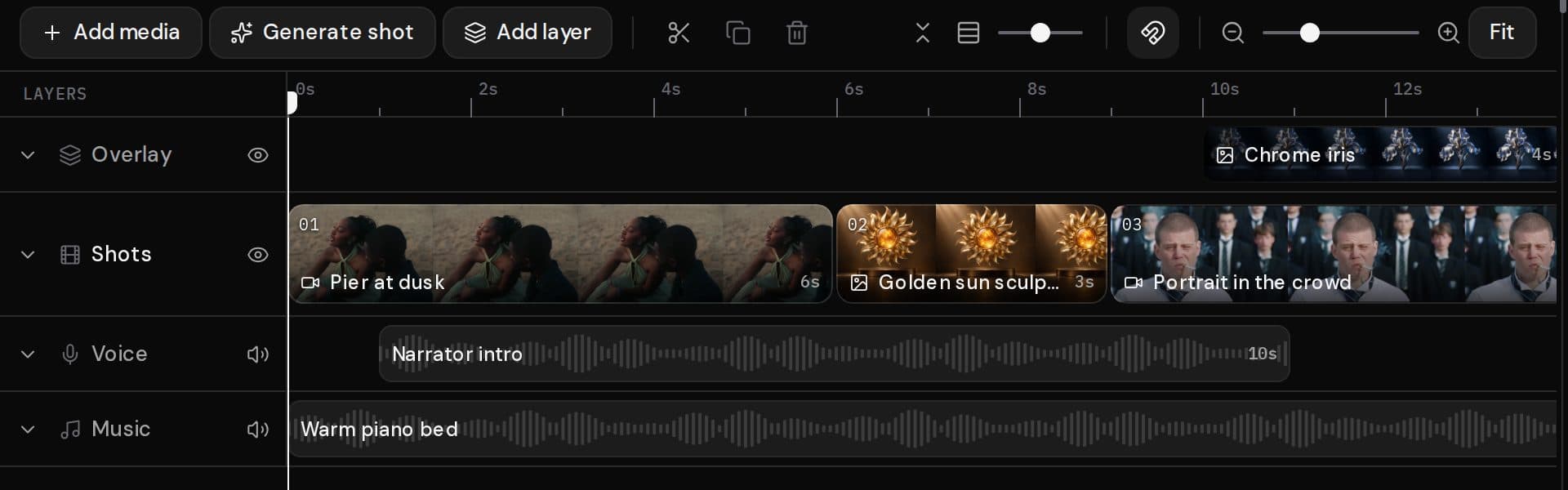
Start a new video, add your media, then arrange it on the timeline.
Start a new videoArrange your media into one video
Compose brings a video stage and layered timeline together. The recorded example above shows shots, an image overlay, narration and music. Open Compose to work with your own project.
Frequently asked questions
Is the editor interactive on this page?
No. This is a recorded example. Open Compose to use the editor with your own media.
Can I start a new project?
Yes. Start a new video opens the studio with the new-project option.
Does browsing this page load my projects?
No. This public preview does not open your projects or initialize an editor session.