AI Outfit Identifier
Identify visible garments, fit, colors, patterns, style references, and shopping search terms from an outfit photo.
Open AI Outfit IdentifierAdd your photo in the workspace. Uploads require a plan.
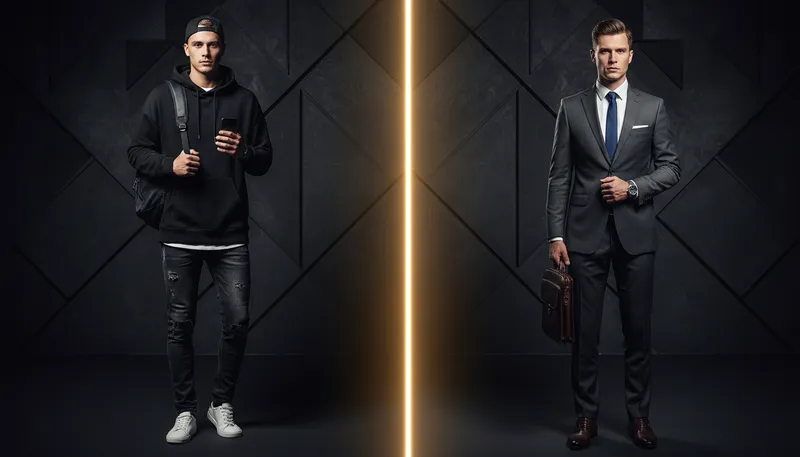
What this analysis gives you
The AI Outfit Identifier breaks a photo into visible garments, accessories, fit, colors, patterns, material cues, and style references. It also writes specific search phrases for finding or recreating a similar look.
Report sections
- Outfit Summary
- Garments and Accessories
- Silhouette and Fit
- Color, Pattern, and Material Cues
- Style References
- Search Terms
- Confidence and Limitations
What a photo cannot prove
- A photo cannot reliably prove fabric composition, brand, price, or authenticity.
- Cropped or covered garments may only receive a broad category match.
- Lighting and filters can change perceived color and texture.
Continue in Oakgen
- Swap clothing in a photo
Apply a different outfit while keeping the person and scene.
- Try clothing on virtually
Preview a garment on your own reference image.
When to use it
Recreating a look
Break a reference outfit into individual garments and accessories with fit, color, and pattern notes for each piece.
Shopping for similar items
Use the report's search phrases to find close alternatives in stores and marketplaces without knowing the brand.
Styling and content briefs
Describe an outfit's silhouette and style references for a shoot, moodboard, or post caption.
Planning a virtual try-on
Identify the pieces you like, then preview a similar garment on your own photo with the try-on and clothes swap tools.
How it works
- Upload a clear photo of the subject.
- Add optional context. A full-body image with clear fabric detail gives the best clothing breakdown.
- Select Analyze Image. The report usually arrives in 10-15 seconds and is saved to your analysis history.
Price per analysis
| Vision model | Credits |
|---|---|
| GPT-4o (default) | 5 |
| GPT-4o Mini | 3 |
If an analysis fails, its credits go back to your balance automatically. Credits come with every Oakgen plan and are shared with image, video and audio tools.
Frequently asked questions
Can the outfit identifier find the exact clothing brand?
Only when a readable logo, label, or distinctive mark is visible. Otherwise it describes the garment and gives search terms instead of inventing a brand.
Can it help me recreate an outfit?
Yes. The report lists each visible piece and gives fit, color, material cues, and shopping phrases you can use to search for close alternatives.
What kind of photo works best?
A full-body image with clear fabric detail gives the best clothing breakdown. Optional context can say whether you want one item identified, the full outfit recreated, or shopping terms.
Can it tell what fabric a garment is made of?
It gives material cues as visual estimates, not facts. Fabric composition, price, and authenticity cannot be proven from a photo, so check the garment's label when you can.
Does it judge the person wearing the outfit?
No. It describes the garments and styling only and does not infer sensitive traits about the person in the photo.
How much does an outfit analysis cost?
Each analysis costs 5 credits with GPT-4o or 3 credits with GPT-4o mini. If an analysis fails, the credits are returned automatically.
Further references
Pricing and support
- Plans and credits
Current plans, credits and per-model costs. Credits for a generation that fails go back to your balance automatically.
- Terms of service
Oakgen does not claim ownership of your inputs or eligible outputs. Commercial use also depends on the model provider's terms.
- Refund policy
How to request a refund or billing help, and how cancellation works.
- Contact support
Questions about a model, a result or billing: [email protected].