AI Video Generator
Generate AI videos from text or images with Seedance, Kling 3 Pro, and Grok Imagine Video. Choose a model and its available controls for your clip.
Powered by the latest AI video models


Introducing the Oakgen AI video generator
Everything you need to create high-quality, physically accurate videos in one place. Enter your script or start from a reference frame made in our AI image generator.
Choose the model for your shot
Create from a prompt or starting image with Seedance, Kling 3 Pro, and Grok Imagine Video on one shared credit balance.
Text or image to video
Animate an existing image frame-by-frame, or generate entirely new footage from a text prompt.
Cinematic camera control
Presets for camera moves, framing, and VFX — or take manual control for the exact shot you have in mind.
Built for production
Spin up social clips, product videos, and ads at scale, all on one shared credit balance.
AI video models available in the Oakgen Video Generator
Choose from the leading AI video models to create exactly the shot you need.
Kling
Kuaishou's Kling excels at character animation and high-resolution output with precise motion control.
Available models
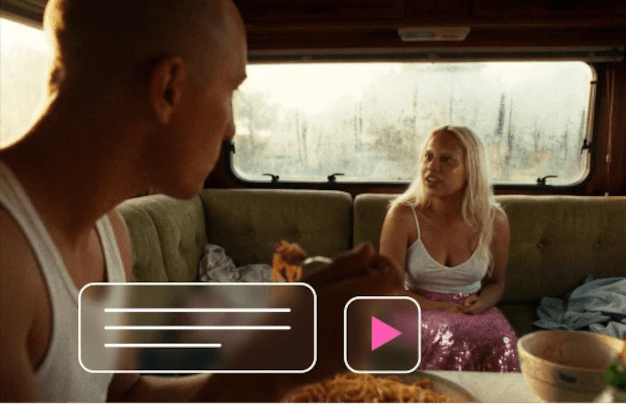
Text to video
If you can write it, you can direct it. Enter your script or a short description of the shot you want, and the AI generates the visuals, motion, and transitions to match. Control the shot type, pacing, and camera moves for full command over the final cut.
Enter your prompt
Image to video
Start with a still and watch it come alive. Drop in a photo or an AI-generated image and the video generator animates it with consistent characters and objects — so all you have to do is pick the best take.
Enter your image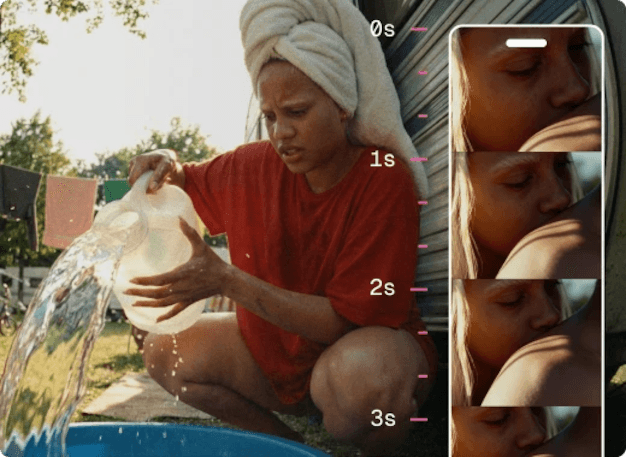
Create clips with consistent characters
Build unique, repeatable characters in the AI Image Generator, then use them as your video's start or end frame. Your characters stay on-model across every clip, so a whole sequence feels like one shoot.
Create characters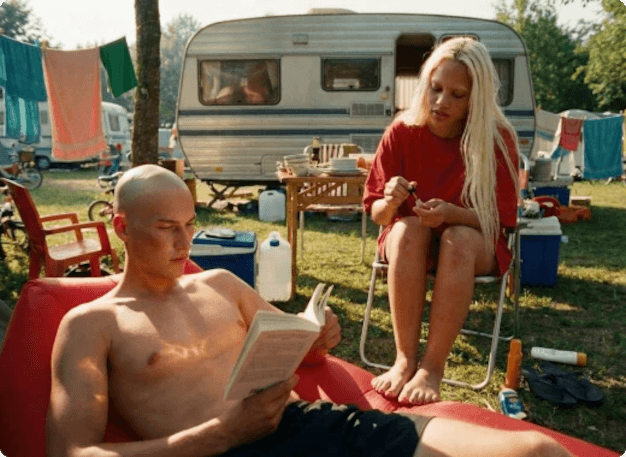
Craft your style and animate it
Define a visual signature and keep it consistent. Generate reference images in the AI Image Generator to lock a cohesive aesthetic, then turn those frames into smooth, animated clips that reflect your exact look.
Create a style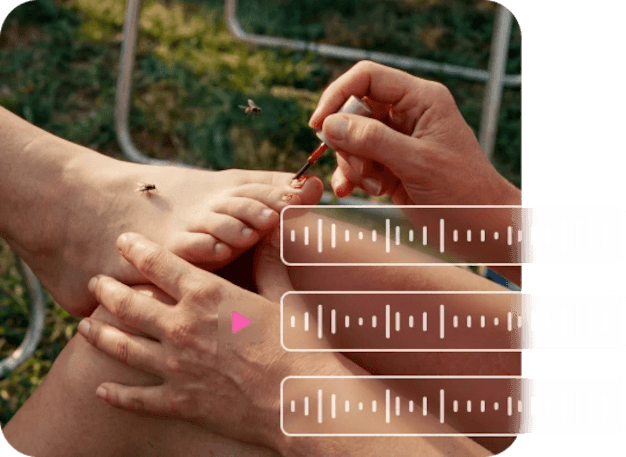
Give your videos an extra sound layer
Generate a clip with native audio on supported models, or create a separate soundtrack with AI-generated music and combine it with your video in an editor.
Create video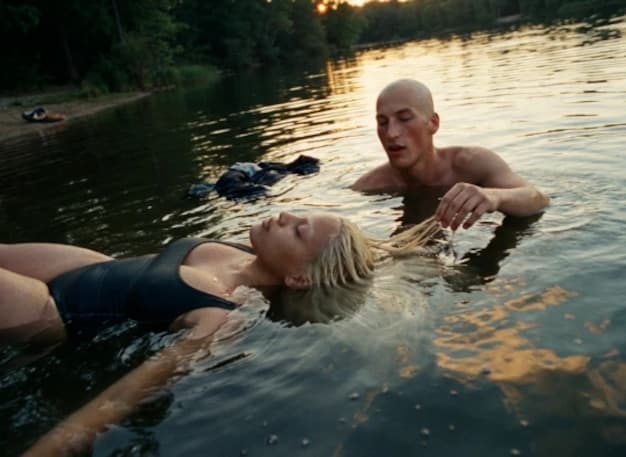
Add natural-sounding voices
Use the AI Voice Generator for lifelike voiceovers in dozens of languages and accents, or sync speech to your characters with Talking Photo lip-sync. Record yourself, upload audio, or generate a voice from text — whichever fits the shot.
New videoPricing
One plan can run your whole AI workflow.
Start at $9/month with 2,000 credits across chat, images, video, voice, music, avatars, editing, and upscaling. Upgrade only when you need more monthly volume.
Basic
A simple plan for trying Oakgen
Fixed monthly capacity included with this plan
Billed $108 annually
No difference compared to monthly
Plan features
- Parallel generations: 1 video, 2 images
- Access to selected models only
- Limited avatar creation
- Basic voice cloning
- AI music & talking photos
- 7-day media retention
- Priority support
- Discount on extra credits
Pro
21% OFFFor students, work, and personal projects
Fixed monthly capacity included with this plan
Billed $180 annually · Save $48/year
Save $48 compared to monthly
Plan features
- Parallel generations: 3 videos, 6 images
- Access to all models
- Unlimited avatar creation
- Full voice cloning suite
- Celebrity/UGC creator tools
- AI music & talking photos
- Image upscaler
- 30-day media retention
- Priority support
- Discount on extra credits
Ultimate
14% OFFFor advanced use across the full platform
Fixed monthly capacity included with this plan
Billed $300 annually · Save $48/year
Save $48 compared to monthly
Plan features
- Parallel generations: 6 videos, 10 images
- Access to all models
- Professional UGC & avatar suite
- Advanced voice cloning + AI music
- Image upscaler
- 30-day media retention
- Priority support
- Beta feature access
- Dedicated account manager
- Discount on extra credits
Creator
20% OFFUnlock the full power of AI
Fixed monthly capacity included with this plan
Billed $948 annually · Save $240/year
Save $240 compared to monthly
Plan features
- Parallel generations: 10 videos, 20 images
- All models + beta featuresEXCLUSIVE
- Beta feature access
- Full creator suite (UGC, avatars, voices)
- Image upscaler
- Extended media retention
- Priority support
- Dedicated account manager
- Extra credit purchases available
Still have questions?
Picking a plan, custom credits, team pricing, billing — we usually reply within a few hours.
How to create AI videos
Get startedLoved by visual creators
One studio, every tool
Your image generations plug straight into the rest of the Oakgen suite — all on one shared credit balance.
AI Image Generator
Create starting frames & references
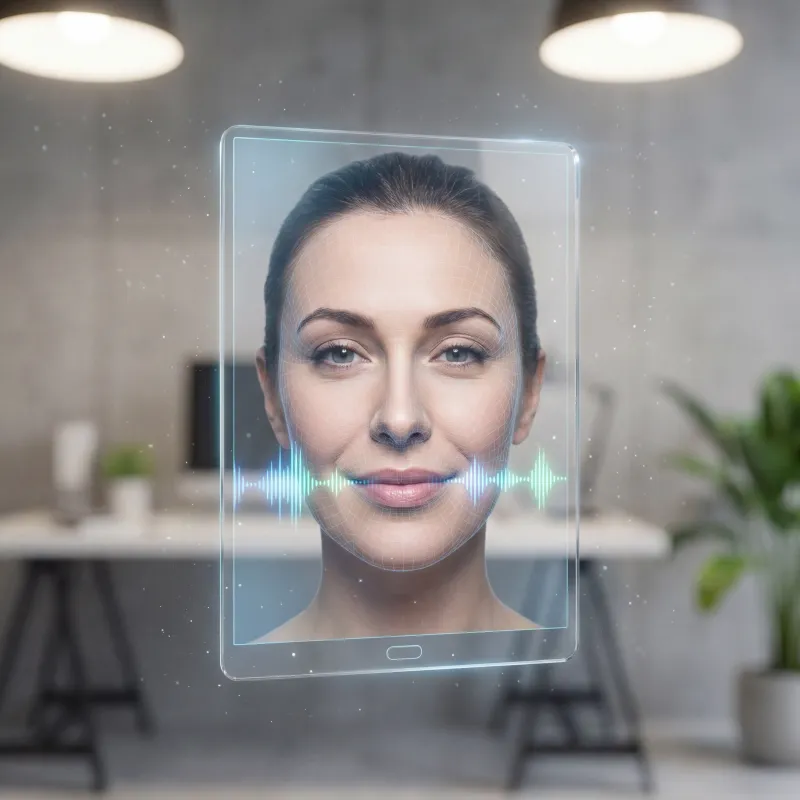
Talking Photo
Animate portraits with lip-sync
AI Voice Generator
Pro-quality voiceovers in seconds
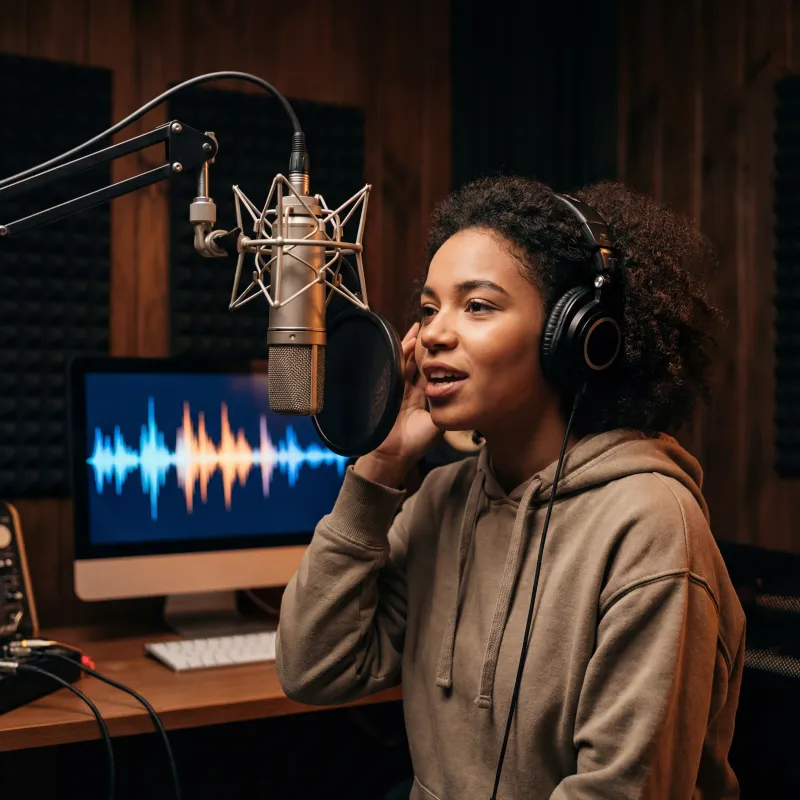
Music Generator
Original tracks to score your videos
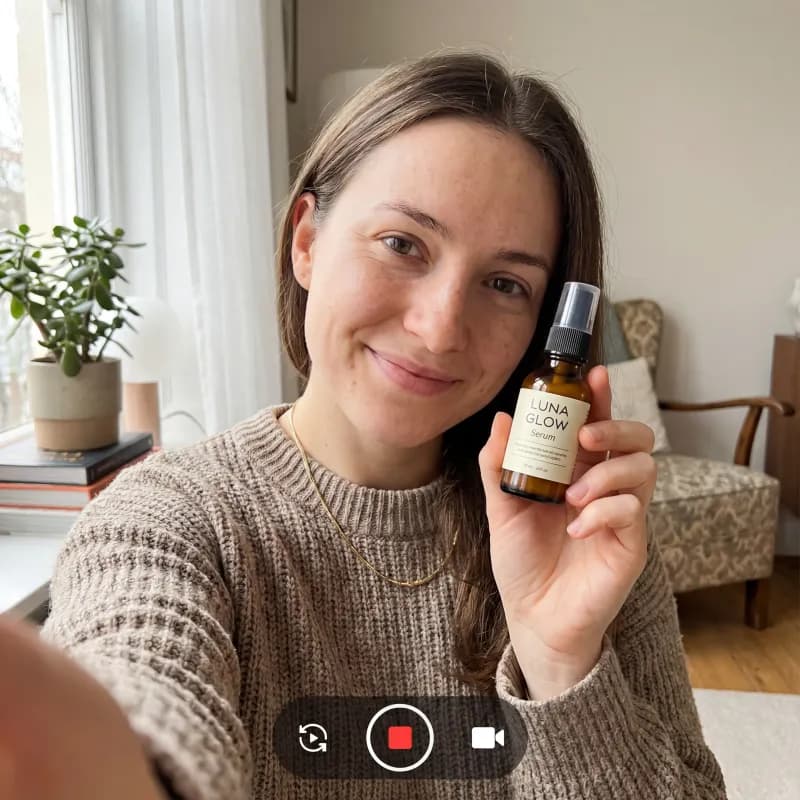
UGC Ad Generator
Scroll-stopping UGC ads in minutes
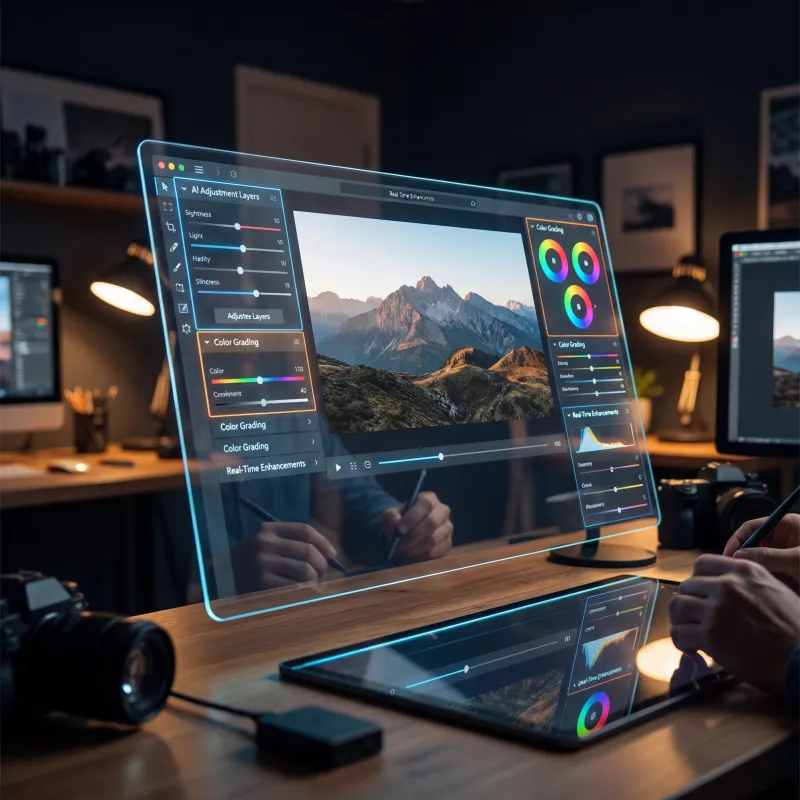
Image Editor
Edit, retouch, and transform any photo
AI Chat
Research and create with Oakgen Agent Chat
Explore more ways to create
Frequently asked questions
Everything you need to know about the ai video generator.