Give Your Photo an Instant-Film Frame

Give a photo an instant-film-inspired white frame and faded colors. Add optional style notes, then review the generated border and subject details.

Open in Oakgen
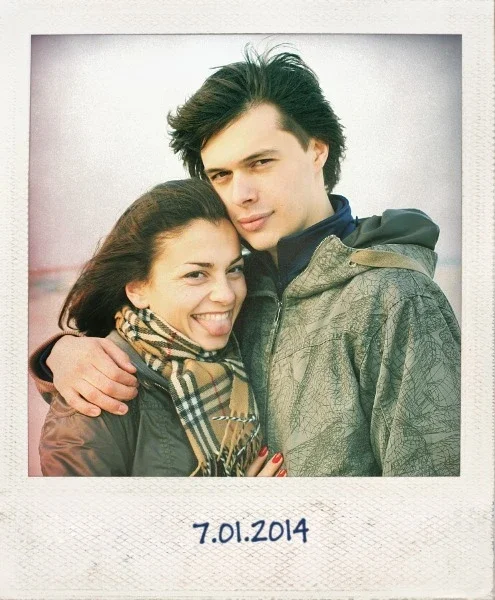
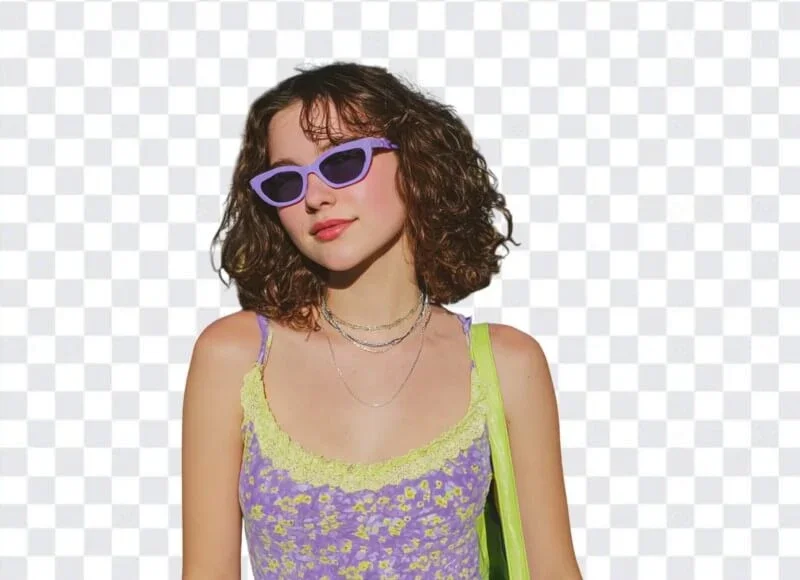
Polaroid Frame Effect example
Example result

Give Your Photo an Instant-Film Frame

Create a Polaroid-style interpretation with a white border, slightly faded colors and a vintage instant-photo mood.

What is Polaroid Frame Effect?

Polaroid Frame Effect reinterprets an uploaded photo as an instant-film-style image. The preset asks for a characteristic white border and faded vintage colors. It has no dedicated frame-width, caption or film-stock controls; Additional Instructions can guide the look. Because the model generates the whole image, treat the frame as part of the artwork and inspect the subject as well as the border.

How to use Polaroid Frame Effect

  1. 1

    Choose a photo with room around the subject

    Upload a portrait, group snapshot, pet photo or travel scene. Avoid framing where a new border would crowd important details.

  2. 2

    Add a restrained style note

    Use the default look or describe one preference, such as “gently faded warm colors.” There is no need to specify a full editing recipe.

  3. 3

    Review the framed result

    Check the border shape, subject framing, faces and small details. If exact dimensions matter, verify the downloaded file before placing it in a layout.

Ways to use the results

Personal memory boards

Create instant-photo-style images for a digital scrapbook or trip collage. Keep captions in your layout editor when spelling and placement must be exact.

Creative photo series

Explore a consistent nostalgic mood across a small set of images, comparing each result for similar colors and border treatment.

Tips for better results

  • Try one clear mood cue before adding grain, scratches and light leaks; too many requested effects make the result harder to judge.
  • Use an external layout editor when every border must have exactly the same width or align with a print template.

Frequently asked questions

Is this just a border added to unchanged pixels?

No. It is a generative image edit that requests both the frame and a vintage appearance. Details within the photo can change, so compare the finished image with your source.

Can I set an exact frame width or add a caption field?

Those controls are not part of this template. You can describe preferences in Additional Instructions, but precise borders and typography are better handled in a layout editor.

Will it reproduce a specific instant-film stock?

The preset requests a general Polaroid-style look. It does not establish a calibrated simulation of a particular film stock, camera, print size or aging process.

Related AI tools