Your whole look
Your photo guides the rapper’s face, hair, build and clothing. Show the outfit you want to wear in the scene.
Video trend
Step into the Bulin 47 freestyle with your face, hair and outfit. Choose the 15-second hook or the 30-second performance.
Upload a clear photo for the performer you want to replace. The scene and its choreography are already set.
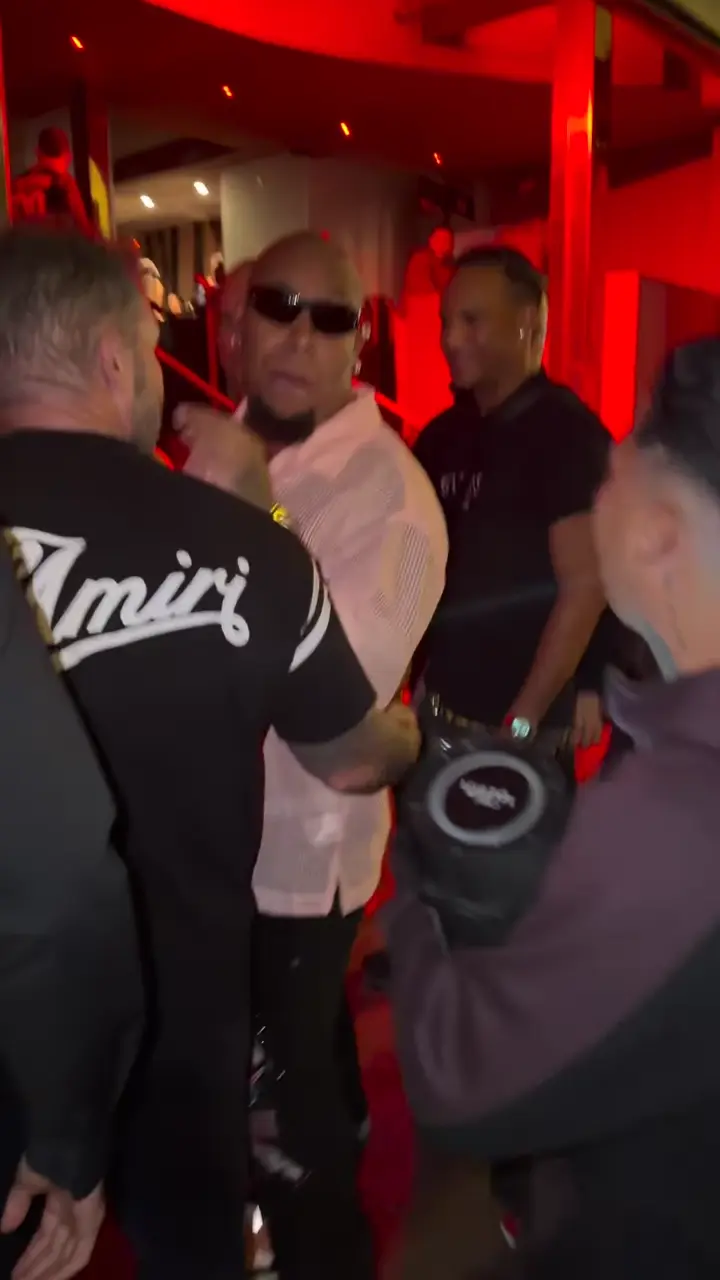 Rapper
Preview the 15-second hook or the 30-second performance, then choose the length for your video.
Upload one clear waist-up or full-body photo. Keep your face, hair and outfit visible so the edit can reference them.
Check your appearance, lip sync and the surrounding scene. Download your portrait MP4 when you are happy with it.
Your photo guides the rapper’s face, hair, build and clothing. Show the outfit you want to wear in the scene.
The edit targets Bulin 47 in the center. Kevin, the megaphone and the people around him stay part of the reference scene.
The source clip guides the lyrics, gestures and camera movement. Review the finished edit for lip sync and consistency.
Choose the 15-second hook or the 30-second performance. Watch both cuts before picking your version.
Yes. Choose 480p, 720p or 1080p before generating. The default is 720p. Higher resolutions cost more; your selected price is shown before you start.
It is the viral megaphone freestyle featuring Dominican performer Bulin 47 and Kevin Wai. Oakgen uses cuts of the original performance as references for your photo-guided AI video.
The recipe requests a full-person edit: face, hair, build and clothing from your uploaded photo. A waist-up or full-body photo works best. AI results can vary, so check the finished video before sharing.
Yes. The 15-second version focuses on the hook; the 30-second version includes more of the performance. Each has its own reference cut and price, shown before you generate.
Your photo replaces the central rapper, Bulin 47. The recipe asks to preserve Kevin, the megaphone, the crowd, the lighting and the camera movement. Review the output because AI editing can alter details.
Oakgen copies the original freestyle audio into your finished video. The edit follows the rapper’s mouth movements; review lip sync before posting.
Use a clear photo of yourself or one person you have permission to use, with their hair and clothing visible. Some photos may be rejected by the model.
2,214 credits for 15 seconds or 4,428 credits for 30 seconds at 720p. The selected price is shown before you generate.
Render time varies by clip length and demand. You can leave the page while it runs; the finished video is saved to your assets. Failed generations receive an automatic credit refund.
Upload a photo. Everything else is set.