Add an Action Effect to Your Photo

Add a fire explosion, sparks, smoke, shattering glass or power aura to a photo. Create an action-style still image and review the subject and lighting.

Choose the action effect

Open in Oakgen
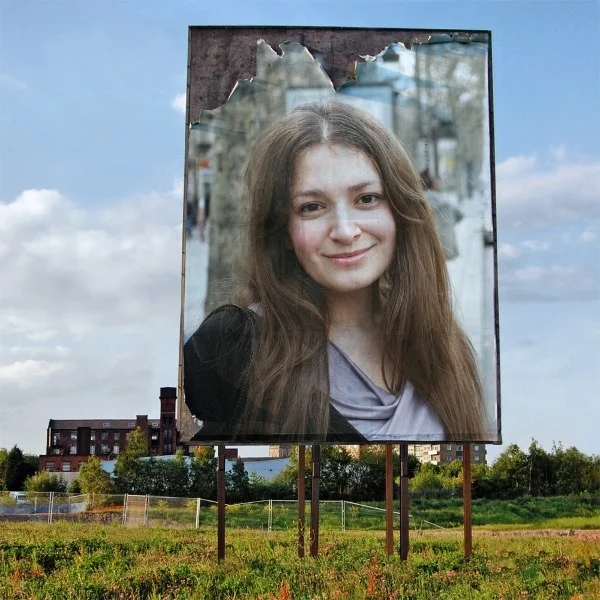
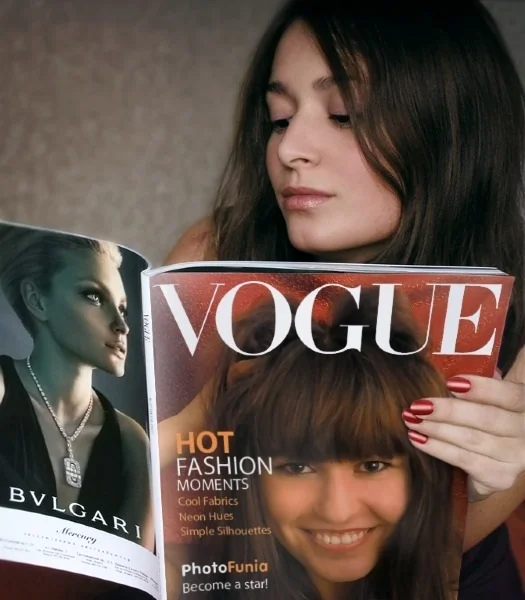
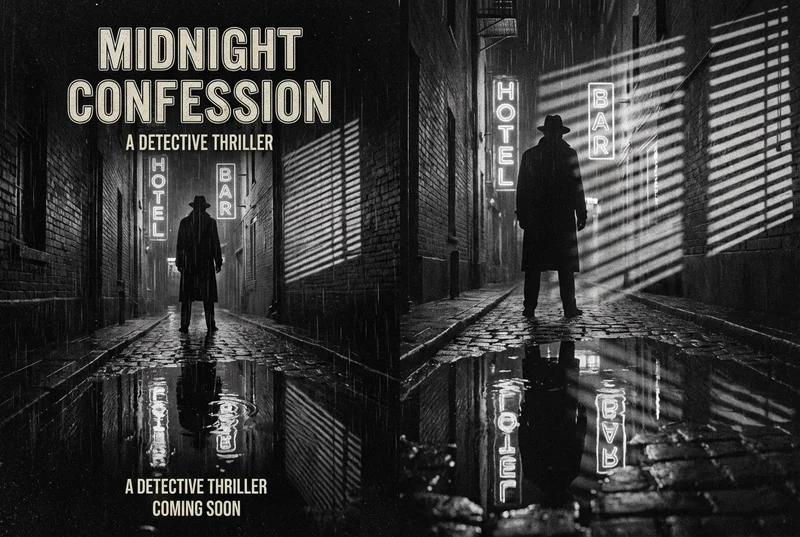
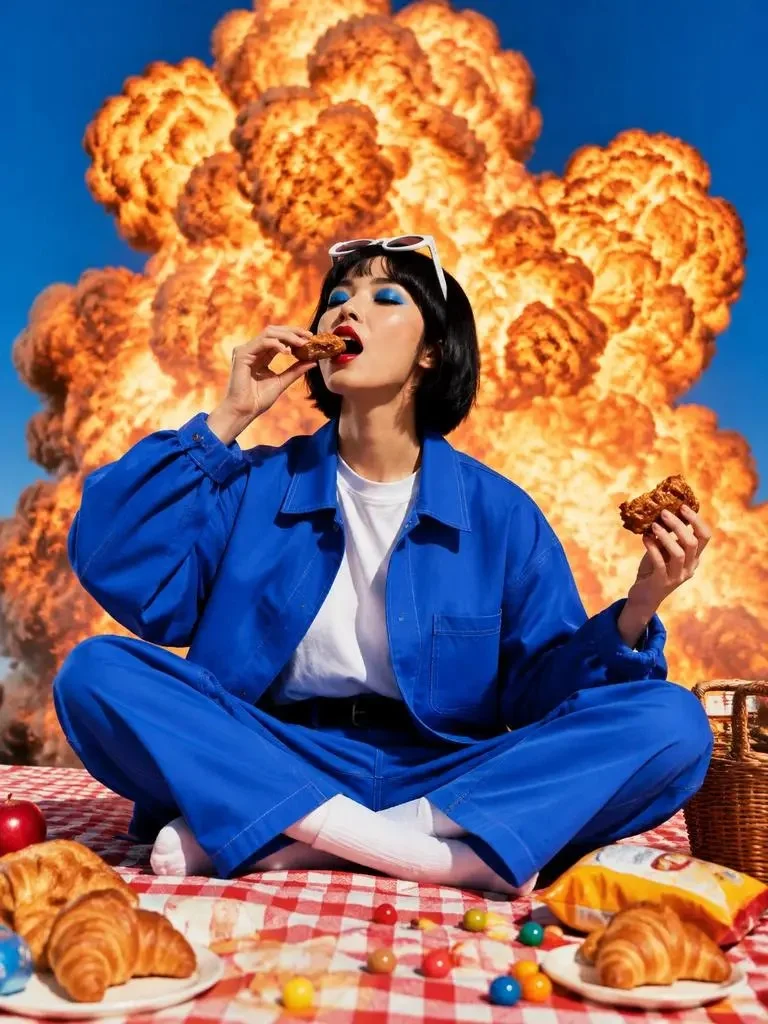
Action Explosion Effect example
Example result

Add an Action Effect to Your Photo

Choose fire, sparks, smoke, shattering glass or an energy aura for a cinematic still-image treatment.

What is Action Explosion Effect?

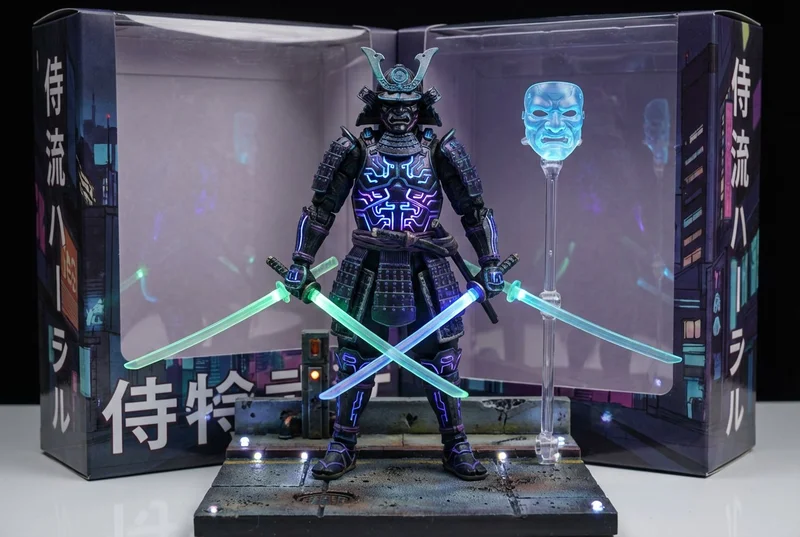
Action Explosion Effect uses an uploaded image to generate an action-themed version. Effect Type offers Fire Explosion, Electric Sparks, Smoke & Debris, Shattering Glass and Power Aura. Fire Explosion specifically requests a blast behind the subject; the other presets guide their respective visual treatments. The tool generates a complete still image rather than a video effect, transparent overlay or simulation of a real event.
How to use Action Explosion Effect

  1. 1

    Choose the action portrait

    Upload a sharp image with a clear subject and some space around them. The expression and pose should fit the scene you want to create.

  2. 2

    Select the effect

    Choose Effect Type and add a focused placement or intensity request in Additional Instructions, such as sparks in the background.

  3. 3

    Review the composite

    Inspect the face, hands, debris edges and lighting. Check whether the effect obscures the subject or creates unintended objects.

Ways to use the results

Fictional action artwork

Create an exaggerated character image for a story idea, game-themed post or personal project.

Poster direction studies

Explore which visual effect best supports a cinematic poster before preparing its final composition.

Tips for better results

  • Use one main effect so the subject remains the focal point.
  • Specify whether the effect should sit behind or around the subject.
  • Ask for a restrained effect when you need facial details to remain easy to see, then verify the output.

Frequently asked questions

Does it create an explosion video?

No. This is a photo-based image template. The output is a still image, without animation or sound.

Can I use sparks without fire?

Yes. Choose Electric Sparks. Smoke & Debris, Shattering Glass and Power Aura are also separate choices.

Will the person remain untouched?

The source image guides the result, but the model can redraw the subject while adding effects. Compare facial features, clothing and anatomy with the original.

Related AI tools