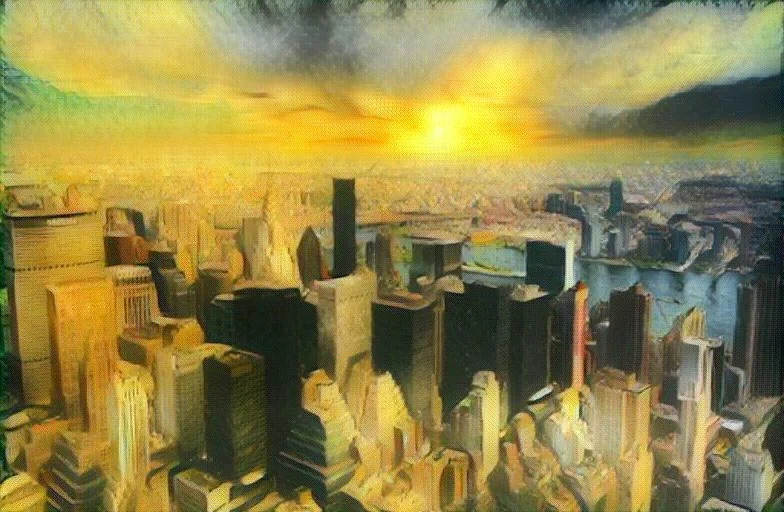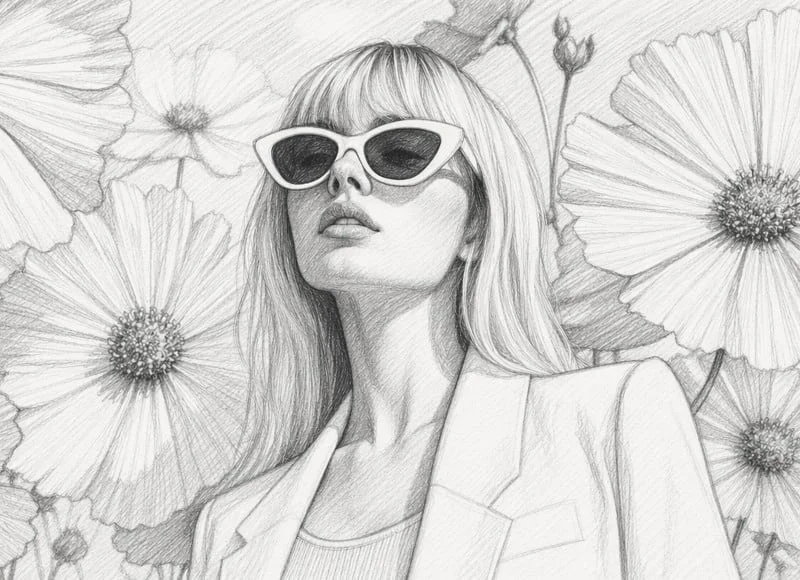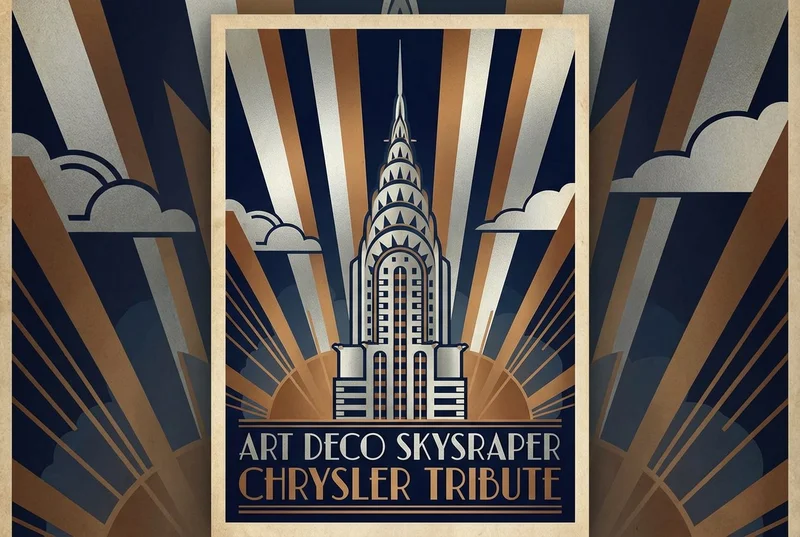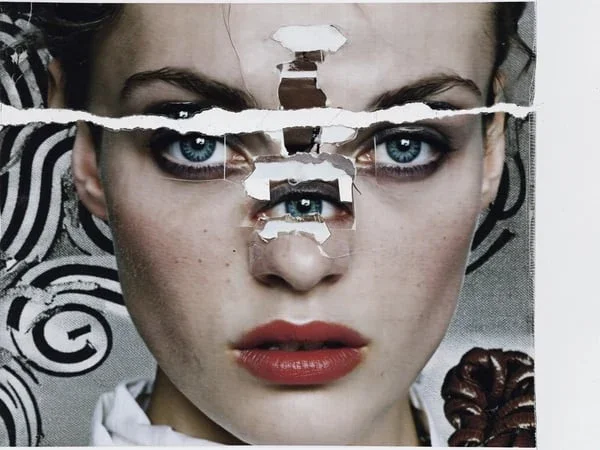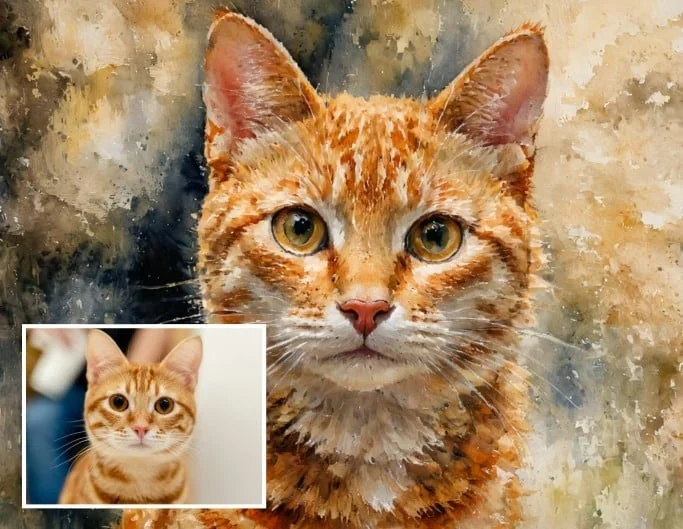
Oil Painting Effect

Convert any photo into a museum-quality oil painting with visible brushwork, rich saturated color, canvas texture, and classical composition. Eligible outputs can be used commercially under Oakgen's Terms and provider terms, including for prints, walls, and gifts.

Open in Oakgen
Oil Painting Effect example
Example result

Oil Painting Effect

Upload a photo and get back a museum-style oil painting with thick visible brushstrokes, canvas texture, and rich classical color. Composition is preserved frame for frame; only the medium changes — flat phone photo in, painted artwork out.

What is Oil Painting Effect?

The Oil Painting Effect is Oakgen.ai's image-to-image template that re-renders a photo as a classical oil painting. It takes your reference image and rebuilds the scene with visible thick brushwork, impressionist color handling, canvas texture, and a museum-quality finish. The negative prompt explicitly blocks digital, smooth, and photorealistic drift — so what comes back actually looks like paint sitting on canvas, not a stylized photo. It works on portraits, landscapes, still life, pets, and architectural subjects. Use it when you want artwork that holds up at print resolution, frames well on a wall, and reads as a real painting from across the room.
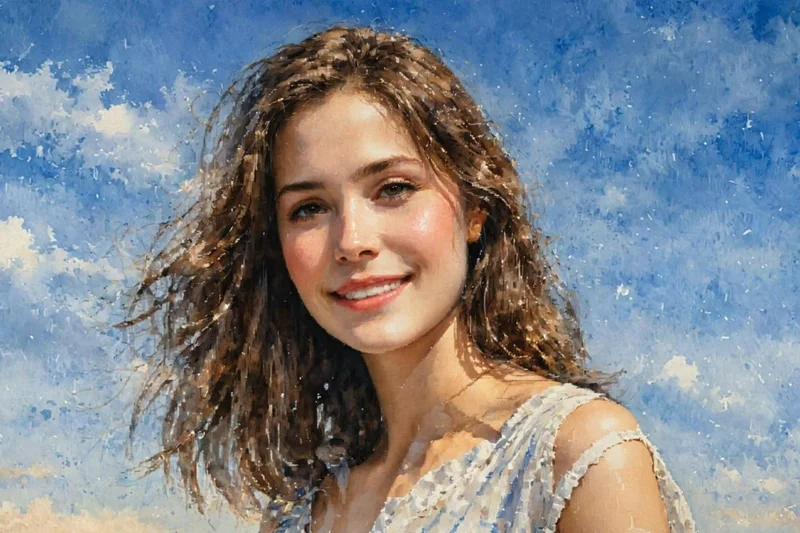
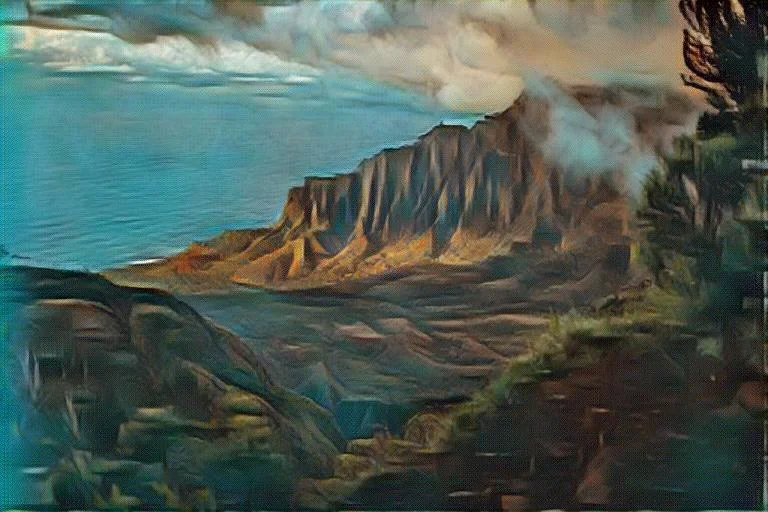
Features and options

  • Output reads as a real oil painting with paint depth and canvas texture — not a smoothed-out filter overlay.
  • Composition carries through from your reference photo, so portraits, landscapes, and family shots come back as recognizable scenes.
  • Brushwork is varied and believable: bold strokes in the focal area, looser handling in the background, the way a painter actually works.
  • Color is rebalanced into a classical, slightly warm palette by default, which is why the output instantly reads as 'painting' instead of 'photo with paint texture'.
  • Eligible outputs can be used commercially under Oakgen's Terms and provider terms, including for prints, framed gifts, merch, and client work.

When to use Oil Painting Effect

  • You want to turn a family portrait, couple shot, or pet photo into a framed oil-painted print for a wall or gift.
  • You're producing wall art for print-on-demand, Etsy, or local-market sales and need original painted artwork derived from photography.
  • You're building a brand identity that leans on classical, premium aesthetics — restaurants, wineries, real estate, luxury — and need painted hero imagery.
  • You're mocking up a commissioned-portrait look for a client deck before deciding whether to commission a real oil painter.
  • You're producing book covers, editorial illustrations, or article art where a painted feel signals quality and timelessness.

How to use Oil Painting Effect

  1. 1

    Upload your photo

    Drop in any photo — portrait, landscape, still life, pet, building. Sharp, well-lit source photos translate most cleanly into painted form.

  2. 2

    Add an optional palette nudge

    Leave the prompt empty for a classical default pass, or type a short cue — 'warmer palette', 'autumn light', 'moody chiaroscuro' — to steer color and atmosphere.

  3. 3

    Generate the painting

    The model rebuilds the scene with thick brushwork, canvas texture, and museum-quality color while keeping the composition and subject identifiable.

  4. 4

    Download and print

    Pick the strongest version and download at full resolution. Drop straight into print workflows, wall-art templates, or framed-print services.

Ways to use the results

Framed portrait gifts

Turn a personal photo into a painted portrait worth framing — wedding portraits, family heirlooms, pet portraits, retirement gifts. The kind of piece people commission painters for, produced in seconds.

For: Gift buyers, families, and pet owners

Wall art for print-on-demand

Produce original painted artwork from your own photography for Etsy, Society6, and print-on-demand storefronts — landscapes, still life, pet portraits — with commercial use of eligible outputs under Oakgen's Terms and provider terms.

For: Print-on-demand sellers and indie artists

Premium brand visuals

Build painted hero imagery for restaurants, wineries, real estate, hotels, and luxury brands where a classical aesthetic adds perceived quality and timelessness.

For: Marketing teams and small-business owners

Editorial and book illustration

Generate painted illustrations for article art, book covers, and editorial features when a painted feel reads more credible and timeless than a photograph.

For: Editorial designers and indie publishers

Strengths

  • Reads as a real oil painting, not a photo filter
  • Canvas texture and varied brushwork give depth at print resolution
  • Composition from the reference photo is preserved
  • Color is rebalanced to a classical, painterly palette by default
  • Eligible outputs can be used commercially under Oakgen's Terms and provider terms

Trade-offs

  • Tight detail (small text, fine jewelry, small lettering) softens in the painted output
  • Likeness is painterly — recognizable, but not pixel-perfect for portrait subjects
  • Very dark, very flat, or extremely low-resolution source photos can produce muddied results
  • Style is opinionated — for a softer, more transparent look use the Watercolor template instead

Tips for better results

  • Start with the prompt empty; the base prompt is tuned for classical oil and most photos render well on the first pass.
  • When you do prompt, use one short clause: 'warmer palette', 'cool blue tones', 'overcast light'. Color cues outperform style references.
  • Mention atmosphere when relevant: 'autumn afternoon', 'golden hour', 'stormy seascape'. The model handles atmosphere as a painter would.
  • Avoid naming specific painters or movements in the prompt — the base prompt already pushes toward classical work, and naming people can cause stylistic drift.
  • For portraits, leave background details vague; oil paintings traditionally simplify the background, and the model does this naturally.

Oil Painting Effect vs the alternatives

vs Mobile painting filter app
A filter app layers paint texture and color shifts on top of the photo — fast for a phone post, but the result still reads as a photo with paint on top, especially at print size. This template rebuilds the scene as a painting with varied brushwork, canvas depth, and classical color rebalancing. Pick a filter for a quick share; pick this template when the output has to print and frame.
vs Commissioning a portrait painter
A real oil painter delivers a signed, one-of-a-kind piece — the right call for a wedding portrait, family heirloom, or any artwork meant to last generations. But commissions cost thousands of dollars and take weeks to months. This template renders in seconds, which is the right fit for high-volume print-on-demand work, brand visuals, and personalized gifts at scale. Eligible outputs can be used commercially under Oakgen's Terms and provider terms.
vs Stock fine-art imagery
Stock fine-art libraries give you generic paintings that any other brand can license too — fine for a placeholder, weak for distinctive identity. This template produces original painted artwork derived from your own photography, so the piece is unique to your subject and reusable across campaigns. Eligible outputs can be used commercially under Oakgen's Terms and provider terms.

Frequently asked questions

What is the Oil Painting Effect?

It's an image-to-image template on Oakgen.ai that re-renders your photo as a classical oil painting with thick visible brushwork, canvas texture, and museum-quality color. The composition and subject from the source photo are preserved; the medium changes.

Can I use the outputs commercially?

Yes. Oakgen does not claim ownership of eligible outputs, and commercial use is subject to Oakgen's Terms, the model provider's terms and your rights in the inputs. You can sell prints, ship the art on merch, use it in client work, and publish it in monetized content.

How is this different from a painting filter?

A filter overlays paint texture and color shifts on top of the photo. This template rebuilds the scene as a painting — varied brushwork, canvas depth, classical color rebalancing — so it holds up at print resolution and reads as a real painting from a distance. The negative prompt also keeps the output from drifting back toward photoreal, which most filters don't control for.

What kind of photo works best?

Sharp, well-lit photos with a clear subject convert most cleanly. Portraits, landscapes, still life, pets, and architectural shots all work. Heavily compressed, very dark, or low-resolution source photos can muddy the painted result, so source quality is the biggest single quality lever.

Will the output be high-resolution enough to print?

Yes. Outputs are delivered at the resolution of the selected aspect ratio, which is large enough to print at standard wall-art sizes. For very large prints (over 24×36 inches), pair with an upscaler before sending to the print service.

Will my face still look like me in an oil-painted portrait?

Recognizably, in painted form. The template preserves framing, pose, and overall features and rebuilds them as a painting. Expect a painterly portrait of you — the kind a painter would deliver from a reference photo — not a pixel-perfect copy with brushstroke texture on top.

Do I need to write a prompt?

No. The base prompt is tuned for classical oil painting and produces good output with the prompt field empty. Use the prompt only to nudge color, atmosphere, or season.

How long does generation take?

About 8–12 seconds per render. Fast enough to try several palette variations on the same photo and pick the strongest version.

Related AI tools