One unbroken take
The reference is a single long-lens shot with no cuts. It sets every run-up, jump, hand placement and landing from the first barrier to the sprint at the end.
Video trend
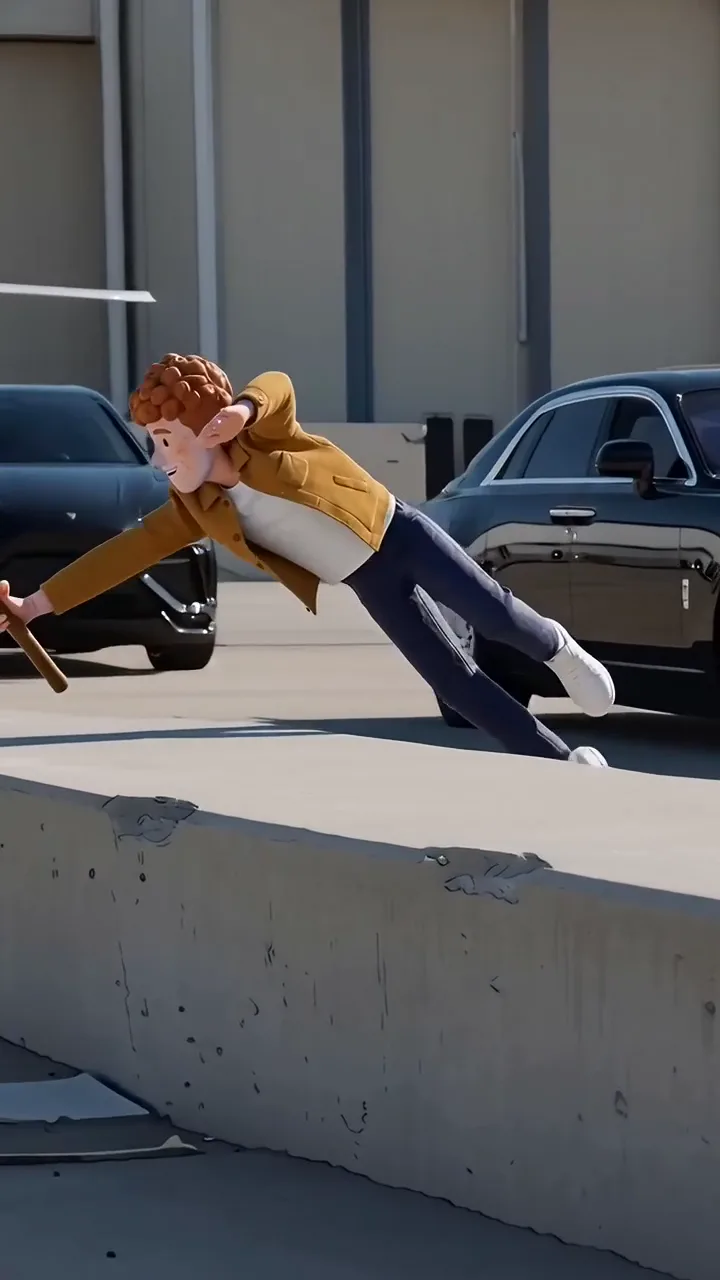
Vault and dive over the barriers on a private-jet apron.
Upload a clear photo for the performer you want to replace. The scene and its choreography are already set.
 Runner
Upload one clear photo of the person who should run the line, ideally showing them head to toe.
Select 480p, 720p or 1080p. The price shown includes preparing your photo.
Check the run from the first vault to the sprint, then download your 14-second vertical MP4.
The reference is a single long-lens shot with no cuts. It sets every run-up, jump, hand placement and landing from the first barrier to the sprint at the end.
Nothing of the original performer is kept. The runner is recreated from your photo on a sunny private-jet apron, with the cars, the jets and the concrete barriers generated around you.
Your photo is prepared with a faint facial wireframe, then used as the character reference for the face, hair, build and clothing. A wooden stick is added to your hand. Show the outfit you want.
Oakgen copies the reference audio into your finished video, so the landings stay on the beat. Review your AI video before you share it.
It is a Reels format in which someone unexpected clears a row of concrete barriers on a private-jet apron in one take: a vault, three headfirst dives and a sprint towards the jets, with a wooden stick in hand. This Oakgen template recreates a 14-second version of it.
Open the Runway Parkour tool, add one photo, choose a quality and generate. The movement, timing and audio are already set, so there is no prompt to write.
Yes. Your photo is prepared with a faint facial wireframe while preserving the face, hair, build and clothing visible in it. The video uses that prepared photo and adds the wooden stick. AI results can vary, so review the finished video.
No. A line-drawing of the reference take sets the movement and framing. The picture, including the runner, the barriers, the cars and the jets, is generated to match it with the person from your photo.
The reference guides every jump and landing, but fast dives are hard for AI video and hands, feet or the stick can come out wrong in places. Check the run before posting.
Yes. Choose 480p, 720p or 1080p before generating. The default is 720p. Higher resolutions cost more; your selected price is shown before you start.
Use a clear photo of yourself or of someone who has given you permission, with their face, hair and clothing visible and nobody else in the picture. The model can reject photos, including realistic photos of people; a rejected generation is refunded.
1,376 credits per 720p video. This includes preparing your photo. The selected price is shown before you generate.
Render time varies with quality and demand. You can leave the page while it runs; the finished video is saved to your assets. Failed generations receive an automatic credit refund.
No. The preview on this page is an Oakgen example made with this template and an invented character. Oakgen is independent and is not affiliated with the creators of other versions of this format.
Yes. Review your video, then download the MP4 from the tool or your assets.
Upload a photo. Everything else is set.