Make an AI micro drama series, one vertical episode at a time
Start from a ready-made story, your own script or a single line. Lock a cast with its voices, review a storyboard, then film shot by shot. You see the price before every paid step and fix only the shot that missed.
Nothing is charged until you write a script. An Oakgen account is needed to start.How an AI micro drama is made in Oakgen
Pick a story, bring a script, or give one line
Choose from ready-made stories by genre, paste your own script or outline, or write one line and let Oakgen write the episodes and cliffhangers. Names, setting and ending stay editable.
Approve the script and its price
Nothing is charged while you browse. A script is a paid step, and you see its price before it is written, then the price of each next step before you approve it.
Lock the cast, voices and sets
Review up to 4 characters with their looks, pick each character's voice, and approve the world once. Every later frame and clip is made from those same references.
Review the storyboard
See the episode as a film strip of frames before any clip is filmed. Fixing a frame is cheaper than fixing a clip.
Film shot by shot
Approve the filming estimate and Oakgen films each shot with its own dialogue.
Watch, fix single shots, download
Watch the episode, choose between takes, redo only the shot that missed, and download the finished episode file to post.
26 ready-made stories across 6 genres
Pick a genre, read the three hooks and start. You can still change names, setting and ending.
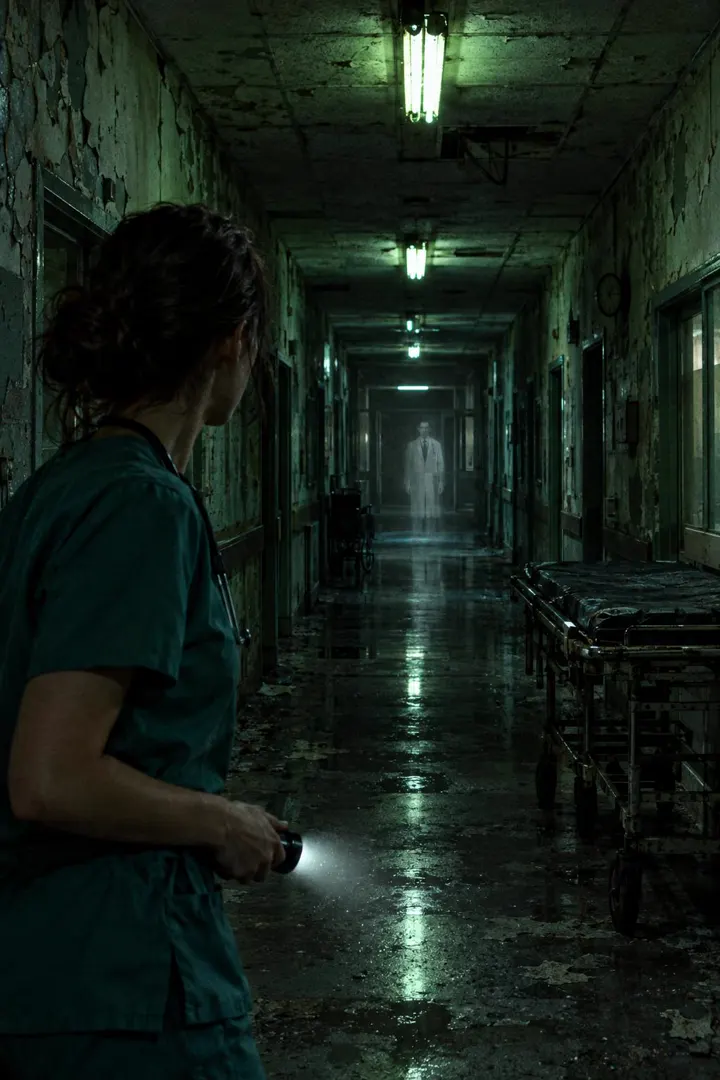
Haunted
Sealed rooms, night shifts, the dead who still keep appointments.
6 stories
Romance
Rain, second chances, the confession that comes one episode too late.
4 stories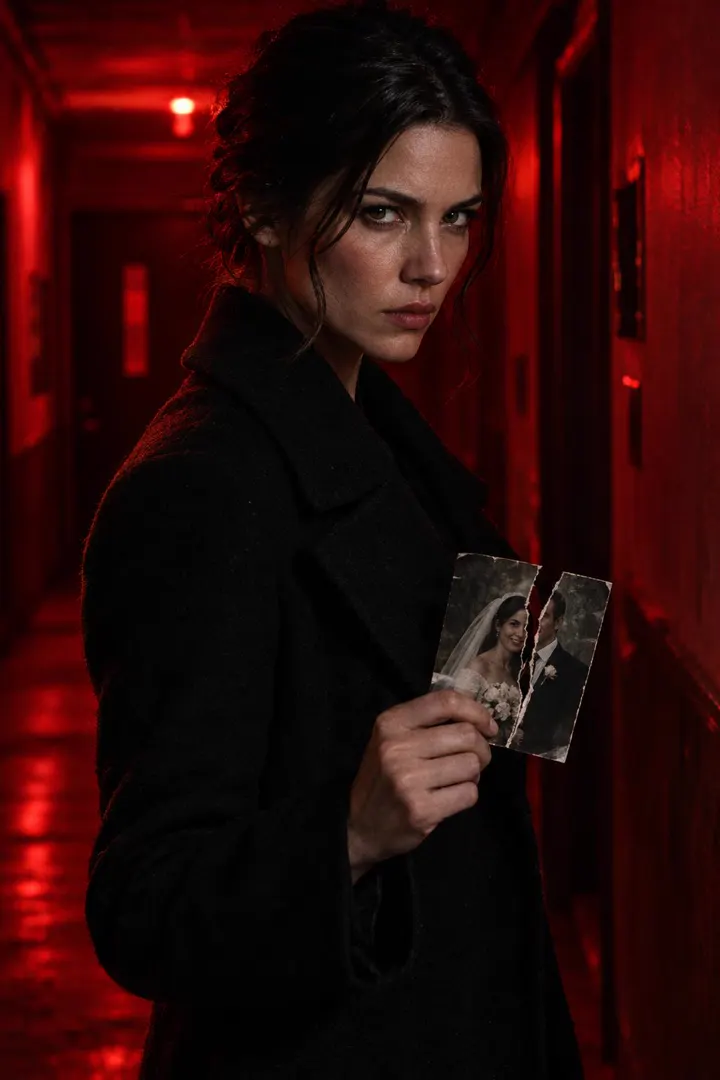
Revenge Thriller
Betrayal, a long game, and the slap heard around the family.
4 stories
Rags to Riches
Hidden heiresses, contract marriages, the staircase she used to scrub.
4 stories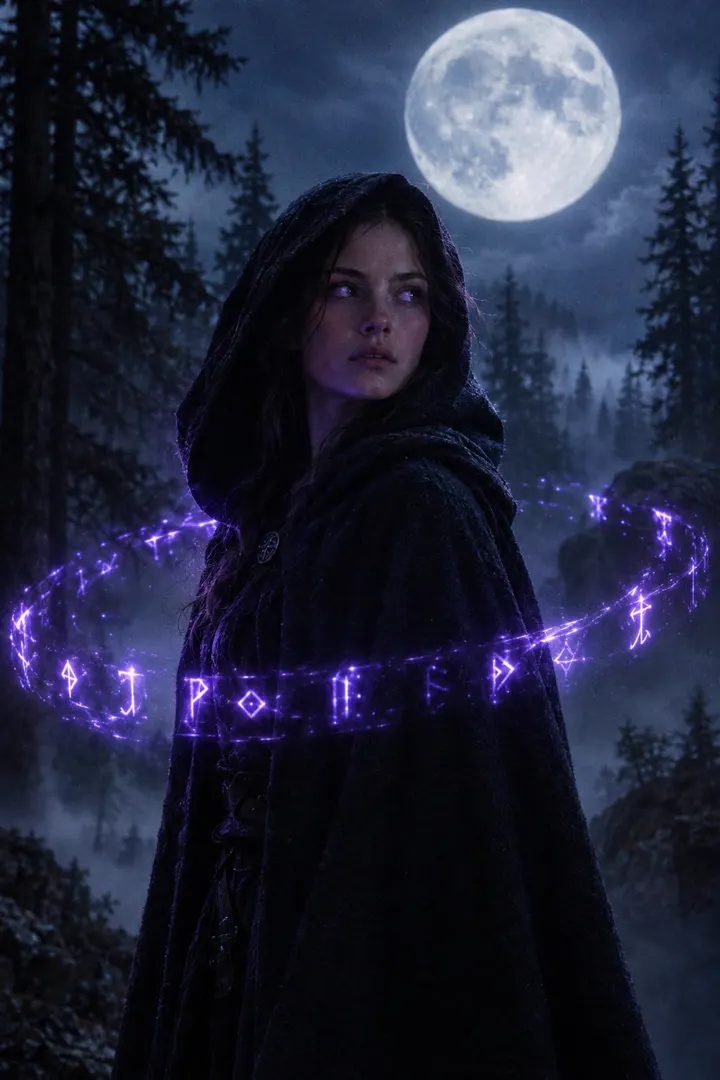
Mystic & Fantasy
Rebirth, time loops, powers that wake on the full moon.
4 stories
Mystery
One photograph, three suspects, a city that never dries.
4 stories
What to know before you start
- Vertical 9:16 episodes. Episode length presets of 30, 45, 60, 90 seconds.
- A series runs at most 300 seconds in total, so longer episodes mean fewer of them.
- Up to 4 named characters per series.
- AI-made faces and voices can drift between shots. Watch and listen to every shot before you post.
Guides to making a micro drama
- What is a micro drama?
- How to make an AI micro drama, step by step
- How to write a micro drama script
- Micro drama tropes and hooks that work
- Keeping characters consistent across episodes
- What an AI micro drama costs per episode
- Best AI tools for micro drama
- How to post a micro drama series
- How micro drama makes money
Frequently asked questions
What is an AI micro drama generator?
It is a tool that turns a story idea into a short vertical drama series: a script split into episodes, a cast with consistent faces and voices, a storyboard, and filmed shots you can assemble and post. Oakgen Micro Drama does each of those steps in one studio and shows the price before each paid step.
How do I make an AI micro drama with Oakgen?
Open Micro Drama and pick one of three ways to start: a ready-made story by genre, your own script, or one line that Oakgen expands. Approve the script, lock the cast and voices, review the storyboard, then approve the filming estimate. You then watch each episode, fix single shots and download the finished file.
How long can a micro drama episode be?
You can pick 30, 45, 60, 90 seconds per episode, in vertical 9:16. A whole series can run at most 300 seconds in total.
Do the characters keep the same face and voice in every episode?
Oakgen makes a look and a chosen voice for each character and sends the same references with every frame and clip, which keeps them far more consistent than prompting each shot alone. It is not perfect: faces and voices can still drift, so check each shot and redo the ones that miss.
How much does an AI micro drama cost?
Micro Drama uses Oakgen credits. Browsing is free, the script is a paid step, and the studio shows each step's price before you approve it. Filming is the largest cost. Our cost-per-episode guide works the numbers through for each episode length and cast size.
Can I use my own script?
Yes. Paste a script, an outline or a few paragraphs and Oakgen keeps your words and plans the episodes around them.
Who owns the episodes and where can I post them?
You download the finished episode as a video file and post it yourself. Check the rules of each platform for AI-generated content and labelling before you publish, and read Oakgen's terms for rights to generated output.