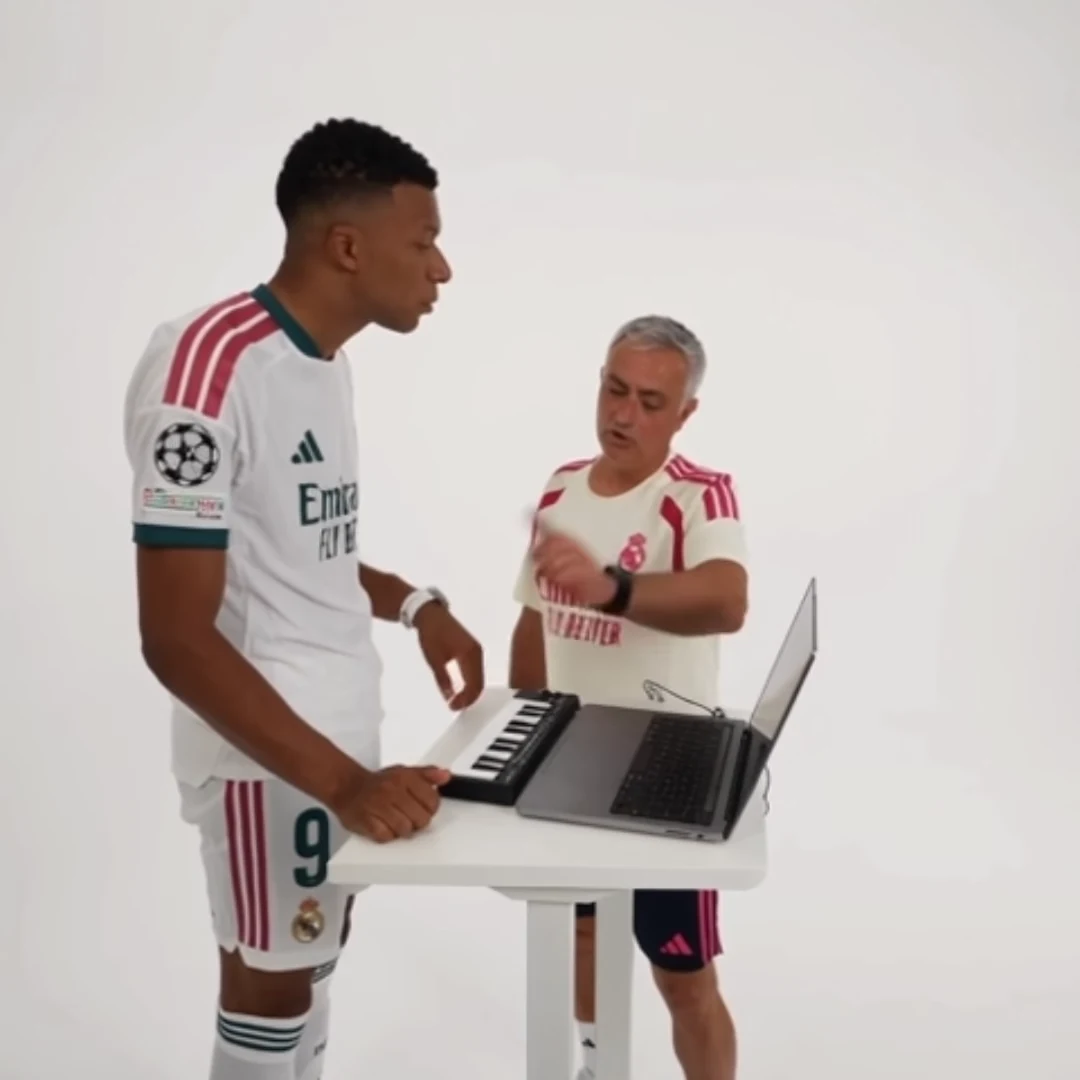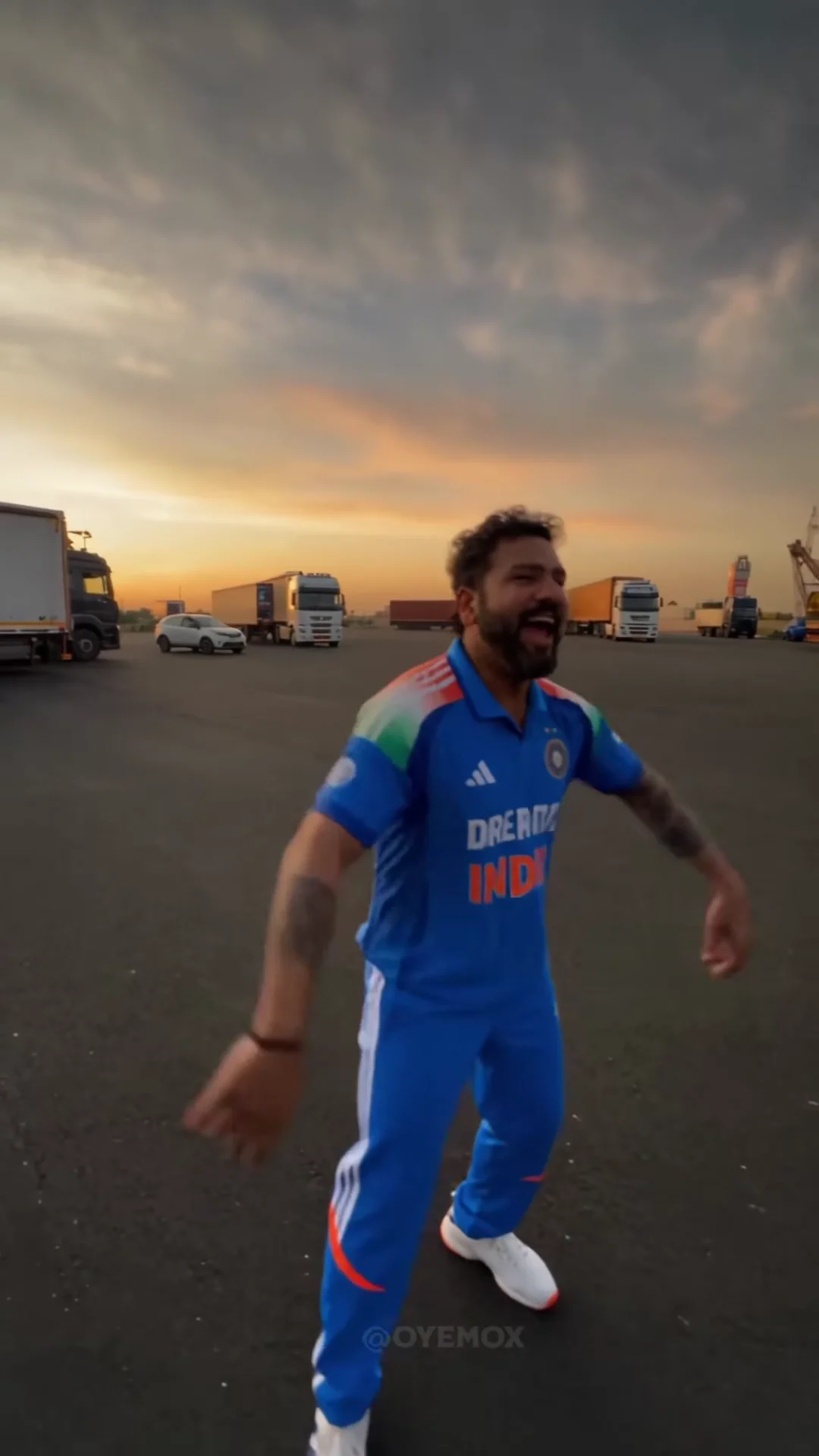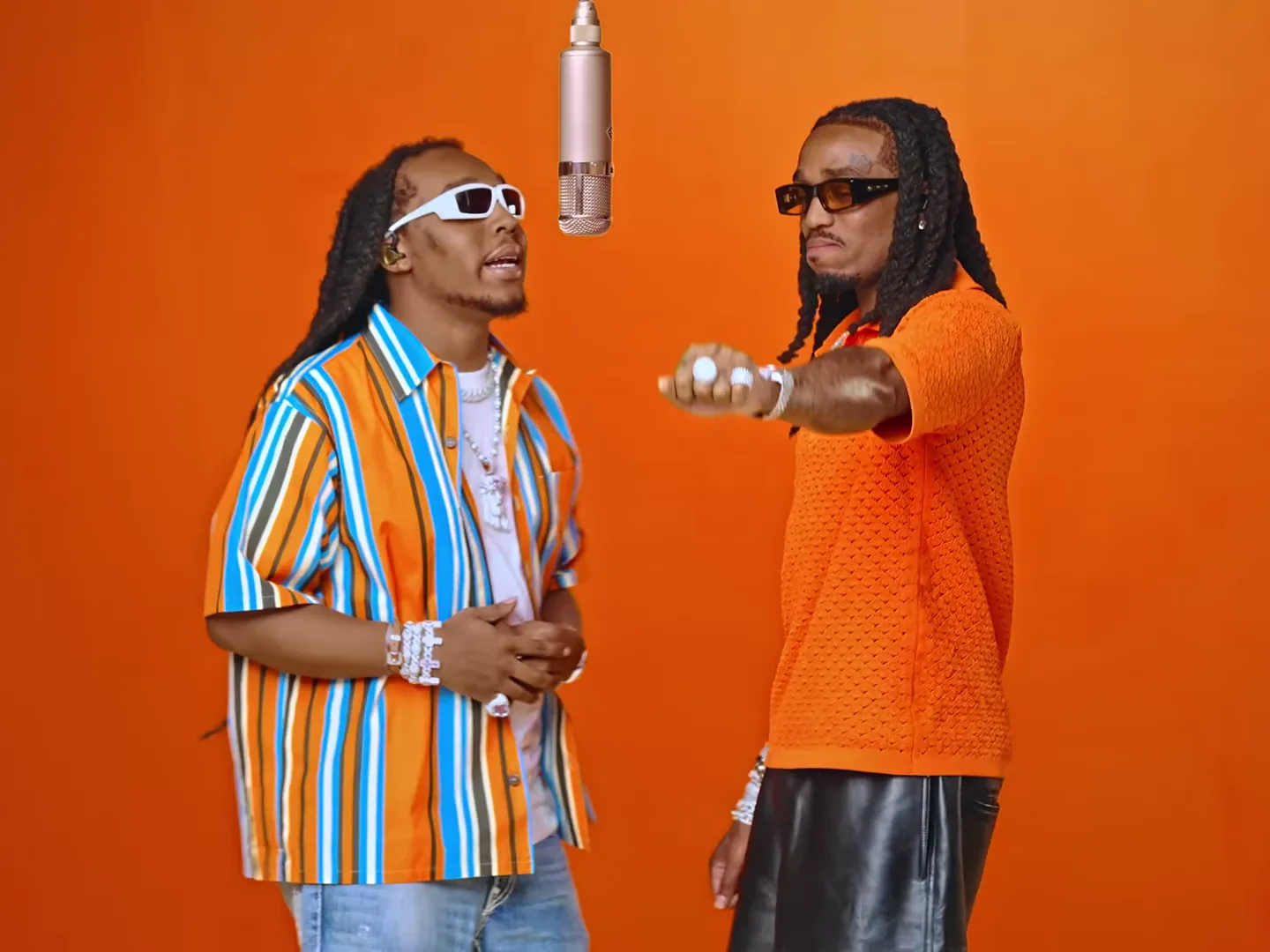
Make a video trend your own by choosing a clear situation, assigning the cast deliberately and shaping the finished post around a payoff. You do not need a new camera move for every idea. A familiar performance can tell a different story when the audience understands who is doing it and why.
Start in the video trends collection, watch the reference, and choose the action that fits your premise. For example, Hotel Lobby offers a performance setting, while a football celebration can express an everyday win. This playbook connects practical projects with guides to identity, editing, sharing and troubleshooting.
Start with the reader's task
If you already know the trend you want, choose its project below. Each gives the format an editorial purpose: a group joke, a character introduction, a reveal or a reaction. If you are still choosing, begin with the planning comparisons rather than collecting unrelated templates.
A useful one-line brief is: “This is for my five-a-side group, and the joke is how confident we become after one good pass.” It identifies an audience and a reason to watch. “Make a viral video” does neither. No caption, template or posting routine can promise reach, but a specific brief makes the creative decisions easier to evaluate.
Know where the creative controls live
Most photo-driven trends have a fixed source performance, shot order, timing and audio. You supply the required photos and choose supported output options. Some allow selecting individual roles; others require the whole cast. Read the specific trend page before planning a one-person version of a group scene.
Whiteboard Explainer is different: it takes a topic, diagram and short text rather than cast photos. Its optional narration and fixed drawing format support an explanation instead of a performance joke.
New captions, crops, title cards, loops and sequences assembled from several outputs belong in a separate editor after downloading. Keep that distinction clear when planning multiple shots. Choosing a template with useful existing angles is different from directing a new camera move.
Use a four-step creative pass
- Premise: Name the event or relationship that gives the action meaning.
- Cast: Choose existing photos that show the right people clearly and fit the intended appearance.
- Presentation: Decide what the audience must read or see before the payoff. Add only that context.
- Review: Check identity, important contact, audio and the completed post's meaning before sharing.
For a simple project, use a dance as the reaction to finally booking dinner. The setup names the event; the performance supplies the exaggerated response. You can test two opening sentences on the same output before deciding whether you need another generation.
The following reading paths cover those decisions. Choose the guide that answers your next question rather than treating every technique as a requirement for every post.
Trend projects
- Stadium Celebration AI Trend: Reaction Ideas for Everyday Wins
- Street Rap Montage AI Trend: Plan a Music Teaser with a Clear Story
- Mansion Tour AI Trend: Make a Silent Luxury-Parody Video
- Alors on danse AI Trend: Duo Story Ideas Beyond the Keyboard Meme
- Good Food, Good Mood AI Trend: Turn a Meal into a Character Story
- Millionaire in 30 Days AI Trend: Write a Clear Money-Guru Parody
- Hotel Lobby AI Trend: Creative Ideas for a Two-Person Performance
- STORM AI Dance Trend: Build a Mood-Shift Story Around the Performance
- Stay with Me Car Reveal: Give the Reveal a Story Worth Watching
- Bulin 47 AI Freestyle: Build a Comic Performance Persona
- Cheba Man AI Dance Challenge: Turn the Performance into a Reaction
- Raindance AI Trend: Duet Story Ideas for Friends and Couples
- Unforgettable Car AI Trend: Three Reveal Concepts to Make Your Own
- Car Rap AI Trend: Give Every Friend a Role in the Joke
- Smalltown Boy AI Dance: Build a Two-Person Comedy Premise
- Mic Session AI Trend: Create a Performance Intro with Personality
- Runway Parkour AI Trend: Shape an Action-Comedy Mini Story
- Özil Goal AI Trend: Build a Football Fan Story Around the Finish
- Rio Street Party AI Trend: Celebration Ideas for Your Dance Clip
- Coffee Cat AI Trend: Make a Morning-Routine Meme with a Clear Payoff
- Bulin 47 Squad AI Trend: Plan a Team Introduction with Three Roles
- Whiteboard Explainer Trend: Storyboard One Idea in 15 Seconds
Planning
- Choose an AI Video Trend by Cast Size, Scene and Story
- Plan a Week of AI Trend Posts Without Repeating the Same Joke
- AI Football Trends: Goal Highlights or Celebration Reactions?
- Solo, Duo or Squad? Choose an AI Rap Trend for Your Cast
- AI Car Reveal Trends: Cast a Scene or Personalize the Car?
Identity
- Choose Your Best AI Trend Photo with a Side-by-Side Test
- AI Duet Trends: Assign Two Photos Without Mixing Up the Roles
- Keep the Same Character Recognizable Across AI Video Trends
- Check Character Consistency Across Cuts in an AI Trend Video
- Why Your AI Trend Outfit Changes and How to Plan Around It
Shots and editing
- Wide Shot or Close-Up? Choose a Video Trend for Your Story
- Crop an AI Duet for Vertical Video Without Losing Either Person
- Build a Three-Clip Story from AI Video Trends
- Edit a Before-and-After AI Trend Reveal That Viewers Can Follow
- Match Cuts Between AI Trend Clips: Pose, Direction and Scale
- Loop an AI Dance Trend Without an Awkward Last Frame
Sharing
- AI Trend Video Hooks: Give the Reveal a Reason to Matter
- AI Duo Trend Captions: Make the Two Roles Part of the Joke
- Test Two AI Trend Posts Without Generating Another Video
- Posting AI Trend Videos: Labels, Music and Permission Checks
- Choose a Thumbnail Frame That Matches Your AI Trend Video
Troubleshooting
- AI Trend Face Drift: Diagnose the Problem Before Retrying
- AI Trend Hands and Props: Check the Moments That Break the Illusion
- AI Trend Audio and Lip Sync: Find Where the Mismatch Starts
- Plan an AI Trend Retry Budget Before You Generate Variations
Finish with a decision, not more effects
Review the final post at its intended size. Can you recognize the cast, follow the important movement and understand the premise without an explanation from the creator? If the answer is no, identify which part failed before making another version.
A vague opening needs better words. A missing second person may need a wider layout. A changing face needs an output-quality decision. Those are different problems, and only some require another generation. Keep the chosen photo, caption and final output together so your next project can build on a clear record.
The project examples here are creative plans grounded in the available template controls. They are not claims of measured performance or personally tested generated results. Existing preview assets illustrate the available formats; inspect your own output before presenting it as your finished work.
Questions before you publish
How do I make a trend feel original without changing the template?
Give it a specific audience, situation and payoff. Cast deliberately, then use captions or separate editing to explain what the fixed performance means.
Can these guides guarantee that a video will go viral?
No. They help you make clearer creative decisions and test presentation choices. Reach depends on factors beyond a template or caption.
Where should I start if my video already looks good?
Start with the sharing guides: improve the hook, caption or thumbnail, and test one editorial change before generating another video.
Continue with Crop an AI Duet for Vertical Video Without Losing Either Person, AI Duo Trend Captions, Choose an AI Video Trend by Cast Size, Scene and Story.