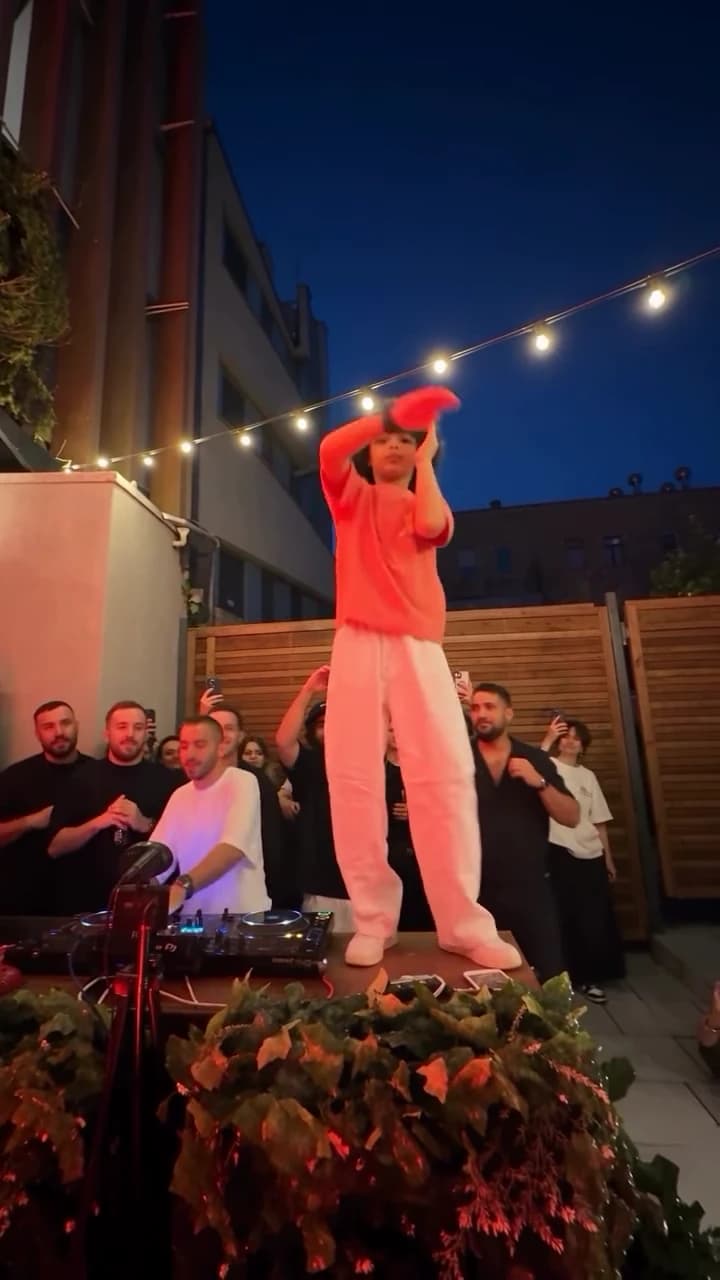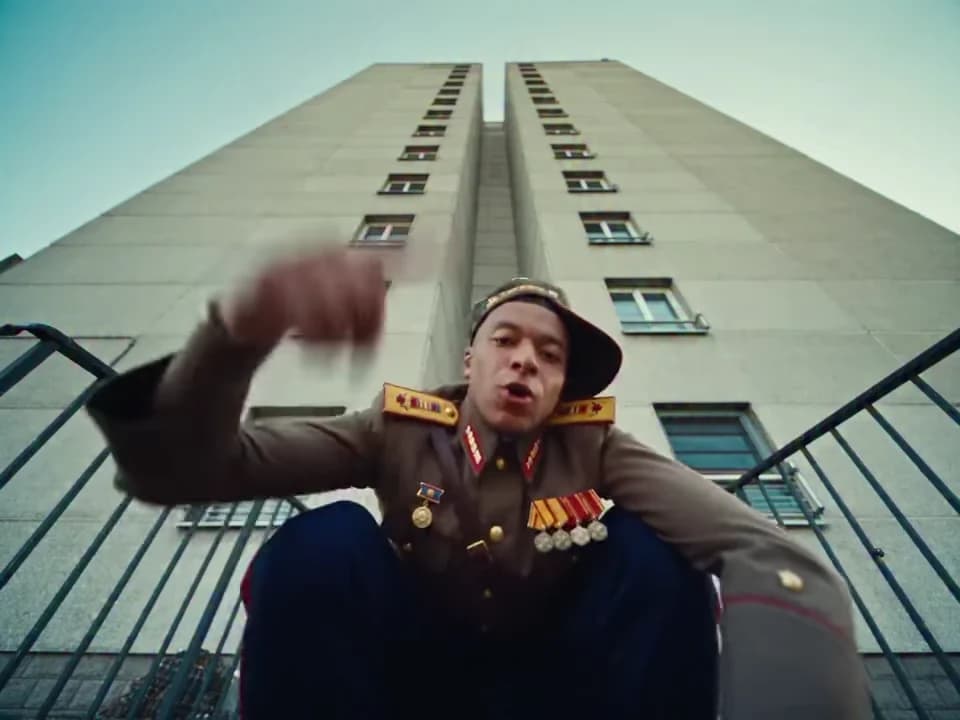
Give a street rap montage one job: introduce a performance persona that viewers can recognize across the cuts. A compact premise such as “the quiet friend finally gets the aux” works better than trying to explain a whole fictional music career in a short clip.
The Street Rap Montage template recreates a fixed sequence around one lead rapper photo. Its reference determines the movement, cuts and audio. Use it for a fictional performance introduction; it does not turn an uploaded portrait into a recording of your own song.
Define the person behind the performance
Start with three plain details: who the character is, what surprises the audience, and what the final post should make them understand. For example: a reserved friend, unexpected confidence, and a joke about taking control of the playlist.
Choose an existing photo that supports that contrast. A recognizable everyday look often tells the story more directly than an elaborate costume that needs explanation. Keep the face and clothing clear. You are supplying appearance information, not a text instruction for a wardrobe change.
A worked teaser: the quiet friend
Plan the post around one sentence: “He said he didn't have a song request.” Put that setup on the opening shot, then allow the montage to perform the contradiction. A closing line could be “Now he runs the entire playlist.”
Try these caption alternatives before adding extra footage:
- “The quiet friend after someone hands over the aux.”
- “One song request turned into a headline set.”
- “Our group chat's imaginary debut. AI edit.”
These are alternative treatments of the same idea. Do not stack all three on screen. The montage already has changes in framing; constant new text would create another competing sequence.
Edit around the cuts that already exist
Download the result and use a separate editor for your titles. Place the opening line where it can remain readable across a cut, or remove it before the next shot. Avoid moving a label from one corner to another on every change of angle.
Review the face, hairstyle and main garment at the beginning of each new shot. If a cut introduces a noticeably different person, a clever caption will not repair it. A small crop may remove a distracting edge, but cropping cannot restore an identity that has changed.
Keep the source audio as a creative fact of this template. If your purpose is to promote an original track, you need a separate, appropriately licensed editing workflow and a clear distinction between the fictional visual and the actual recording. Do not imply that this template performs arbitrary lyrics.
Decide what the teaser should lead to
A personal joke can end with a question about the group's playlist. A creator account might use it to introduce a recurring fictional character. In either case, make the next step proportionate: a short comment prompt or a related post, not a list of unrelated requests.
Review the completed post on a small screen. The opening text should be understandable without pausing, and the rapper should remain the main subject. This plan is an editorial example based on the template's documented inputs, not a claim that a particular caption has produced measured engagement.
Questions before you publish
Does this template sing my original lyrics?
No. The reference performance and source audio are fixed. It is not a custom-song performance tool.
Should every shot have a different caption?
Usually start with one setup and one payoff. Add another label only if it explains a new part of the story.
Continue with Keep the Same Character Recognizable Across AI Video Trends, Check Character Consistency Across Cuts in an AI Trend Video, Build a Three-Clip Story from AI Video Trends, AI Video Trend Playbook.