Give the Runway Parkour AI trend a destination viewers care about. “Me trying to catch the last train” turns a sequence of barriers into an exaggerated commute. The same movement without a destination is simply a stunt to watch.
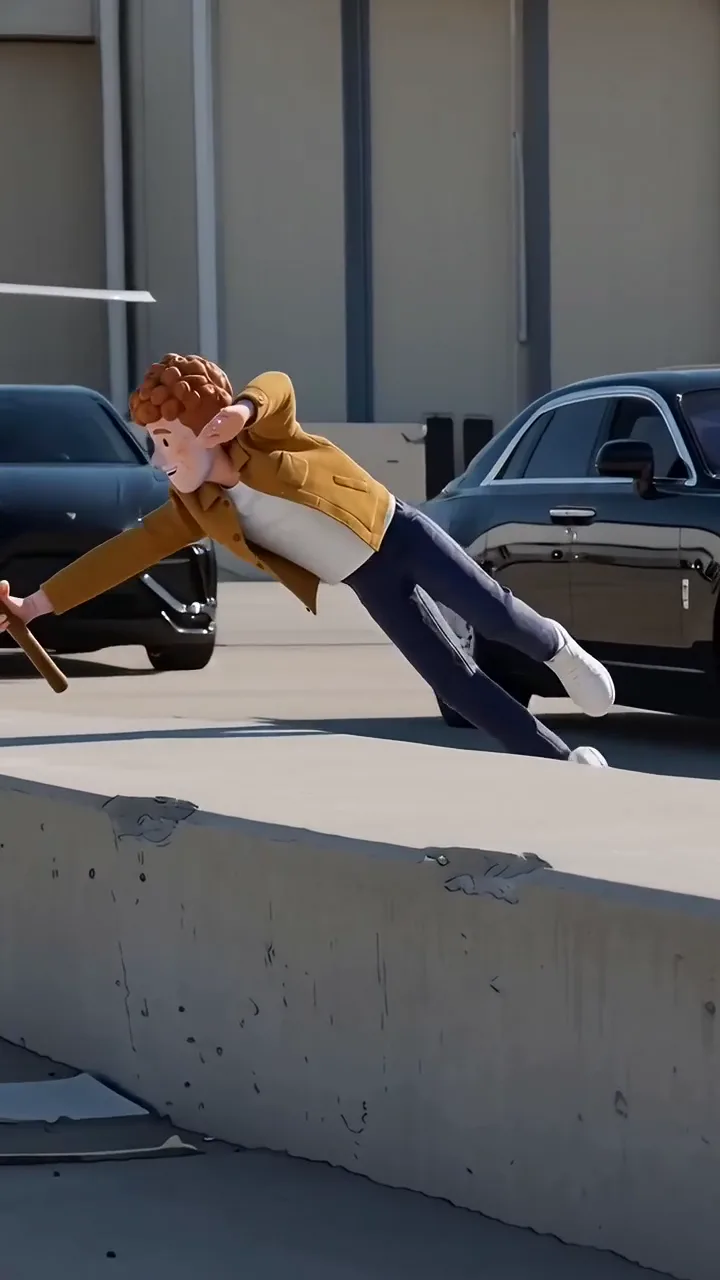
The Runway Parkour template recreates a fixed 14-second run with a vault, dives over barriers and a final sprint. One uploaded photo supplies the runner's appearance. The airport setting, action and reference audio are already chosen; a caption can reframe the joke but cannot turn the location into a railway station.
Write an obviously exaggerated premise
A useful action-comedy premise has a reason to hurry and a deliberately disproportionate response. “The bakery closes in five minutes” is easier to follow than a complicated spy plot with unseen characters.
Choose wording that keeps the fantasy clear. “My brain when the train doors start beeping” describes a feeling rather than claiming the generated action actually happened. Keep real dangerous behavior out of the instructions: the creative exercise is making an AI edit, not recreating the stunts physically.
Plan the last-train version
Use an existing photo showing the person clearly, ideally head to toe. Avoid assuming the template will invent the exact shoes or outfit you intended if they are absent from the image. The reference supplies the movements and adds the stick visible in the sequence.
Build a simple three-part presentation in a separate editor after downloading:
- A brief setup: “Train leaves in one minute.”
- The run, keeping the first approach and at least the final sprint together.
- A closing caption: “Still stopped to check the platform number.”
The final line belongs outside the generated action. You are not asking the runner to stop or read a sign. A plain closing card can provide the comic reversal without creating a false expectation of a new scene.
Keep obstacles and landings readable
The barriers explain the effort. A face-centered crop that loses the runner's feet or the top of an obstacle can make the action confusing. Watch the original framing before choosing a layout for a smaller screen.
If you shorten the video, cut between completed actions where possible. An edit that jumps from takeoff to an unrelated position may look like a generation fault even when the full movement was understandable. Retain enough runway around each selected action to show where the body came from and where it landed.
Separate motion faults from editing choices
Review hands meeting barriers, feet touching the ground, the stick, and body shape during the fast dives. The template guides these movements, but complex contact can still be imperfect. Do not describe the result as a verified realistic stunt just because the source preview is convincing.
Then review the story with the sound off. Can a viewer identify the urgent destination from the setup and recognize the final joke? If the premise works only after a long explanation in the description, use a simpler destination. The most useful next edit may be six clearer words, not another generated clip.
Questions before you publish
Can I change the airport setting into a station?
The fixed template does not offer a location-replacement control. Use the caption as an obvious comic comparison, not a claim that the setting has changed.
Can I choose different obstacles or jumps?
No. The template follows its reference action. You can select excerpts afterward in a separate editor, while keeping the remaining movement understandable.
Continue with Wide Shot or Close-Up? Choose a Video Trend for Your Story, Match Cuts Between AI Trend Clips, Choose an AI Video Trend by Cast Size, Scene and Story, AI Video Trend Playbook.