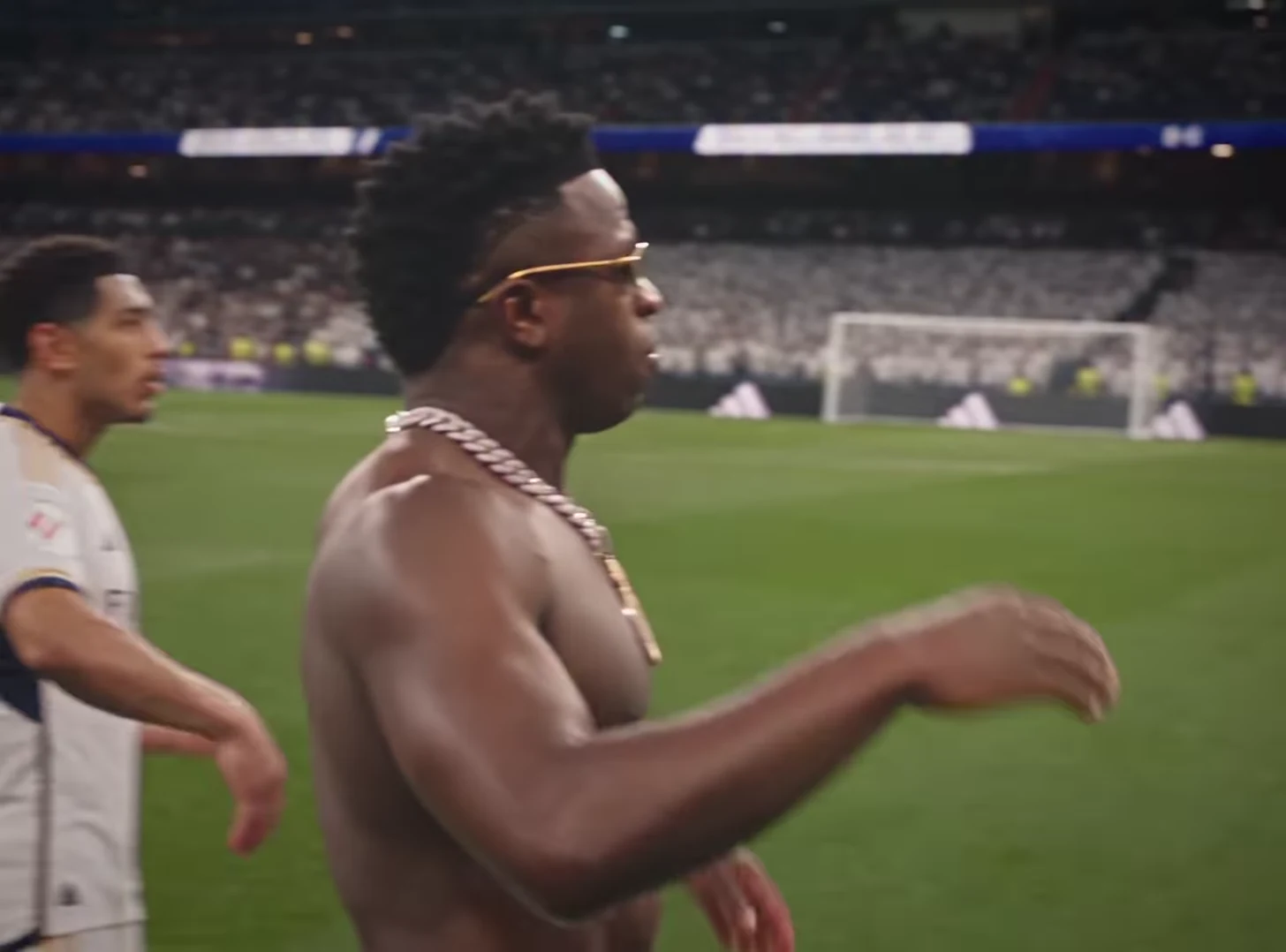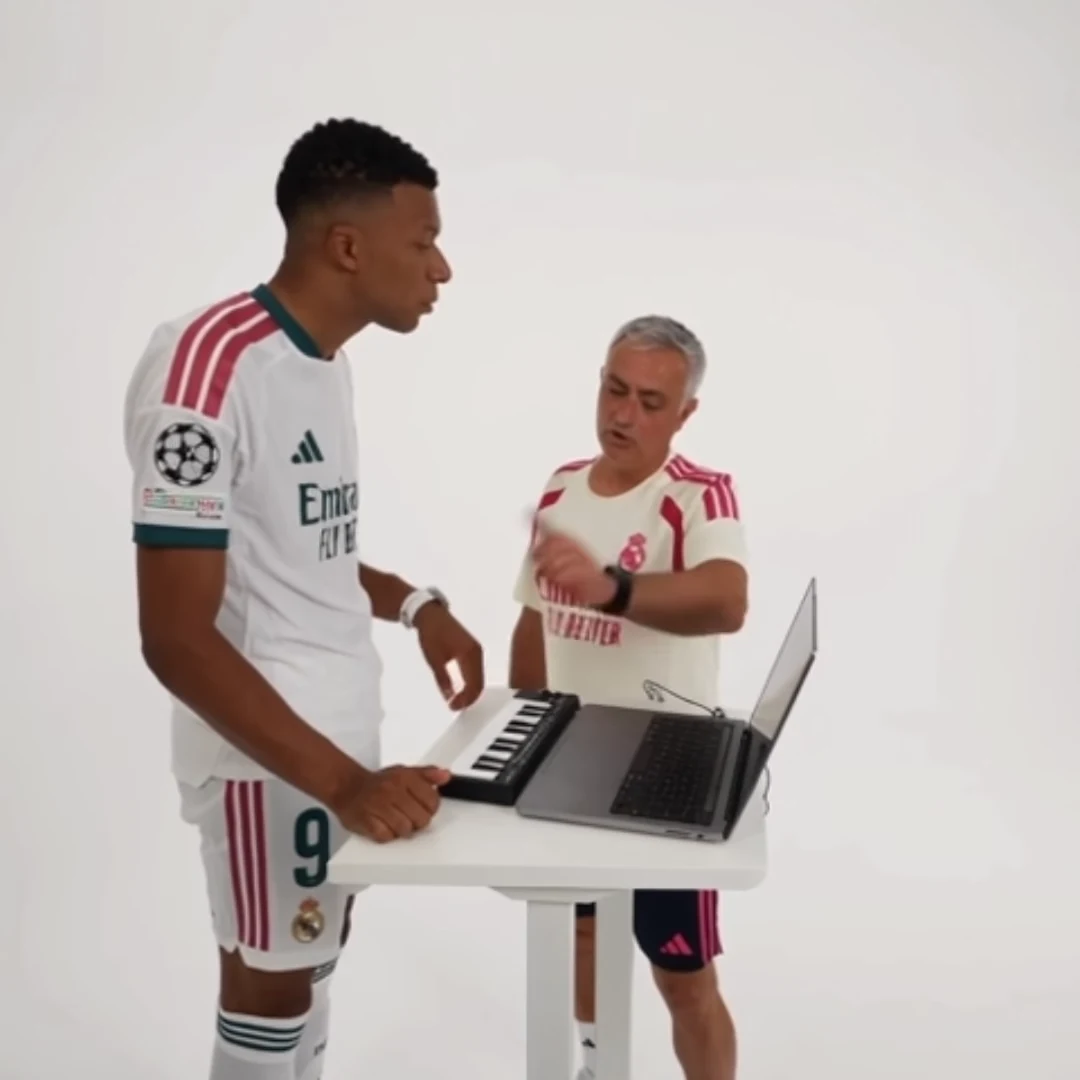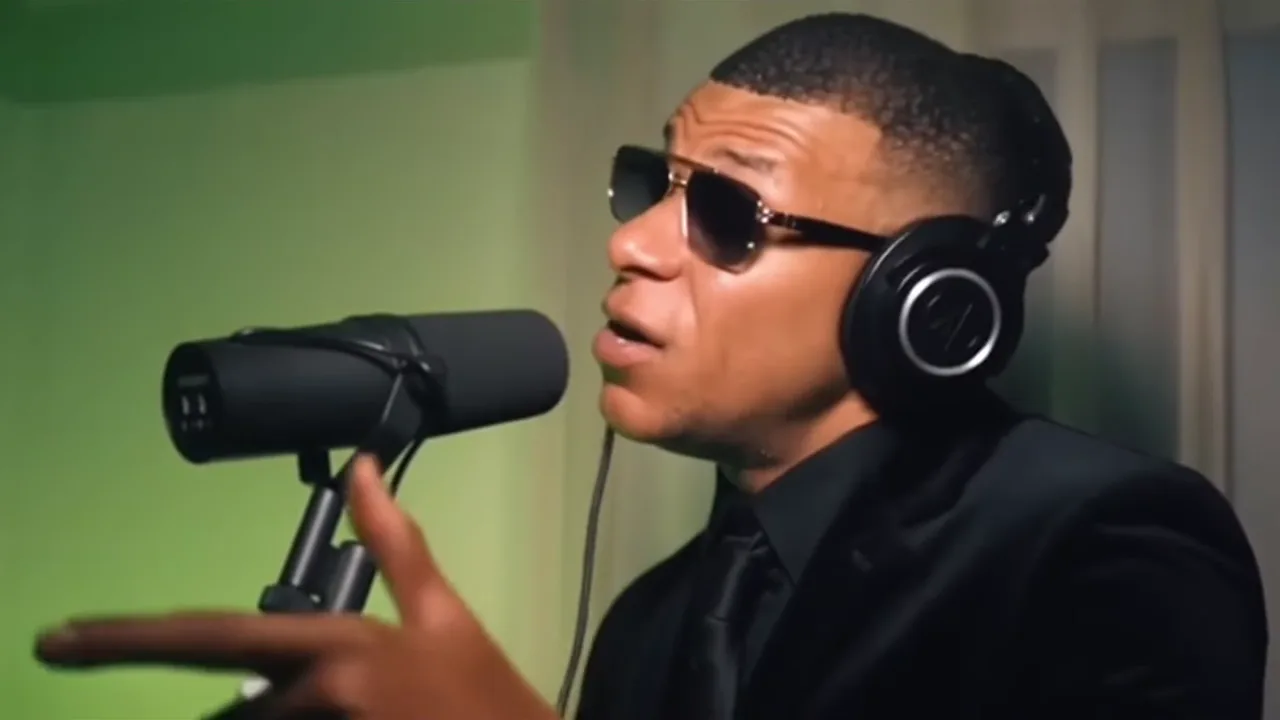
Mic Session AI trend ideas work best as a character introduction: someone who usually stays quiet suddenly takes the microphone. Give the performer a fictional stage persona, reveal what makes that persona funny and let the existing studio take do the performing.
Oakgen's Mic Session template recreates a 19-second studio performance from one photo, including the fast verse, head whip and pointed finger with the original audio. This is not a way to record your own lyrics or demonstrate your actual singing ability. The creative work here happens in casting and the captions around the result.
Invent a persona the viewer can recognize
Start with an everyday identity and exaggerate one trait. The person who always checks restaurant menus becomes “The Menu Analyst.” The friend who leaves unusually long voice notes becomes “Voice Note Vol. 1.” The sibling who remembers every family detail becomes “Keeper of Receipts.”
Choose a persona that the person in the photo approves of. For a public account, avoid private details that only a small group understands. A short caption should explain the character without revealing personal information or suggesting that the audio is their real performance.
For the voice-note concept, use the setup “When ‘quick question’ becomes a voice note.” The performance then represents the length and intensity of the message. The final caption “Part two uploading” extends the joke without needing another generated scene.
Design an introduction, performance and exit
In a separate editor, create a brief title card using an existing photo or a plain background. Introduce the persona, then cut to the downloaded clip. The title is an editorial addition; it is not an instruction to the template to produce readable studio signage.
Let the first recognizable performance moment establish the character before adding another caption. Place the punchline where it will not cover the face, microphone or pointed finger. If the performance fills the frame, use a fitted layout with text outside the picture rather than squeezing words into the only clear space.
End when the joke is complete. A logo, a second title card and an unrelated reaction can make a compact introduction feel padded. Keep a clean version of the original download so you can compare the edit if anything looks or sounds wrong.
Review contact and movement
Focus on the microphone area first: lips, teeth, hand position and edges of the microphone. Then inspect the head whip for a sudden face change. A convincing opening portrait is not enough if the identity becomes unstable at the main gesture.
Watch the full clip at normal speed with audio. If a sync problem appears only after editing, compare the export with the original before retrying the generation. Avoid captions that claim exact lyrical meaning unless you have verified the words; a visual persona joke does not require a transcript.
Use the intro as a repeatable character format
A series can give the same fictional performer a new everyday topic each time. Keep the naming style consistent, but vary the setup so the viewer receives a fresh observation. “The Menu Analyst returns” only works if the new post supplies something beyond the name.
Ask a reviewer to describe the character after one viewing. If the answer is just “a person at a microphone,” make the setup more concrete. If they can explain the persona, you have a usable introduction rather than a performance clip with an arbitrary title.
Frequently asked questions
Can Mic Session use my own voice recording?
The trend follows its original audio. Plan a captioned character introduction rather than a custom recording workflow.
Where should I inspect the result most carefully?
Check the face around the microphone, the head whip and the pointing gesture, then watch the whole performance at normal speed.
Continue your project
Keep the Same Character Recognizable Across AI Video Trends · Wide Shot or Close-Up? Choose a Video Trend for Your Story · Build a Three-Clip Story from AI Video Trends · Video trend creative playbook