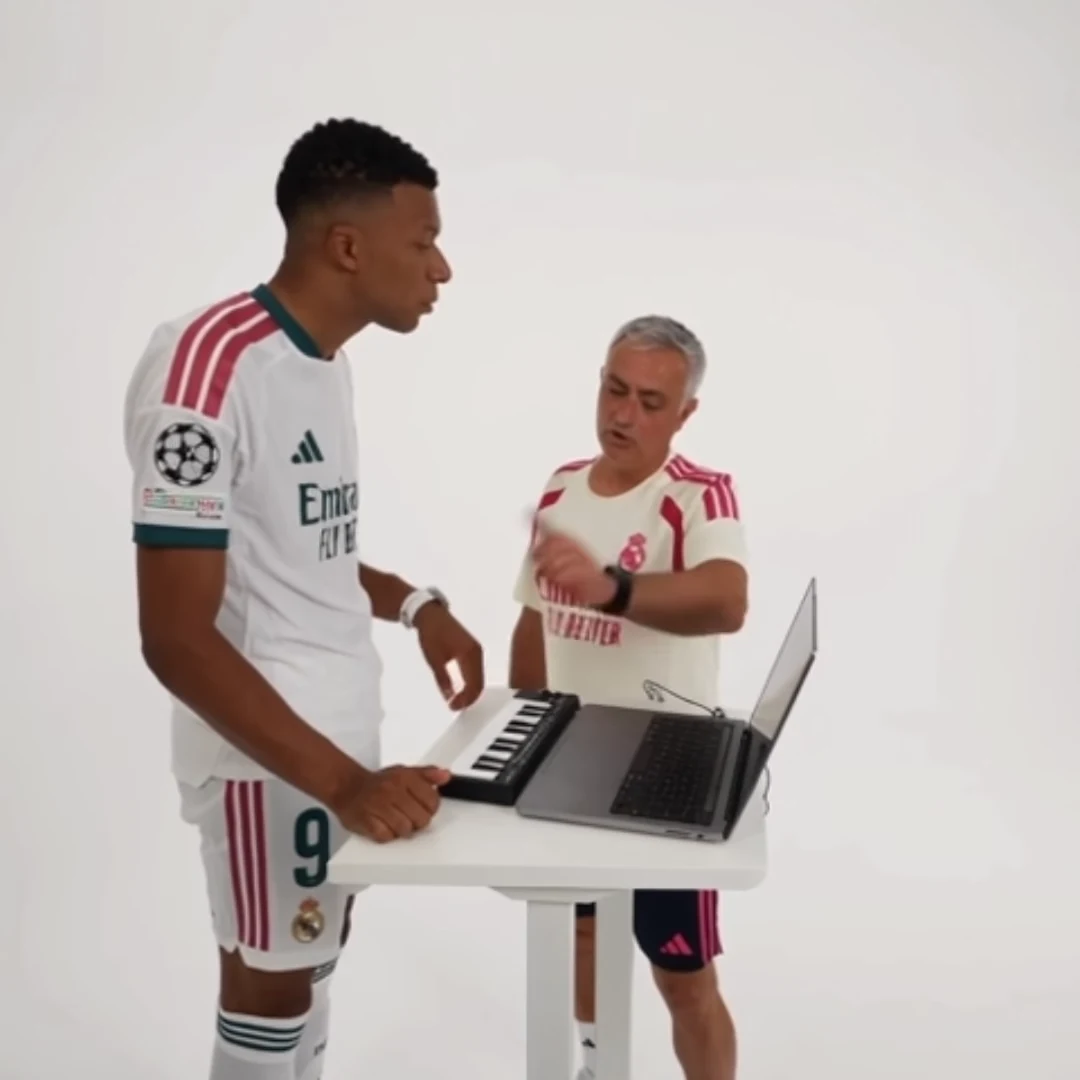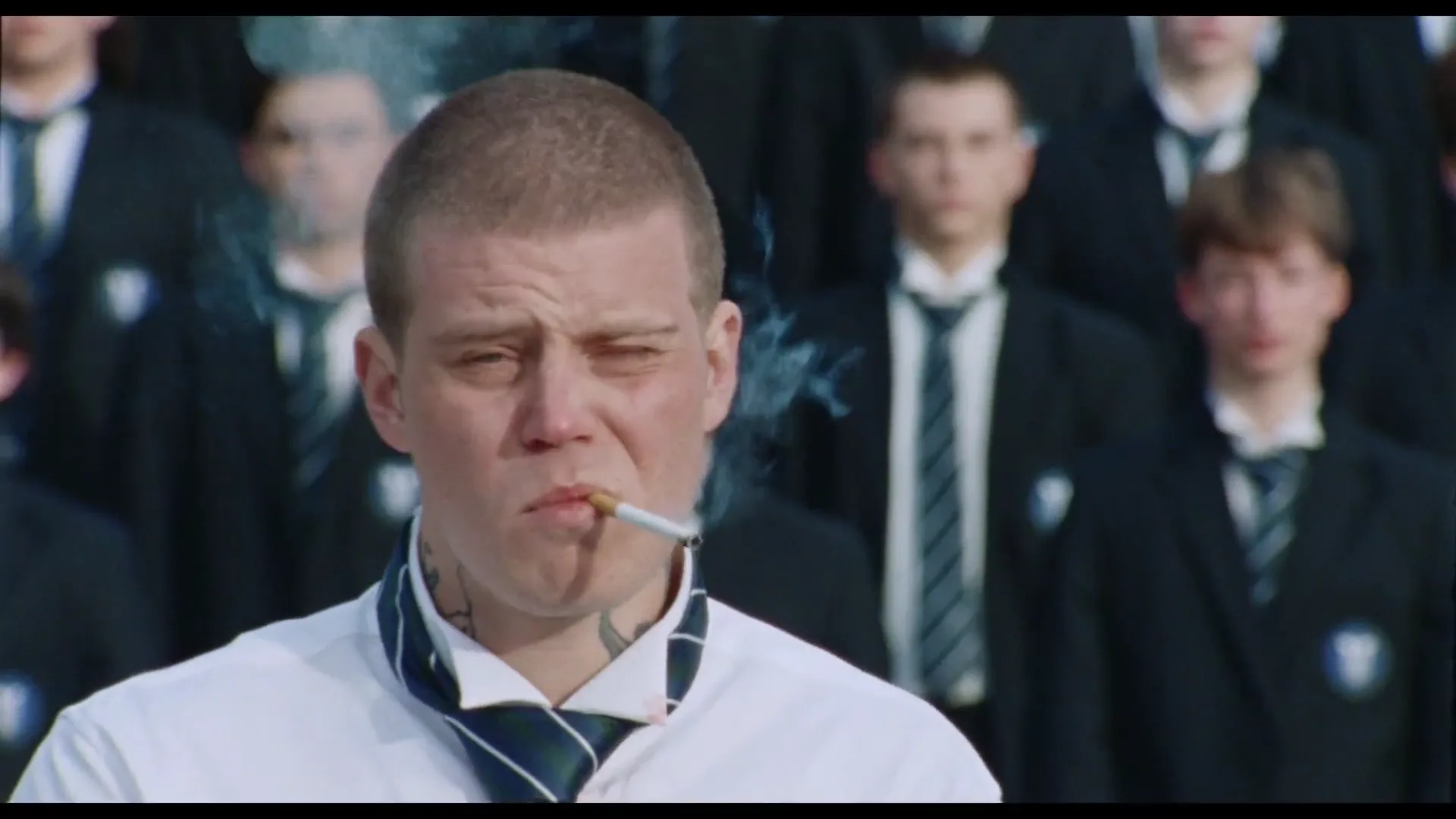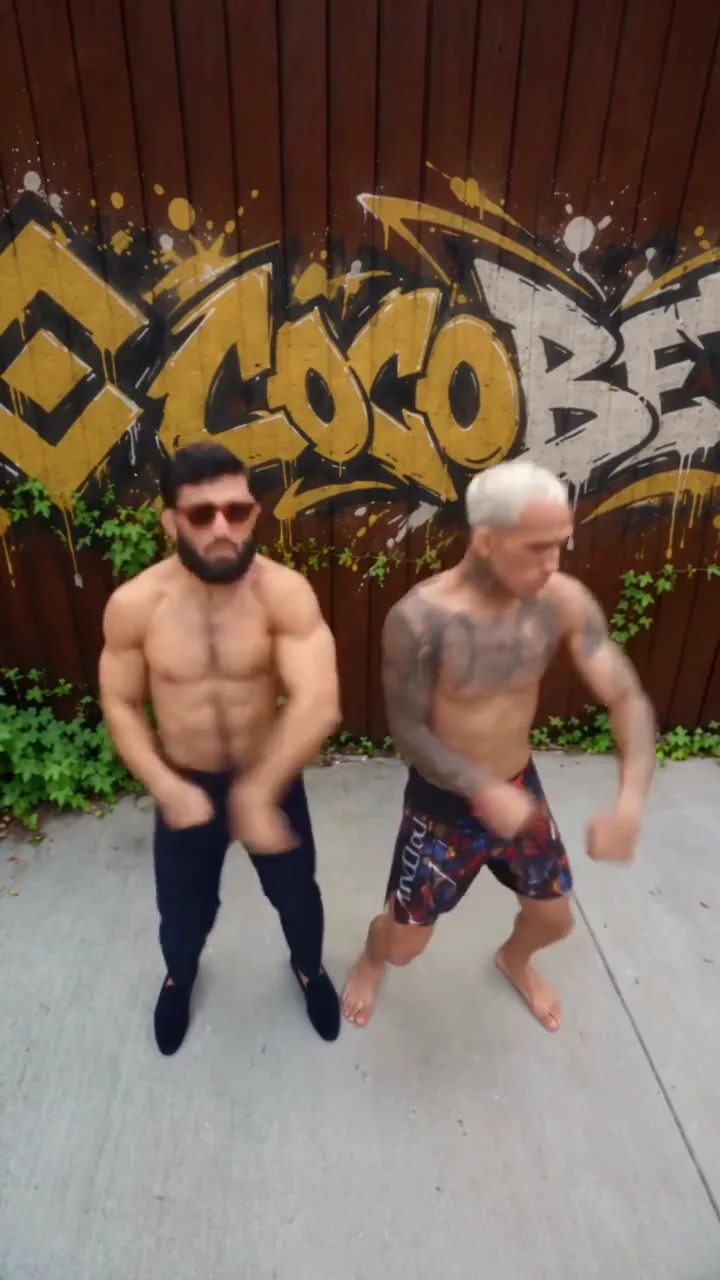
A clean AI dance loop depends on the relationship between the ending and the beginning. Find two moments with compatible pose, movement direction and framing, then test the join. Repeating a clip does not automatically make its last frame lead naturally into its first.
The Smalltown Boy Dance template has a fixed routine and shot sequence. It does not expose a “make seamless loop” command. Loop construction happens after downloading in a separate editor, and some sections will suit a loop better than others.
Search for a complete movement phrase
Watch the video once without editing and identify a short action that starts and finishes in a comparable position. A repeating sway may offer a better boundary than a major change of shot. In a duo, both people matter: one dancer returning to position is not enough if the other is halfway out of the frame.
Mark a candidate beginning and ending. Keep a little extra footage on either side while experimenting so you can adjust the cut. Avoid trimming the only usable transition away before you have watched the repetition.
Compare three things at the join
First, compare the body shapes. Are shoulders, hands and head in roughly compatible positions? Second, compare motion. A person moving left at the end and suddenly moving right at the beginning can create a visible reversal. Third, compare the scene: camera position, background people and lighting also jump when the loop resets.
For a worked example, imagine a short side-to-side dance phrase. Begin just before the dancer shifts weight and end just before the same shift repeats. If the hands differ sharply at those moments, move the boundary slightly or choose another phrase. Do not assume a crossfade will repair two incompatible poses.
Watch several repetitions, not one
Duplicate the candidate segment three times in your editor. Watch the joins at normal speed, then inspect any suspicious boundary frame by frame. A jump that is barely noticeable once may become the most prominent part of a repeated post.
Try a straight cut first. A dissolve can create two overlapping bodies and make an otherwise simple dance look ghosted. Use it only if the blended frames actually improve the result. Reversing the whole segment is another stylistic choice, but it can make walking, mouth movement or gestures look unnatural.
Make an independent audio decision
The reference soundtrack may not resolve at the same point as the visual phrase. Listen to the repeated join separately: an abruptly cut word or beat can expose a visual loop that otherwise works.
If you keep the original audio, adjust the selected section with both image and sound in mind. If you add different audio in an external editor, use a track you can use for that post. Do not imply the template itself provides replacement music controls.
A clean ending is sometimes better than a forced loop. If no boundary preserves both dancers and the sound, finish on a complete gesture and let the post end. The purpose is a pleasant viewing experience, not satisfying a loop requirement at the expense of the routine.
Questions before you publish
Does the dance generator guarantee a seamless loop?
No. The template follows its fixed reference sequence. You need to select and test a loop section afterward.
Will a crossfade hide every jump?
No. It can create overlapping bodies or objects. Compare a straight cut and a dissolve at normal speed before choosing.
Continue with AI Duet Trends, Cheba Man AI Dance Challenge, Raindance AI Trend, AI Video Trend Playbook.