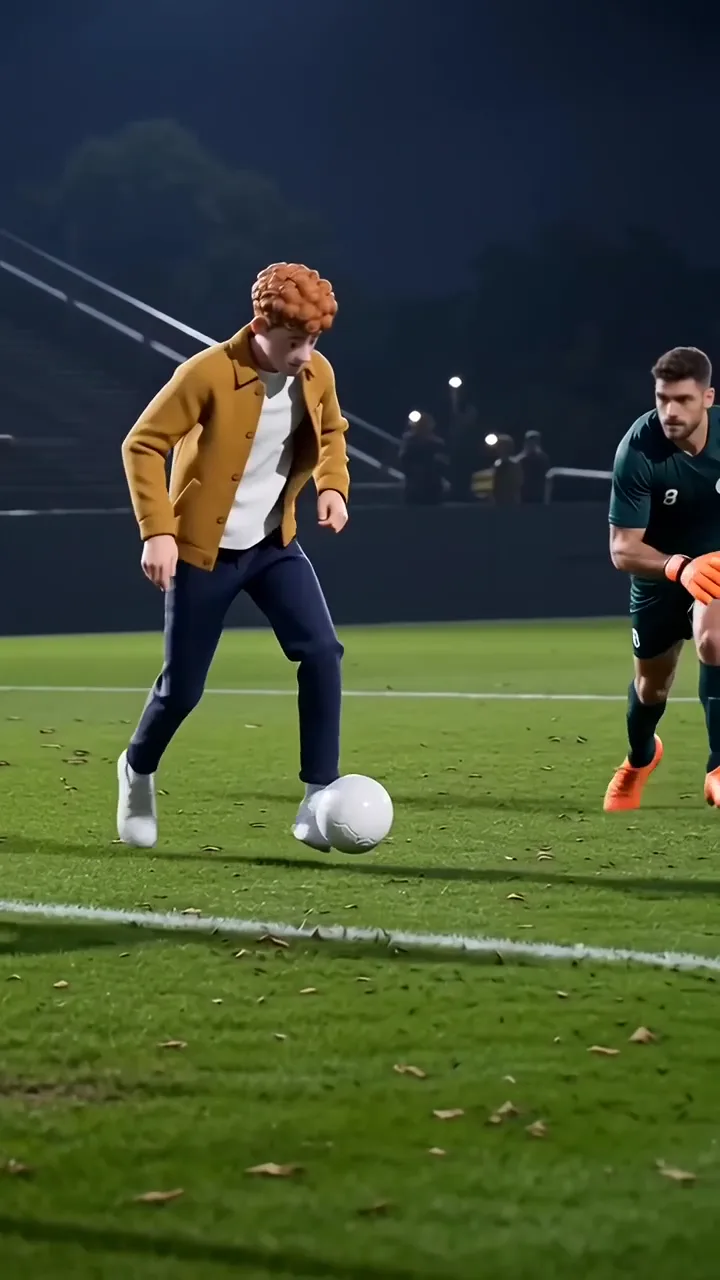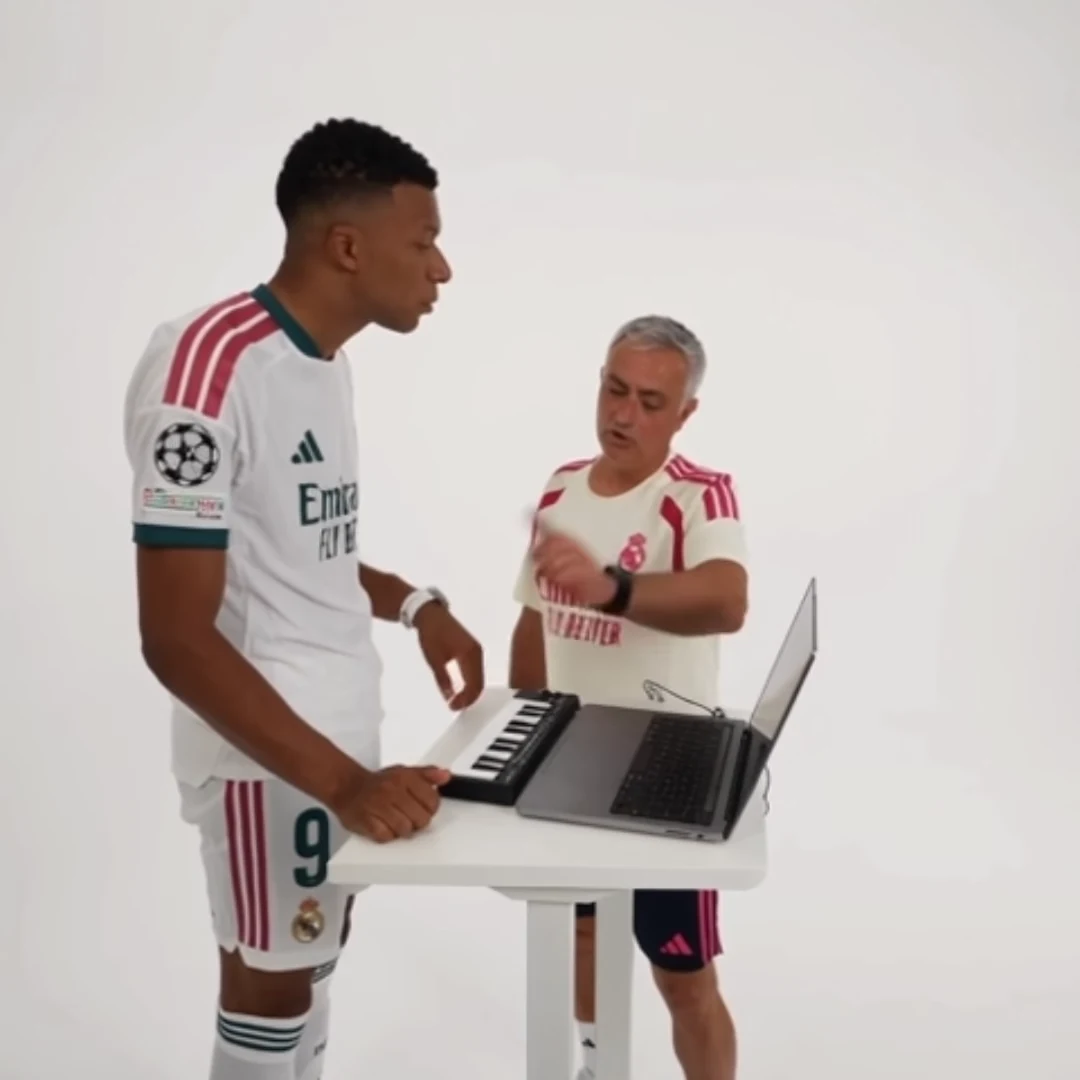
Review AI hands and props at the moment they interact, not only in a clean opening frame. A hand may look plausible at rest and become confusing when it touches a keyboard, holds food or crosses a face. Follow the object through the action to decide whether the scene still reads correctly.
The Alors on danse template gives you keyboard interaction to inspect. Good Food, Good Mood centers on a bite, while Özil Goal depends on a sequence of ball touches. Each needs a different contact check; counting fingers in every paused frame is not the whole task.
Make an event list before scrubbing
Identify the actions that explain the scene. For the keyboard duet, list hands approaching the keys, contact during the performance, and any moment the hands leave. For the food scene, list holding the pastry, bringing it toward the mouth, and the moment after the bite.
For football, track the ball before a touch, immediately after it, and as another player crosses the path. You are looking for understandable cause and effect: can a viewer follow why the object moved?
This list keeps the review focused. A blurred fingertip during a fast motion may be less important than a pastry disappearing before it reaches the mouth.
Use a before-contact-after check
Pick one event and inspect three nearby moments. Before contact, locate the hand or foot and the object. At contact, check that they meet plausibly. After contact, check that the object still exists and moves in a way consistent with what just happened.
For a worked food example, write: “Pastry visible in hand; hand reaches mouth; pastry and hand separate understandably.” If the food merges with the cheek, note that specific issue. “Looks AI” is too vague to guide a repair decision.
Then play the whole action normally. A paused frame can reveal a structural error, but it can also exaggerate ordinary motion blur. Judge both the local detail and the viewing experience.
Decide whether an edit preserves the story
A brief fault at an expendable edge may be avoidable with a modest crop. A bad contact in the central bite or decisive football touch is harder to remove because it is the reason for the clip.
Try a trim only when the remaining action still explains itself. Cutting from an untouched ball to a distant ball may conceal the faulty foot, but it also removes the goal sequence's logic. Do not solve one problem by creating an unexplained jump.
These adjustments happen in a separate editor after downloading. Fixed templates do not expose frame-by-frame hand repair controls or arbitrary replacement actions.
Write a useful retry note
If another generation is warranted, record the exact event and what makes it unusable. Check whether the source photo has relevant body detail and whether the issue is even related to the photo. A clearer face may improve recognition without fixing difficult hand-object contact.
Set your acceptance standard according to the post. A quick fictional reaction and a close-up product demonstration demand different precision. Never use a visibly inaccurate generated object as proof of a real product's appearance or performance. The review should protect the meaning of the post as well as its visual polish.
Questions before you publish
Should I reject every blurred hand?
No. Check normal-speed playback and the action’s meaning. Motion blur differs from a hand merging with an object or an interaction becoming impossible to follow.
Can I repair the exact contact inside the trend tool?
The fixed template does not provide frame-by-frame contact editing. Evaluate a separate edit or another generation based on the specific fault.
Continue with Alors on danse AI Trend, Good Food, Good Mood AI Trend, Özil Goal AI Trend, AI Video Trend Playbook.