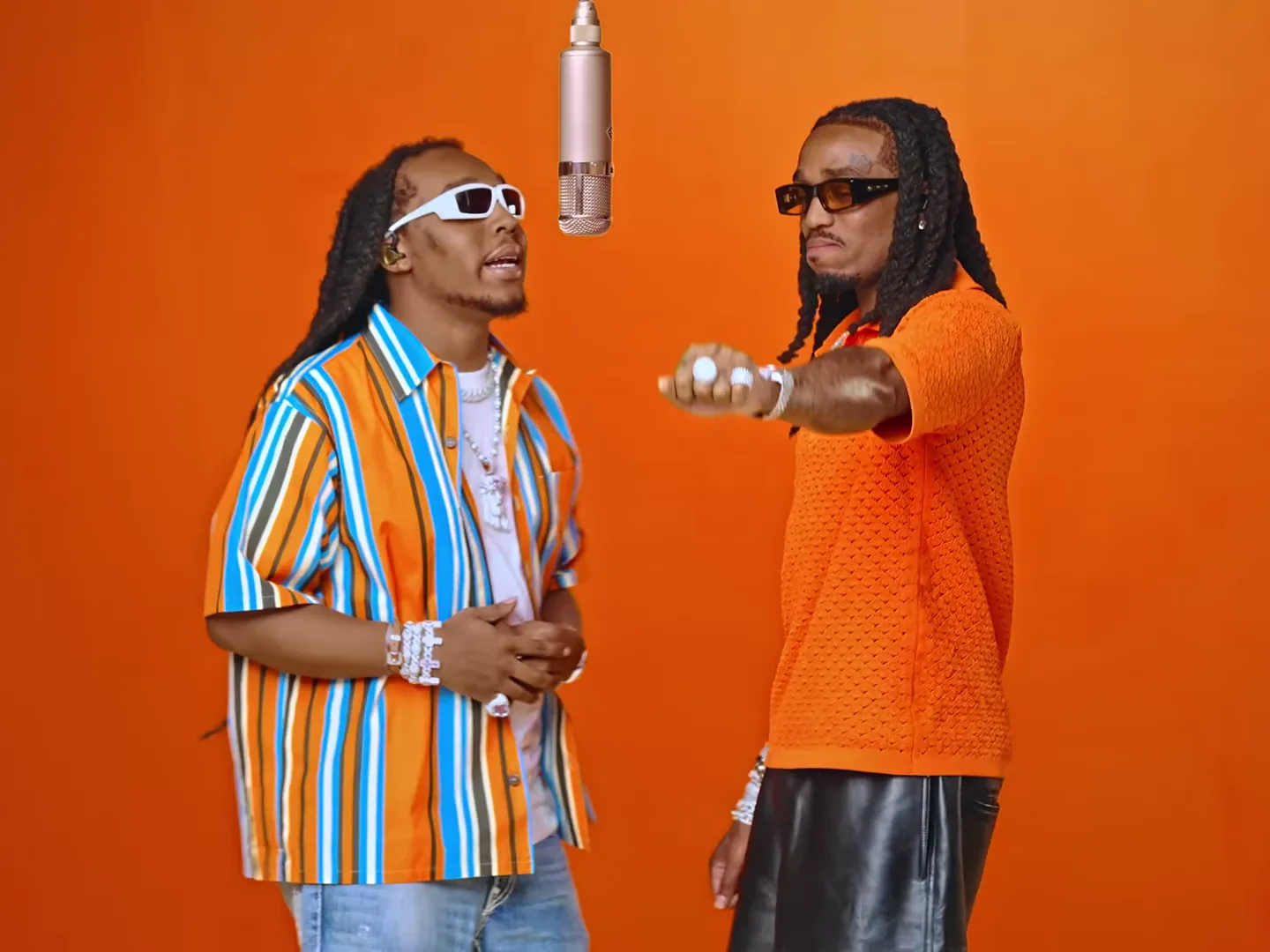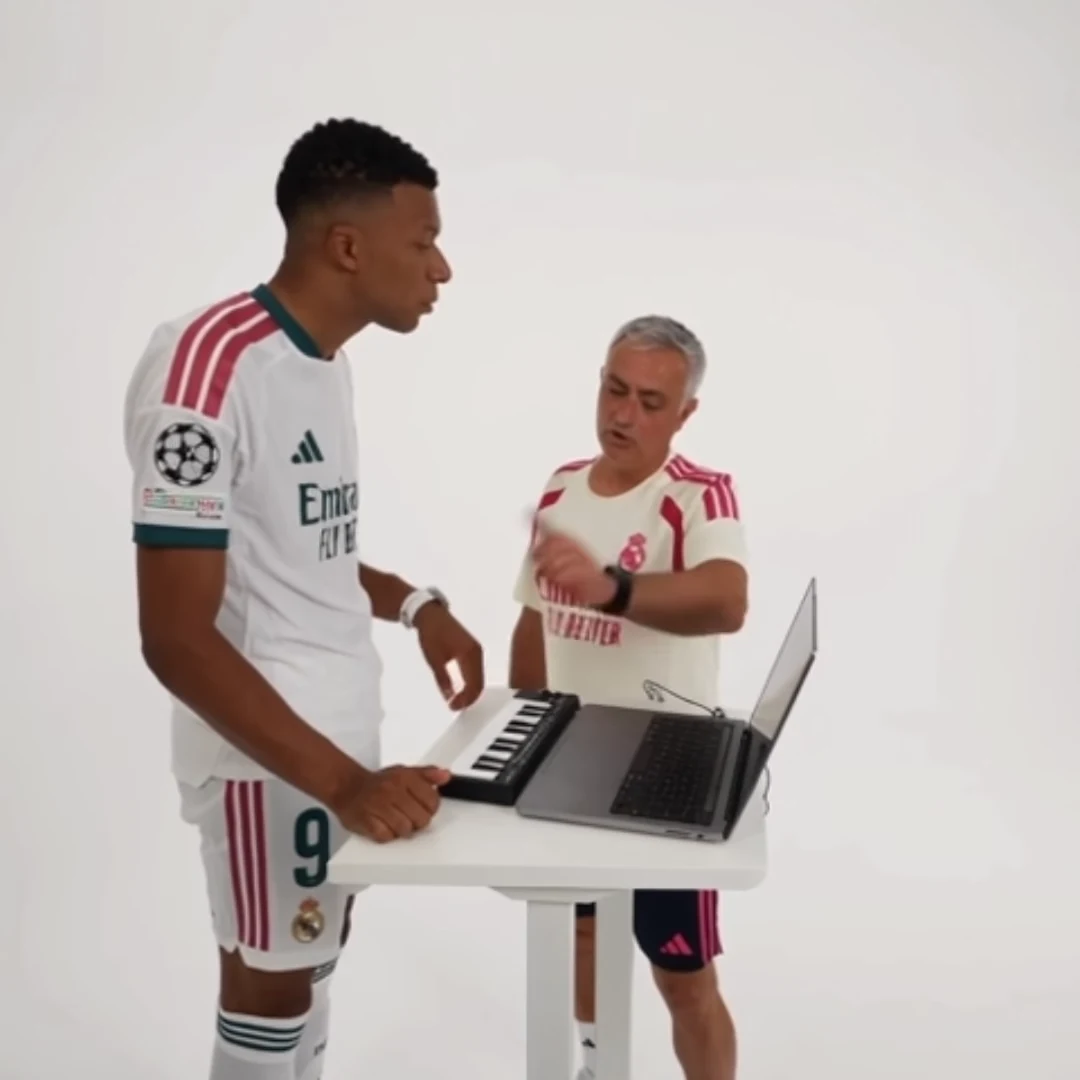
To crop an AI duet for vertical video without losing either person, check the whole performance before choosing a crop. If the two performers cannot stay inside a narrow frame, fit the original picture within a vertical canvas instead of sacrificing the person who makes the joke work.
This matters for the close passes and wide ending in Alors on danse, the paired performance in Hotel Lobby, and the changing views in Raindance. Cropping happens in a separate editor after download. It does not give the trend generator a new camera instruction.
Identify what the viewer must see
Write a short preservation list before touching the crop controls. For the keyboard duet, it may be both faces, the keyboard relationship and the partner's movement. For a two-person joke, it may be the moment both roles share the frame. For a performance, it may include hands or a microphone.
Scrub to the widest separation between people, the closest camera pass and the ending. A crop that looks good on the first frame can fail all three. Check the video's actual dimensions, too: an already vertical source may need no aspect-ratio change at all.
Choose one of three layouts
A fitted layout keeps the whole source visible inside the vertical canvas. Use a simple background or modest surrounding space. It preserves context but makes the people smaller, so short captions and a phone-sized review become especially important.
A fixed crop fills the vertical canvas. It works when all essential action remains inside the chosen area throughout the clip. Test that condition rather than assuming the middle of the original frame contains the entire story.
A reframed edit changes the crop position at deliberate points. It can follow a performer or move from one role to the other, but it also changes how viewers read the scene. Do not chase every small movement. Abrupt repositioning can make the edit feel more distracting than the original wide composition.
Try this two-role editing plan
For a “planner versus enthusiast” keyboard-duo joke, begin with a fitted view so the audience sees both people. Introduce the role labels there. If a later close view naturally features one person, use the available framing without pretending the other has disappeared from the story.
Return to a shared view for the payoff. That final relationship matters more than filling every pixel of the screen. If the layout changes feel busy, use the fitted view for the whole clip and let the performance provide the motion.
Place captions where they remain readable across the sequence. Avoid attaching a stationary label to a person who moves across the frame; use a shared caption or adjust the label deliberately in the editor.
Review the export, not just the timeline
Watch the exported file at ordinary phone size. Confirm that neither face is clipped, hands needed for the performance remain visible and captions are not covering the action. Check the opening and end independently: editing programs can apply a crop differently across separately trimmed segments.
If a face looks soft after enlarging the picture, reducing the crop may be more useful than adding sharpening. Reframing cannot create detail absent from the source. Keep the original download so you can return to a wider version without repeatedly exporting an already compressed edit.
Frequently asked questions
Must every duet fill a vertical frame edge to edge?
No. Fitting the whole picture can be the better choice when a full-screen crop removes an important person or gesture.
Can I request a new camera angle in the trend tool?
These templates follow their reference camera coverage. Crop or reframe the downloaded result in a separate editor.
Continue your project
AI Duet Trends: Assign Two Photos Without Mixing Up the Roles · AI Duo Trend Captions: Make the Two Roles Part of the Joke · Posting AI Trend Videos: Labels, Music and Permission Checks · Video trend creative playbook