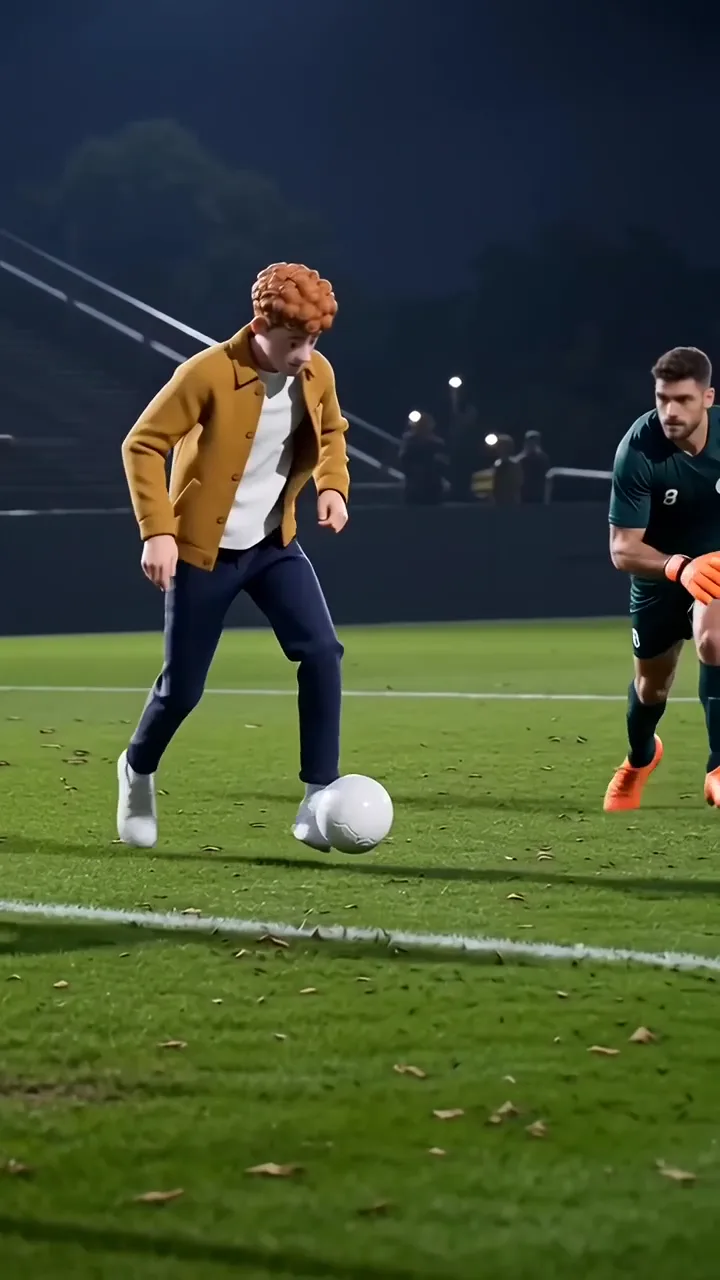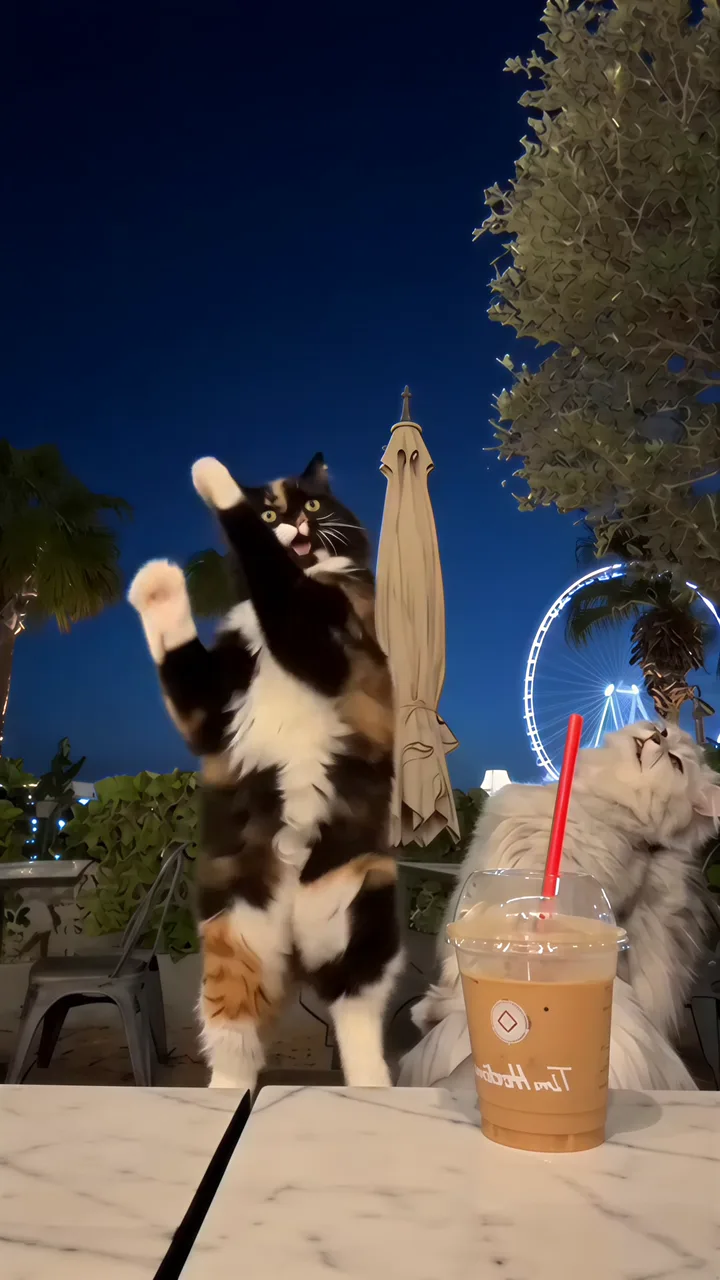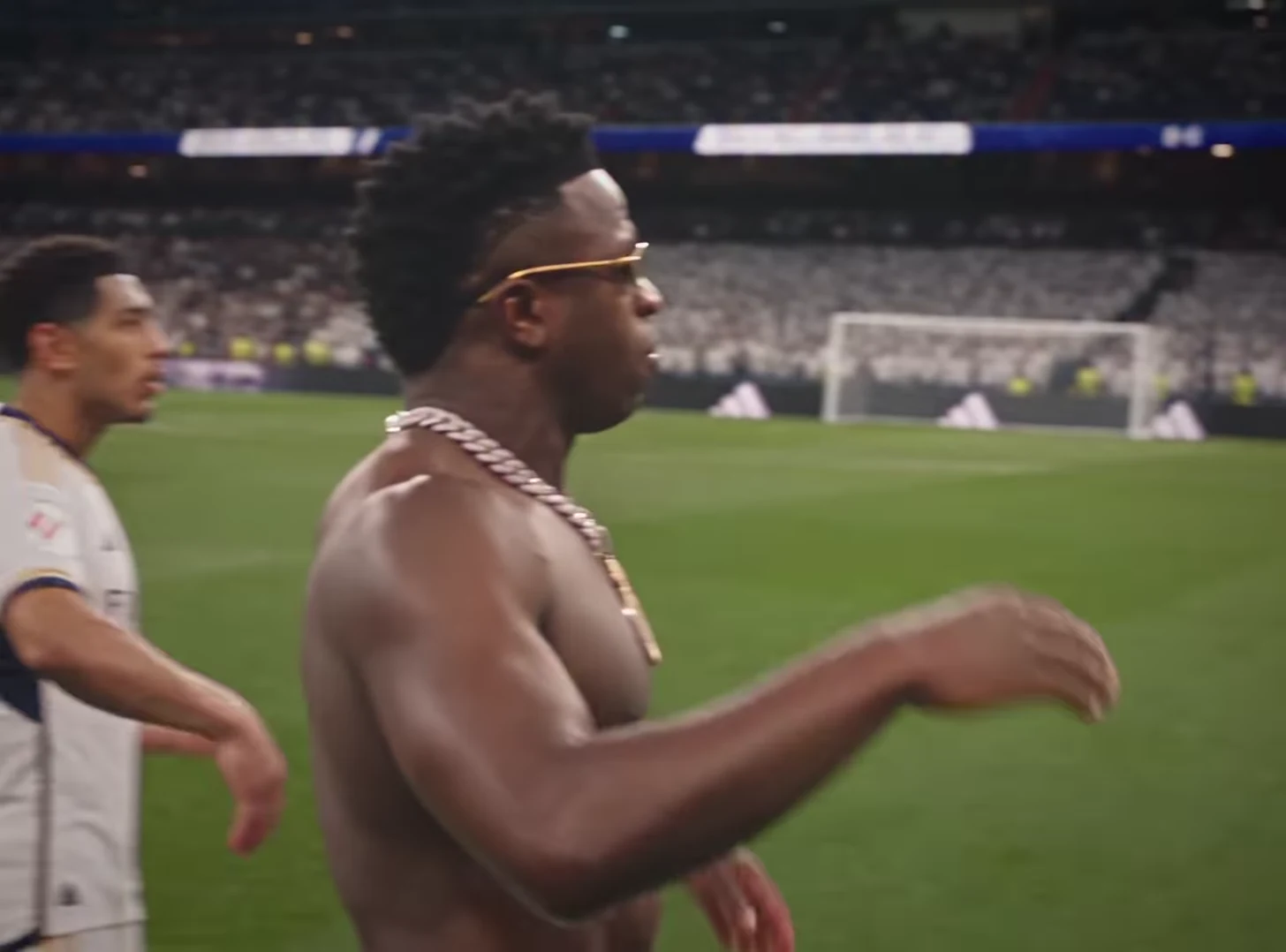
The most useful Stadium Celebration AI trend ideas give a small achievement an absurdly large reaction. Finishing an overdue chore, finding the missing charger or finally choosing a restaurant can supply the story. The football celebration provides the punchline; your caption explains why this particular person deserves a stadium.
Oakgen's Stadium Celebration template places one photo into a fixed pitch celebration. The approach to the camera and hands beside the ears are already part of the reference. Your creative job is to frame that action, rather than request a different goal or camera move.
Choose a win your audience recognizes
For a friend group, use a shared inconvenience. “When everyone agrees where to eat” is more accessible than an unexplained name or private abbreviation. For a personal account, choose a habit your followers have seen you struggle with. For a team account, celebrate the work without pretending the synthetic scene documents a real match.
Try these original premise-and-caption pairs:
- The household organizer: “Found the lid that actually fits.” End caption: “Championship secured.”
- The indecisive friend: “Booked the table before the chat changed its mind.” End caption: “Away fans are silent.”
- The exhausted student: “Submitted with the attachment this time.” End caption: “A historic performance.”
Pick one. Putting all three situations over a single clip makes the performance feel like a caption slideshow instead of one complete joke.
Give the celebration room to land
Download and review the generated clip before deciding where to add text in a separate editor. Identify the approach, the hands-to-ears gesture and the clearest expression. Put the setup early enough to understand before the gesture. Remove or shorten it if it obscures the face.
Keep the central gesture intact. An editor may tempt you to cut rapidly to the beat, but the anticipation is part of this joke. A useful first version contains the readable setup, the uninterrupted celebration and one short final caption. Additional reaction shots are optional, not required.
If the setup needs more context, precede the clip with a photo you already own: the clean desk, completed checklist or packed suitcase. Label the celebration as an AI recreation so the transition reads as imagination.
Review the hands, expression and framing
Inspect the moment both hands approach the ears. Look for fingers joining the face, an ear changing shape or a sudden identity shift. Then watch at normal speed: a technically clean still does not guarantee a convincing movement.
Check the crop with both hands visible. A tight face crop can remove the very action that explains the celebration. Preview the actual export on a phone, including any caption overlays. If the result contains a distracting defect, choose another clean portion or revisit the source photo; an extra sticker is rarely a satisfying repair.
Share a specific joke, not a promise of reach
A caption such as “Send this to the person who finally picked dinner” offers a clear social reason to share. It cannot guarantee shares. Compare the response with your usual posts and keep notes on whether people recognized the situation.
For a second version, change the setup caption while keeping the clip and edit the same. That gives you a cleaner comparison than changing the joke, crop and soundtrack together. Save the successful premise for another real everyday win instead of reposting the same wording indefinitely.
Frequently asked questions
Can I change the Stadium Celebration gesture?
The template follows a fixed reference. Build the joke around its existing celebration and make caption or trim changes separately after download.
What makes a small-win caption work?
Name a familiar achievement before the celebration begins, then let the exaggerated reaction supply the punchline.
Continue your project
Wide Shot or Close-Up? Choose a Video Trend for Your Story · Build a Three-Clip Story from AI Video Trends · AI Trend Video Hooks: Give the Reveal a Reason to Matter · Video trend creative playbook