To keep one person recognizable across AI video trends, reuse a clear identity reference where the template’s photo requirements allow it, assign the correct role each time, and compare the finished clips before assembling a series. Consistent inputs make the project easier to control; they do not lock identity or guarantee identical results.
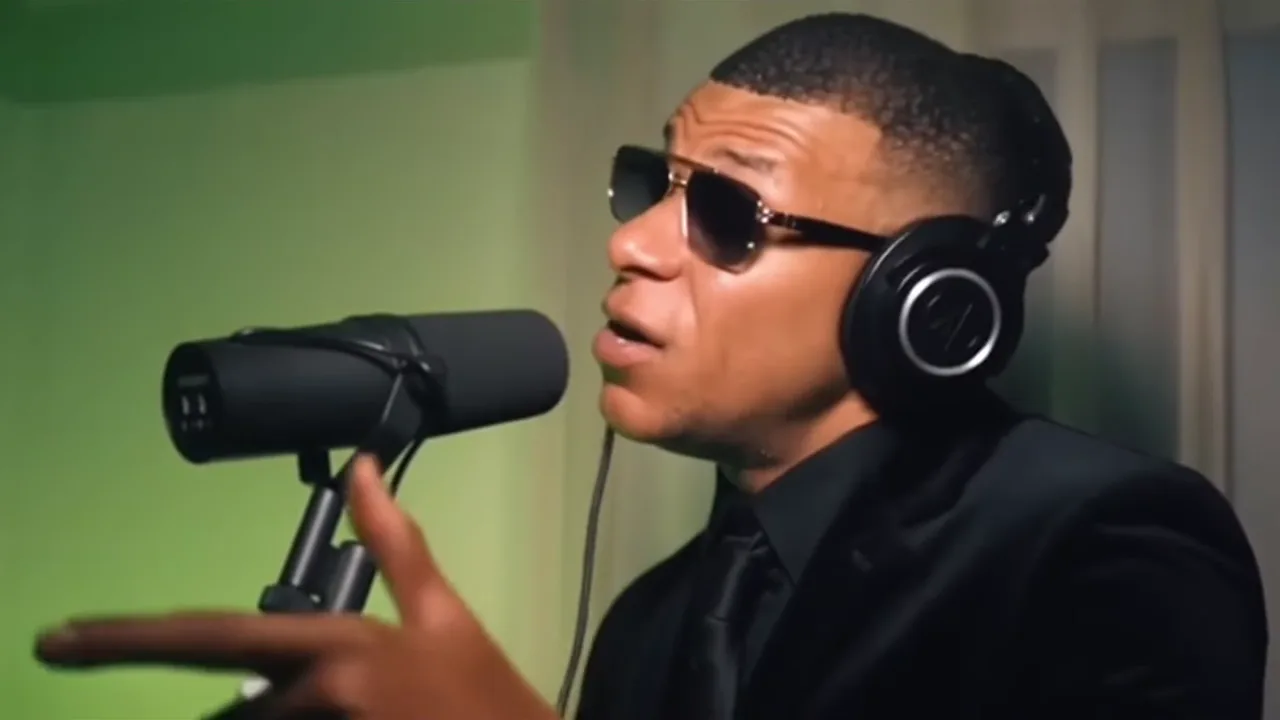
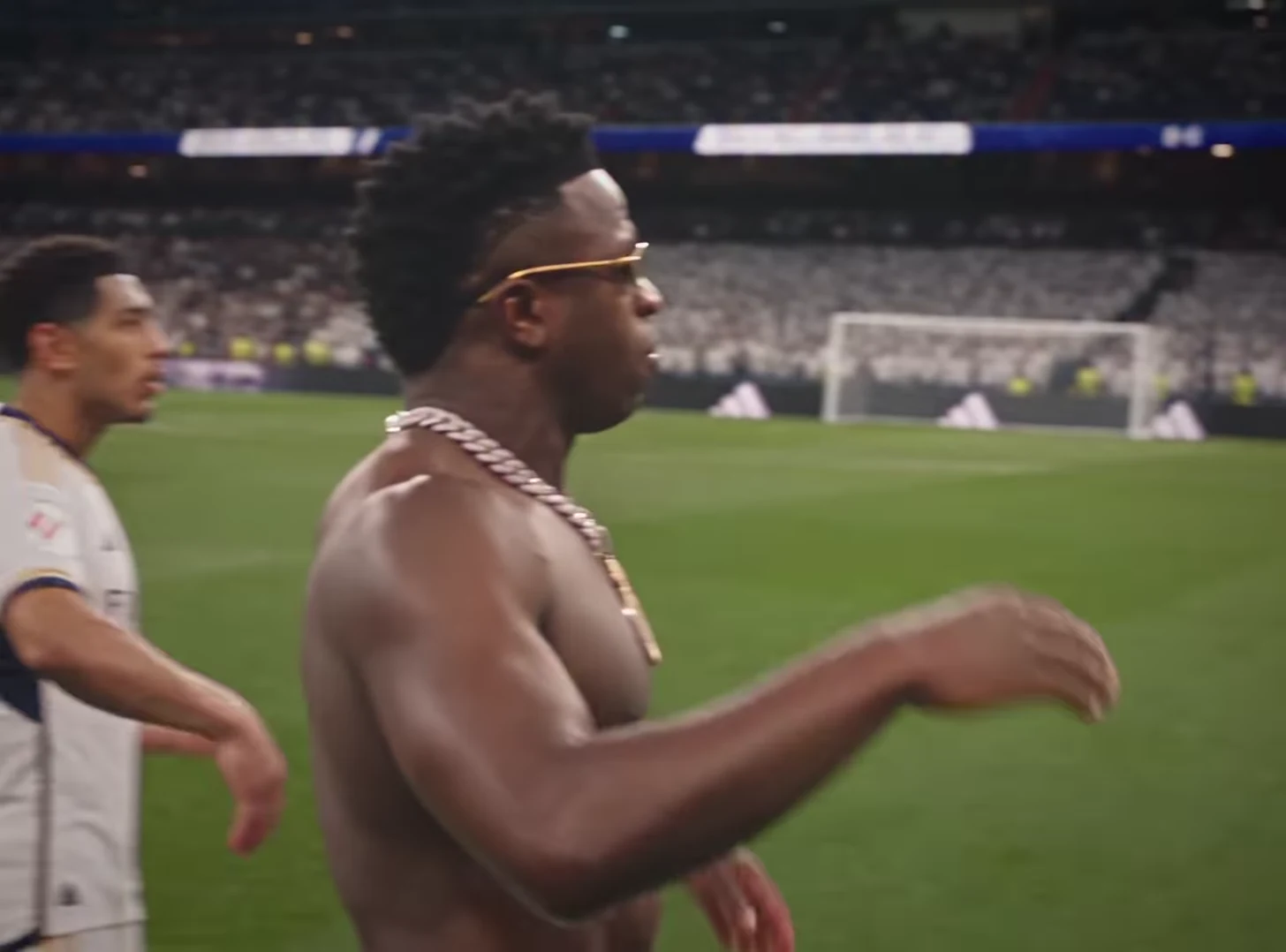
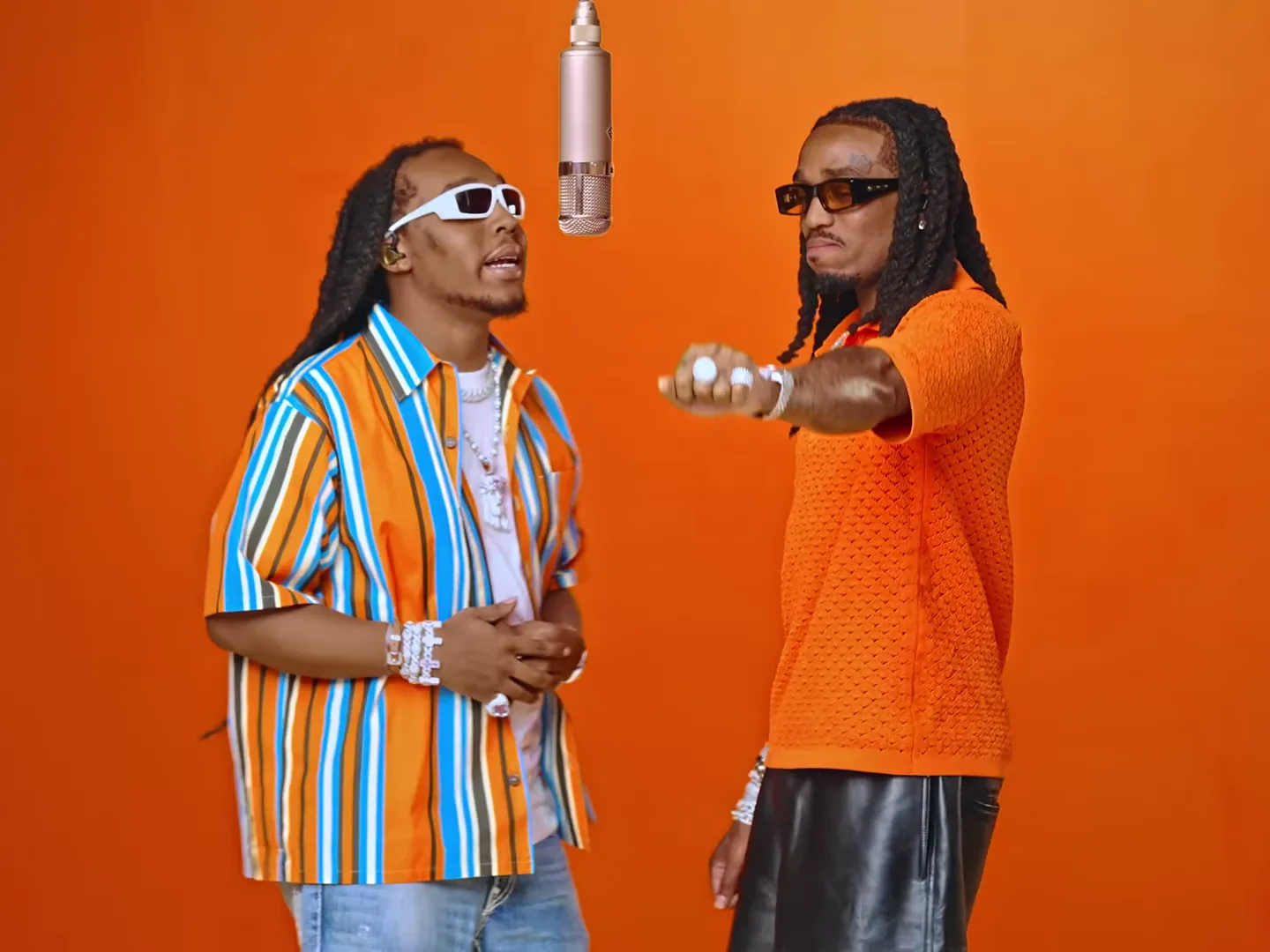
A sequence using Hotel Lobby, Mic Session and Street Rap Montage changes the scene around the same performer. Treat those as separate generations that need a shared review, not a persistent character that automatically carries between tools.
Make a small identity reference sheet
Choose a recent photo with a clearly visible face and enough detail to recognize the person at normal viewing size. Keep the original file rather than repeatedly saving screenshots from social apps.
Write three or four identifying observations: the hairline, the shape of the eyebrows, facial hair, or the relationship between the eyes and nose. Avoid a vague instruction like “looks good.” You need concrete things to compare when lighting and camera distance change.
Use the photo guidance for each template. A source that is suitable for a face-led performance may not be the best reference for a template requesting a full-body view. If you need another photo, choose one from the same period with the same general appearance, rather than mixing a current portrait with a heavily filtered old image.
Separate identity from styling
Recognizable face, consistent outfit and identical setting are three different goals. A template can place the person in its own wardrobe or scene. Do not interpret every outfit change as a failed facial identity, and do not promise that one portrait will impose the same clothes across every trend.
For a fictional performer called The Weekend Headliner, the through-line could be the same face and a recurring caption style. The booth, microphone scene and street montage can be different episodes. A matching jacket is optional unless your story explicitly requires it.
If a precise costume must match across all clips, inspect the selected templates before spending credits. Some combinations will not fit that requirement.
Review the three-clip series as one piece
For each downloaded clip, select a moment where the face is reasonably clear. Compare those moments side by side in your editor or image viewer, then watch the clips at normal speed.
Use this review order:
- Is the intended person recognizable in each clip without the caption naming them?
- Does the face remain stable through turns and distance changes?
- Do the clips feel like different scenes with one performer, rather than three vaguely similar people?
- Does a transition draw attention to an unwanted change in age, hair or facial structure?
The representative frame is only a starting check. A convincing still does not establish continuity throughout the motion.
Fix the smallest problem first
If one clip has the wrong role assignment, correct the assignment. If a reference is obscured or too small, choose a clearer input. If the person is recognizable but a caption covers the face, fix the edit rather than generating again.
Do not use a previous generated face as your only identity reference by default: it may already contain a change you would then carry forward. Return to the agreed source photo when evaluating drift.
For the individual scenes, see the Hotel Lobby creative project, Mic Session introduction, and Street Rap teaser. Use the video trend creative playbook to define the recurring character before making more episodes.
Frequently asked questions
Does reusing one photo guarantee the same face in every trend?
No. Reusing a suitable clear reference gives you a consistent input, but each generated clip still needs an identity review through the full motion.
Must the outfit match for a character to feel consistent?
Not necessarily. Face and personality can connect different scenes, while wardrobe may follow each template. Exact costume continuity needs a separate compatibility check.