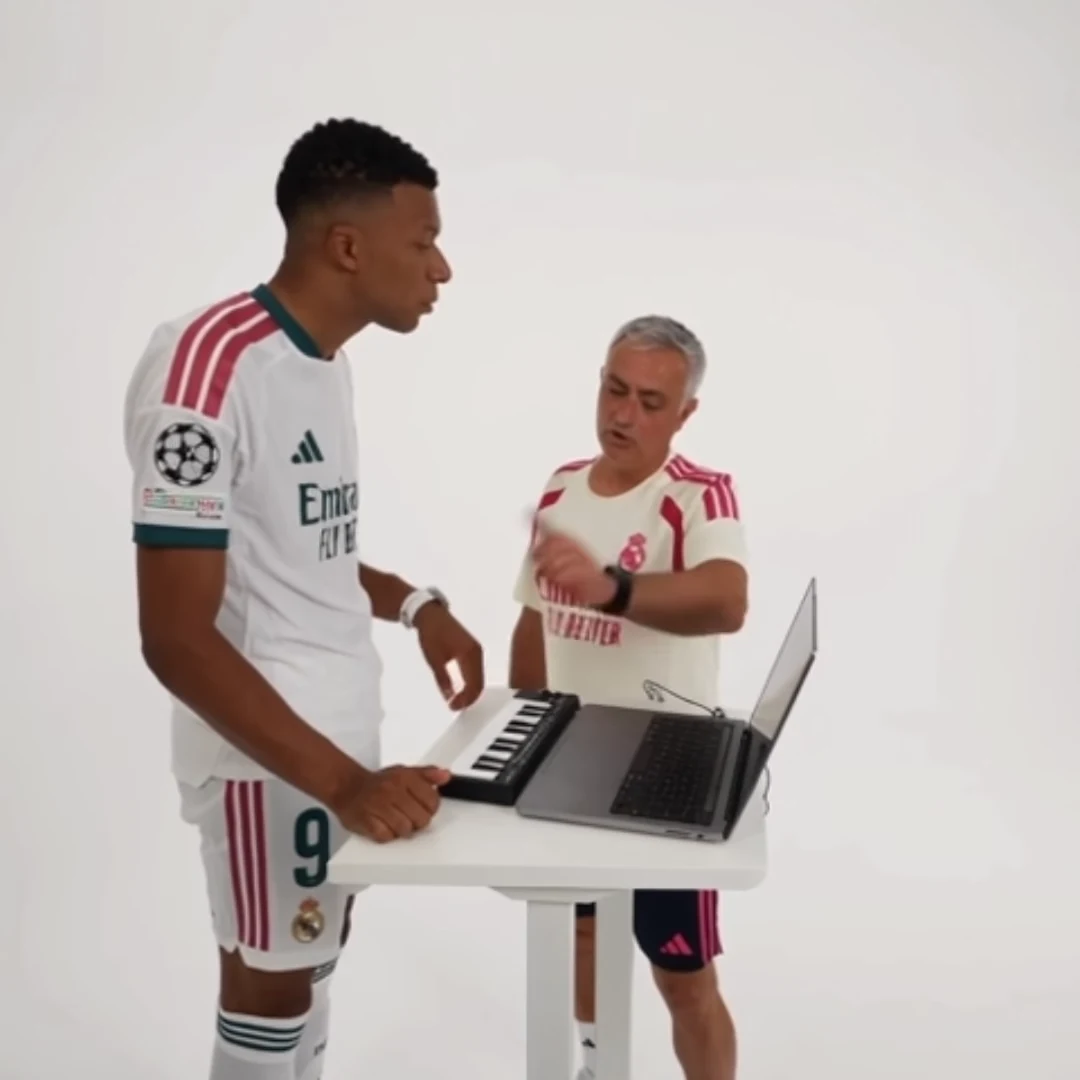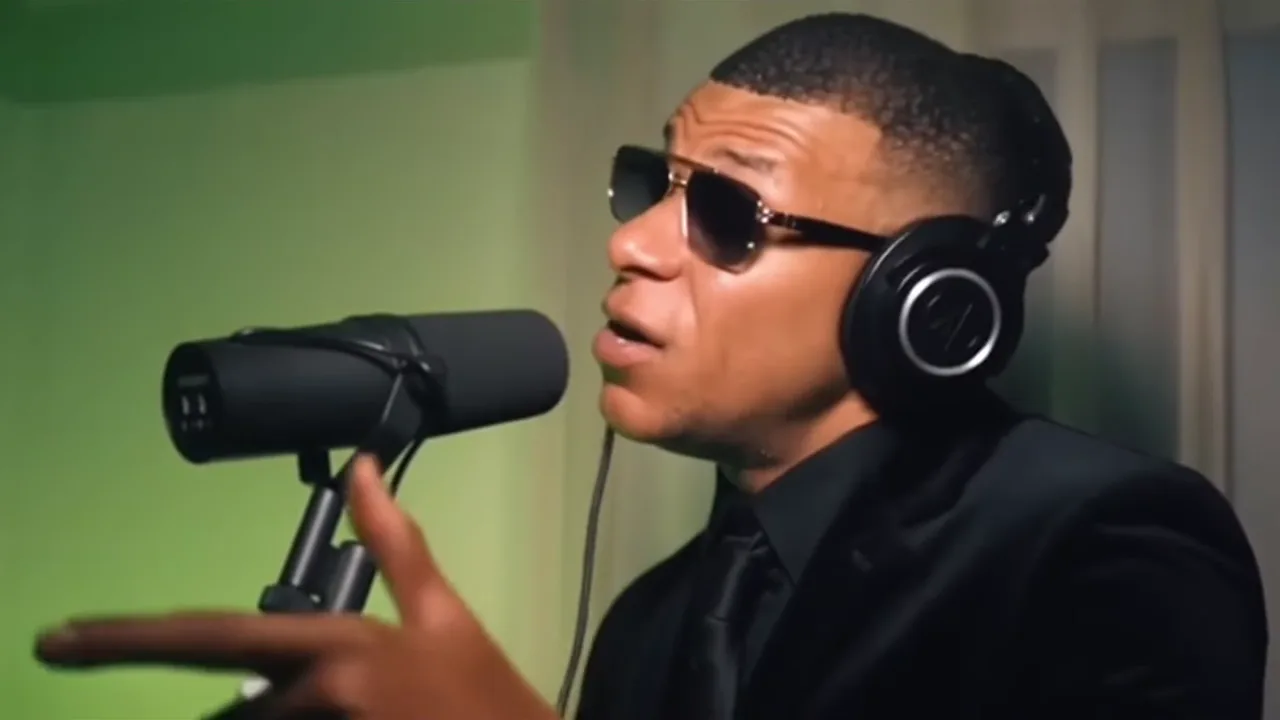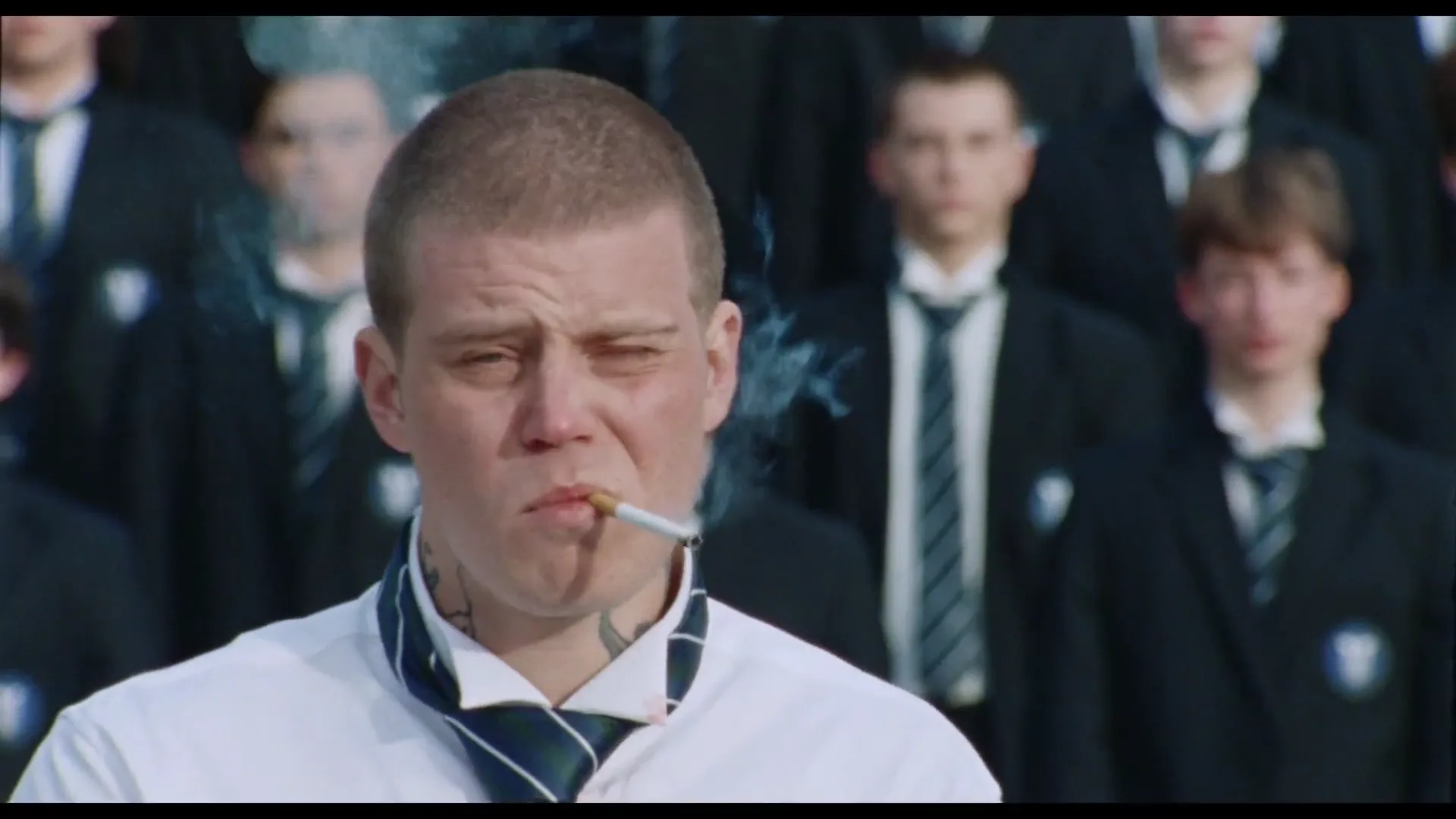
Choose your best AI trend photo by comparing candidates against the actual role you want to fill. The sharpest portrait is not automatically the best input: a face-only crop may omit clothing that matters to a performance, while a full-body image may make the face too small to inspect.
For example, STORM uses a lead photo for a fixed crowd performance, while Bulin 47 carries the visible face, hair and outfit into its freestyle. Start with the template's own input guidance, then use the comparison below. This is a review method, not a benchmark showing that one photo always generates better results.
Compare two candidates before generating
Place photo A and photo B side by side at the same displayed size. Use originals where available rather than screenshots of images inside another app. Look for one clearly identifiable subject and enough visible detail to judge their face and appearance.
Write a short decision sheet:
- Face visibility: are the eyes, nose and mouth readable without guessing?
- Occlusion: do hair, sunglasses, a hand or a prop conceal important features?
- Lighting: can you distinguish facial structure, or is one side lost in shadow?
- Appearance: does the photo show the outfit and hairstyle you actually want represented?
- Framing: does it satisfy the selected template's guidance rather than a generic photo rule?
Do not turn these into a fake numerical quality score. The point is to name the reason you prefer an input. “B has a clearer face and the intended jacket” is more useful than “B scored 87.”
Resolve the common tradeoff
Suppose A is a sharp headshot in a black shirt, while B is a slightly softer waist-up photo showing the colorful jacket central to your joke. If recognition is the main purpose, A may be the more sensible first attempt. If the story depends on the jacket, B is relevant only if the face remains sufficiently clear.
The better next step may be a new ordinary photo taken with permission, not an AI reconstruction of missing details. Move into even light, keep the face unobstructed and include the appearance the role needs. Do not assume that enlarging a tiny face restores detail that was never captured.
Make a controlled comparison only when needed
You can often choose an input without buying two generations. If you do compare results, use the same template, role, available length and quality settings for both. Keep the two source photos and label the resulting downloads clearly.
Compare the same moments: first clear face, strongest head turn and final recognizable frame. Record what changed rather than deciding from the most flattering still. One better result does not establish that the photo will outperform every alternative on every template; generated outcomes can vary.
Check the price shown before each attempt. If the first result already serves the project, further comparison may add cost without resolving a real creative question.
Keep a small source-photo library
Save the chosen reference with a plain note such as “clear face, blue jacket, suitable for this solo performance.” Maintain permission and context notes alongside it, especially when the photo belongs to someone else.
For a future trend, repeat the role check before reusing the photo. A source that worked for one composition may not suit another. This small habit makes your decisions reproducible and keeps you from retrying blindly whenever a result looks different.
Frequently asked questions
Do I need to generate both photo options?
No. Compare the inputs first and generate only when there is a useful question the image review cannot answer.
Does a sharper photo guarantee a stable face?
No. Clear source detail can support a better input choice, but generated identity and motion still need review.
Continue your project
STORM AI Dance Trend: Build a Mood-Shift Story Around the Performance · Bulin 47 AI Freestyle: Build a Comic Performance Persona · Why Your AI Trend Outfit Changes and How to Plan Around It · Video trend creative playbook