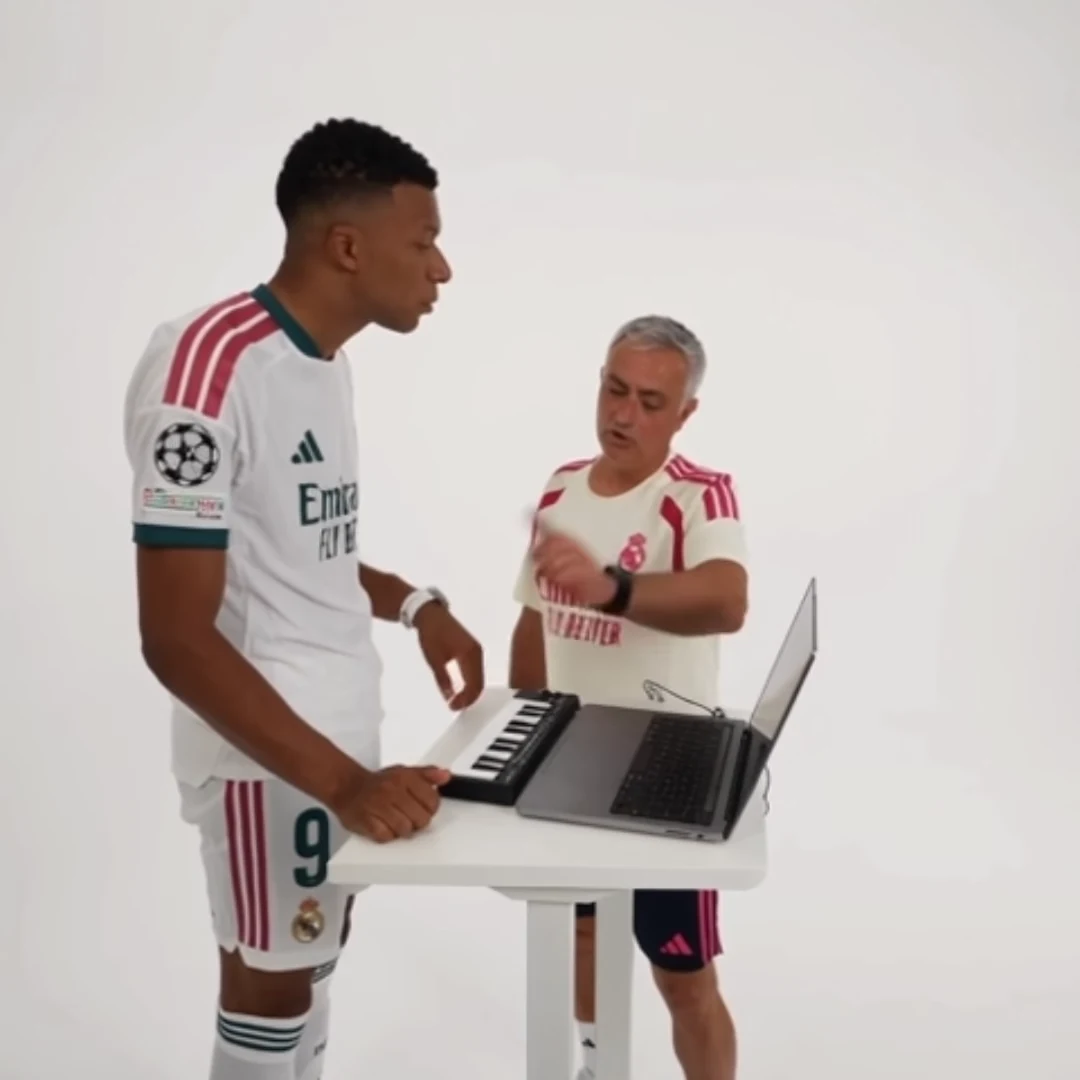
When an AI trend outfit changes, first compare the generated result with the actual upload and the selected template. Some recipes request the whole person's appearance, while a face-focused edit can have different behavior. Do not assume that every trend keeps the original performer's clothes or that every trend replaces them in the same way.
The STORM template requests the uploaded person's look, including clothing. Cheba Man also requests a full-person replacement. That makes the visible outfit in your chosen photo important. A caption saying “wearing a suit” is not a wardrobe command in these fixed tools.
Distinguish three different problems
A result can surprise you for three reasons. First, the uploaded photo shows an outfit you did not intend. Second, the photo leaves key areas out of frame, so you have not provided a clear reference for them. Third, the generated clothing changes despite a usable reference.
These require different responses. The first is a selection mistake. The second is missing visual information. The third is output variation. Increasing resolution does not turn those into the same problem, and adding more words to the social caption does not alter any of them.
Audit two existing photos
Suppose you want a recognizable “office worker celebrating” character. Photo A is a close face crop with only a collar visible. Photo B shows the same person from head to toe in a plain jacket and trousers, with a clear face.
For a whole-person template such as Cheba Man, Photo B provides more of the intended look. Check it at normal viewing size: if the face is tiny or blurred, the wider body coverage has introduced another compromise. Choose the image that balances recognition and the clothing needed for the story.
Write down the two or three details that matter: jacket color, trouser shape, and recognizable face. Avoid making the concept depend on a tiny printed logo or exact button count. Those details are a fragile foundation for a joke viewed on a phone.
Match the premise to available references
If your usable photo shows casual clothes, a casual celebration may be a better project than a formal-character premise requiring a new outfit. This is a creative choice, not a claim that the tool cannot depict formalwear.
Preview the selected trend and read its role guidance. Hotel Lobby, STORM and Cheba Man share a performance theme but are not interchangeable wardrobe contracts. Follow the individual page instead of importing assumptions from the last trend you used.
Review continuity through movement
Check clothing at the opening, during turns or occlusion, and at the end. Look for a jacket becoming a different garment, sleeves changing length, or colors shifting so much that the character feels different. Separate lighting changes from genuine garment changes: a shadowed sleeve can look darker without becoming a new outfit.
If the issue appears only in a short section, consider whether a careful external edit preserves the story without it. If the outfit is central and inconsistent throughout, a crop or caption is unlikely to solve the problem. Record what failed before choosing a clearer existing reference or attempting another generation.
Questions before you publish
Can I type a new outfit into a fixed trend template?
These photo-driven templates do not expose arbitrary wardrobe prompts. Choose an uploaded image that shows the intended look and follow the selected template’s guidance.
Does a full-body photo guarantee exact clothes?
No. It supplies more visible appearance information, but generated garments and small details can still vary.
Continue with Choose an AI Video Trend by Cast Size, Scene and Story, Match Cuts Between AI Trend Clips, Hotel Lobby AI Trend, AI Video Trend Playbook.