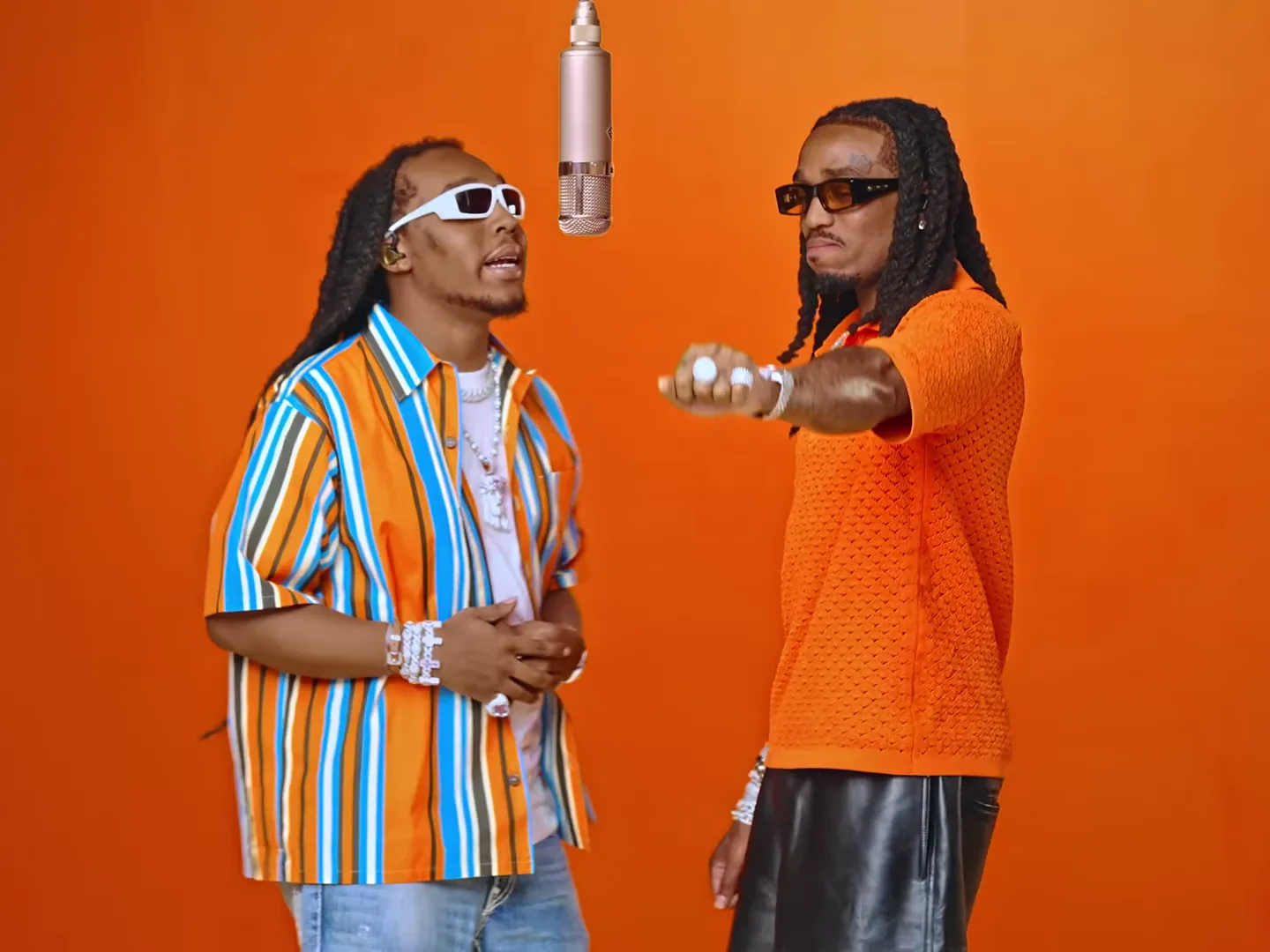
When an AI trend’s sound and mouth movement do not match, first compare the untouched download with your edited export. A delayed soundtrack, imperfect generated mouth movement and a silent template are different problems. Regenerating before identifying which one you have can waste time and credits.
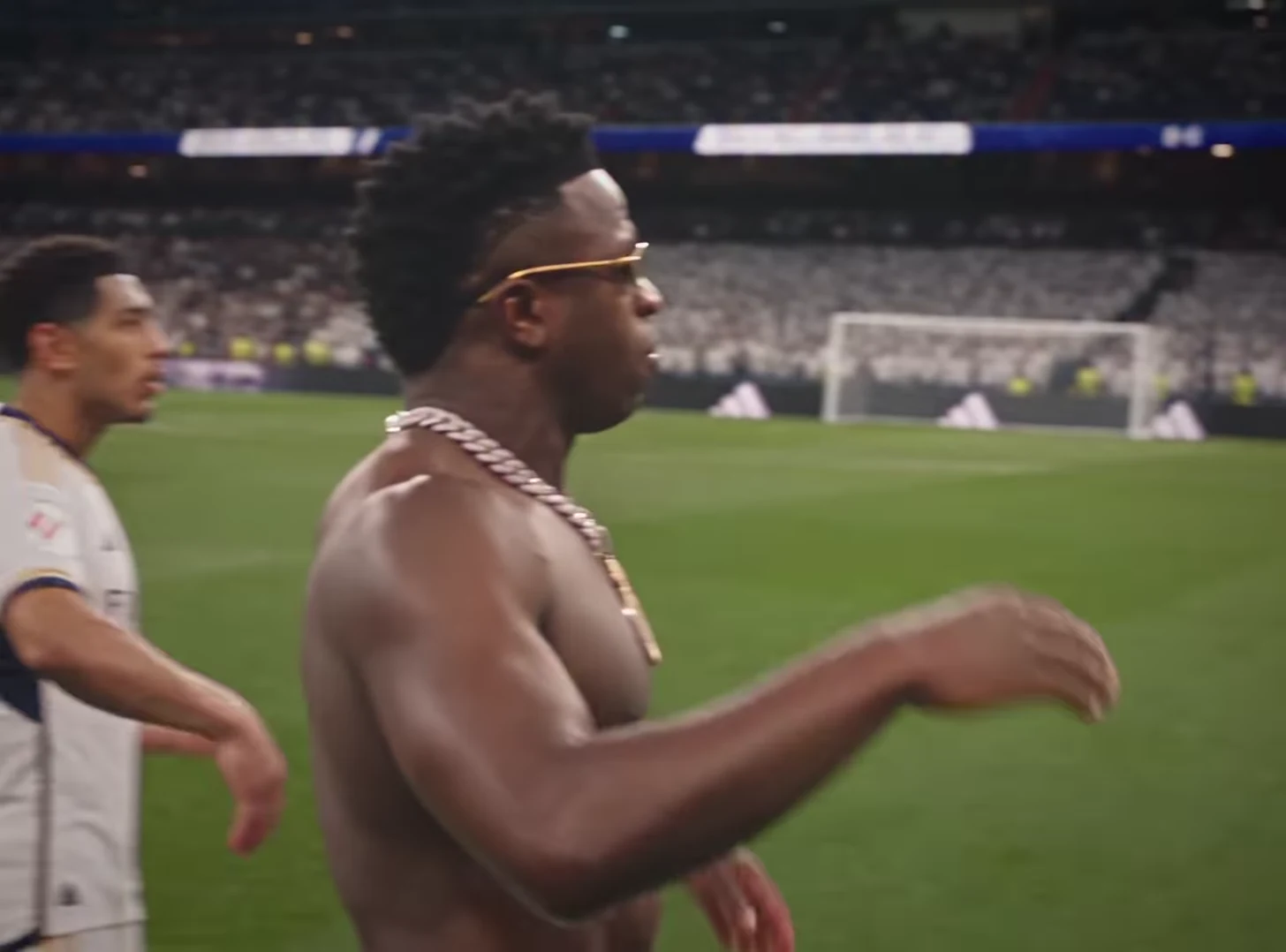
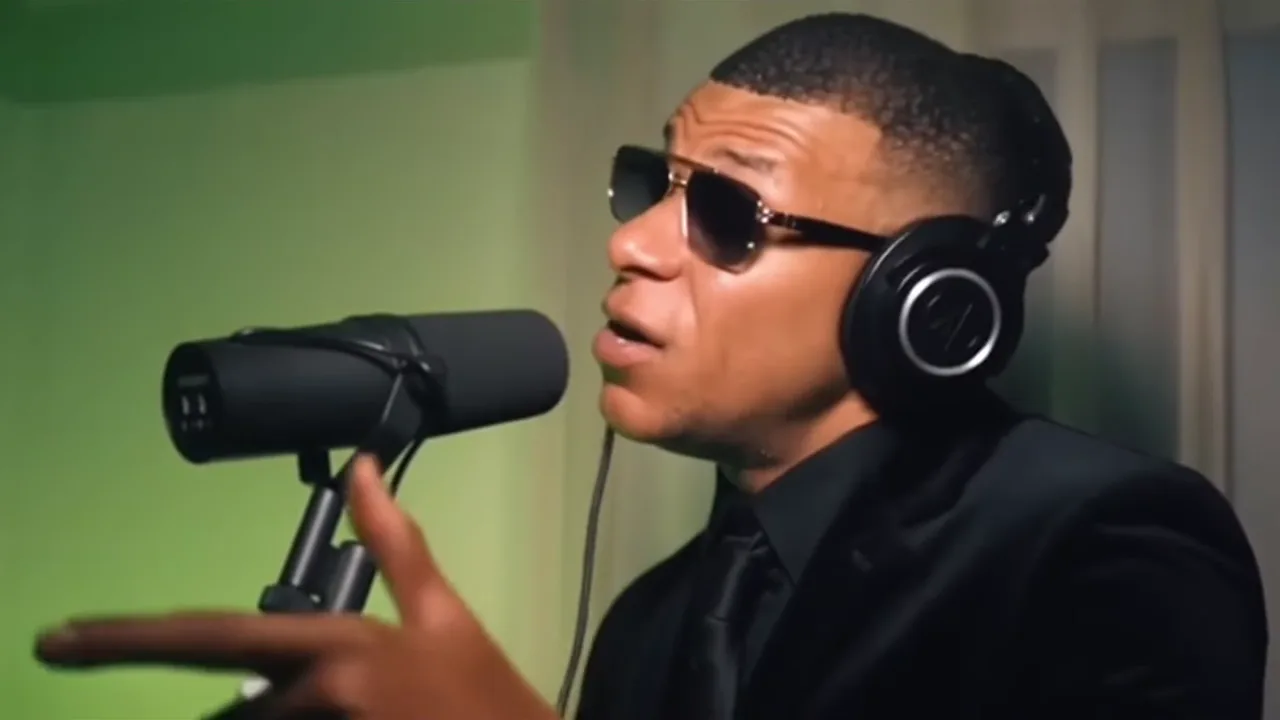
Mic Session and Bulin 47 use their source audio. Mansion Tour is silent by design. Begin with the expected behavior of the selected scene rather than assuming every trend should produce speech or music.
Establish a clean playback reference
Keep the original downloaded file. Play it locally with the device’s ordinary speaker or wired output, then compare the edited export in the same player. This reduces the number of variables you are changing at once.
If the problem appears only in a browser preview or on one playback device, test another player before changing the file. If it appears only after editing, inspect the timeline and export rather than immediately creating another generation.
Write a concrete observation: “The first audible syllable starts after the mouth opens,” or “Sound is absent in both files.” “The sync feels bad” is harder to investigate.
Distinguish timing from articulation
| What you observe | What to inspect next |
|---|---|
| The whole soundtrack seems shifted by a similar amount | Whether audio and video were moved separately in the edit |
| Timing varies from word to word | The generated mouth performance, not just a single track offset |
| Sound changes after a trim or speed adjustment | The edited timeline and export |
| A Mansion Tour result has no sound | Its expected silent-template behavior |
These are diagnostic directions, not guaranteed explanations. A single observation does not prove a cause.
For example, shifting a soundtrack slightly may align one mouth opening but make later phrases worse. That suggests the mismatch is not one constant delay. Do not keep moving the whole track until only the first word looks right.
Test the microphone performance carefully
For a Mic Session clip, compare an early phrase, a middle phrase and a later gesture that is easy to identify. Watch at normal speed first. Slow playback can help locate a mismatch, but it can also make minor imperfections seem more prominent than they are in the finished post.
Check whether the microphone or a hand briefly hides the mouth. An occluded face gives you less evidence of articulation; it is not automatically a synchronization failure.
If the raw download is acceptable and your export is not, return to the clean file. Keep its audio and video together while trimming, avoid unintended speed changes, and export a short test before rebuilding the entire social layout.
Choose a correction that fits the cause
A clear editing offset may be repairable in your separate editor. Unconvincing generated articulation is a different limitation: these fixed templates do not expose a custom dialogue rewrite or phoneme editor. A clearer reference or another generation may produce a different result, but neither guarantees a correction.
If the sound is missing, check mute and volume settings and confirm that the selected template includes audio. Do not add random music to a silent mansion clip merely to hide what you think is a bug.
For a silent concept, use the Mansion Tour project. For a performance with deliberate visual pacing, read the Mic Session introduction or Bulin freestyle persona ideas. The video trend creative playbook helps decide when a different scene would serve the idea better.
Frequently asked questions
Should I regenerate as soon as the audio seems late?
First compare the untouched download and edited export using the same playback setup. The mismatch may have been introduced during editing or playback.
Can shifting the audio fix every lip-sync problem?
No. A constant timing offset differs from mouth movements that do not match individual sounds. Moving the whole track cannot reliably repair inconsistent articulation.