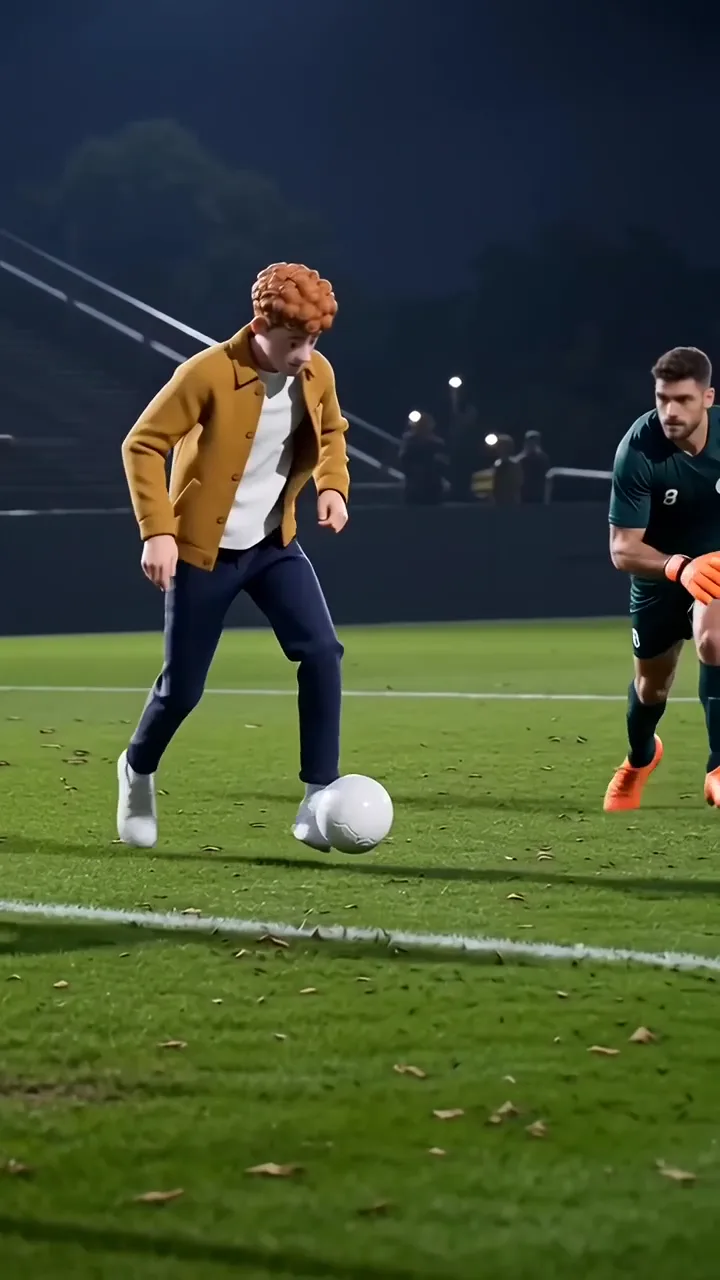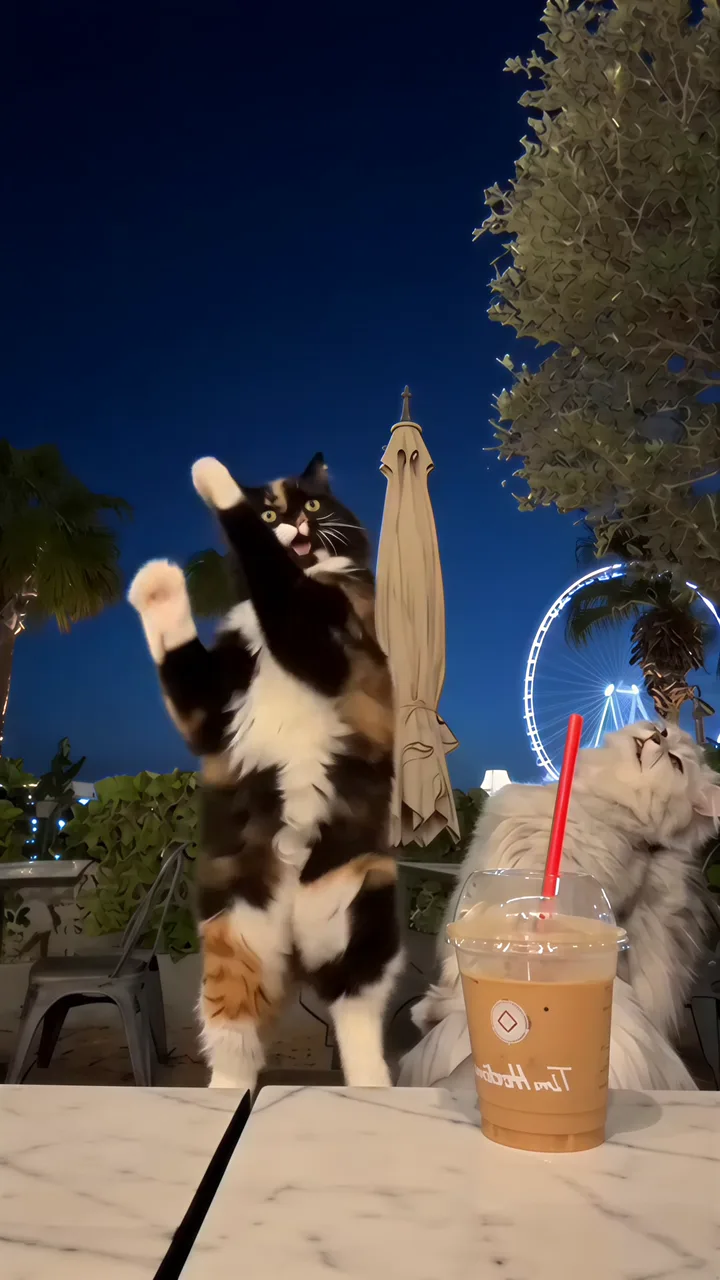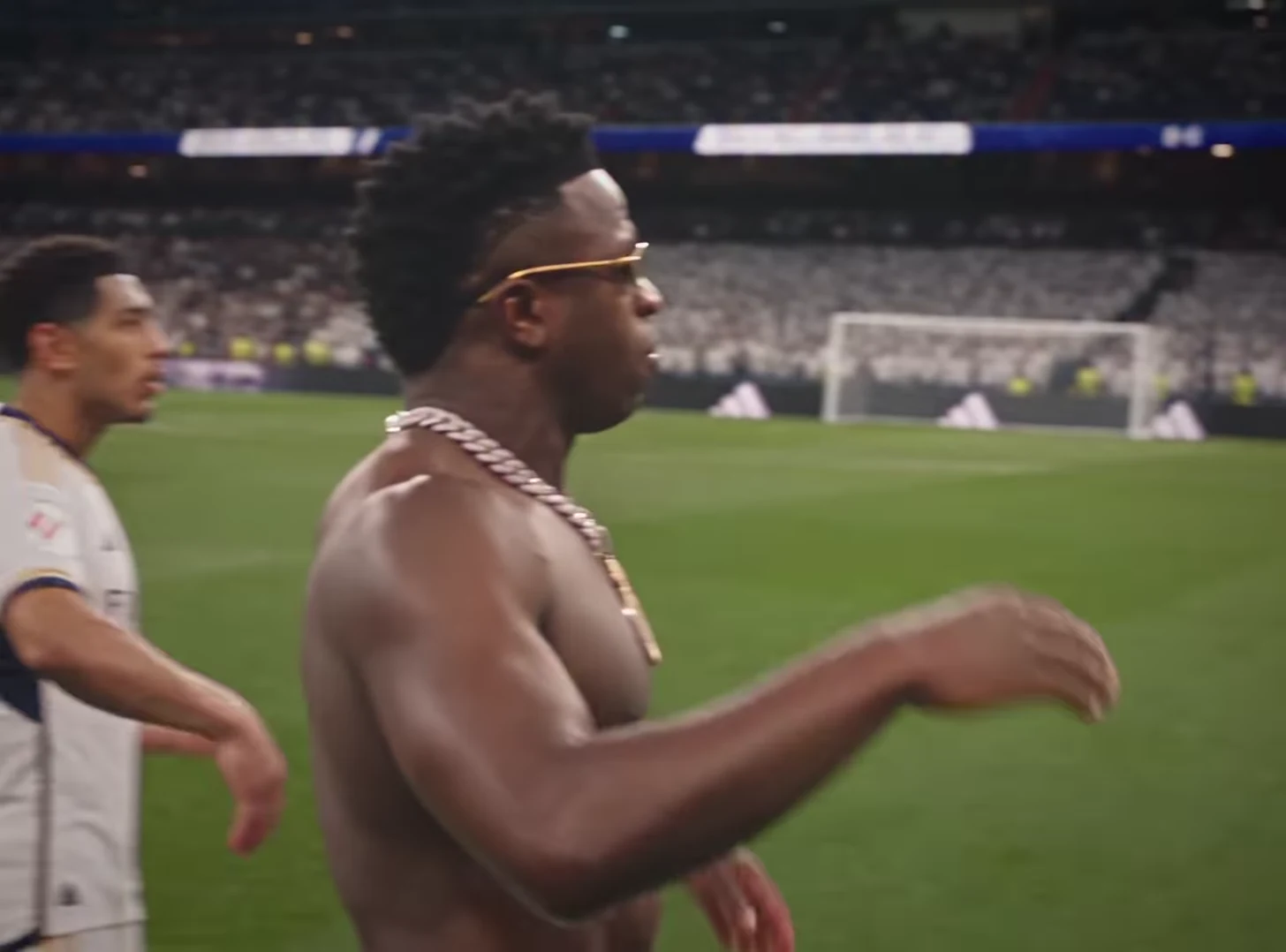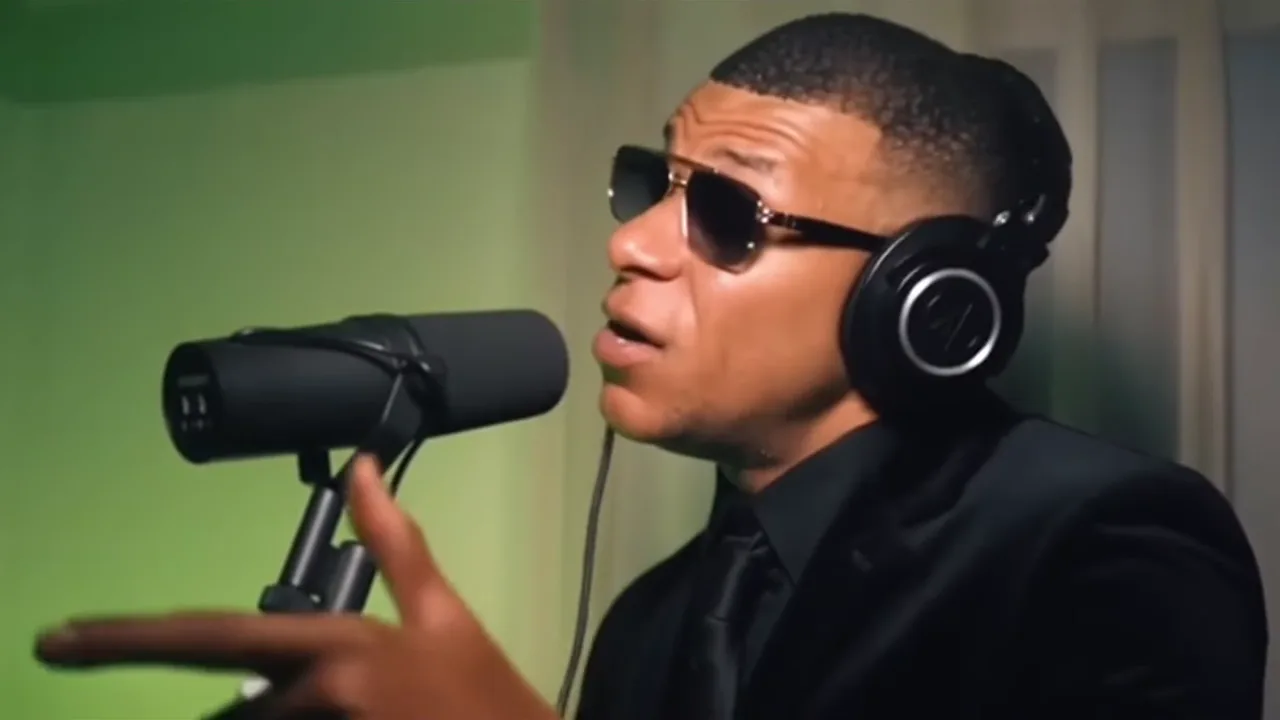
Build a three-clip AI trend story by giving each clip a different narrative job: setup, escalation and payoff. Choose the jobs before choosing the videos. Three impressive performances in a row are a collection; a story explains why the second follows the first and what the third resolves.
A Mic Session clip can introduce an imaginary performance career. A Street Rap Montage can escalate it into a larger persona, and Stadium Celebration can provide an exaggerated victory. These are separate fixed templates. Combining them requires editing the downloaded outputs in a separate editor.
Write the whole story in one sentence
Use a premise such as “I volunteered for one karaoke song and imagined an entire career.” It gives all three clips a shared perspective without pretending they depict continuous real-world action.
Assign the jobs explicitly:
- Mic Session: “I said I would try one song.”
- Street Rap Montage: “My imagination five seconds later.”
- Stadium Celebration: “Accepting the imaginary award.”
Those lines are example captions, not instructions to the generators. They connect settings that would otherwise feel unrelated. Avoid inventing a literal journey from studio to street to stadium unless you have the footage needed to explain it.
Keep one recognizable anchor
Use the same suitable character photo where each template's input rules allow it. Preserve the main outfit and hairstyle when possible. Your aim is for viewers to recognize the same imagined protagonist, not to guarantee identical rendering across different recipes.
If you already have completed clips with different looks, write the story as versions of a persona rather than one continuous event. “Three stages of my confidence” can accommodate that shift more honestly than a tightly continuous timeline.
Review each source output separately before assembly. An identity error becomes harder to diagnose when it is buried inside a montage with titles, transitions and music.
Assemble for meaning before rhythm
Place the three clips on an editing timeline in story order. Select enough of each performance to communicate its job, then trim repetition. Do not cut away from the first clip before the opening caption can be read simply to make all sections equal length.
Use plain cuts initially. Different aspect ratios can sit within a consistent canvas rather than being aggressively cropped to match. Make sure each character remains visible at the intended playback size.
Audio needs its own decision. Each template has its own fixed source soundtrack. Abruptly joining three unrelated musical fragments can distract from the story. Review the joins, and use only audio you are entitled to use in any separate replacement-soundtrack edit. This workflow does not grant new music rights.
Test the connection between clips
Watch the assembly silently and ask what changes from one section to the next. Then listen while looking away and notice jarring audio boundaries. These checks reveal different issues.
Finally, ask another viewer to summarize the story in one sentence. If they simply list “singing, rapping, celebrating,” the captions have not established the imagined career. Fix that connection before adding effects or generating a fourth clip. The smallest useful change is often replacing an ambiguous middle caption.
Questions before you publish
Can one trend generate all three scenes?
These examples use separate fixed templates. Download the outputs and assemble the sequence in a separate editor.
Must all three clips have the same framing?
No. A consistent canvas can accommodate different aspect ratios. Prioritize readable faces and actions over forcing every source into a tight crop.
Continue with Wide Shot or Close-Up? Choose a Video Trend for Your Story, Keep the Same Character Recognizable Across AI Video Trends, Stadium Celebration AI Trend, AI Video Trend Playbook.