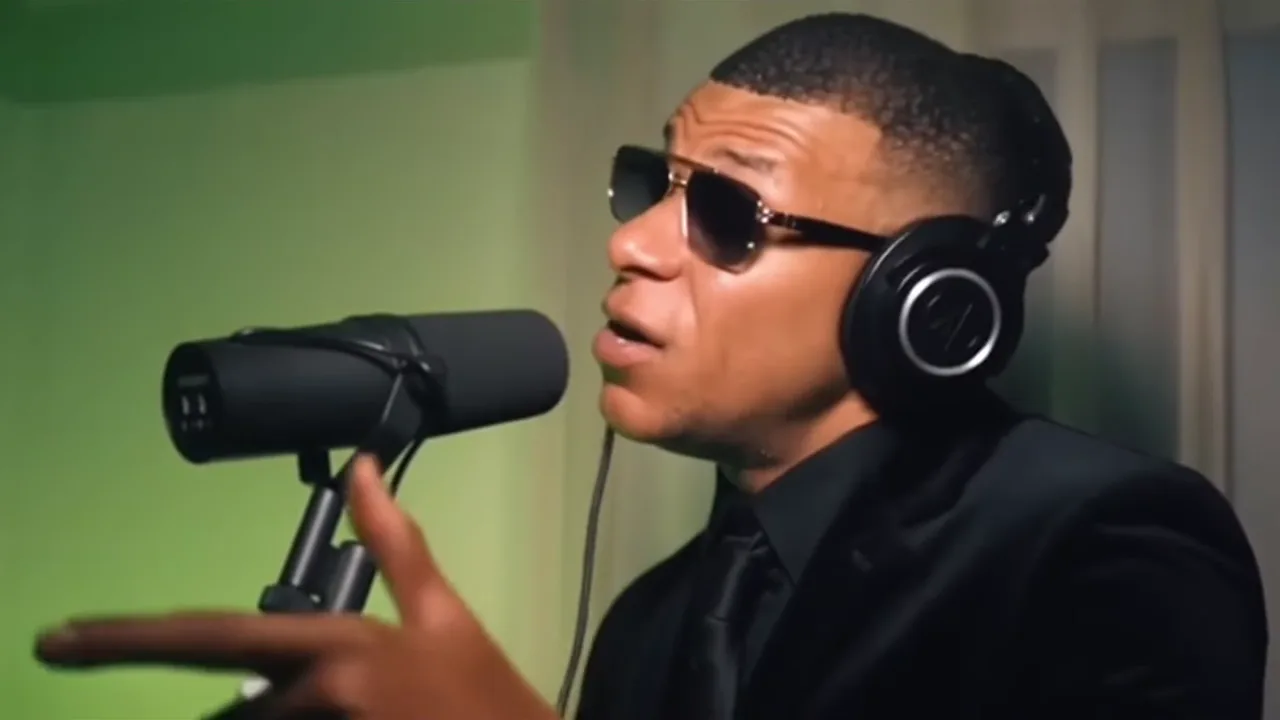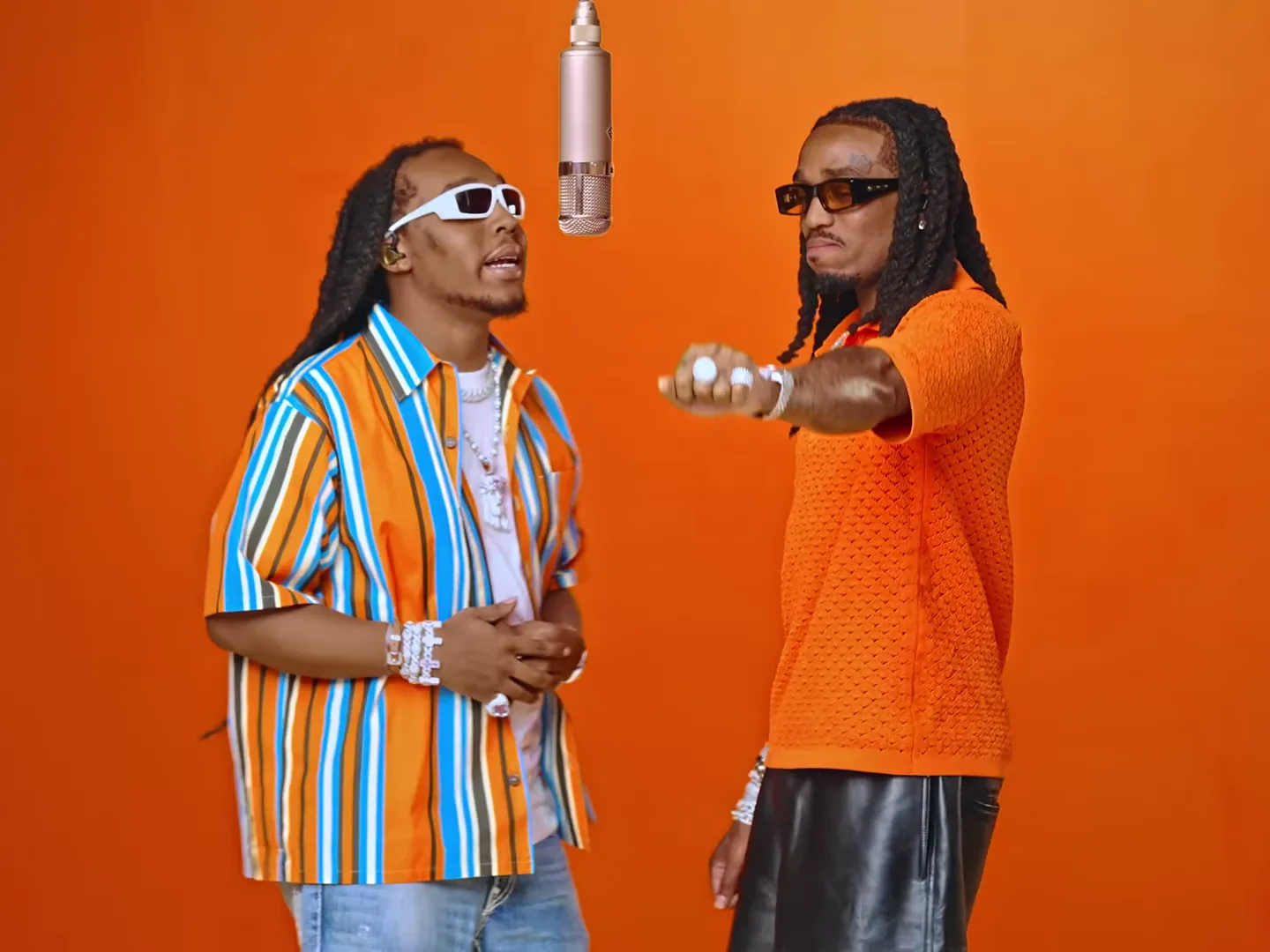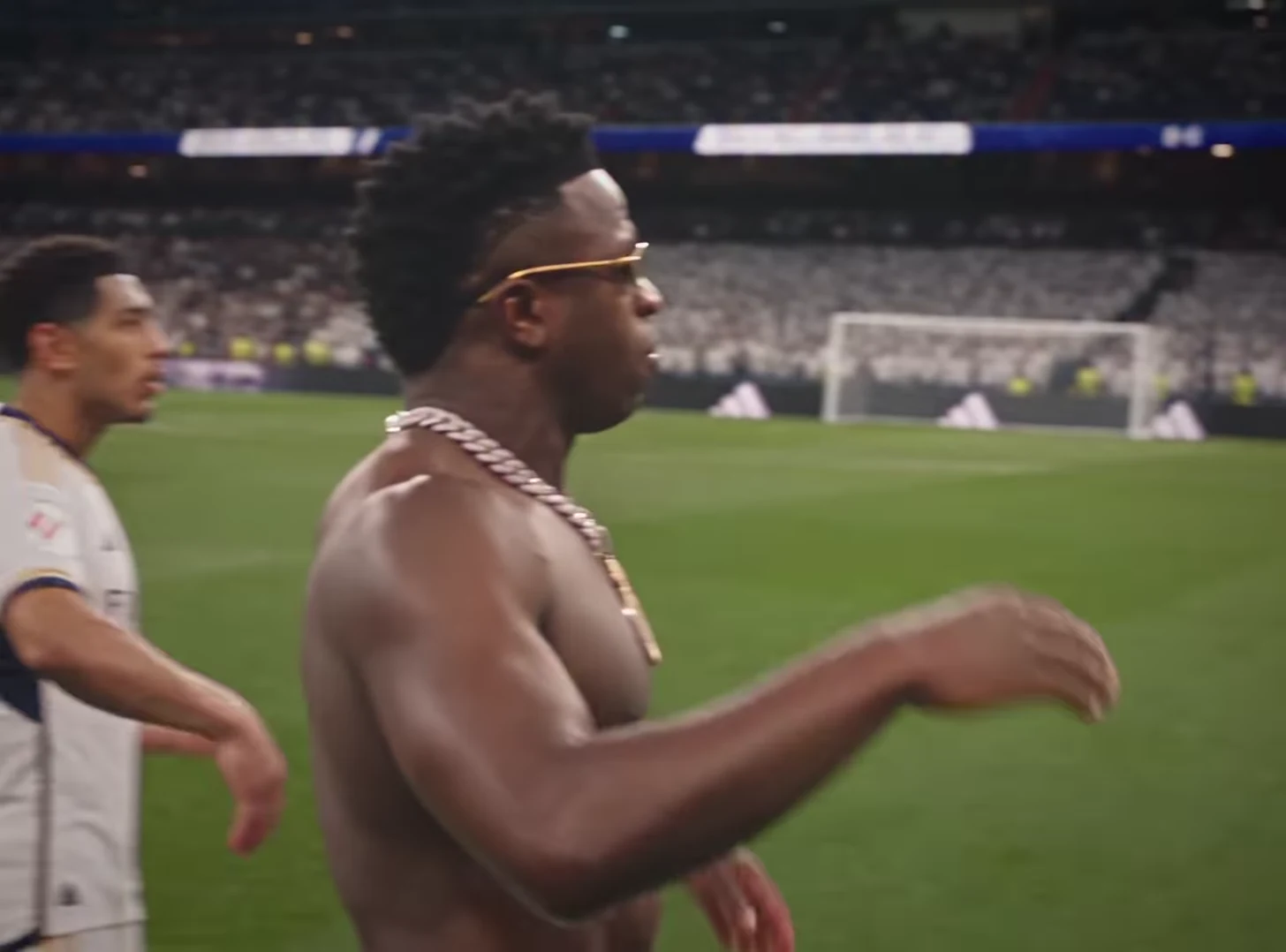
Choose a wide-shot trend when the joke depends on movement or surroundings; choose a closer performance when expression and personality do most of the work. In a fixed video template, this is primarily a selection decision. You are choosing existing camera coverage, not writing a prompt that makes the template shoot a new angle.
Compare Runway Parkour, where the obstacles and movement matter, with Mic Session, where the performer and microphone carry the scene. Stadium Celebration uses the player’s approach and gestures as its central event.
Identify what the viewer must see
Before selecting a template, finish this sentence: “If the viewer misses ___, the post stops making sense.” For an action joke, it might be the barrier being cleared. For a confident performance, it might be the expression. For a reveal, it is whatever enters or becomes visible later.
| Story need | Preserve in the frame | Common editing mistake |
|---|---|---|
| Physical feat | Body, obstacle and landing | Cropping tightly around the face |
| Personal reaction | Face and meaningful gesture | Covering expression with text |
| Scale or setting | Enough background to explain the contrast | Turning every scene into the same close crop |
The useful framing is the framing that preserves the story information. A larger face is not automatically a better edit.
Plan an action-versus-reaction pair
Imagine two posts about finishing a difficult work task. In the action version, Runway Parkour becomes “Getting through the last tasks before Friday.” The obstacles explain the premise. In the reaction version, Stadium Celebration becomes “Submitted it with one minute left.” The triumphant gesture is the payoff.
Those are different stories even though the occasion is the same. Choose one rather than forcing the action scene into a reaction close-up. A separate editor can trim or crop the result, but it cannot reveal a new viewpoint that the clip never captured.
Watch the source sequence to judge its composition. Then judge your own output separately; the source preview is not a generated quality benchmark.
Reframe only after watching the entire clip
A crop based on the first frame can fail when the person moves, the camera changes distance or an important object appears. Play the full clip with the proposed crop visible.
For a vertical post made from a wider source, compare two exports in your editor: one fitted inside the canvas and one cropped. On a phone, ask whether the face is readable and whether the action still has cause and effect. The fitted version may have more unused space but preserve a much better joke.
Use that space for a short setup caption if appropriate. Do not fill it with decorative text merely because it exists.
Check what the edit removes
Inspect hands, feet, props and other performers at the edges. A close crop can accidentally remove a pointing hand or hide where a person lands. That changes meaning, not just appearance.
If the story needs a close-up that the template does not provide, choose another scene or add a separate piece of footage you are allowed to use. Do not describe a crop as a newly generated camera shot.
Develop the action option with the Runway Parkour story project, the expression option with the Mic Session introduction, and the reaction option with the Stadium Celebration project. The video trend creative playbook helps give each framing choice a purpose.
Frequently asked questions
Can I request a new camera angle in a fixed trend template?
These photo-driven templates follow their existing camera coverage. Choose another template for a different view, or reframe the downloaded clip in a separate editor.
Is a tight vertical crop always best for social video?
No. A tight crop can remove the action, another performer or the reveal. Compare it with fitting the complete source frame inside a vertical canvas.