Use Bulin 47 Squad as a compact team introduction: one lead in the center and two supporting people behind. Give the trio a shared identity first, then let the dance introduce their energy. For a friend group, that might be “The committee organizing one weekend away.” For a hobby team, use the real team name with everyone's agreement.
The Bulin 47 Squad template needs three photos for the lead, left and right roles. It is a group dance in an existing scene, not a tool for generating a custom spoken introduction or replacing an unlimited crowd.
Write the team description before the names
A stranger needs to understand why the three people are together. “The Saturday football crew” is clearer than three first names with no context. A group-chat audience may already know the cast, but it still needs the joke.
For a worked version, introduce the fictional weekend-planning committee. The center person books everything. The left person sends destination ideas. The right person replies after the booking is complete.
Keep those roles playful and agreed. If the clip represents an actual business, use accurate job descriptions rather than assigning embarrassing traits to staff members.
Give the lead a reason to lead
Put the organizer in the central role because the visual hierarchy already emphasizes that person. The two rear roles can support the premise without needing equal screen area. If equal prominence is essential for a formal team introduction, this composition may not be the right format.
Prepare one clear reference photo for each person and confirm the assignment against the role labels. Avoid sending three photos with similar filenames and relying on memory. A written casting note makes a simple mistake easy to catch before generation.
The reference scene sets movement and layout. Uploading a different person does not create a new dance, a different shutter backdrop or a custom introduction track.
Use labels that can be read once
After downloading, add captions in a separate editor. Start with “The weekend planning committee.” Then use short labels such as “Books it,” “Sends ideas” and “Replies tomorrow.”
Do not leave three long paragraphs next to moving bodies. Try a brief title card before the dance, followed by the clean performance. Another option is one shared caption with the role descriptions in the post text.
Preview the result on a phone-sized screen. If a label covers a face or viewers have to pause to read it, simplify. The choreography should still be the main visual, with text doing only the work it needs to do.
Check all three performers separately
First follow the lead through the full result. Then watch the left performer and the right performer in separate passes. Rear characters are easy to overlook when the center draws attention.
Check faces when heads turn, limbs when people overlap, and the spacing between bodies. If the three characters merge or exchange distinguishing features, the result is not ready for a team introduction. More text will not repair that identity problem.
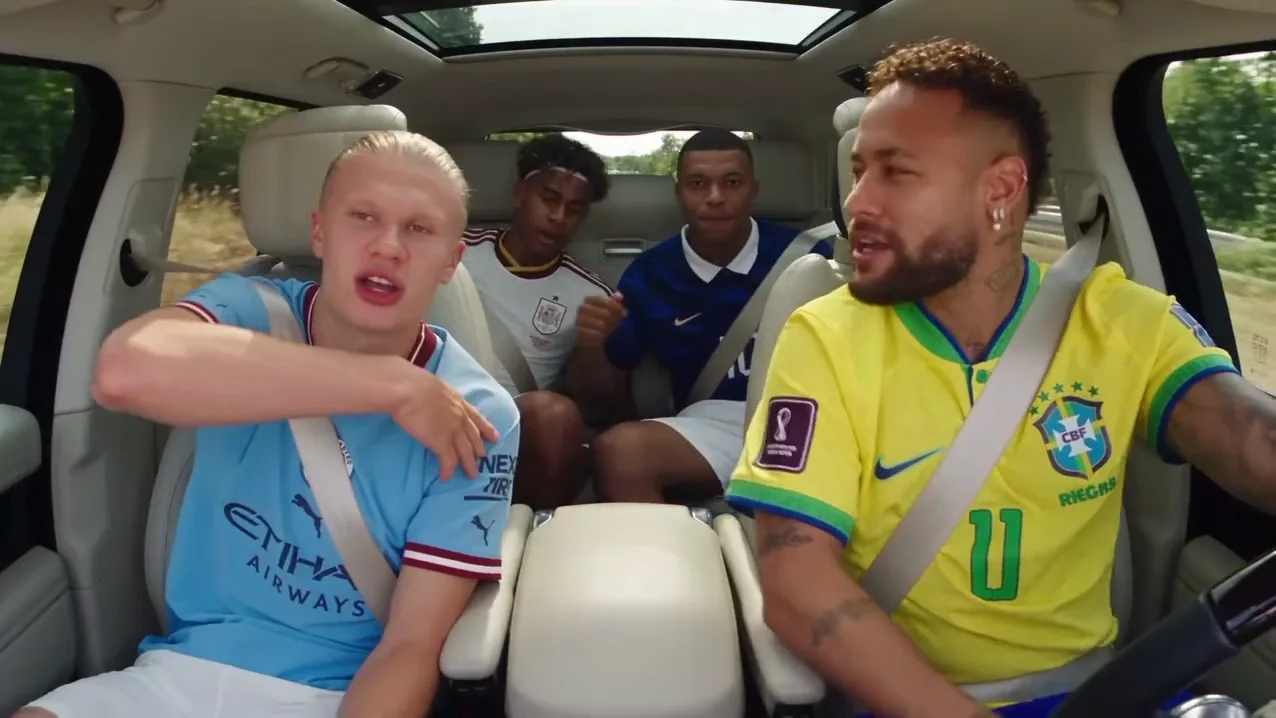
Finally, ask whether the video presents the team fairly. A confident lead can work for a joke, while an official introduction may need a more balanced format. For another group setup, compare the Car Rap creative project. For a single-person performance with a different editorial job, read the Street Rap Montage teaser. The video trend creative playbook maps these choices into a broader series.
Compare the solo, duo and squad options if your team size does not fit three roles. The broader cast-and-scene guide also helps decide whether the dance composition suits a formal introduction.
Frequently asked questions
Can I make a Bulin 47 Squad video with only two photos?
This template requires three photos for the lead, left and right roles. Choose a two-person trend if you only want to cast a pair.
Can the three people say their names in the template?
The template uses its existing performance and audio. Add names as captions in a separate editor rather than expecting custom spoken introductions.