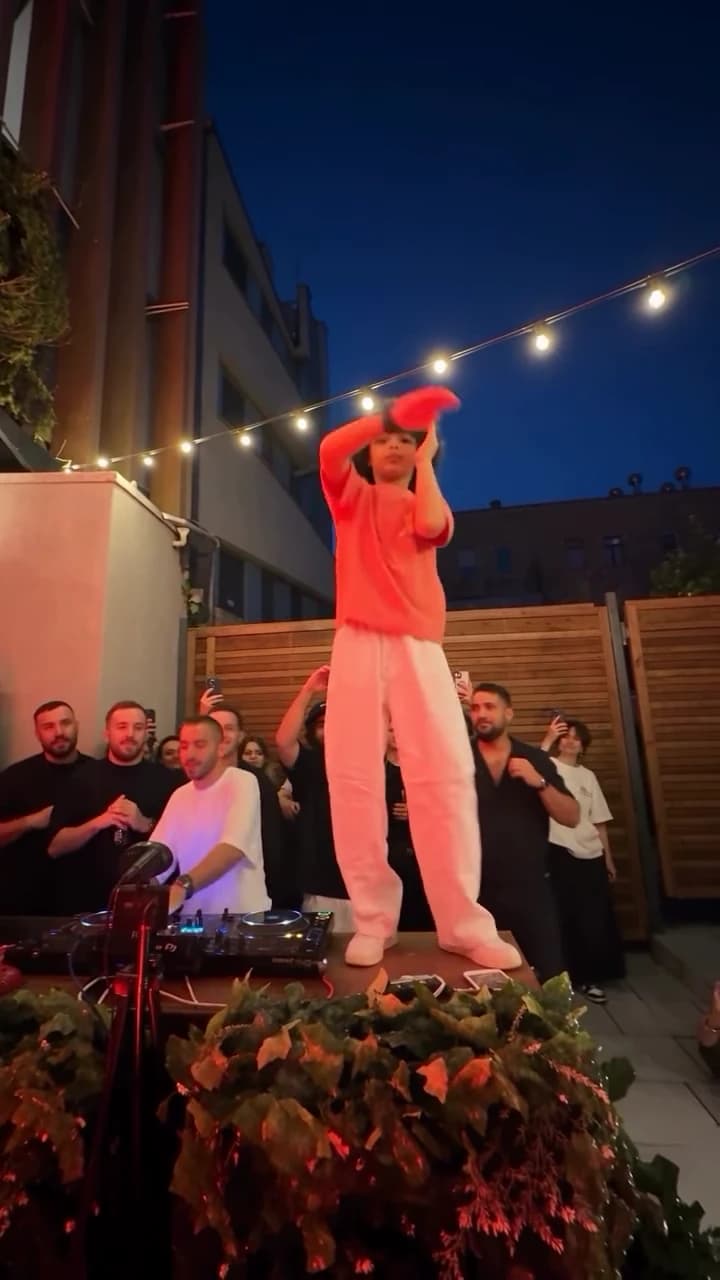
Use the STORM AI trend as the moment a character's mood changes. A quiet opening followed by an energetic crowd performance can express relief, confidence or exaggerated determination without asking the viewer to learn a complicated story.
The STORM template moves from a close view of the lead to their walk into the crowd, then a high wide shot. In that final view, the lead stands still while the crowd bows and head-bangs around them. Your uploaded photo guides the lead's appearance; it does not let you direct the crowd or invent a different dance. Build the emotional contrast through the context you add around the downloaded video.
Pick the change, not just the mood
“Feeling confident” is broad. “Me after finally sending the email I avoided all morning” has a cause and a visible reaction. That cause gives the audience a way into the performance.
Other workable turns include finishing the last revision, finding the missing charger, or discovering a meeting has ended early. Keep the scale of the claim small enough that the enormous reaction is the joke. You do not need to tell viewers that the clip is dramatic; the performance does that work.
Make a two-beat version
For the overdue-email idea, use a plain title card in a separate editor: “Draft saved for the ninth time.” Follow it with the generated STORM performance and the line “Sent.”
The contrast depends on restraint: the lead stays composed while everyone around them supplies the oversized reaction. Do not add three more explanations about procrastination. A possible post caption is “Me acting normal. My brain after pressing send. AI edit.” Another is “The celebration was longer than the email.” These lines support the visual rather than reciting it.
If you already have a suitable still of yourself at a desk, it can replace the title card. Use an asset you own or have permission to use. There is no need to generate a second scene simply to communicate the word “before.”
Use the crowd as context
Leave enough of the frame visible to show that the lead is part of a larger scene. A close crop may increase facial detail but remove the contrast between one person and the crowd. Try the original landscape composition on a larger canvas before cropping it into a narrow format.
The source determines the performance timing. Add your text and title card after downloading. If you trim the sequence, watch the cut with sound as well as silently so that an abrupt audio boundary does not overwhelm the mood change.
Know which problem you are solving
Review appearance first: can viewers recognize the lead, and does the outfit support the character you introduced? Then review the edit: does “Sent” appear early enough to explain the reaction? Finally, review the premise: would someone outside your group understand why sending this email matters?
These checks lead to different fixes. Unclear wording needs a rewrite. Lost context needs a wider crop or a simpler opening. A visibly unstable face is a result-quality issue. Avoid spending another generation merely because the caption is weak.
The aim is an understandable emotional turn, not a promise that a specific format will go viral. Save the final caption and edit decisions so the next post can change one deliberate element rather than repeat the same surprise with a new sentence.
Questions before you publish
Can I change the crowd choreography?
No. The template follows its reference performance and framing. Create your story around that fixed action.
Do I need a newly generated before scene?
No. A short text card or an existing suitable asset can establish the situation before the performance.
Continue with Choose an AI Video Trend by Cast Size, Scene and Story, Choose Your Best AI Trend Photo with a Side-by-Side Test, Why Your AI Trend Outfit Changes and How to Plan Around It, AI Video Trend Playbook.