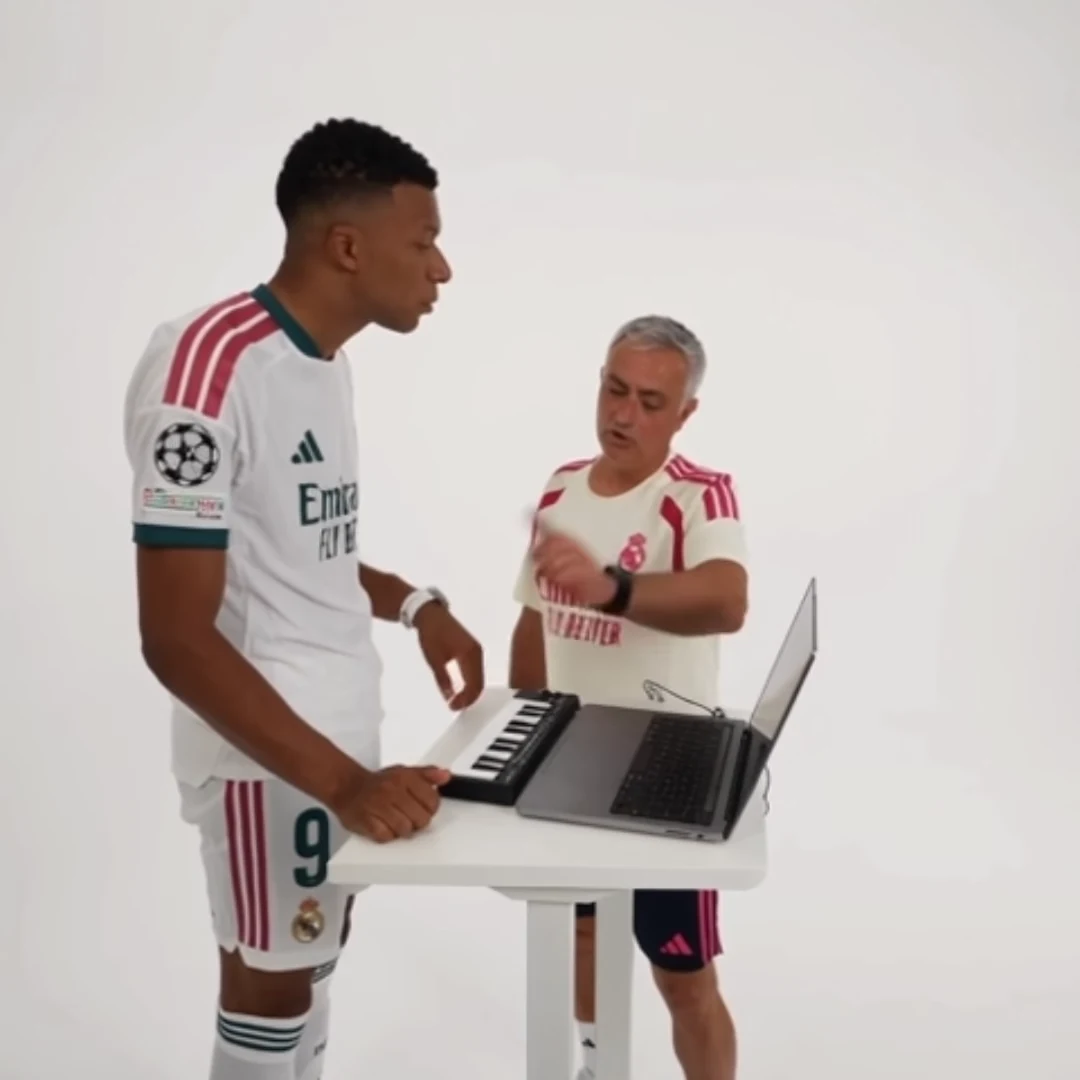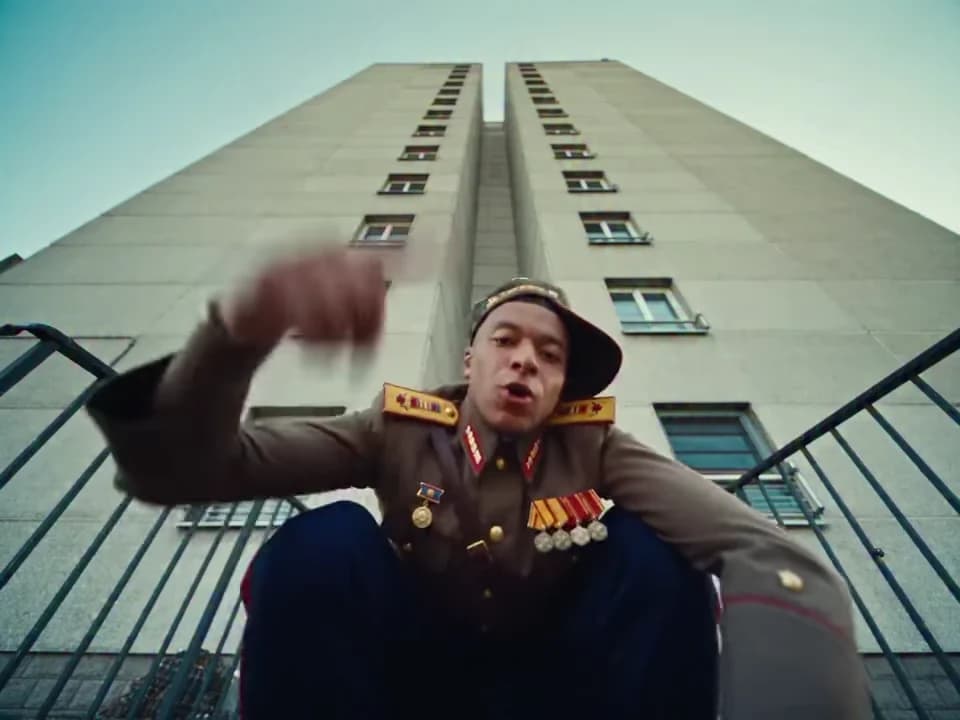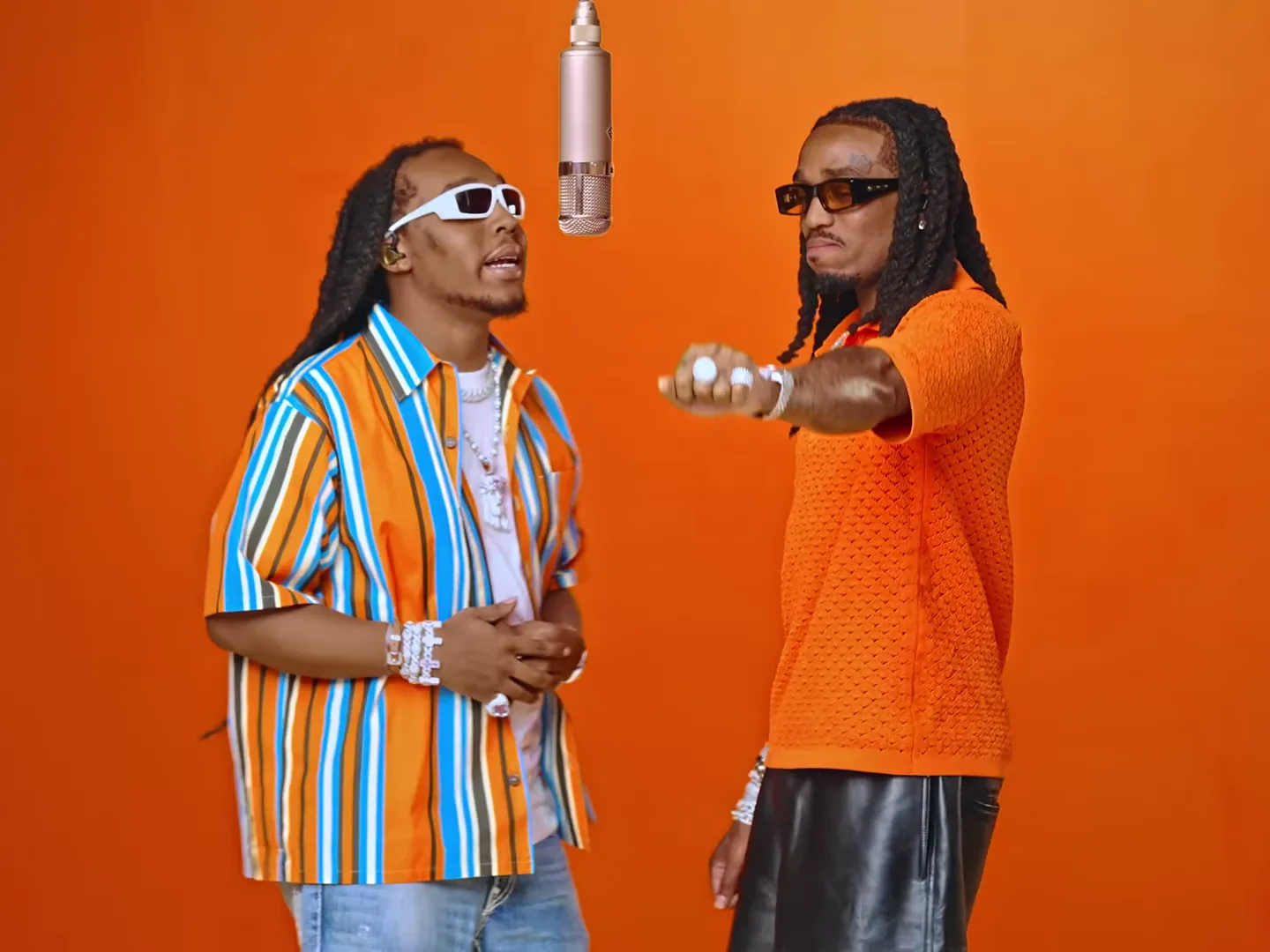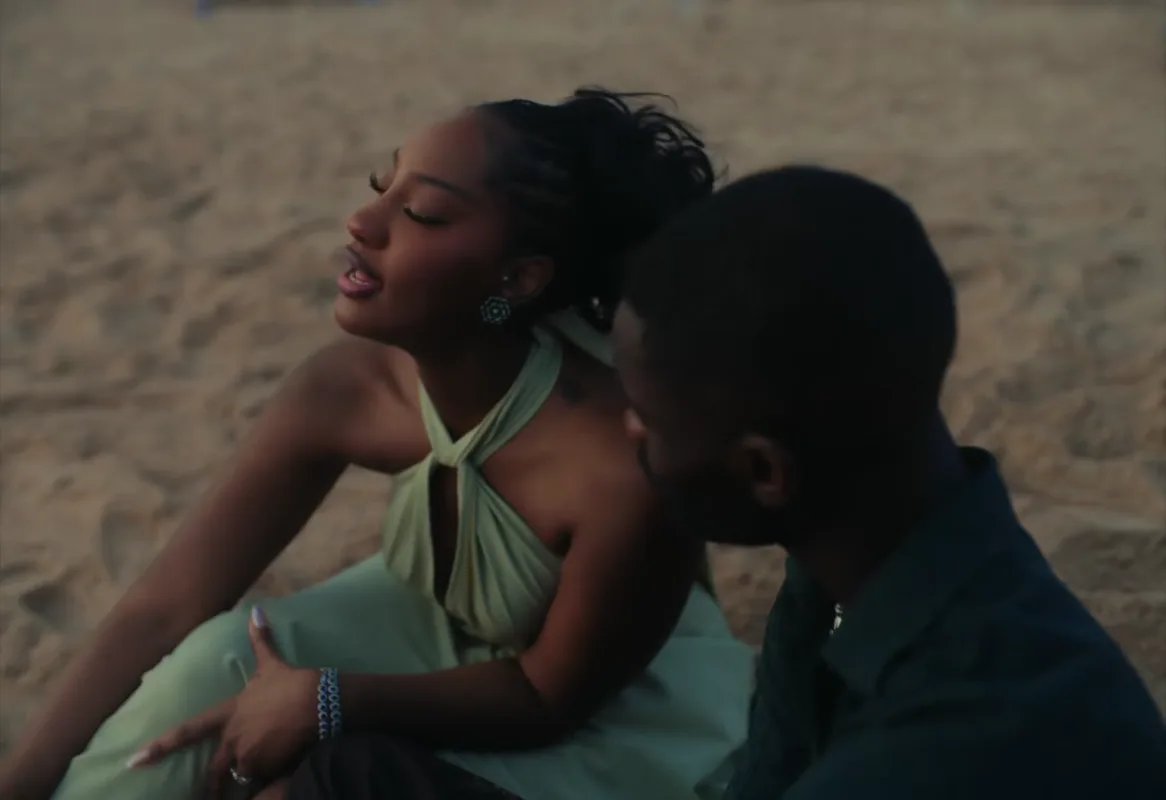
Give a Raindance AI duet one shared occasion: a reunion, a friendship anniversary or finally taking the trip you kept discussing. Cast the singer and partner deliberately, then use a short opening caption to explain why these two people belong together. The strongest version does not need text on every shot.
The Raindance template requires two photos and recreates its pier and beach scenes with the original song. Its available length variants do not turn it into an open-ended music-video director. The project below uses the existing performance and adds context after download.
Decide what the duet celebrates
For two friends who moved to different cities, the premise could be “The reunion we planned through forty voice notes.” For a couple, “Our holiday trailer, made before we packed” makes the fantasy explicit. Neither requires claiming that the generated beach is a real destination you visited.
Choose a line that describes your relationship rather than the technology. “Look what AI can do” explains the production method but gives a stranger no emotional reason to keep watching. “Ten years of friendship, still missing every train” introduces both history and a little personality.
Keep private details private. An anniversary date or full location is unnecessary unless both people want it shared.
Treat singer and partner as different roles
Use the preview to see how the singer and partner appear across the sequence. Agree on the casting before uploading. A shy friend may prefer the partner role; the person who usually performs for the group may enjoy being the singer.
Each slot needs a clear individual reference. Do not use a photograph where both people overlap and expect the tool to infer which person belongs in which role.
Make a small reference note for yourself: hair parting, visible facial hair, glasses if present, and the identifying features you want to check. These are review observations, not a guarantee that every feature will remain unchanged.
Build the reunion edit
For the reunion example, open with “We finally found a weekend.” Let the performance carry the middle. Near the ending, add “Next task: actually booking it.” That final line turns the glamorous scene into an affectionate planning joke.
Apply captions in a separate editor after downloading. Place them where they do not cover the singer’s mouth or the partner’s face. If a caption must remain across a scene change, check its contrast in both scenes.
Choose the available length according to the story you need, then review the actual result. Do not assume that a shorter selection is a manually chosen excerpt or that every shot from a longer version appears in it.
Check continuity as a pair
Watch the singer first through the full clip, then repeat while following the partner. This catches errors you can miss when your attention stays on whoever is moving most.
At the transition between pier and beach, compare both faces and the overall look. Then watch together at normal speed: does it still feel like the same pair sharing one idea? A momentary obstruction may be acceptable; a person changing identity during the transition is a more important problem.
Do not describe the source preview as a successful generation of your couple. It is a reference for the scene. Use your own finished result to decide whether it is ready to post.
For a more comic duet, try the Smalltown Boy project. For an intentionally excessive fantasy, see the mansion tour parody. Find the larger planning framework in the video trend creative playbook.
For help preparing the pair, use the duet role-assignment checklist. Before adapting the scene for a vertical post, compare cropping and fitting a two-person video so neither person disappears from the story.
Frequently asked questions
Can I make the Raindance duet with one person photo?
This template requires two photos for its singer and partner roles. Plan both characters before generating.
Can I ask Raindance to add a new location or shot?
The template follows its existing pier and beach sequence. New locations and custom shot lists are outside this fixed-template workflow.