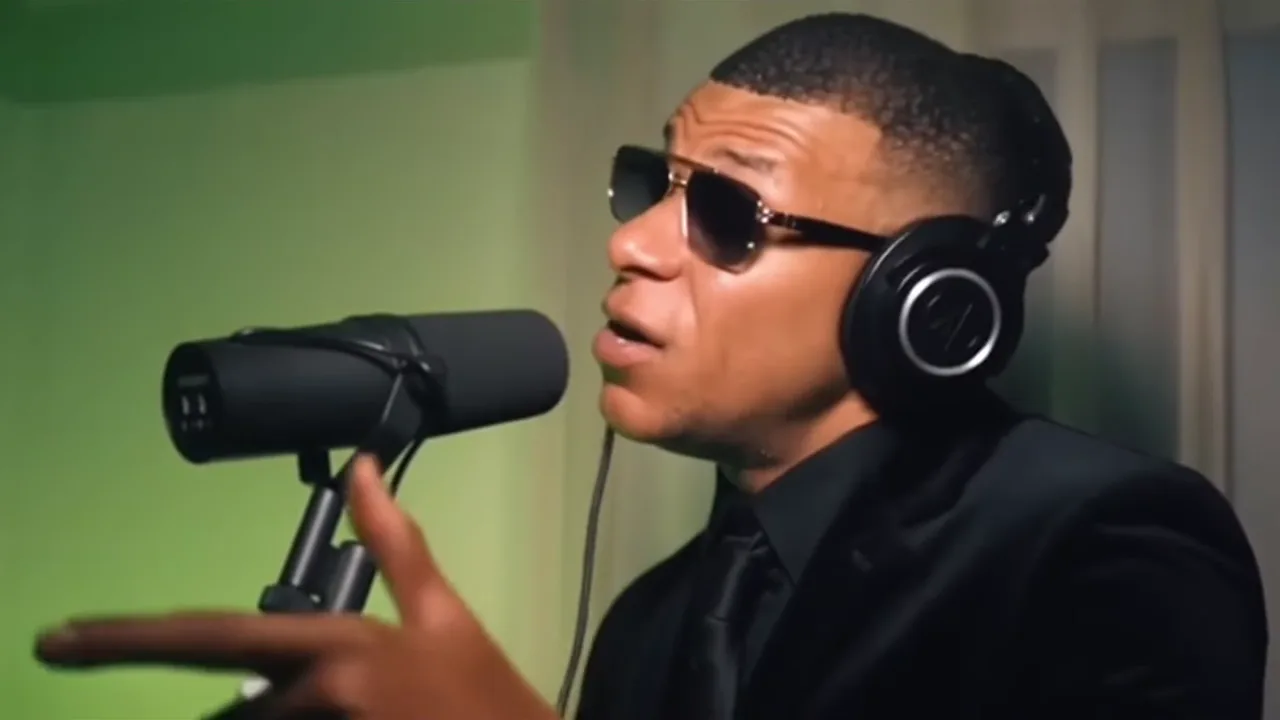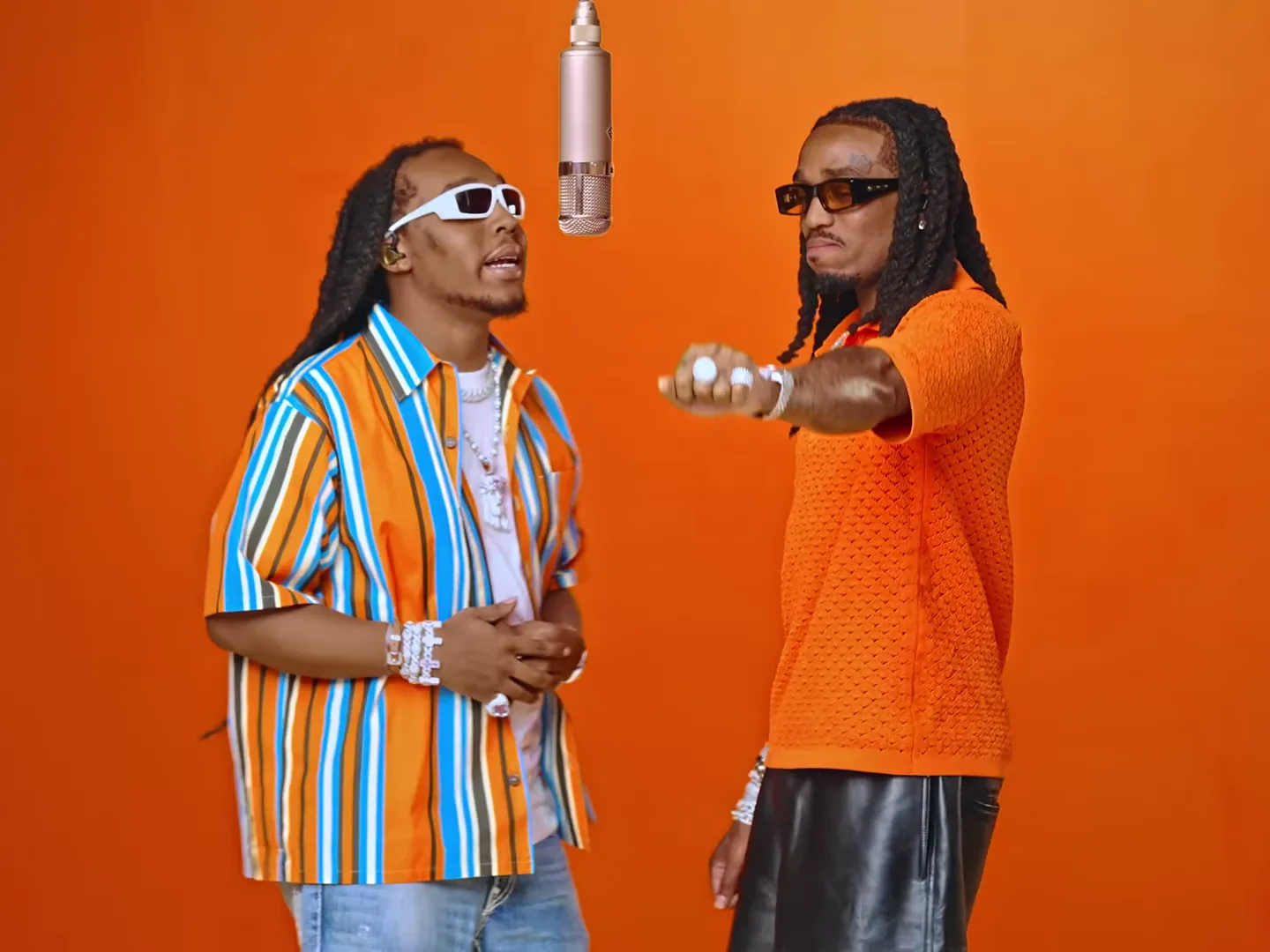
A clear before-and-after AI trend reveal shows the source person long enough to recognize them, then cuts to a finished performance where the same person is easy to find. Use the photo and your actual downloaded result in a separate editor. The transition should help viewers compare identity, not disguise a mismatch.
For a one-person reveal, Bulin 47 gives you a lead performance. For a pair, Hotel Lobby can support a two-person introduction. This workflow adds an editorial sequence around the generated clip; it does not add controls to either template.
Make the comparison about one thing
Decide what changes between the two halves. “Ordinary portrait becomes a performance” is clear. A collage of old photos, a new outfit, a location change, a price announcement and a joke all at once is harder to follow.
For a worked example, use your own ordinary profile photo followed by your Bulin performance. Caption the still “My profile picture.” Caption the generated half “Its weekend plans.” The face is the connection and the performance is the surprise.
Do not use someone else's before image without their permission. Also avoid “proof” language: this is an AI recreation, not evidence that a person performed at the depicted location.
Assemble the reveal outside the generator
Place the existing photo on the first part of an editor timeline, followed by the actual generated clip. Start with a simple cut. You can adjust the still’s duration after watching, but it should be long enough for recognition without becoming a separate slideshow.
Choose a clear beginning from the video, provided that trimming does not remove an important musical or performance setup. Compare the face’s position across the cut. A roughly similar position can make the identity easier to follow; there is no need to force a complex morph effect.
Keep the original download untouched and edit a copy. That lets you compare later exports with the original if the image becomes soft or the sound shifts.
Introduce a pair without confusion
For a Hotel Lobby duet, show two individual source photos with role labels rather than flashing an unexplained group shot. “Left performer” and “Right performer” are useful during the introduction if the audience does not know the people.
Check that the labels match the generated positions. Once the performance begins, remove labels that cover expressions or distract from the exchange. If only one role was personalized, describe that honestly instead of implying both people came from your uploads.
A before-and-after format can reveal an identity problem more clearly than a standalone clip. That is helpful feedback: fix the casting or reference rather than hiding the source photo faster.
Review the reveal at normal viewing size
Watch on a phone-sized screen without pausing. Can you identify the person before the cut? Can you find them immediately after it? Does the title explain the idea without a long description?
Then check sound. A silent still followed by music can work, but a cut into the middle of a word can feel accidental. Preserve the performance’s opening when possible, or choose the cut point based on the actual audio.
Do not substitute the trend’s source preview for your generated after clip. The source is reference material, not proof of your result. For performance concepts, read the Bulin persona project and Hotel Lobby creative ideas. The video trend creative playbook helps decide when a reveal format adds something to the story.
Frequently asked questions
Does the trend generator make the before-and-after edit?
This workflow uses a separate editor after download to combine your existing source photo with your actual generated result.
Should I use a source preview as the after clip?
No. A source preview shows the reference scene. Use your own finished generation for an honest before-and-after comparison.