The Millionaire in 30 Days AI meme works best as a joke about wanting a shortcut. Give the character a small, familiar reason to ask the phone for instant wealth, then leave space for the existing “Get a job” reply. Your caption sets up the attitude; it should not repeat every line the audience is about to hear.
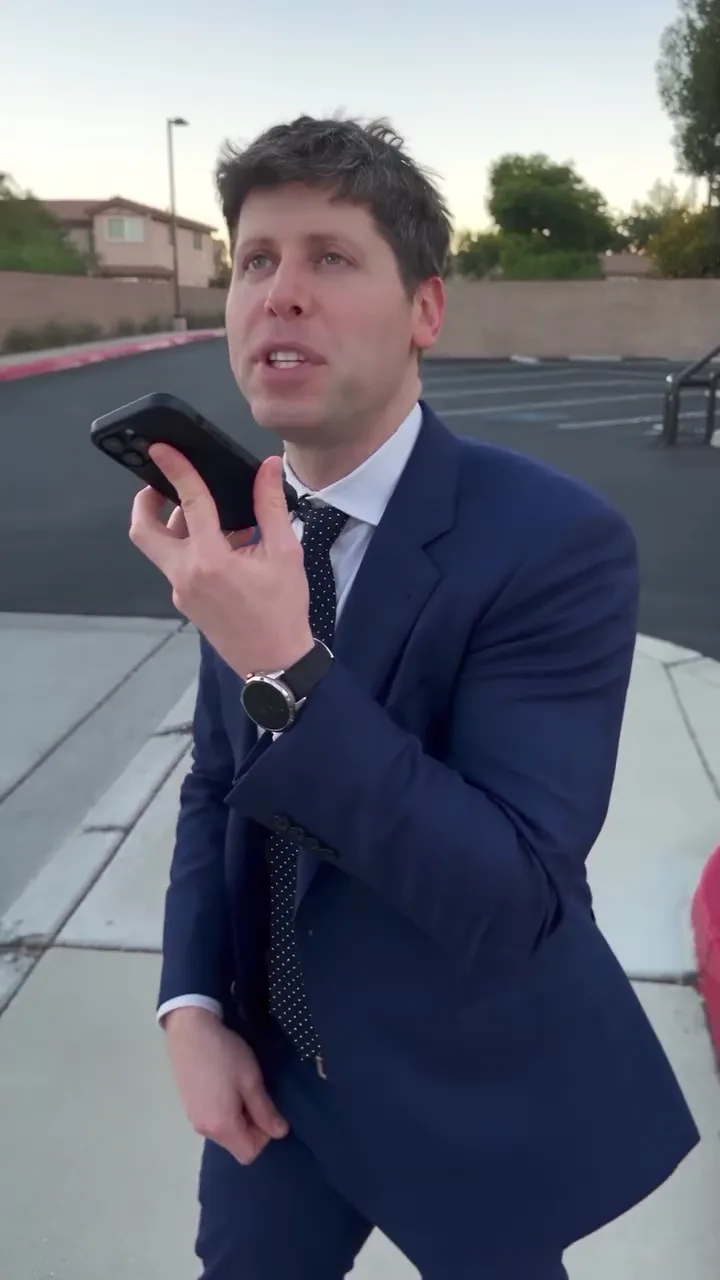
In Oakgen’s Millionaire in 30 Days trend, one uploaded face becomes the suited person asking the phone. The scene, camera and dialogue are fixed. This project changes the surrounding joke through editorial framing, not a new generated conversation.
Pick the shortcut your audience recognizes
For students, the setup might be “Me after checking the price of textbooks.” For a group of friends planning a trip, try “Our holiday budget meeting lasted twelve seconds.” For your own account, “I opened a spreadsheet and immediately asked for another method” makes the target of the joke clear.
Avoid a caption such as “This AI trick made me rich.” It changes a parody into an apparent results claim. The post should not suggest that the character received investment advice or actually earned money through the conversation.
A useful test: can the opening be read as a promise if someone sees only the thumbnail? If yes, rewrite it as a first-person frustration or clearly fictional situation.
Build the holiday-budget version
Use a clear photo of the friend who has agreed to play the overoptimistic planner. In a separate editor after downloading, add “Planning the group holiday with £12” near the beginning.
Let the question play without a second joke competing for attention. Keep the phone’s answer audible. End with a short caption such as “Back to the spreadsheet,” placed after the reply rather than over it.
This gives the clip a simple movement: desire, failed shortcut, return to reality. You do not need to insert fake bank balances or financial screenshots. Those additions increase visual clutter and can make a harmless sketch look like an earnings advertisement.
Preserve the dialogue’s rhythm
Listen to the raw download before trimming. Locate the first question, the answer and the follow-up. An edit that begins halfway through a word can make the reply seem unrelated; an early ending can remove the second attempt that completes the joke.
If you add subtitles, transcribe the actual audio and check every phrase. Keep them distinct from your setup caption. A subtitle reports what is heard; the setup explains why your character is asking. Mixing the two makes viewers work harder to understand which words belong to the scene.
The included dialogue is not a recording of your voice. Changing the upload photo does not rewrite the phone’s answer or create a custom script.
Review the performance, then label the fiction
Check the face while speaking, the mouth during the question, and the hand’s contact with the phone. If the downloaded audio and picture drift apart, compare the untouched file with your edited export before generating again.
Be clear that the result is an AI parody. TikTok requires labels for realistic AI-generated images, audio and video, as described in its AI-content guidance. A humorous caption does not replace checking the platform’s disclosure setting.
For a money joke without speech, use the silent mansion parody. For a reaction to an ordinary win, compare the stadium celebration project. The video trend creative playbook connects these into distinct story ideas.
Use the posting checklist for labels, music and consent before sharing the finished parody. If your premise needs a different action, the cast-and-scene selection guide can help you choose another template.
Frequently asked questions
Can I change what the phone says in the millionaire trend?
The template uses fixed source dialogue. You can add context with captions in a separate editor, but uploading a photo does not rewrite the conversation.
What makes the millionaire meme read as parody?
Use a recognizable everyday frustration, keep the existing punchline, and avoid captions that imply real earnings or a working financial shortcut.