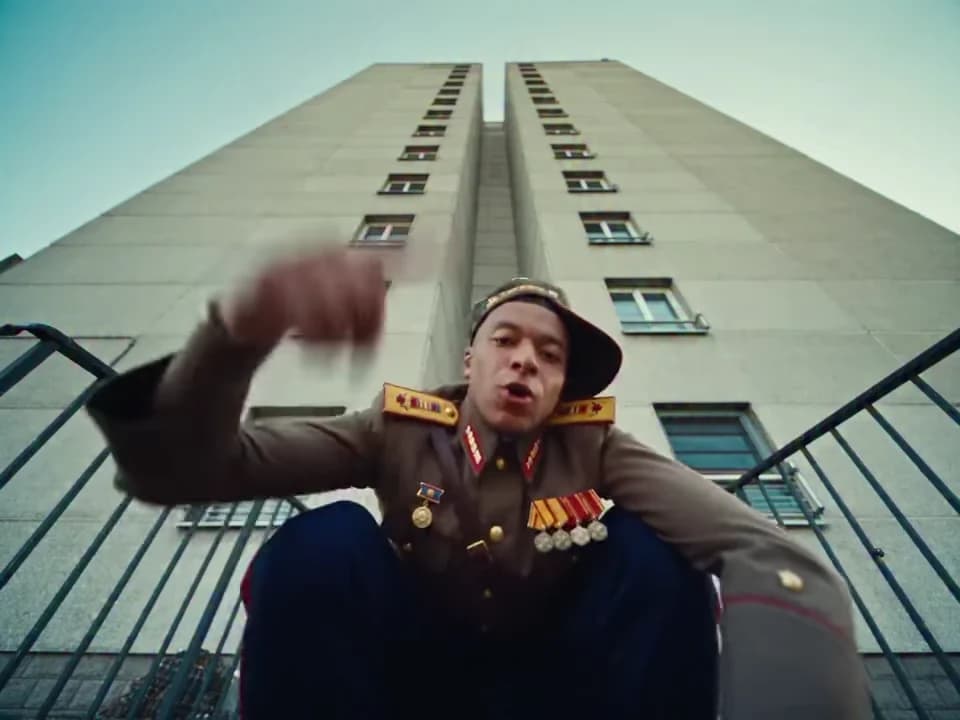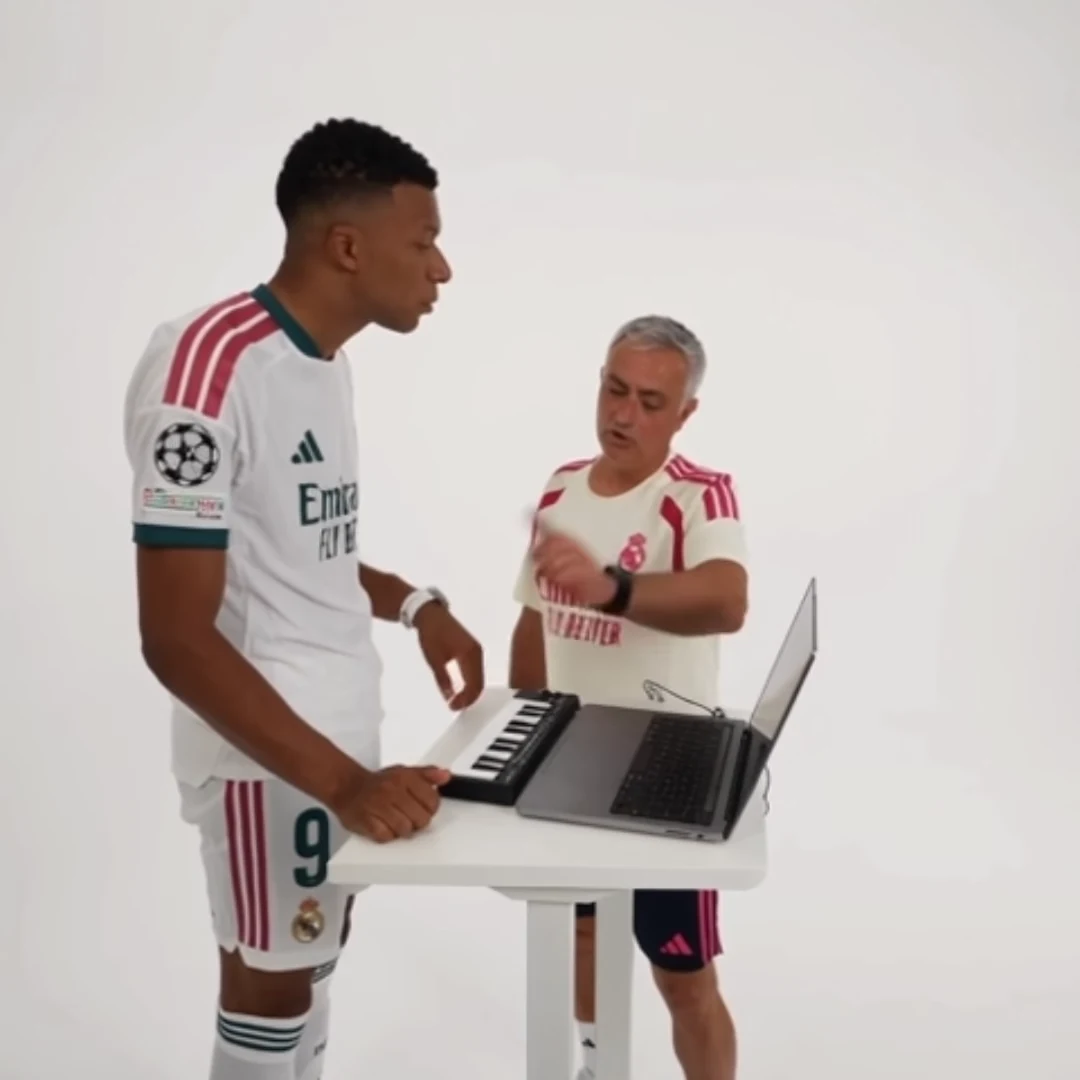
Assign AI duet photos by the role's action, not by where a face happens to appear in one preview frame. A performer can change position across cuts while remaining the same role. Write down who plays whom before uploading, then check that relationship in the output.
The Alors on danse template, for example, distinguishes a keyboard performer from a dance partner. That is a more durable assignment than “the person on the left.” Both photos are required. The same principle applies to the singer and partner in Raindance and the first and second dancers in Smalltown Boy.
Build a cast sheet in four lines
You do not need a complicated asset database. A note like this is enough for a two-person project:
- Template: Alors on danse.
- Keyboard performer: Maya, blue-jacket photo.
- Dance partner: Rowan, cream-shirt photo.
- Story: one person starts the music, the other cannot resist joining.
The names are an illustrative example. Use your own clear filenames and keep one person in each image. Avoid filenames such as “final2” when two similar portraits are being passed around a group chat. Save the exact selected images alongside the cast note so a later revision does not silently introduce different clothing.
Check role meaning before generation
Watch the reference for the action that identifies each role. In Smalltown Boy, the first dancer screams first while the second begins behind them; screen positions alone are not a complete description. In Raindance, choose the singer and partner with the story in mind.
Ask the people involved to approve their roles, not just their photos. “You will be the character who starts dancing” is clearer than “Can I use this picture?” This is particularly useful when the joke assigns contrasting personalities.
The fixed trend tools already contain their shot order and timing. Your cast sheet organizes uploads; it is not a prompt that can rewrite which role performs which action.
Review by role at each transition
After downloading, inspect the beginning, each change of shot, and the final shared moment. Ask two separate questions: is the correct person performing this role, and does that person remain recognizable?
A swapped upload can produce a consistent but unintended performance. That is a casting mistake. A face that changes midway is a continuity problem. Do not treat both as the same failure or assume that renaming the files changes a result already generated.
For captions, use the role descriptions in your notes to make the joke precise. “The friend who starts the song / the friend who joins in” is easier to understand than arrows pointing to faces that move around the screen.
Keep revisions controlled
If you revise one portrait, record which role changed and why. Keep the other photo and the premise stable. This makes the next comparison meaningful: did the clearer portrait improve recognition, or did you change so many inputs that you cannot tell?
For two people with similar clothing or hair, choose source photos with clear facial detail rather than relying entirely on an accessory to distinguish them. No assignment system guarantees perfect generation, but it removes avoidable ambiguity before you spend time reviewing the result.
Questions before you publish
Can a role move from one side of the frame to the other?
Yes. Treat the named action or performer role as the identity anchor, rather than assuming one screen position defines that person throughout.
Should I upload one group photo for both roles?
Use separate clear photos for the tool’s separate role inputs. A cast sheet should point to one selected image for each role.
Continue with Crop an AI Duet for Vertical Video Without Losing Either Person, Loop an AI Dance Trend Without an Awkward Last Frame, AI Duo Trend Captions, AI Video Trend Playbook.