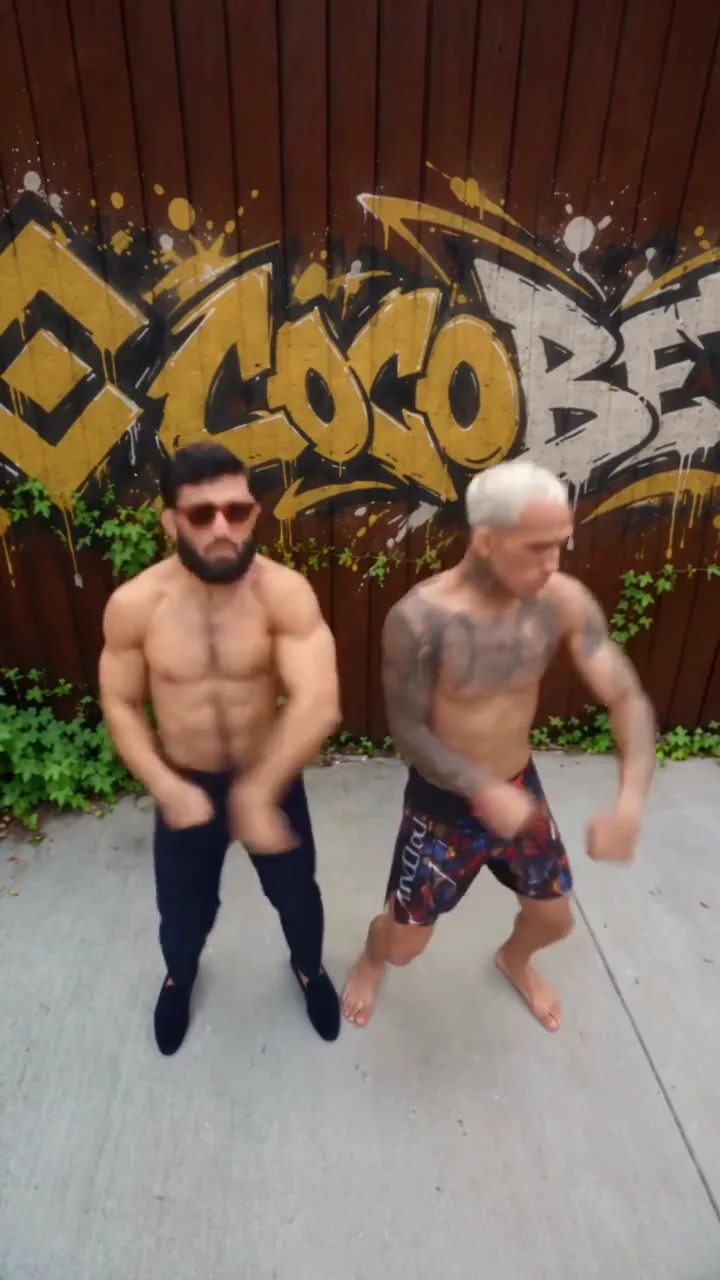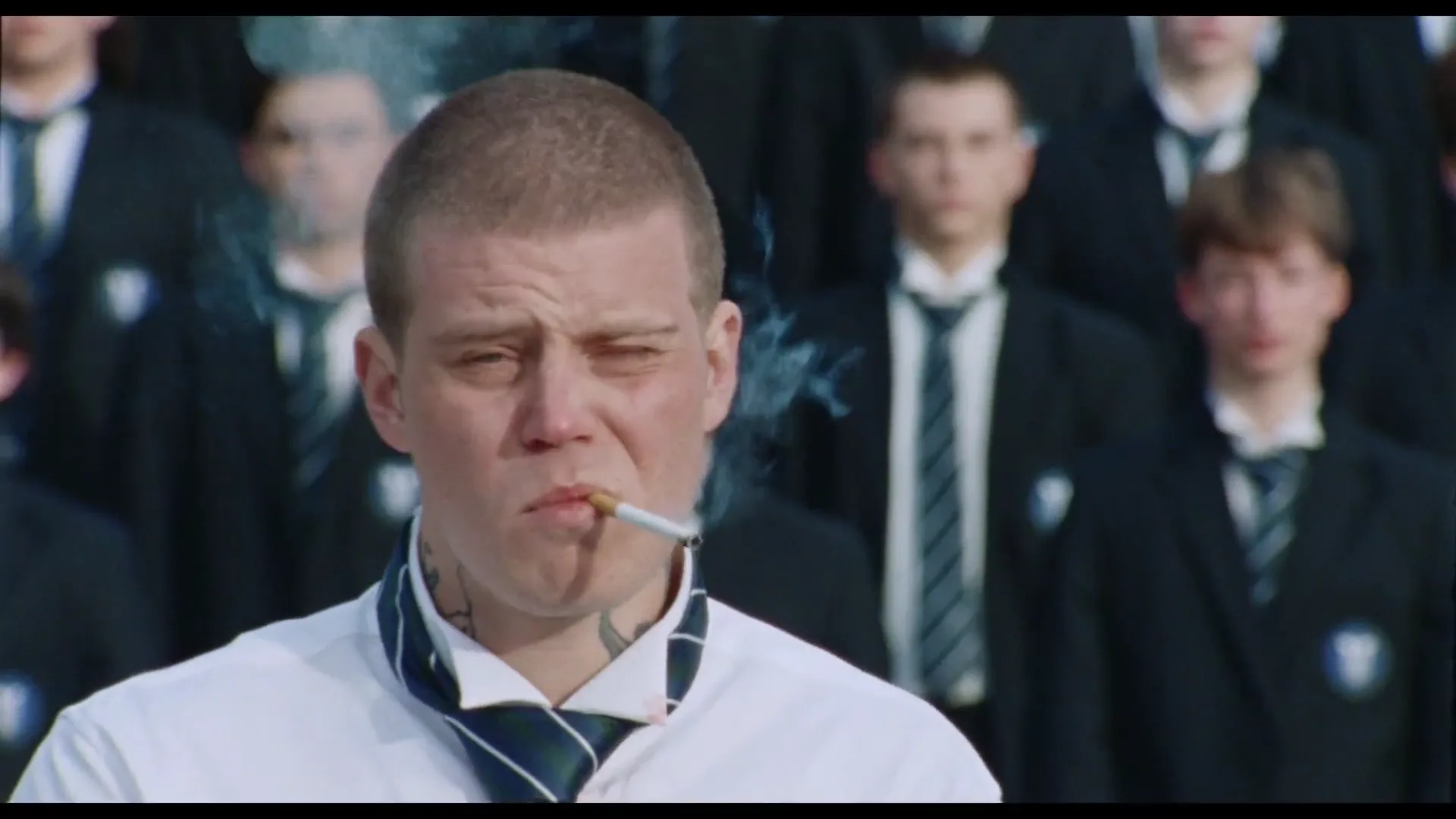
Match cuts between AI trend clips work when the outgoing image and incoming image share a visible relationship. Start with pose, movement direction or subject size. You do not need an elaborate transition effect, and you cannot assume two fixed templates will contain perfectly matching frames.
For example, you might compare an existing STORM clip with Cheba Man Challenge or Runway Parkour. Inspect your actual downloaded results and build the edit around the motion they contain. These are external editing choices, not prompts for the templates to perform new choreography.
Find the strongest match first
Put the two clips next to each other in a separate editor. Look for one shared feature: an arm at a similar angle, the head moving in the same direction or a similarly sized figure positioned in the same part of the frame.
Choose a primary match. A pose match connects shapes; a direction match carries motion through the cut; a scale match keeps the subject from suddenly jumping in size. Trying to satisfy all three perfectly may leave you with no usable moment. Start with the feature that supports the story.
A useful note is “outgoing head moving left, incoming head also moving left.” “Both clips are energetic” is not specific enough to guide a cut.
Build a cut from available footage
For a mood-change story, place the quieter setup before the first performance, then cut from one compatible movement to the next. The caption could move from “Said I would keep it low-key” to “The plan changed.” Those words describe your edit; they do not require either generator to create a new opening action.
Trim around the candidate frames and watch the join repeatedly at normal speed. Move the cut a few frames in either direction and compare. The most geometrically similar pair of stills may not produce the smoothest movement, because the body's momentum matters too.
If the subject changes size sharply, try a modest crop only when both clips have enough usable detail and room around the action. Do not crop away a key limb merely to force a match.
Keep identity and sound in the decision
If both clips represent the same person, compare their faces and clothing at the join. A well-aligned pose can make an identity mismatch more obvious. If you intentionally change characters, give the viewer a reason through the premise rather than pretending the transition is continuous action.
Listen to the audio independently. Two tracks cut together can create a jarring change even when the picture connects. You may need a different sound plan in your editor, subject to permission for the music you use. Do not assume included template audio is licensed for every reuse or commercial context.
Know when a clean cut is better
If no matching movement exists, use a straightforward story cut: setup, performance, reaction. A brief title card or a deliberate pause can make the change clear. Forced zooms, repeated flashes and heavy motion blur may hide the problem while weakening the original clip.
Use this final checklist: the viewer understands why the scene changed; the main subject remains readable; the cut does not expose a distracting defect; the audio join is intentional; and the export still makes sense without explaining the editing trick. A match cut is useful when it advances the story, not merely because it demonstrates that two frames can be aligned.
Frequently asked questions
Can I make a match cut without generating new clips?
Yes. Inspect existing downloads for compatible poses or motion and make the transition in a separate editor.
What if the templates have no matching movement?
Use a clear story cut instead. A deliberate change of scene is better than forcing an awkward transition that loses the action.
Continue your project
Why Your AI Trend Outfit Changes and How to Plan Around It · STORM AI Dance Trend: Build a Mood-Shift Story Around the Performance · Cheba Man AI Dance Challenge: Turn the Performance into a Reaction · Video trend creative playbook