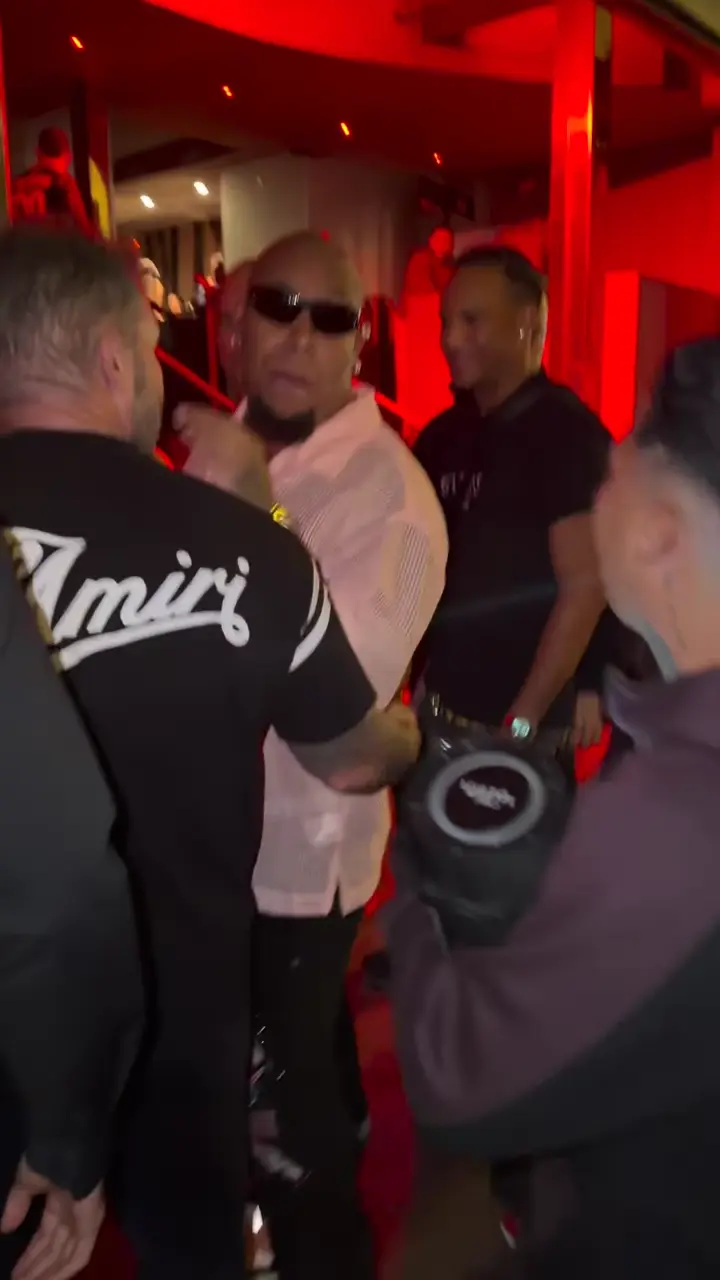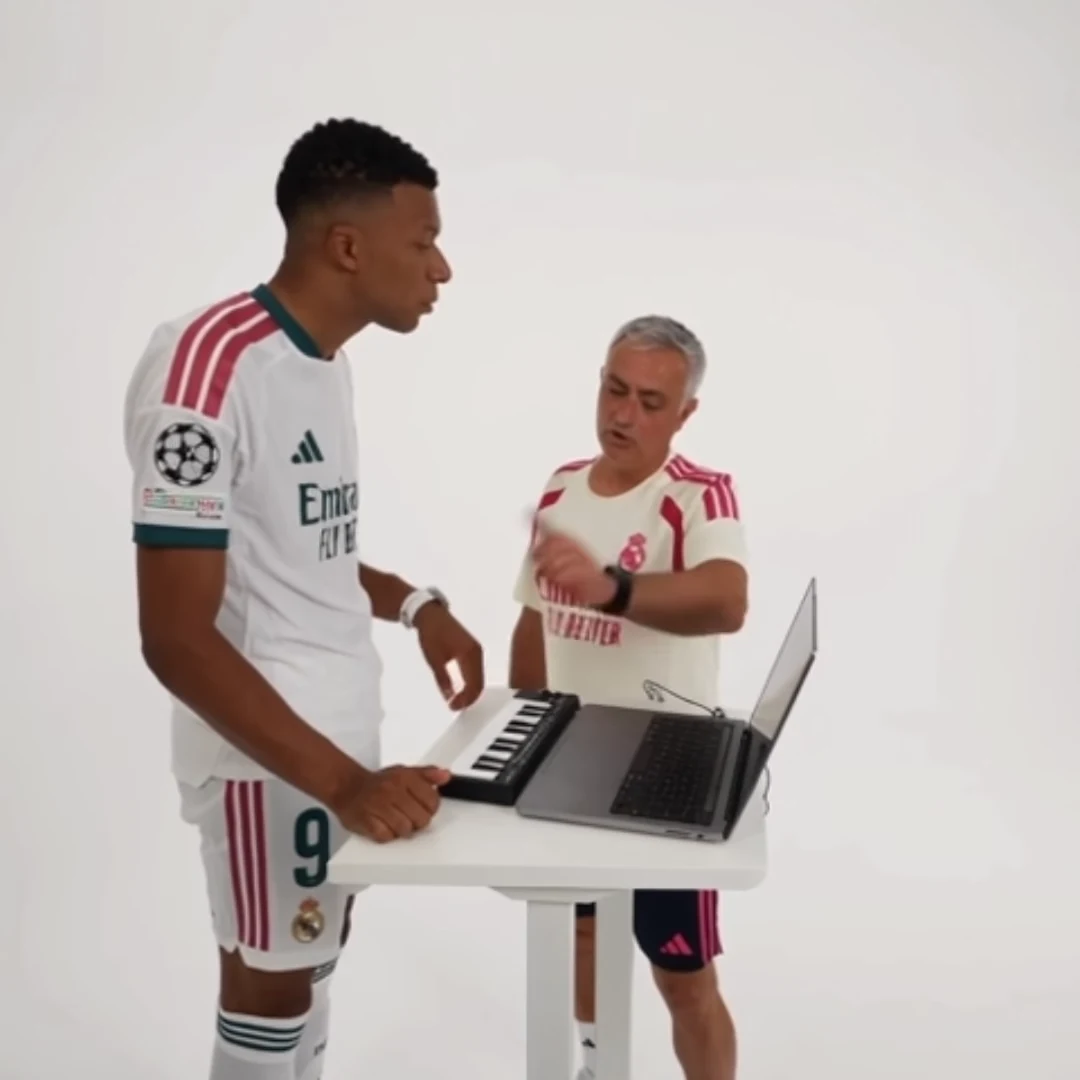
Choose a thumbnail from the video you will actually publish. It should identify the character and suggest the post's premise without promising a different scene. A beautiful reference poster is not proof of what your generated result looks like.
For a Coffee Cat video, you might compare a seated two-person frame with a moment from the dance. The first explains the relationship; the second foregrounds the action. Which is more useful depends on the caption and the story, not on a universal rule that the busiest frame wins.
Make three candidates with different jobs
Find a recognition frame, a context frame and an action frame. Recognition prioritizes a clear face. Context shows the setting or the two-person relationship. Action captures the gesture that pays off the premise.
For Coffee Cat, those might be a clear view across the table, both characters holding their drinks, and the left character standing. For Stadium Celebration, compare the approach with the hands-to-ears gesture. For Hotel Lobby, inspect a moment when both performers remain readable together.
Use the completed output for every candidate. A source preview can help you anticipate the composition, but it cannot tell you whether your own character is recognizable in that moment.
Score against the actual story
Suppose the caption is “Two approaches to the same iced coffee.” The two-person frame earns its place because the joke depends on comparison. A tight crop of the dancer may be visually strong but hide the second approach entirely.
Ask three practical questions for each candidate:
- Can a new viewer identify the main subject at a small size?
- Does the frame support the opening promise?
- Is anything visibly distorted or misleading when frozen?
A passing moment that looks acceptable in motion can make an awkward still. Check half-closed eyes, overlapping fingers and cropped limbs before selecting the frame. Do not mistake the most extreme expression for the clearest introduction.
Preview the crop you will use
Place the candidate in the intended thumbnail shape in a separate editor. Check where the face and essential props fall. Leave enough breathing room that modest display cropping does not remove the cup, second person or meaningful hand gesture.
If you add text, make it shorter than the full post caption. “Two coffee personalities” can orient a viewer without reproducing every line. Review it at the size people will actually see, not only on a large editing canvas.
Avoid creating an elaborate new scene around the frame merely to make it more spectacular. The thumbnail's job is to introduce the video you have, not imply an additional result that the post never delivers.
Compare promise and payoff
Watch the final video immediately after viewing the selected thumbnail. Does the opening feel like the same story? If the cover highlights a moment that appears only briefly or requires a long explanation, try the context candidate instead.
Save the original still and the edited thumbnail separately. That gives you a straightforward revision path if the text or crop proves unclear. Thumbnail selection can improve the presentation of an existing result; it cannot repair identity drift or missing action inside the clip.
Questions before you publish
Can I use the template’s source poster as my result thumbnail?
Use a frame from your own completed output when the thumbnail represents your result. A source poster shows the reference, not evidence of your generated video.
Should I always choose the biggest facial expression?
No. Choose the frame that communicates the post’s premise clearly and remains readable at a small size.
Continue with Plan a Week of AI Trend Posts Without Repeating the Same Joke, AI Trend Video Hooks, Stadium Celebration AI Trend, AI Video Trend Playbook.