Find the ground plane
Pick a view with a visible stretch of floor or pavement leading away from the camera. The wide shots need somewhere for both feet to land and room for a small step forward.
Video trend
A location photographed from the doorway may look spacious to you yet show almost no usable ground in the frame. For this dance, the optional Background photo works hardest in the wide shots and the low angle at the end.
Pick a view with a visible stretch of floor or pavement leading away from the camera. The wide shots need somewhere for both feet to land and room for a small step forward.
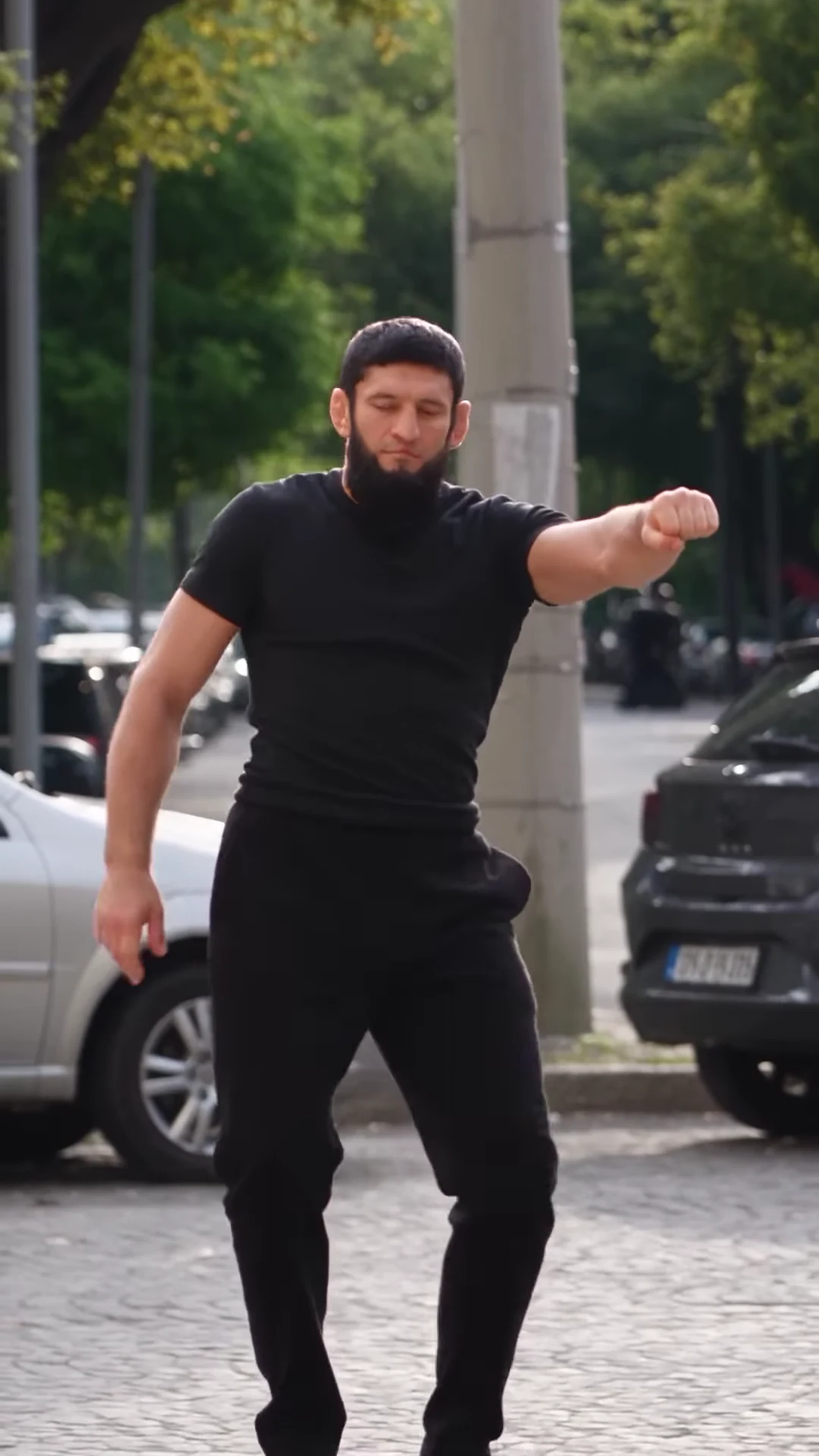
At the central beat one fist points sideways. Compare two candidate rooms and choose the one where the outline of a sleeve would read clearly against the wall. A busy strip of rails at elbow height can hide the gesture.
The final shot is low, with the dancer crouching close to the lens. Check that furniture in the foreground leaves that area open. A view taken over a counter may work for a portrait but makes this position hard to picture.
A wall lit from the side gives the dance a cue the camera can return to after each cut. Choose a photo that shows how the floor and the wall meet in that same light.
The street version is a solo. An empty setting makes a better location reference than a crowd at a show. Upload the dancer separately so the environment and the person are clearly identified.
Pause near the start of the wide setup and again when the arm rolls begin. Look for consistent ground, lighting and scale. Leave the Background input empty if you like the original overcast square with trees and parked cars.
Add a photo for the dancer. The background is optional: add a photo to change it.
Choose a portrait for the solo Dancer. The square, parked cars and trees come from the reference when you leave Background empty. Use photos of people who agreed to appear.
Choose a place with pavement or another clear stretch of ground. A full-length view needs room for the dancer's feet. Leave Background empty to keep the city square.
Select 720p or 1080p and review the quote. Keep the vertical frame. Watch the hands in the close shots and the shoes in the wider views before adding captions.
Wide shots show the dancer from head to toe. Tighter cuts pick out the extended fist and the closing shush. This version has one performer.
The soundtrack matches Quavo and Takeoff’s A COLORS SHOW performance of Hotel Lobby. The street choreography belongs to this template.
Wide shots show the dancer from head to toe. Tighter cuts pick out the extended fist and the closing shush. This version has one performer.
The soundtrack matches Quavo and Takeoff’s A COLORS SHOW performance of Hotel Lobby. The street choreography belongs to this template.
Choose a place with pavement or another clear stretch of ground. A full-length view needs room for the dancer's feet. The Background photo is optional. The camera timing and soundtrack stay the same.
1,115 credits per 720p video. Adding a Background photo costs the same.
Plan a story, keep your character recognizable, and make the finished clip your own.
Choose a portrait and location for the Hotel Lobby solo dance, then review the wide shots, extended fist and final shush on your phone.
Trace the music from Quavo and Takeoff’s Hotel Lobby single to their COLORS performance, the orange-booth AI duet and the separate solo street dance.
Upload 1–2 photos. Everything else is set.